All posts by Sofia Mohammed

“We can figure it out”: How one Minnesota teacher uses Experience CS to set the tone for her whole year

Post Syndicated from Sofia Mohammed original https://www.raspberrypi.org/blog/we-can-figure-it-out-how-one-minnesota-teacher-uses-experience-cs-to-set-the-tone-for-her-whole-year/

Walk into Allison Knoph’s fifth grade classroom in Edina, Minnesota in October and the creative writing station will be the loudest place in the room.

That is by design. “I use it at my creative writing station,” she says of Experience CS, which she has run each fall for the past couple of years. Kids use the station computers to be creative as they work on their programming projects, building characters and testing jokes they have written. Some laugh hard enough that a visitor might wonder if anyone is working.

“Giggling,” Allison says, “is a good problem to have.”

Placement matters

Experience CS is a standards-aligned computer science curriculum for grades 3 to 8 (ages 8 to 14) that integrates computing into core subjects like math, science, and art. Allison has completed two units with her students, The me project, designed for fourth grade (ages 9 to 10), and Ecosystems, designed for seventh grade (ages 12 to 13).
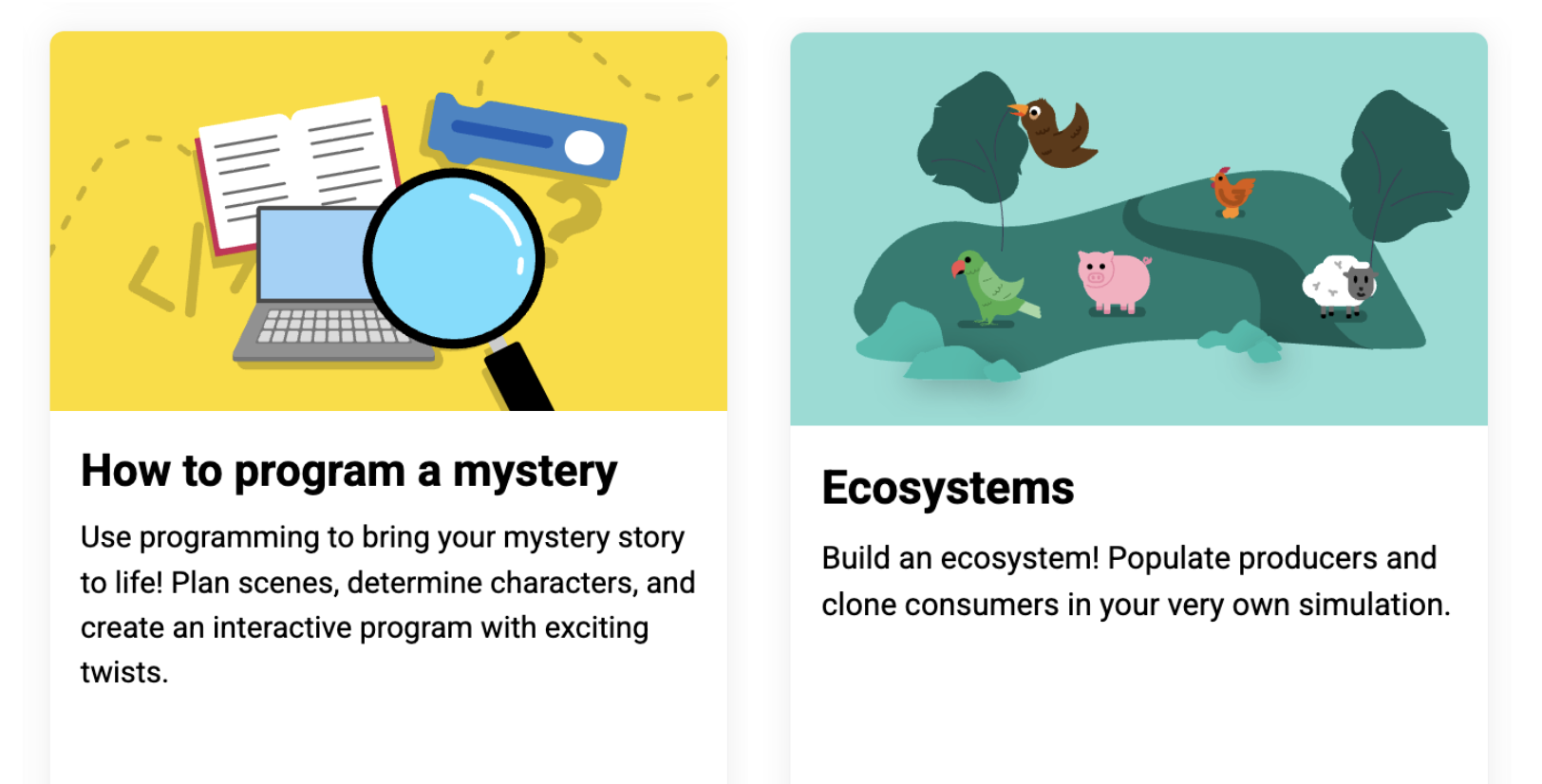
2 units: How to program a mystery, designed for fifth grade (ages 10 to 11), and Ecosystems, designed for seventh grade (ages 12 to 13).

Of the two units, the storywriting-themed The me project was the stronger fit. It mapped cleanly onto language arts work her students were already doing. Students hit the signposts the unit lays out, but what they did inside that structure was theirs. One wrote the minimum and moved on. Another built a multi-scene story with custom sound effects, spending three weeks developing their project and making improvements.

The Ecosystems unit was more challenging for her students, and the students who finished “were the ones who were kind of the more gung-ho ones that were really into it.” She is not dismissing it, but she is clear that placement matters.

Helping each other

Allison highlighted that some of the students who were thriving in the Experience CS lessons were students who were experiencing difficulties in other areas of the curriculum. “The kids who don’t normally shine often do here,” she says. Describing one experience from her classroom, she shared that a student who had difficulties with reading quickly understood how a program should be sequenced. Within a week, classmates were walking to that desk for help. The peer support model is not something she engineers. It builds itself.

Running the lessons in October sets a tone she draws on all year. Something breaks, a student gets stuck, and the answer in her room becomes “We can figure it out.” That carries into math, into writing, into everything after.

Why now

Allison is not arguing that every student will grow up to write code. Her argument is that computational thinking transfers, and that it looks a lot like the writing instruction she is already doing: syntax, structure, sequence. Debugging a story and debugging a program are closer cousins than most people think.
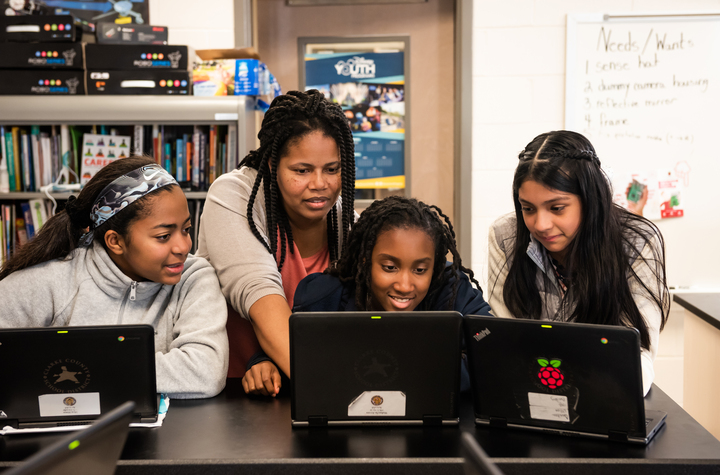
Young people with a teacher in the classroom

In the age of AI, computational thinking and coding skills are especially important. Access to AI tools makes it easier for more people to generate code. Fewer people can read it, judge whether it is any good, and change it. Allison saw this on her son’s robotics team: the students who understood their code could adapt it when the robot did something unexpected. The ones who had generated code and dropped it in could not. Same tools, different outcomes, and the difference was comprehension.

The context in Minnesota

Minnesota ranks near the bottom nationally for computer science access. In the most recent state-by-state accounting, 34 percent of its public high schools offered a foundational CS course, against a national average of 60 percent.

As a fifth grade teacher, Allison believes that if students may not have opportunities to learn CS in high school, the introduction has to happen earlier, in a classroom not labeled computer science.

She is candid that the barrier for elementary teachers is not interest. It is time, cost, and the fear of being asked a question they cannot answer. She sums up the Experience CS offering to her colleagues in a few words: free, little direct instruction, fits standards she is already teaching, and the kids like it enough to be loud about it.

“We can figure it out” is a good thing for a teacher to say out loud. It is a better thing for a room of ten-year-olds to start saying back.

Find out more about introducing Experience CS in your classroom: head to experience-cs.org today.

The post “We can figure it out”: How one Minnesota teacher uses Experience CS to set the tone for her whole year appeared first on Raspberry Pi Foundation.
Experience CS: A free integrated curriculum for computer science

Post Syndicated from Sofia Mohammed original https://www.raspberrypi.org/blog/experience-cs-a-free-integrated-curriculum-for-computer-science/

Experience CS is a brand-new, free, integrated computer science curriculum for elementary and middle school educators and anyone working with students aged 8 to 14. A key design principle for Experience CS is that any educator can use it. You don’t need a computer science qualification or previous experience in teaching computer science classes to deliver engaging and creative learning experiences for your students. That’s why, as US Executive Director, I’m especially pleased to announce the launch of the first six units in the curriculum today.

A vibrant yellow background with the text "Introducing Experience CS" centered. Four colorful, abstract shapes resembling coding blocks in purple, yellow, orange, and blue are placed around the text.

Read on to explore the new learning materials available and how you can start using them in your school.  

Six integrated computer science units 

Experience CS enables educators to teach computer science through a curriculum that integrates CS concepts and knowledge into core subjects such as math, science, and social studies. Ashly Tritch, computer science immersion specialist at Olson Middle School in Bloomington, MN, USA, said, “Cross-curricular computer science is important because it shows students how coding and tech skills can be used in other subjects like math, science, or even art. It helps make learning more interesting and helps kids understand how computer science connects to real life. The lessons that the Raspberry Pi Foundation is creating will be super engaging, with fun and creative activities that keep students curious and excited to learn.”

Six integrated computer science units are available to access, with more on the way. The units have been released in beta, and we would love to hear your feedback as we continue to make updates to the lesson materials. Each of the units includes an overview with a summary of the topics covered and a series of six to eight lessons, including lesson plans, slide decks, student-facing materials, and starter projects within our Code Editor for Education. 

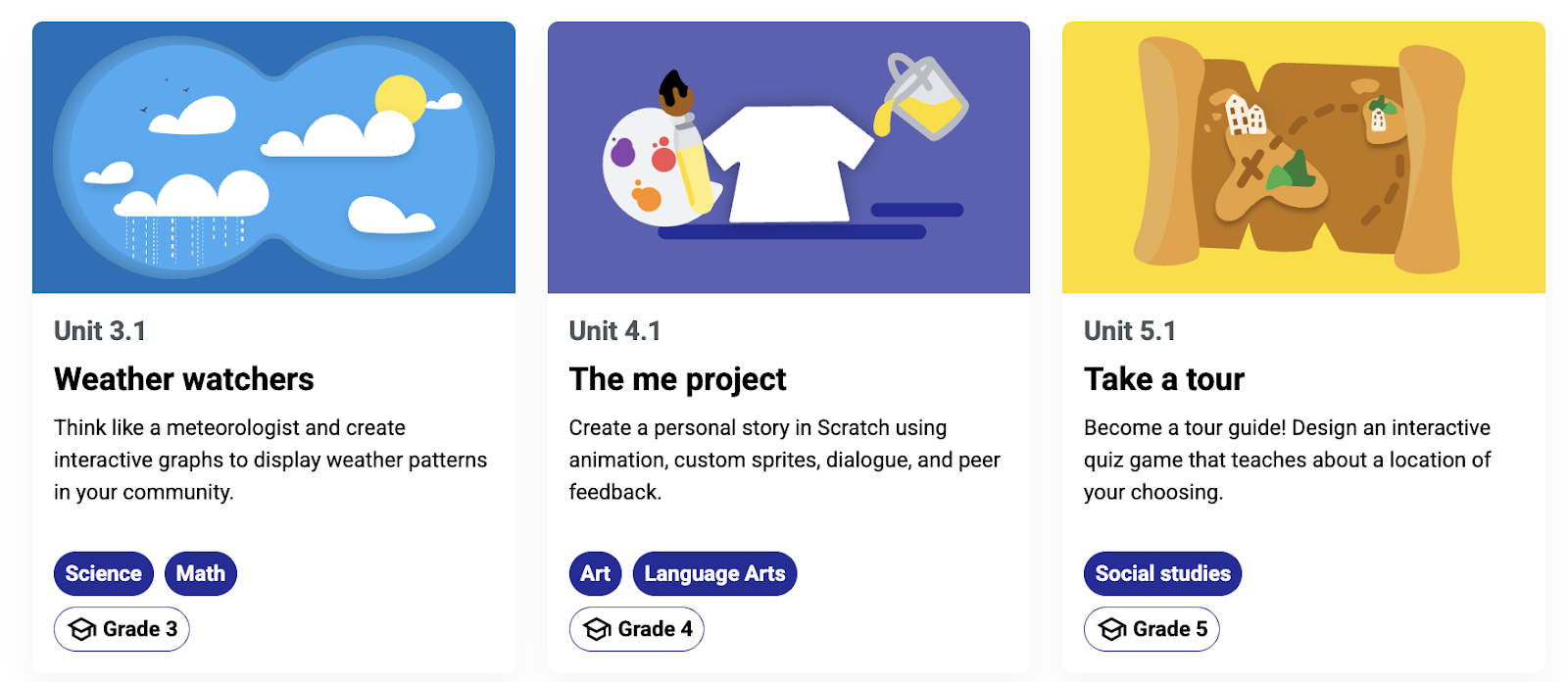
We have designed the units to be cross-curricular, so students can learn about computer science concepts while deepening their understanding of related subject area content. For example, in “The me project,” grade 4 students (ages 9–10) explore the basics of Scratch, personalise sprites, and develop programs to create an animation that tells a story all about them. The project could be integrated into language arts lessons, enabling young learners to explore visual representation and write their own unique stories. In the “Smart communities” unit, students in grade 6 (ages 11–12) explore ways in which computing and technology can be used to create environments that are responsive to the needs of community members; this could be included within science or technology lessons.

Three educational unit cards are displayed: "Weather watchers", "The me project" and "Take a tour”.

Initially, the curriculum and resources have been mapped to national and local standards in the US and Canada, including the K–12 Computer Science Teachers Association Standards for Students, but they are available for teachers and students anywhere in the world to use.

You can register for a free Raspberry Pi Foundation account to start downloading the learning materials, including lesson plans, slide decks, student activity sheets and assessment criteria. 

A version of Scratch built especially for schools 

Experience CS has been built from the ground up to support safe, confident computing lessons in real classrooms. It includes self-directed creative projects using the popular programming language Scratch. We have built a version of Scratch that is especially for schools. That means it doesn’t have the community and sharing features that are central to the full Scratch platform. Instead, everything runs in a closed, classroom-ready environment that supports safeguarding policies and fits with school filtering systems. Simple and intuitive learning management features enable teachers to create accounts, set assignments, and review progress.

How to get started 

On the “Getting Started” page, teachers will find everything they need, including helpful videos and tutorials. The next webinar takes place on 16th July, where we will walk you through all six units available at launch and show you how easy it is to get started with the learning materials. Whether you’re a CS teacher, general education teacher, administrator, or someone who works with school-aged young people, this session will give you the practical tools and guidance you need to bring Experience CS to life in your classroom or program.

Professional development 

No matter your experience or skill level, the Experience CS content has been designed to be easy to use. However, we also provide professional development (PD) opportunities to help build confidence in teaching computer science. 

Teachers anywhere in the world can access free online courses offering flexible, self-paced learning to help you confidently teach block-based programming with effective, inclusive computing pedagogy. Our new course will develop your understanding of semantic waves while highlighting research-backed activities and examples directly from Experience CS units. 

Help shape Experience CS

Experience CS is supported by Google and builds on the fantastic work they have done to support educators and students through CS First. The team behind Experience CS includes educators with significant experience in teaching CS in elementary and middle school settings, and it is based on extensive classroom testing and research. We will continue to develop and improve the curriculum and resources in response to feedback from teachers and students. If you would like to help shape the future of Experience CS by testing new features and providing valuable feedback to improve the programme, sign up for the mailing list. 

What next? 

We can’t wait for you to explore Experience CS. We will continue to release more curriculum units as well as make the materials available in French and Spanish. Get a head start ready for the next school year by registering for a free Raspberry Pi Foundation account, which will allow you immediate access to all the lesson materials, and then create your school account to begin creating classes, add a scratch project to a class, manage student accounts and view student work.

The post Experience CS: A free integrated curriculum for computer science appeared first on Raspberry Pi Foundation.