Living in the Netherlands, I spend a fair amount of time on trains, and that is usually where I catch up on what the builder community is writing. Until now, that meant opening a laptop or squinting at a browser tab on my phone. This week I found myself scrolling through trending articles and checking a workshop from the AWS Builder Center mobile app while waiting for a delayed train, and it made those spare twenty minutes very useful. That is why I am glad to open this week with the Builder Center mobile app.
AWS Builder Center is now available as a mobile app on iOS and Android, extending the experience beyond desktop and web. Using your AWS Builder ID, you stay signed in across sessions and can browse trending articles, access 600+ AWS Skill Builder courses, and manage hands-on workshops with free sandbox environments from your mobile device. You can follow AWS Heroes, Community Builders, and User Group Leaders, check Builder Loft event calendars on the go, and receive push notifications for subscribed topics and communities. The app also supports the Wishlist feature for submitting product feedback directly to AWS teams. It is available worldwide on the Apple App Store and Google Play Store.
Builder Center also added two features this week. Polls give you a way to ask the community a question from the Home feed: write a question, add 2 to 5 answer options, set a deadline, and people vote, with results updating live and discussion happening in the comments. Votes are anonymous, and creators see aggregate counts and percentages only. Separately, the Zero to Shipped hackathon is open from September 18 to October 2. You connect your coding agent to AWS, build a real application, and ship it live on AWS for a chance to win a share of a $28,000 prize pool. Five winning projects each receive $5,000 in AWS credits and an AWS Builder swag bundle.
Last week’s launches
Here is what else happened this week.
Amazon Connect Talent is now generally available – Amazon Connect Talent is an AI-powered hiring solution for talent acquisition teams managing hiring at scale. Informed by decades of Amazon hiring science, it uses AI agents to conduct structured voice interviews, administer evidence-based assessments, and score candidates consistently, so recruiters can focus on final decisions. Candidates interview 24/7 from any device, and recruiters review scores, transcripts, and detailed evaluations the next morning. All candidate data is anonymized during AI evaluation, each competency is scored against a rubric with every score tied to specific evidence from the interview, and recruiters keep final decision authority over every hire. General availability includes competency-based assessments, AI-led voice interviews with adaptive questioning, a brand-customizable mobile-first candidate portal, and admin onboarding tools.
Amazon Corretto 27 is now generally available – Amazon Corretto 27, a Feature Release version of the no-cost, multi-platform distribution of OpenJDK, is now available for download on Linux, Windows, and macOS, with support through April 2027. Notable features include G1 as the default garbage collector across all environments (JEP 523), post-quantum hybrid key exchange for TLS 1.3 (JEP 527), compact object headers by default for a smaller memory footprint (JEP 534), and JFR in-process data redaction to remove sensitive data from Java Flight Recorder recordings before they leave the JVM (JEP 536). It also continues previews of enhanced pattern matching, structured concurrency, and lazy constants, along with the Vector API incubator.
Kimi K3 by Moonshot AI is now generally available on Amazon Bedrock – Kimi K3 is now available on Amazon Bedrock for coding and knowledge work. According to Moonshot AI, Kimi K3 is its most capable model and the first open model to reach 2.8 trillion parameters. It combines native vision capabilities with a 1-million-token context window, making it well suited to long-running coding sessions across large repositories, multi-document analysis, and extended agent workflows. Moonshot AI reports an approximate 2.5x improvement in scaling efficiency over Kimi K2. Kimi K3 is the first open-weight model on Amazon Bedrock to support explicit prompt caching, which helps reduce latency and input costs when reusing context across model calls.
AWS reimagines the getting started experience – We announced a new simplified experience for builders starting a new project. Instead of completing configuration tasks first, you start with sensible defaults: sign up using an existing identity from providers including Google, GitHub, and Apple, and for most new customers no credit card is required, with $100 in free credits as part of the AWS Free Tier. AWS organizes your work in a project, which contains an AWS account and sharing settings, and applies security controls for you. You can invite collaborators by email without setting up IAM users, set a monthly spend limit starting at $20, and activate advanced AWS features later at no additional cost with no migration. The experience is gradually rolling out to new customers.
New low-cost burstable Amazon EC2 T8i instances are generally available – Amazon EC2 T8i instances, powered by custom sixth-generation Intel Xeon Scalable processors (Granite Rapids), are among the lowest-cost EC2 instances and deliver up to 30% better price performance over previous-generation T3 instances. They are designed for low-to-moderate CPU utilization workloads such as microservices, low-traffic websites, development and testing environments, and small databases. T8i instances deliver up to 70% higher compute performance, up to 1.25x higher network bandwidth, and up to 2.4x higher Amazon EBS bandwidth compared to T3, and they use the same CPU credit system, so upgrading from T3 is straightforward.
AWS Elastic Beanstalk introduces Cluster Mode – AWS Elastic Beanstalk Cluster Mode is a new fully managed option for teams running a portfolio of applications on shared infrastructure powered by Amazon EKS. Instead of operating each application in isolation, you run multiple applications through one experience with a single operational baseline, so per-application cost decreases as your portfolio grows. You can upload source code in Java, .NET, Python, Node.js, PHP, Ruby, or Go, and Elastic Beanstalk handles containerization automatically through Cloud Native Buildpacks when needed. Cluster Mode includes production-grade deployment strategies with automatic rollback, event-driven autoscaling, AWS Secrets Manager integration, native OpenTelemetry observability, and AI-powered troubleshooting. Standard and Cluster Mode environments run side by side within the same application, so teams can migrate one environment at a time.
For a full list of AWS announcements, be sure to keep an eye on the What’s New with AWS page.
Other AWS news
Here are some additional posts you may find useful:
Building in the AWS European Sovereign Cloud – Two new posts cover building on the AWS European Sovereign Cloud, an independent cloud for Europe that runs as a distinct partition with its own control plane, IAM, billing, console, and service endpoints, and its first Region in Brandenburg, Germany. The first post walks through architecting a secure landing zone, covering account structure and governance, identity as infrastructure as code, centralized logging, data protection, and partition-aware ARN construction that works across AWS partitions. The second announces the general availability of Gemma 4 open-weight models on the Amazon Bedrock next-generation inference engine in the AWS European Sovereign Cloud, with inference staying entirely within eusc-de-east-1 under a zero data retention and zero operator access model.
The new AgentCore runtime: elastic, optimized, and consistently fast starts – We announced a new version of the Amazon Bedrock AgentCore runtime, the managed compute layer for running agents. The new runtime reclaims memory as a session releases it rather than holding it at the peak, so the bill tracks real usage over the life of a session. It also delivers consistent cold start times regardless of container image size or concurrency by preparing the environment once, snapshotting it, and restoring that snapshot for each new instance. In testing with an empty echo agent, the new runtime delivered a P75 cold start of about 2 seconds from a 200 MB image up to 2 GB, compared to roughly 5.4 to nearly 30 seconds for the original runtime.
Introducing the updated AWS Well-Architected Streaming Media Lens – We published a revised Streaming Media Lens, which provides architectural best practices for video streaming workloads. The revision expands from the original 2021 version to cover five streaming scenarios, including interactive live streaming with Amazon IVS Real-Time Streaming for up to 25,000 concurrent viewers, low-latency live streaming, and ad-supported content monetization, alongside enhanced video-on-demand and live streaming guidance. It also adds new sustainability best practices focused on reducing carbon footprint, expanded observability and incident-response frameworks, and advanced content protection with multi-layered DRM and forensic watermarking. The lens whitepaper and custom lens are available now.
For a full list of AWS blog posts, be sure to keep an eye on the AWS Blogs page.
Upcoming AWS events
Check your calendar and sign up for upcoming AWS events:
AWS re:Invent – AWS re:Invent returns to Las Vegas from November 30 to December 4. 2, 200+ session times, locations, and speakers are live. Reserved seating for AWS re:Invent opens October 6. Register now and be ready to claim your spot in chalk talks, workshops, and builders’ sessions when reserved seating opens.
AWS Summits – AWS Summits are free in-person events covering cloud and AI. With re:Invent on the horizon, the Summits are coming to an end for the year. The last Summit is Dubai (September 30) at the Dubai World Trade Center, with 60+ sessions, an AWS Village, and hands-on workshops.
Summer has officially given way to September, but the weather where I am has not quite caught up. The days are still unusually warm, and I suspect these are the last mild afternoons before autumn settles in for good. I am making the most of them while they last. Come back next week for more!
European organizations can run AI workloads on Amazon Web Services (AWS) while keeping data within the European Union (EU) and meeting regulatory requirements. You can now run generative AI workloads on open weight models on Amazon Bedrock in the AWS European Sovereign Cloud. We’re excited to announce the general availability of the first open weight model family, Gemma 4, on the Amazon Bedrock next-generation inference engine in the AWS European Sovereign Cloud. Gemma 4, released under the Apache 2.0 license, on Amazon Bedrock benefits from the same data residency and operational controls that define the AWS European Sovereign Cloud so you can build, iterate, and scale generative AI applications while meeting digital sovereignty requirements.
The AWS European Sovereign Cloud is an independent cloud for Europe, located entirely within the EU, designed to help customers meet their most stringent digital sovereignty requirements. It runs entirely within the EU and is independently operated with strong technical controls, sovereign assurances and legal protections. Only AWS employees who reside in the EU control day-to-day operations, including access to data centers, technical support, and customer service.
In this post, we explain how the Amazon Bedrock inference engine protects your inference data when running Gemma 4 models, how the AWS European Sovereign Cloud keeps it within the EU, and then walk through the available Gemma 4 models and your first inference request.
Next generation inference engine for Amazon Bedrock
The inference engine is a distributed engine for serving large-scale machine learning models, built for high performance, reliability, and security. You reach it through the bedrock-mantle endpoint, which supports OpenAI-compatible APIs (the Responses and Chat Completions APIs). You can bring an existing OpenAI SDK codebase to Amazon Bedrock by changing only the base URL and API key. The Responses API supports stateful conversation management, which rebuilds context without you passing conversation history with each request. Stored responses are scoped by Amazon Bedrock project, a logical boundary that represents a workload for access control, cost tracking, and usage monitoring.
The engine applies the same operational security practices you rely on across AWS. Access follows a least privilege model, where each operator has access only to the systems a specific task requires, and only for the time that privilege is needed. Any access to systems that store or process customer data or metadata is logged, monitored for anomalies, and audited. All your prompts and responses are kept private during inference.
How your inference data is protected
Amazon Bedrock uses a zero operator access data security model, meaning no service operators can access model input or output during inference. It also uses a zero data retention model, so by default it doesn’t store your inputs or outputs. For certain models, limited retention might apply for abuse detection (see the Amazon Bedrock abuse detection documentation). Your prompts and responses are encrypted in transit and, by default, are not shared with the model provider.
All inference stays within the eusc-de-east-1 AWS Region as described in the following section on data residency. Combined with the data residency and EU-based operations of the AWS European Sovereign Cloud, this gives organizations in highly regulated industries the confidence to run their most sensitive AI workloads in the cloud.
Data residency and regional availability
The AWS European Sovereign Cloud became generally available in January 2026, with its first Region in Brandenburg, Germany (eusc-de-east-1). It’s a separate, independently operated cloud, with infrastructure located entirely within the EU and no critical dependencies on non-EU personnel or infrastructure. All your content remains within the Region you select unless you choose otherwise. Beyond content, customer-created metadata including roles, permissions, resource labels, and configurations also stays within the EU. The AWS European Sovereign Cloud is operated exclusively by EU residents located in the EU. We’re also gradually transitioning the AWS European Sovereign Cloud to be operated exclusively by EU citizens located in the EU. During this transition period we will continue to work with a blended team of EU residents and EU citizens located in the EU.
All Amazon Bedrock inference requests, including Gemma 4, use in-Region inference in eusc-de-east-1, which keeps every request within the AWS European Sovereign Cloud. Global cross-Region inference, which routes requests across commercial AWS Regions worldwide, isn’t available in the AWS European Sovereign Cloud.
Control over who can access your data
With AWS Identity and Access Management (IAM), you decide which principals in your account can call the inference API and which models they can use. Fine-grained permissions let you grant only the access each workload needs, following least privilege, and we recommend short-lived credentials over long-term keys.
For auditing, every call to the endpoint is recorded in AWS CloudTrail, giving your security and compliance teams an audit trail of who invoked inference and when. You can also monitor usage with Amazon CloudWatch and set alarms on patterns that matter to you, such as unexpected spikes in request volume.
Open weight models in the AWS European Sovereign Cloud
Organizations adopting open weight foundation models (FMs) for production face a constant challenge: how to access the leading models without compromising on data protection, regulatory alignment, or operational control. Amazon Bedrock removes that challenge. It gives you leading open weight FMs through a fully managed service, with inference running entirely on infrastructure operated by AWS and the security and privacy controls you expect from Amazon Bedrock. Because the models are open weight, you can independently evaluate the model architecture and training methodology, benchmark your own workloads, and fine-tune on proprietary data when customization is required.
Gemma 4 is a family of open weight models, released under the Apache 2.0 license. It’s available in three instruction-tuned variants, so you can evaluate and choose the model that fits your workload. The following table provides guidance on which model to choose based on your use case:
Model
Use case
Specifications
Gemma 4 31B (google.gemma-4-31b-it)
Reasoning-heavy or coding-heavy with a single dense model
30.7 billion parameter dense model with a 256 K token context window
Gemma 4 26B-A4B (google.gemma-4-26b-a4b-it)
Cost-sensitive at high throughput, with knowledge breadth requirements
Mixture-of-experts model with 25.2 billion total parameters and 3.8 billion active per token, with a 256 K token context window
Gemma 4 E2B
(google.gemma-4-e2b-it)
Latency-sensitive, on-device-style, or multimodal classification
Compact model with 5.1 billion total parameters and 2.3 billion effective parameters using per-layer embeddings (PLE), with a 128 K token context window
All three variants offer built-in reasoning, native function calling, and multimodal input across text and image.
Get started with Gemma 4 models on Amazon Bedrock
Gemma 4 is served through the bedrock-mantle endpoint, the OpenAI-compatible API for the next-generation inference engine, so you can call it with the OpenAI Python and TypeScript SDKs. Use the following steps to use the OpenAI Python SDK to send your first request to Gemma 4 31B in the AWS European Sovereign Cloud.
Prerequisites
To follow this example, you need an AWS account with access to the AWS European Sovereign Cloud and an IAM principal with permissions to call the bedrock-mantle endpoint. Create an IAM policy that grants the two actions this walkthrough uses, then attach it to your IAM principal. The bedrock-mantle:CreateInference action runs inference, and the bedrock-mantle:CallWithBearerToken action authenticates with an Amazon Bedrock API key. The following sample policy grants the actions this example needs. Scope the resources further for your environment as described after the policy.
Replace <account-id> and <project-id> with your own values.
Install the OpenAI SDK and the Amazon Bedrock token generator with the command pip install “openai>=2.45.0" aws-bedrock-token-generator.
Authenticate
You authenticate with an Amazon Bedrock API key. Amazon Bedrock offers two types of API keys. Short-term keys expire automatically within 12 hours and inherit the permissions of the IAM principal that generated them, which makes them the recommended choice for production. Long-term keys last until a configured expiration and are intended for development and exploration. For production, use the auto-refreshing short-term key shown in the following example, or store the key in AWS Secrets Manager.
from aws_bedrock_token_generator import provide_token
from openai import BedrockOpenAI

region = "eusc-de-east-1"

client = BedrockOpenAI(
    aws_region=region,
    base_url="https://bedrock-mantle.eusc-de-east-1.api.amazonwebservices.eu/v1",
    bedrock_token_provider=lambda: provide_token(region=region),
)
Alternatively, you can pass a short-term API key through an environment variable. This key isn’t refreshed and expires after at most 12 hours.
import os
from openai import OpenAI

client = OpenAI(
    base_url="https://bedrock-mantle.eusc-de-east-1.api.amazonwebservices.eu/v1",
    api_key=os.environ["AWS_BEARER_TOKEN_BEDROCK"],
)
Run your first inference with the Responses API
The Responses API uses a single input field and returns the generated text in output_text. Setting store to false means Amazon Bedrock doesn’t retain the request or response.
response = client.responses.create(
    model="google.gemma-4-31b-it",
    input="Explain the benefits of open-weight models for regulated industries.",
    max_output_tokens=512,
    store=False,
)
print(response.output_text)
Call the Chat Completions API
You can also call the OpenAI-compatible Chat Completions endpoint directly. If you use AWS credentials instead of an API key, sign the request with AWS Signature Version 4 (SigV4), as in the following example.
This walkthrough creates no persistent resources, so there’s nothing to delete. The short-term API keys used here expire automatically within 12 hours.
Pricing and availability
Gemma 4 is available in Amazon Bedrock in the AWS European Sovereign Cloud. You pay per token with no upfront commitment, and usage counts toward your existing AWS commitments. For current pricing, see Amazon Bedrock pricing. For model and Regional availability, see Regional availability by models.
Commitment to innovation
Beyond the technical integration, running AI workloads in a sovereign context raises important questions about requirements. As you plan AI workloads for a sovereign context, evaluate them against your organization’s requirements for data residency, model governance, and operational control. The AWS European Sovereign Cloud is designed to help you meet these requirements in the EU.
AWS is committed to making AWS the best place for European organizations to innovate with AI, without compromise. To learn more about AWS European Sovereign Cloud visit aws.eu.
If you have feedback about this post, submit comments in the Comments section below.
With the advent of generative AI, organizations across industries face a common challenge: how do you move from the experimentation and ideation phase to production-ready workloads quickly and confidently? Many teams get stuck in a cycle of proofs of concept that never ship. DHI Group, a leader in talent acquisition services, was evaluating options to accelerate its generative AI adoption in an effort to roll out features at an accelerated pace. The traditional software development lifecycle (SDLC) approach involved months of requirements gathering, architecture reviews, and phased development that wouldn’t deliver the speed DHI needed. They needed a mechanism that would simultaneously validate technical feasibility, build organizational AI literacy, and produce shippable code.
In this post, explore how AWS partnered with DHI Group using a structured Hackathon Acceleration Package (HAP) to quickly generate production-grade artifacts, accelerate organizational AI confidence, and create a repeatable framework for innovation.
Hackathon Acceleration Package
In this section, review how DHI and AWS collaborated to plan and host hackathons to achieve the key business outcomes defined by DHI leadership. The entire process can be split into four phases:
Phase 1: Preparation
In the initial phase, the AWS team and DHI leadership collaborated to define the key outcomes the participants would work toward. The hackathon themes included:
Interpreting Job Descriptions Better: Enhancing the system’s parsing and presentation of job requirements.
Premium Candidate Experience: Defining what “Premium” means from the candidate’s perspective.
Onboarding That Sticks: Guiding new users through uncertainty to realize value sooner.
Candidate Engagement & Stickiness: Sustaining candidate engagement and return visits.
AgileATS Network: Streamlining the ClearanceJobs–AgileATS integration.
Streamlining Recruiter Experience: Reducing friction across the recruiter workflow.
Phase 2: Enablement
To support these outcomes, the AWS team curated and delivered training sessions and hands-on workshops covering generative AI concepts across Amazon Bedrock AgentCore and the AI-driven development lifecycle (AI-DLC). DHI has embraced Kiro as its productivity tool of choice, so AWS tailored the workshops around Kiro, giving participants prescriptive guidance on applying it across the full software development lifecycle.
Phase 3: Hackathon
The three-day hackathon was hosted by DHI at their headquarters in Des Moines, Iowa, and was attended by 20 DHI participants split across 3 teams. The key objective was to build a prototype that could then be accelerated to production. An AWS team of Solutions Architects (SAs) was present on-site to provide technical guidance to the participants. On the final day, a panel of judges comprising senior DHI leadership evaluated the teams to identify the winner. The three use cases the teams worked on:
Real-time Employer Analytics Dashboard: Addressing the Streamlining Recruiter Experience theme, this team built a real-time Employer Analytics Dashboard powered by Amazon Bedrock AgentCore and the Strands framework. The solution automates Quarterly Business Review (QBR) reporting for ClearanceJobs’ employer customers, replacing a manual process that currently demands 3+ QBRs per week across 250 customers.
Intelligent Candidate Matching: Addressing the Interpreting Job Descriptions Better and Premium Candidate Experience themes, this team built an intelligent candidate matching system with a real-time analytics dashboard. The solution combines Amazon OpenSearch Service for semantic search, Amazon Bedrock for matching intelligence, and Kiro for rapid frontend development.
ClearanceJobs MCP Server + AgileATS: Addressing the AgileATS Network and Streamlining Recruiter Experience themes, this team built a unified talent marketplace that connects ClearanceJobs and AgileATS through an agentic AI layer. By creating a single intelligent interface spanning both systems, the solution significantly boosts recruiter efficiency.
Phase 4: Path to production
DHI leadership was committed to advancing all three hackathon use cases to production, a strong signal of the value each prototype demonstrated. Building on the hackathon’s momentum, DHI and AWS aligned on a roadmap to harden each solution, address scalability and security requirements, and integrate them into DHI’s existing system.
In the next section, we focus on the winning hackathon use case, ClearanceJobs MCP Server + AgileATS, and dive deeper into the architecture.
ClearanceJobs MCP Server + AgileATS
Figure 1: High-level overview of the unified ClearanceJobs and AgileATS solution
The winning team’s solution represents a modern agentic AI architecture pattern that’s broadly applicable to organizations looking to unify disparate systems through intelligent automation. The architecture uses the Model Context Protocol (MCP) to expose system capabilities as tools that an AI agent can orchestrate.
Figure 2: Agentic architecture for the unified ClearanceJobs and AgileATS talent marketplace
How it works
The solution creates a unified recruiter experience by exposing ClearanceJobs capabilities through an MCP server, orchestrated by an intelligent agent built on Amazon Bedrock AgentCore. A separate ProfileLookup AWS Lambda function provides GitHub profile enrichment for candidates.
The problem it solves: Recruiters on ClearanceJobs currently lack an intelligent interface that can search candidates, retrieve profiles, and enrich them with external data such as GitHub profiles in a single conversational flow. This gap requires manual cross-referencing across systems.
The solution: The team built a single agentic interface where recruiters can issue natural-language commands, such as “Find top cleared software engineers with strong GitHub profiles and add them to my pipeline.” The agent handles the multi-step orchestration automatically, with session memory preserving context and preferences across interactions.
Architecture components
Amazon Bedrock AgentCore (orchestration layer) AgentCore provides the full agent infrastructure: Agent Runtime for session management and reasoning loops, Gateway (an MCP gateway with AWS Identity and Access Management (IAM) authentication and semantic search) for tool discovery and routing, and McpBearerToken for secure authentication to downstream MCP servers. An IAM role scopes the agent’s permissions.
MCP Server Lambda (tool layer) The ClearanceJobs MCP Server Lambda function, deployed in a private subnet within a virtual private cloud (VPC), exposes system capabilities as discrete tools:
search_candidates performs candidate search with clearance and skills filtering.
The Lambda function connects to the ClearanceJobs pilot environment through a NAT gateway with a WAF-allowlisted egress IP address, making sure only authorized traffic reaches the production APIs. Credentials and base URLs are stored in AWS Systems Manager Parameter Store.
ProfileLookup Lambda (external enrichment) A separate Lambda function (find_github_profile) enriches candidate data with external GitHub profiles, routed through an internet gateway to the GitHub Users API.
Foundation model (reasoning layer) Anthropic’s Claude 3.5 Haiku in Amazon Bedrock provides the agent’s reasoning capabilities. It interprets recruiter intent, decomposes complex requests into tool calls, and synthesizes results into actionable responses.
CJRecruiterAgent memory (context layer) AgentCore memory, a capability of Amazon Bedrock AgentCore, persists session state and recruiter preferences across conversations. This context lets the agent recall past searches, preferred candidates, and workflow patterns.
Security and networking The architecture spans two AWS accounts:
AgileATS account houses the AgentCore components, the foundation model, and a Bedrock Adapter Lambda function that provides an alternate MCP JSON-RPC path for classic Amazon Bedrock agent integration.
ClearanceJobs account houses the MCP Server and ProfileLookup Lambda functions within a VPC (with private and public subnets), a NAT gateway for controlled egress, and Amazon CloudWatch Logs for structured observability.
Communication between AgentCore and the ClearanceJobs account uses MCP over HTTPS with bearer authentication and custom headers for tenant identification.
Results
The hackathon delivered measurable outcomes across multiple dimensions:
Technical acceleration
Teams delivered functioning agentic AI features using Amazon Bedrock AgentCore and MCP servers in three days, compressing what would typically take more than three months.
The teams validated a production-ready architecture during the hackathon itself, which reduced post-event rework.
Kiro served as more than a coding assistant, driving both new code creation and deep analysis of existing systems to accelerate development velocity.
Organizational transformation
Kiro usage across product and engineering teams increased 84% following the hackathon, with more unique daily users each week and adoption continuing to grow.
33% of developers reported increased interest in the AI-enabled SDLC.
Delivery velocity rose across teams that fully adopted the AI-enabled software development lifecycle, marking a sustained step change rather than a short-term spike.
As the second successful hackathon with AWS, and with DHI leadership committing to make it an annual event, the engagement reflects a sustained, deepening partnership.
Kiro has become ClearanceJobs’ productivity tool of choice, with adoption expanding beyond developers to product managers. This accelerates product development and lets product managers self-serve on code base analysis and feature scoping.
“Participating for the second straight year as a judge, this hackathon only deepened my appreciation for the AWS team’s partnership, the ambition our teams brought, and what AI makes possible when you clear the runway. The problems they tackled were real, the solutions were creative, and the energy was contagious. It’s given us a fresh lens on how we build.”
– Alex Schildt, President of ClearanceJobs, DHI Group, Inc.
“Our second hackathon with AWS was even more successful than the first. We walked away with deeper confidence and more excitement about AI, all backed by hands-on experience with AWS’s latest capabilities. Post-hackathon, it’s been great to see our teams continue to lean into AI to accelerate how we ship. I think the hackathon was a real catalyst for that. I can’t wait to see these features get into the hands of our users.”
– Rose Fan, Sr. Director of Product, DHI Group, Inc.
Lessons learned: Making hackathons production-ready
Based on our experience hosting multiple hackathons with customers like DHI, here are key principles for hackathons that ship:
Set production-grade success criteria upfront: Prototypes must be sprint-ready, not only demo-ready.
Put decision-makers on the judging panel: Production go/no-go decisions happen on the final day of the hackathon, not weeks later.
Invest in pre-enablement: Workshops before the event mean teams build on day 1 instead of spending it learning.
Use cross-functional teams: Product, go-to-market (GTM), and subject matter experts (SMEs) alongside engineering make sure real business problems get solved.
Build relationships: On-site AWS presence helps build relationships that accelerate delivery long after the event.
Make it repeatable: DHI’s second hackathon planned faster and set higher expectations because the first one shipped to production.
Hackathons as a production accelerator
Hackathons are often dismissed as team-building exercises or limited to generating ideas that never ship. When structured correctly, they become a powerful production acceleration mechanism. Here’s why:
Time-boxed intensity drives decisions. A time-bound constraint (typically one to three days) forces teams to make architectural choices quickly, which alleviates analysis paralysis. Teams can’t over-engineer when the clock is ticking.
Cross-functional alignment happens naturally. When engineering, product, sales, and executives work side by side for several days, alignment that typically takes weeks of meetings happens organically.
Executive visibility de-risks production decisions: When leadership sees a working demo, not a slide deck, they can make go/no-go decisions with confidence. At DHI, the President and Head of Product & Engineering served as judges, giving them firsthand visibility into feasibility.
Real code beats theoretical architecture. Hackathon prototypes aren’t wireframes. They’re functioning applications built on production-grade services, making the path to production shorter and more predictable.
Conclusion
DHI Group’s experience across its annual hackathons shows that structured hackathons are one of the fastest paths from generative AI experimentation to deployed workloads. Their first hackathon shipped two features to production. Their second is on track to deliver three more, including an agentic AI system that unifies two systems through MCP servers and Amazon Bedrock AgentCore.
The takeaway is that hackathons aren’t only idea generators. They compress the entire innovation lifecycle (ideation, architecture, prototyping, executive alignment, and production planning) into a single high-intensity event. Paired with proper preparation and a clear path to production, they become a strategic tool for digital transformation and workforce enablement.
If your organization is looking to accelerate generative AI adoption, consider whether a structured hackathon could compress months of planning into days of building. To get started:
There’s a particular energy to mid-September in New York. Pumpkin spice lattes are flowing, temperatures are dropping, and it’s nearly sweater weather. The city is back at full speed, and so is the AWS launch calendar. This week that energy showed up in a new frontier model on Amazon Bedrock, a desktop app for Amazon Quick, and a reminder that the developers seeing the biggest gains from AI agents aren’t just using better tools — they’re working differently.
Let’s dive in.
Headlines OpenAI GPT-6 Astra is now generally available on Amazon Bedrock – GPT-6 Astra is OpenAI’s latest and most capable model to date, and you can now run it on Amazon Bedrock. It brings deeper reasoning and judgment, professional-quality writing and design, and advanced computer and browser use to demanding business workflows. The model supports a context window of up to 1 million input tokens, so you can send it large codebases, long contracts, or extensive document collections and ask it to reconcile competing inputs.
You can call GPT-6 Astra through supported Amazon Bedrock APIs, or configure ChatGPT Work and Codex to use the model on Amazon Bedrock. Alongside the launch, OpenAI is introducing new enterprise plugins for ChatGPT Work that extend Astra’s browser-use capabilities across common business applications. Established AWS controls help you secure workloads, govern access, and audit model invocation activity, and your inference data isn’t used for model training. Read more
Last week’s launches Here are some launches and updates from this past week that caught my attention:
Amazon Quick desktop app is now generally available on macOS and Windows – The Amazon Quick desktop app brings Amazon Quick to your computer, where it can work with local files and stay connected to your calendar, email, and business apps in the background. Conversations, context, and agents stay synchronized across desktop and mobile, so work you start on one surface carries over to the other. With this release, Quick agents also keep running after you close your computer, which means you can start a long-running task before you leave the office, add input from the mobile app on the way home, and review the result when you get there. Existing Quick users can download the desktop app, and the mobile app is available from the Apple App Store and Google Play. Read more
AWS Lambda now supports a 90-minute function timeout on Lambda Managed Instances – You can now configure a function timeout of up to 90 minutes for asynchronous and event source mapping (ESM) invocations on Lambda Managed Instances, a 6x increase from the previous 15-minute limit. That opens the door to data processing, media transcoding, financial calculations, AI inference, and batch jobs that need longer continuous execution, without splitting the work across multiple functions. Synchronous invocations keep the existing 15-minute maximum. The longer timeout also applies to steps inside Lambda durable functions, which can still run for up to a year when invoked asynchronously. Read more
Amazon EBS Volume Clones now copies volumes across accounts – Amazon Elastic Block Store (Amazon EBS) Volume Clones can now copy a volume into another AWS account and re-encrypt it with an AWS Key Management Service (AWS KMS) key in the target account. If you keep production and development in separate accounts, you can share a volume with AWS Resource Access Manager (AWS RAM) and let the target account create a fresh copy in the same Availability Zone, for example, cloning a production database volume into an isolated development account. Cross-account copy works for all volume types, including unencrypted volumes and volumes encrypted with customer managed keys. Read more
Second-generation single-rack AWS Outposts is now generally available – The new single-rack AWS Outposts is a self-contained 42U rack that puts compute, storage, and networking into one compact unit for locations that need low latency, local data processing, or data residency, and don’t have room for a larger footprint. A single rack delivers up to 2,688 vCPU and 100 TB of Amazon EBS storage, and supports the latest x86-powered Amazon EC2 instances, including general purpose (M7i, M8i), compute-optimized (C7i, C8i), memory-optimized (R7i, R8i), and Outposts accelerated networking instances. You get the same APIs, console, automation, governance, and security controls as multi-rack Outposts and AWS Regions. Read more
Amazon OpenSearch Serverless is now available on v0 by Vercel – You can now describe a search or AI application in natural language inside v0 by Vercel and get a full-stack app backed by Amazon OpenSearch Serverless. v0 provisions a collection, indexes your data, and uses the OpenSearch Serverless endpoint for full-text search and vector search for retrieval-augmented generation (RAG) workloads, without leaving the v0 interface. OpenSearch Serverless scales capacity up and down for you, so you can focus on the application instead of cluster management. You can provision under a new AWS account or link an existing one. Read more
AWS Transform for .NET modernization is now generally available via CLI – You can trigger an AWS-managed .NET modernization in AWS Transform custom with a single CLI command, then run it interactively or script it into an existing pipeline. The CLI sits alongside the existing AWS Transform for .NET experiences in the web application, Visual Studio IDE, Kiro Power, and MCP agents. Use it to upgrade language versions, migrate frameworks, optimize performance, and analyze codebases with transformations you can run as-is or customize. The .NET modernization transformation includes 50,000 free agent minutes per month. Read more
For a full list of AWS announcements, be sure to keep an eye on the What’s New with AWS page.
Other AWS news Here are some additional posts and resources that you might find interesting:
Clare Liguori on frontier engineering – If you already use an AI coding assistant but don’t feel like you’re shipping much faster, start here. Clare Liguori, Senior Principal Engineer at AWS, published a practitioner’s manifesto on frontier engineering: ten principles, drawn from teams across Amazon, for changing how you build software with AI agents. The argument is direct. Software development has split in two, people who changed how they work with agents, and people who only changed their coding tools. Frontier engineering is not vibe coding. You spend the first weeks writing steering files, refactoring the codebase, and learning to decompose work for agents. Those weeks feel slower. The weeks after feel dramatically faster, because you’re no longer building the software directly — you’re building the agent setup that builds the software.
A free year of Kiro for students around the world – The Kiro Students program is expanding from 11 universities to 121 new schools across 16 countries. Eligible students get one year of Kiro with 1,000 credits per month and full access to paid features such as premium models and Kiro Web, no credit card and no trial timer. You can work in the IDE, the CLI, Kiro Web in a browser, or Kiro Crew. If you’re a student, sign up with your university email.
The state of AI for security: measuring what matters for trust – Security teams are using AI for triage, threat modeling, incident response, and code review, but a tool that flags everything doesn’t save time. In The state of AI for security, Anshumali Shrivastava and Neha Rungta introduce Deception Benchmark, a new evaluation that tests whether a model can tell a real vulnerability from code that looks risky but is actually safe. The benchmark includes 14,822 samples across 16 languages and more than 70 Common Weakness Enumeration (CWE) categories. Under standard prompting, precision landed in the mid-50s, about as likely to be inaccurate as accurate, and none of the 12 models tested kept both false positives and false negatives below 10 percent. The post links to the dataset, whitepaper, and submission workflow for verified scoring.
Build full-stack AWS applications in minutes with AI-powered scaffolding – Version 1.0 of the Nx Plugin for AWS is an open source toolkit of deterministic generators for APIs, websites, databases, and AI agents, plus the AWS infrastructure to run them. Each generator writes working, deployable code with security, observability, and type-safety already in place, so an AI assistant can assemble the foundation and spend its effort on your application logic. Bingo Industries used it to take a multi-agent operations chatbot from idea to production in less than 3 weeks. The plugin is open source on GitHub. Create a workspace with pnpm create @aws/nx-workspace and point your coding agent at the included MCP server.
The oldest architecture in computing – On All Things Distributed, Werner Vogels starts from a question customers always ask “Will AI take my job?”, and lands on memory. After spending time with Kiro Crew, he traces a line from Jeff Hawkins’ A Thousand Brains to how Crew stores, consolidates, and forgets across markdown files, a vector database, and a key-value index. His conclusion: the brain is the oldest architecture in computing, and the people who think hardest about how it works will build the next tools. Now, go build.
For a full list of AWS blog posts, be sure to keep an eye on the AWS Blogs page.
Upcoming AWS events Check your calendar and sign up for upcoming AWS events:
AWS Summits – AWS Summits are free in-person events that bring the cloud and AI community together to connect, learn, and explore the latest technologies. Upcoming stops include Dubai (September 30). Browse the full calendar to find a Summit near you, or stream sessions through the Global Livestream and On-Demand Hub.
Join the AWS Builder Center to connect with builders, share solutions, and access content that supports your development. Browse here for upcoming AWS-led in-person and virtual events and developer-focused events.
That’s all for this week. Check back next Monday for another Weekly Roundup!
— Micah
This post is part of our Weekly Roundup series. Check back each week for a quick roundup of interesting news and announcements from AWS!
Authors: Hyunsoo Kim, Chloe Kwak Learning level: 300 – Advanced Post type: Best Practices
Every inventory manager faces the same question each morning: How much should I order today? The answer depends on dozens of variables (sales history, upcoming promotions, pricing changes, day-of-week seasonality, supplier lead times) and the cost of getting it wrong is asymmetric. Over-order and you carry capital in slow-moving stock. Under-order and you lose revenue, damage customer trust, and scramble for emergency replenishment.
The case for zero-shot forecasting
Classical time-series methods (ARIMA, Holt-Winters, seasonal decomposition) require per-SKU model fitting. A retailer with 10,000 SKUs must train, validate, and maintain 10,000 separate models. Each requires its own hyperparameter tuning, retraining schedule, and cold-start problem for new products. The operational burden scales linearly with catalog size, and the engineering team spends more time managing infrastructure than improving forecast quality.
Gradient boosting and deep learning approaches (LightGBM, DeepAR, Temporal Fusion Transformer) improve accuracy but compound the operational complexity: feature engineering pipelines, training jobs, model registries, A/B testing infrastructure. For many organizations, the time from “we want better forecasts” to “forecasts are running in production” often takes a full quarter or more.
From manual rules to automated decisions
Even with a reliable forecast, converting a demand signal into a purchase order requires applying business rules: safety stock buffers, minimum order quantities, budget constraints, promotional lift adjustments. These rules are typically encoded in spreadsheets or institutional knowledge, applied inconsistently across buyers, and nearly impossible to audit or explain at scale.
The architecture this post builds
This post describes how to combine two complementary capabilities to address both problems simultaneously:
Amazon Chronos2: A time-series foundation model that performs zero-shot forecasting, returning probabilistic demand predictions without per-product training.
Multi-agent orchestration with the Strands Agents SDK and Amazon Bedrock AgentCore: A system of four LLM agents that coordinate deterministic tools, converting raw forecasts into validated purchase orders with full auditability.
The result is an end-to-end inventory automation pipeline where adding a new product requires zero ML model training, adding a new business rule requires changing one tool, and each decision is auditable, observable, and recoverable from failure. In internal testing across 50 SKUs over a 4-week horizon, this architecture achieved a median weighted absolute percentage error (WAPE) of 12.3% (P50 forecast compared to actuals), reduced per-SKU onboarding time from 2–3 weeks of model training to under 5 minutes of CSV upload, and cut monthly inference cost from ~$1,091 (always-on GPU) to ~$15 (Serverless) — a 98% reduction. End-to-end pipeline latency averaged 8 seconds per SKU excluding cold start.
Solution overview
This section describes the end-to-end system architecture, explains why Chronos2 is well suited for inventory forecasting, and outlines the benefits of a multi-agent design over a monolithic approach.
End-to-end architecture
The system is organized into three logical layers:
Figure 1. Solution architecture — Amazon Bedrock AgentCore orchestrates four LLM agents (Strands Agents SDK) that invoke deterministic tools against Amazon S3 and Amazon SageMaker Serverless Inference.
Data layer. Amazon Simple Storage Service (Amazon S3) serves as the single source of truth. A single CSV per product encodes both historical sales and future covariate values. Business rules (lead times, safety stock, warehouse capacity, minimum order quantities) live in a separate JSON config. Adding a new product requires only uploading these two files, with no changes to code.
Inference layer. Amazon SageMaker Serverless Inference hosts the Chronos2 endpoint for zero-shot time-series forecasting. This is the only external model inference call in the pipeline — the LLM reasoning runs through Amazon Bedrock within the orchestration layer.
Orchestration layer. Four LLM agents — Supervisor, Preprocessing, Forecasting, and Reporting — are built with the Strands Agents SDK and deployed on Amazon Bedrock AgentCore. Each agent uses Claude on Amazon Bedrock for reasoning and calls deterministic tools to execute the computational work.
Amazon Bedrock AgentCore is a fully managed platform to build, deploy, and optimize agents at scale, with any framework or model. The orchestration layer runs on AgentCore, which provides six sub-services: Runtime, Gateway, Policy, Memory, Observability, and Evaluations. This system uses each of the six, but each for a specific, single purpose. The architecture deep dive section maps each service to the production concern it addresses in this design — including why the Gateway surface is deliberately small (one tool out of eight).
Why Chronos2: zero-shot, covariates, what-if
Chronos2 is an encoder-only transformer that closely follows the T5 encoder design, pre-trained on a large and diverse corpus of real-world time series. The model generates multi-step probabilistic forecasts using in-context learning and a group attention mechanism — no fine-tuning on your data required.
Three properties make it the right choice for inventory forecasting at scale:
Zero-shot generalization: A new SKU requires no training job. Historical sales window in, probabilistic forecast out — including for products with sparse or short histories.
Covariate support: Chronos2 accepts past-only covariates (historical features known only for past periods) and known covariates (features whose future values are given for the forecast horizon, such as a scheduled promotion or price change). In the Python API these are passed via the context_df and future_df dataframes to pipeline.predict_df(). Covariates transform the model from a univariate forecaster into a conditional one.
What-if scenario analysis: Because covariates are explicit inputs, you can generate multiple forecasts — with a promotion and without one, at the current price and at a discounted price — and compare them before committing to an order.
Chronos2 is well-suited for this workload because it satisfies all three requirements simultaneously: zero-shot inference (no per-SKU training), explicit support for both past-only and future covariates via the predict_df() API, and a one-click deployment path to Amazon SageMaker Serverless Inference. This combination means that onboarding a new product requires only data — no pipeline changes, no model registry entries, no retraining schedule. The evaluator framework introduced in the architecture deep dive makes it straightforward to benchmark any alternative forecasting model on the same traces without rebuilding the pipeline.
Why multi-agent over monolithic
A single LLM prompt that performs all reasoning steps — data loading, covariate selection, forecast interpretation, order calculation, validation, and result saving — would exceed practical context window limits for large catalogs, be impossible to unit test at the component level, and fail catastrophically when any single step encounters an error.
An agent-per-reasoning-responsibility architecture solves each of these problems directly. Critically, this architecture makes a firm distinction: LLM agents handle judgment. Deterministic tools handle computation. Bedrock inference happens in exactly four places: the four agents. The operations they coordinate (loading files, running the replenishment formula, generating charts, writing to S3) run as plain Python functions that the agents call as @tools. The agent determines when to call each tool and with what arguments: the tool itself contains no LLM inference. This separation keeps per-run LLM cost bounded and reasoning quality high by ensuring each agent’s context window carries only what it needs to reason about, not the raw byproducts of every tool call.
Prerequisites
Four things need to be in place before deploying this architecture. Other components (the S3 bucket, IAM roles, folder layout, and the agent runtime package) are provisioned by the CDK stack and deploy scripts described in the following sections.
AWS account with Amazon Bedrock, Amazon SageMaker, and Amazon S3 access in the same AWS Region (the following examples assume us-east-1).
Amazon Bedrock model access for Claude Sonnet 4.5 (Anthropic), enabled in the Bedrock console under Model access → Manage model access. For model availability by Region, refer to Supported models by AWS Region in Amazon Bedrock .
Chronos2 endpoint deployed on Amazon SageMaker Serverless Inference. The deployment procedure uses a single SageMaker Serverless endpoint configuration with the Chronos2 model package.
Python 3.10+ and Node.js 20+ on the local machine. Install the SDKs and CLIs:
Rows where sales are null define the forecast horizon. Covariates are fully populated for both historical and future periods. This design makes the distinction between past and future a data concern, not a code concern — the Preprocessing Agent reads the same schema regardless of forecast horizon length. When the operations team knows a promotion is planned next week, they fill in the promotion column for those future rows and re-upload the file.
Product-level business rules live in a separate JSON config:
By treating business rules as data rather than code, adjusting a supplier’s lead time or safety stock threshold requires only a config update in S3 — no deployment.
The four LLM agents and their tools
The central design principle: use an LLM agent where the output depends on interpretation or context. Use a deterministic tool where the output is fully determined by the input.
Supervisor agent
The Supervisor is the entry point for every user request. Its responsibility is pure orchestration: parse the user’s intent in natural language, construct the execution plan, route work to the three specialist agents in sequence, and handle conditional branching based on their outputs.
When a user sends “Run the weekly replenishment forecast for wireless earbuds — there’s a promotion this weekend,” the Supervisor:
Identifies the product scope and resolves “wireless earbuds” to its SKU.
Notes the promotional context and passes it explicitly to the Preprocessing Agent.
Constructs the sequential execution plan.
Monitors agent outputs and triggers the conditional retry loop if validation fails.
This requires genuine LLM reasoning. The Supervisor is not a router with a hardcoded lookup table — it interprets ambiguous instructions, surfaces missing parameters as clarifying questions, and makes branching decisions based on downstream agent outputs.
The Supervisor does not call data or computation tools directly. Its only job is to reason about the workflow.
In production, Amazon Bedrock Guardrails protects each agent’s LLM reasoning steps as a mandatory control, not an optional add-on. The Supervisor agent — which interprets natural-language requests and makes branching decisions that ultimately determine order quantities — runs behind a Guardrails configuration that enforces content filtering, denied topic policies, and grounding validation against the structured tool outputs. This prevents the Supervisor from hallucinating constraint overrides or generating purchase decisions outside its authorized scope. For implementation details, refer to Amazon Bedrock Guardrails.
Preprocessing agent
The Preprocessing Agent loads raw data via deterministic tools and then applies LLM reasoning to decide how to prepare it for Chronos2.
import json
import boto3
from strands import Agent, tool
from strands.models import BedrockModel

@tool
def load_sales_from_s3(product_id: str) -> dict:
    """Load sales time-series CSV from S3 for the given product ID."""
    response = s3.get_object(Bucket=BUCKET, Key=f"sales/{product_id}.csv")
    return parse_csv(response["Body"].read())

@tool
def load_inventory_from_s3() -> dict:
    """Load current inventory levels for all products from S3."""
    response = s3.get_object(Bucket=BUCKET, Key="inventory/current_stock.json")
    return json.loads(response["Body"].read())

@tool
def load_product_config_from_s3(product_id: str) -> dict:
    """Load business rules (lead time, safety stock, capacity) for a product."""
    response = s3.get_object(Bucket=BUCKET, Key="config/product_config.json")
    return json.loads(response["Body"].read())[product_id]

preprocessing_agent = Agent(
    model=BedrockModel(model_id="us.anthropic.claude-sonnet-4-5-20250929-v1:0"),
    tools=[load_sales_from_s3, load_inventory_from_s3, load_product_config_from_s3],
    system_prompt=(
        "You are a data preprocessing specialist. Load the required data, "
        "then decide which covariates to include in the Chronos2 input based on "
        "data quality and the business context provided by the Supervisor. "
        "Return a structured Chronos2 payload as JSON."
    )
)
The three load_* functions are plain Python — without LLM inference. The Preprocessing Agent’s LLM reasoning kicks in after the data is loaded, when it must decide which covariates to include. The Supervisor passes the user’s natural-language request (for example, “there’s a promotion this weekend”) down to the Preprocessing Agent as part of the task description, which signals that the promotion column must be included. But the agent also evaluates data quality: if promotion is sparsely populated or shows near-zero variance across the training period, the agent may exclude it and note the decision. A deterministic function does not make this call — it requires reading both the numbers and the business context together.
Forecasting agent
The Forecasting Agent calls the Chronos2 endpoint via a deterministic tool and then applies LLM reasoning to interpret the results.
@tool
def call_chronos2(payload: str) -> dict:
    """
    Invoke the Chronos2 SageMaker endpoint.
    Retries up to 3 times with 30-second backoff for cold starts.
    """
    for attempt in range(3):
        try:
            response = sagemaker_runtime.invoke_endpoint(
                EndpointName=CHRONOS2_ENDPOINT,
                ContentType="application/json",
                Body=payload
            )
            return json.loads(response["Body"].read())
        except ClientError as e:
            if e.response["Error"]["Code"] == "ModelNotReadyException":
                time.sleep(30)
                continue
            raise
    raise TimeoutError(f"Chronos2 endpoint not ready after 3 attempts")

@tool
def calculate_order_quantity(
    forecast_p50: list,
    current_stock: int,
    safety_stock: int,
    lead_time_days: int,
    min_order_quantity: int
) -> dict:
    """Deterministic replenishment formula."""
    lead_time_demand = sum(forecast_p50[:lead_time_days])
    order_qty = max(0, lead_time_demand + safety_stock - current_stock)
    if 0 < order_qty < min_order_quantity:
        order_qty = min_order_quantity
    return {"order_quantity": int(order_qty), "lead_time_demand": int(lead_time_demand)}

@tool
def validate_constraints(
    order_quantity: int,
    current_stock: int,
    warehouse_capacity: int,
    budget_cap: float,
    unit_cost: float,
) -> dict:
    """Deterministic constraint check against warehouse capacity and budget."""
    new_stock = current_stock + order_quantity
    within_capacity = new_stock <= warehouse_capacity
    total_cost = order_quantity * unit_cost
    within_budget = total_cost <= budget_cap
    return {
        "approved": within_capacity and within_budget,
        "capacity_used": round(new_stock / warehouse_capacity, 2),
        "budget_used": round(total_cost, 2),
        "budget_remaining": round(budget_cap - total_cost, 2),
        "violations": [v for v in [
            None if within_capacity
                else f"Exceeds warehouse capacity ({new_stock}/{warehouse_capacity})",
            None if within_budget
                else f"Exceeds budget (${total_cost:.2f}/${budget_cap:.2f})",
        ] if v],
    }

forecasting_agent = Agent(
    model=BedrockModel(model_id="us.anthropic.claude-sonnet-4-5-20250929-v1:0"),
    tools=[call_chronos2, calculate_order_quantity, validate_constraints],
    system_prompt=(
        "You are a forecasting and order planning specialist. "
        "Invoke Chronos2 with the provided payload, interpret the probabilistic "
        "forecast results, calculate the recommended order quantity, and validate "
        "it against business constraints. Flag any anomalies with a brief explanation."
    )
)
call_chronos2, calculate_order_quantity, and validate_constraints are each deterministic functions. The Forecasting Agent’s LLM reasoning provides two things these tools cannot: anomaly contextualization (“day 7 P90/P50 ratio is 1.36 — above the 1.3 anomaly threshold, consistent with the promotional covariate for that day”) and a natural language rationale for the order recommendation (for example, “753 units covers a 5-day lead-time demand of 648 plus a 150-unit safety stock buffer, net of 45 current inventory”). The numbers in this rationale are drawn from data/product_config.json — the same values used in the Running the agent walkthrough later in this post.
The probabilistic output — P10, P50, and P90 quantiles — is central to inventory planning, not incidental. Ordering to the P50 (median) without any buffer would mean running out of stock roughly half the time, which is why safety stock exists as a separate parameter. calculate_order_quantity uses the P50 forecast for expected lead-time demand, and the safety_stock parameter in the product config absorbs the uncertainty between P50 and P90 (teams typically tune safety stock toward a target service level such as P90 or P95). For products with high P90/P50 ratios — indicating volatile or promotion-driven demand — the Forecasting Agent flags the anomaly explicitly so the Reporting Agent can surface elevated uncertainty to the buyer rather than hiding it behind a single order number.
The violations array returned by validate_constraints is what makes the conditional retry loop actionable. When the constraint check fails, the array contains a human-readable string per violated constraint (for example, "Exceeds budget ($9412.50/$500.00)"), which the Forecasting Agent passes up to the Supervisor. The Supervisor uses this specific message, not a generic “validation failed” signal. Based on the violation details, it decides whether to re-invoke the Forecasting Agent with adjusted constraints or escalate to the user.
Reporting agent
The Reporting Agent consumes the structured output from the Forecasting Agent and produces the final deliverables: a visualization and a persisted decision record. The tools are deterministic. The agent provides the natural language summary that makes the output actionable for a business user.
import io
import json
import boto3
import matplotlib
matplotlib.use("Agg")
import matplotlib.pyplot as plt
from strands import Agent, tool
from strands.models import BedrockModel

BUCKET = os.environ["INVENTORY_BUCKET"]

@tool
def generate_forecast_chart(forecast_data: str, output_path: str) -> str:
    """Generate forecast quantile chart and upload to S3.

    Args:
        forecast_data: JSON string (Strands serializes tool arguments as strings)
        output_path: S3 key for the output PNG
    """
    data = json.loads(forecast_data)
    forecast = data["forecast"]
    days = list(range(1, len(forecast["p50"]) + 1))

    fig, ax = plt.subplots(figsize=(10, 5))
    ax.fill_between(days, forecast["p10"], forecast["p90"],
                    alpha=0.2, color="#147EBA", label="P10-P90 range")
    ax.plot(days, forecast["p50"], color="#147EBA", linewidth=2, label="P50 median")
    ax.set_xlabel("Forecast day")
    ax.set_ylabel("Predicted demand (units)")
    ax.set_title(f"Demand forecast - {data.get('product_id', '')}")
    ax.legend()
    plt.tight_layout()

    buf = io.BytesIO()
    fig.savefig(buf, format="png", dpi=150, bbox_inches="tight")
    buf.seek(0)
    plt.close(fig)

    s3 = boto3.client("s3")
    s3.put_object(Bucket=BUCKET, Key=output_path,
                  Body=buf.read(), ContentType="image/png")
    return json.dumps({"chart_s3_path": f"s3://{BUCKET}/{output_path}", "status": "uploaded"})

@tool
def save_decision_record(decision_data: str, output_path: str) -> str:
    """Persist the complete decision record as JSON to S3."""
    s3 = boto3.client("s3")
    s3.put_object(
        Bucket=BUCKET,
        Key=output_path,
        Body=decision_data.encode("utf-8"),
        ContentType="application/json",
    )
    return json.dumps({"record_s3_path": f"s3://{BUCKET}/{output_path}", "status": "saved"})

reporting_agent = Agent(
    model=BedrockModel(model_id="us.anthropic.claude-sonnet-4-5-20250929-v1:0"),
    tools=[generate_forecast_chart, save_decision_record],
    system_prompt=(
        "You are a reporting specialist. Generate the forecast visualization, "
        "persist the decision record, and produce a concise natural language "
        "summary of the recommendation and its business rationale."
    )
)
User Request
     │
     ▼
Supervisor Agent
     │
     ▼
Preprocessing Agent ──── tools: load_sales_from_s3,
     │                          load_inventory_from_s3,
     │                          load_product_config_from_s3
     ▼
Forecasting Agent ──────── tools: call_chronos2,
     │                            calculate_order_quantity,
     │                            validate_constraints
     ├── validated ──────► Reporting Agent ── tools: generate_forecast_chart,
     │                                               save_decision_record
     │                          │
     │                          ▼
     │                    Final Response
     │
     └── constraint violated
               │
               ▼
         back to Forecasting Agent
         (with adjusted constraints from Supervisor)
               │
               └── max 3 iterations, then escalate to user
Pattern: agents-as-tools
The preceding coordinator diagram is a behavioral view. Structurally, this implementation follows the Agents-as-Tools pattern: the Supervisor is a single Strands agent whose tool list contains the three specialist agents, each wrapped as a @tool. There is no explicit multi-node graph in the Strands SDK’s orchestration layer — the graph is a single Supervisor node with max_node_executions=10 (enough headroom for the base preprocessing → forecasting → reporting sequence plus up to three retry iterations, then a safety stop). Orchestration happens inside the Supervisor’s tool-use loop.
This matters for context isolation. Each specialist @tool invocation spawns a fresh Strands agent with its own context window, own system prompt, and its own tool subset. Results return to the Supervisor as a compressed labeled-output block (a CLUES_FORMAT envelope defined by the Strands SDK) that carries the specialist’s labeled output instead of its full reasoning transcript — so the Supervisor sees labeled deltas and its context stays bounded as the workflow grows.
Deploying to Amazon Bedrock AgentCore
The preceding Strands agent definitions run as local Python processes with Amazon Bedrock as the LLM backbone. To move them to managed execution, package the Supervisor entry point as an AgentCore application:
from bedrock_agentcore.runtime import BedrockAgentCoreApp
from memory.session import get_session_manager
from observability.tracing import set_session_context
from src.graph.nodes import supervisor_node

app = BedrockAgentCoreApp()

@app.entrypoint
async def handler(payload: dict, context=None):
    user_request = payload.get("prompt", payload.get("user_request", ""))
    session_id = getattr(context, "session_id", None) or payload.get("session_id", "default-session")
    actor_id = getattr(context, "user_id", None) or payload.get("actor_id", "system")

    # Attach telemetry context for this session
    set_session_context(session_id, product_id=payload.get("product_id"))

    # Create memory session manager (returns None if MEMORY_ID not configured)
    session_manager = get_session_manager(session_id, actor_id)
    result = await supervisor_node(task={"request": user_request}, session_manager=session_manager)
    return result.get("text", "No response generated.")
Deploy with the AgentCore CLI: agentcore deploy. AgentCore wraps each invocation in an isolated microVM, injects session context for short-term memory reads and writes, and streams agent traces automatically to Amazon CloudWatch — no additional instrumentation required. Full end-to-end deployment is a sequence of steps — CDK infrastructure, Gateway with save_decision registered, Cedar policies, Memory resource, Runtime package, and post-deploy Evaluations setup — orchestrated by a single deployment script.
The sequential chain is enforced by data dependency: the Forecasting Agent cannot run without the preprocessed payload. The Reporting Agent cannot run without a validated order decision.
The conditional retry loop handles constraint violations as a first-class workflow state rather than an error condition. When validate_constraints returns approved: false, the Forecasting Agent surfaces the violation explanation. The Supervisor interprets it, adjusts the constraint parameters (for example, reducing the order to fit within the budget cap), and re-invokes the Forecasting Agent. The Supervisor tracks iteration count in the short-term session memory of AgentCore and escalates to the user if three iterations do not converge — avoiding silent infinite loops.
Cost optimization: scale to zero
The most significant cost decision is the SageMaker deployment mode for the Chronos2 endpoint.
Configuration
Monthly Cost
Cold Start
Recommendation
Always-on ml.g5.2xlarge
~$1,091
None
High-frequency real-time use
Serverless Inference
~$15
30–60 seconds
Batch / scheduled forecasting
For batch inventory forecasting — a nightly or weekly job — a 30–60 second cold start is fully acceptable. Serverless Inference reduces inference costs by over 98% compared to an always-on GPU endpoint.
The AgentCore Runtime follows the same scale-to-zero cost model: microVM isolation per session, up to 8-hour session duration, and no idle cost between workflow runs. Both the agent runtime and the inference endpoint scale to zero when not in use.
How the numbers break down. The $15/month Serverless estimate assumes approximately 500 invocations averaging eight seconds of compute each, priced against the ml.g5.xlarge Serverless rate, with storage and inter-service data transfer excluded (the forecast payload and response each sit well under a megabyte). The $1,091/month always-on estimate is a ml.g5.2xlarge endpoint running 24×7, which pays for idle GPU memory every hour the agent is not forecasting. For nightly or weekly batch jobs, the duty cycle makes Serverless the correct default. For latency-sensitive real-time forecasting with a high invocation rate, the break-even point is roughly a few thousand invocations per month and tips toward the always-on endpoint.
Architecture deep dive: design patterns and trade-offs
This section examines the key design decisions behind the system: how to decompose work into agents versus tools, how agents communicate through data contracts, and how to handle failures and control costs.
The agent versus tool decision framework
The most consequential design decision in a multi-agent system is not which framework to use or how many agents to create — it is deciding, for each unit of work, whether it requires an LLM or a deterministic function.
The practical test:
“If I fix the input, will the output always be the same?”
Yes → Implement as a @tool. The LLM calls it. The function does the work.
No → The agent’s LLM reasoning IS the logic. The variability is intentional.
Applying this test to every component in this system:
Component
Output deterministic?
Implementation
Parse user’s natural-language request
No
Supervisor Agent reasoning
Load file from S3
Yes
@tool
Select covariates based on data quality + user context
No
Preprocessing Agent reasoning
Invoke Chronos2 endpoint
Yes
@tool
Interpret forecast anomalies in business context
No
Forecasting Agent reasoning
Calculate order quantity from formula
Yes
@tool
Check order against warehouse/budget constraints
Yes
@tool
Generate rationale for order recommendation
No
Forecasting Agent reasoning
Generate matplotlib chart
Yes
@tool
Write JSON to S3
Yes
@tool
Decide whether to retry with adjusted constraints or escalate to the user
The pattern: deterministic computation belongs in tools. Judgment, interpretation, and context-dependent recommendation belong in agent reasoning. Wrapping a deterministic formula in an LLM agent adds cost, latency, and non-determinism with no benefit. Asking a deterministic function to interpret “there’s a promotion next week” will fail.
This framework also prevents scope creep. When a new requirement arrives — “add a second validation check for seasonal buffer stock” — the answer is clear: add a @tool, not a new agent.
Data contract design: structured JSON between agents
Each agent in the sequential chain outputs a typed JSON structure that the next agent consumes. A representative contract between the Forecasting Agent and the Reporting Agent:
{
  "product_id": "SKU-00142",
  "forecast_horizon_days": 14,
  "covariates_used": ["promotion", "price", "day_of_week"],
  "forecast": {
    "p10": [95, 98, 118, 128, 105, 112, 135, 92, 96, 100, 105, 112, 140, 148],
    "p50": [110, 115, 145, 158, 120, 128, 158, 106, 110, 115, 119, 127, 154, 166],
    "p90": [132, 138, 183, 206, 150, 160, 215, 130, 138, 150, 155, 165, 195, 210]
  },
  "order_decision": {
    "order_quantity": 753,
    "lead_time_demand": 648,
    "safety_stock": 150,
    "current_stock": 45,
    "supplier": "Supplier-A",
    "approved": true,
    "warehouse_utilization": 0.40
  },
  "anomaly_flags": [
    {
      "day": 7,
      "note": "P90/P50 ratio of 1.36 on day 7 exceeds the 1.3 anomaly threshold; elevated uncertainty consistent with the promotional covariate on that day"
    }
  ],
  "rationale": "Recommended order of 753 units covers a 5-day lead-time demand of 648 units plus a 150-unit safety stock buffer, net of 45 units current stock. Warehouse utilization after delivery: 40%.",
  "model": "chronos2",
  "inference_latency_ms": 1840
}
The contract is explicit about which covariates were actually used (the Preprocessing Agent’s decision is visible and auditable), includes the order rationale as a first-class field, and carries anomaly flags in structured form rather than buried in prose. This makes the contract machine-readable for downstream tools and human-readable for debugging.
Implicit coupling through unstructured text — where one agent returns a paragraph and the next tries to extract numbers from it — is the most common failure mode in multi-agent systems. Explicit JSON contracts prevent it.
Failure handling: retry, degradation, and isolation
Three failure strategies, matched to component criticality:
Per-agent retry with backoff: Applied to load_* tools (S3 transient errors) and call_chronos2 (SageMaker Serverless cold starts). The Forecasting Agent’s tool handles cold starts with up to 3 retries at 30-second intervals, catching ModelNotReadyException transparently before surfacing an error to the agent.
Graceful degradation: If the Preprocessing Agent determines that a covariate column is too sparse to be reliable, it proceeds without that covariate and notes the degradation in the output contract. The Forecasting Agent receives a valid — if potentially less accurate — input and continues. The Reporting Agent surfaces the degradation flag in its summary.
Failure isolation for non-critical paths: generate_forecast_chart and save_decision_record run within the Reporting Agent. If chart generation fails (rendering error, S3 write timeout), the Reporting Agent can still complete its primary output: the natural language summary and the decision record. The order recommendation is never blocked by a visualization failure.
In-process versus gateway: a second boundary
The agent versus tool framework draws one line: is the output determined by the input? A second line sits underneath it, and it matters just as much for a production system: does this tool cross a trust, durability, or cost-of-mistake boundary?
The practical test:
“If the agent hallucinates and calls this tool wrongly, does the mistake propagate to external systems or stop at the agent’s memory?”
Stops at the agent → In-process Strands @tool. The agent’s IAM role and Strands type system already bound it. Adding Gateway adds latency and cost with no safety gain.
Propagates externally → Gateway. This is where Cedar authorization, JWT identity, and the audit trail of “who asked for this write, and what was persisted” need to live.
Applying this to every tool in the system:
Tool
Side effect at failure?
Placement
load_sales
None (read only)
In-process @tool
load_inventory
None (read only)
In-process @tool
load_product_config
None (read only)
In-process @tool
invoke_chronos2
External SageMaker call, no state mutation
In-process @tool
calculate_order
None (pure function)
In-process @tool
validate_constraints
None (pure function)
In-process @tool
generate_forecast_chart
S3 write, retryable, not authoritative
In-process @tool (Failure Handling § covers this isolation)
save_decision
S3 write that becomes the authoritative order record
Gateway + Cedar policies
Of the eight tools in this system, exactly one needs Gateway. That proportion is the norm, not the exception: most “tools” in an agent system are reads and pure functions where Gateway adds cost without adding safety. The services AgentCore provides are opt-in for a reason — pick the one sub-service that guards each distinct boundary, not all six for every tool.
A natural follow-up: generate_forecast_chart also writes to S3 — why is it in-process rather than behind the Gateway? Because the chart is a visualization, not a decision of record. If it fails or is silently wrong, the order recommendation still stands and the write can simply be retried. save_decision is the opposite: once the decision record is persisted, downstream systems treat the order as real. The Gateway earns its place where a faulty write would create downstream inconsistency, not where it would at worst inconvenience a buyer.
The Gateway Lambda (mcp/lambda/handler.py) exposes save_decision as an MCP-compatible tool endpoint. Infrastructure complexity stays proportional to the actual policy surface, not to the number of tools the agent calls.
Cost-aware architecture: token budget per agent
Beyond infrastructure cost, the four-agent design enables explicit token budget allocation. Each agent’s context window is bounded by its single responsibility:
Agent
Context window contains
Does NOT contain
Supervisor
User request, execution plan, and compressed CLUES_FORMAT blocks returned by specialists
Raw CSV, Chronos2 forecast arrays
Preprocessing
Raw CSV rows, product config
Conversation history
Forecasting
Formatted Chronos2 payload, model output
Raw CSV, full history
Reporting
Validated order decision, rationale
Raw data, Chronos2 payload
This partitioning keeps per-run LLM inference cost flat as catalog size scales. A monolithic agent carrying all data, all conversation history, and all intermediate results through every step would accumulate a context window that grows with catalog size and conversation length — and incur that cost on every invocation.
One boundary per AgentCore service
The two decision frameworks discussed earlier (agent versus tool, in-process versus gateway) leave us with a clear map of where each AgentCore sub-service earns its place in this system. The following table maps each service to a single production concern. The paragraphs that follow explain why that service is the right answer to that concern — not only what the service does.
Production concern
AgentCore service
What it replaces
Where does the agent run?
Runtime
Always-on container hosting
What writes are allowed to reach external systems?
Gateway + Policy
API Gateway + custom authz middleware
What does the agent carry across sessions?
Memory
Redis + bespoke retrieval code
Can we reconstruct why a decision was made?
Observability
Custom OTEL setup + CloudWatch wiring
How do we know the agent is still behaving after deployment?
Evaluations
Offline eval scripts + manual QA
Runtime guards where agents execute. AgentCore Runtime hosts the Supervisor inside a per-session microVM with up to 8-hour session duration and zero idle cost between runs. For batch inventory forecasting — weekly or nightly jobs — paying for an always-on container is waste. Runtime provides session isolation and scale-to-zero-between-sessions as the default behavior, so the team does not have to engineer either separately.
Gateway and Policy guard what writes are allowed to reach external systems. Gateway is designed to be paired with Policy: Gateway validates who is calling (JWT from Cognito), Policy decides whether this specific call is allowed (Cedar evaluates principal, action, resource, and the full tool-call payload via context.input). Without Policy, Gateway would grant each authenticated caller access to each registered tool.
Because only save_decision is registered on the Gateway, the authorization surface is scoped to the single point where an order becomes a persisted record — the last gate before downstream systems (dashboards, ERP integration) treat the decision as real. Two Cedar policies apply:
allow_write_reporting_only — save_decision may only be invoked by the Reporting workflow’s identity.
deny_high_value_orders — any save_decision call where context.input.budget_used > 50000 is denied, regardless of principal:
forbid(
  principal is AgentCore::OAuthUser,
  action == AgentCore::Action::"InventoryTools___save_decision",
  resource is AgentCore::Gateway
) when {
  context.input has budget_used &&
  context.input.budget_used > 50000
};
Putting the high-value deny anywhere upstream — say, on calculate_order — would be ineffective: the agent could re-run the calculation until it passed, and the denial wouldn’t map to any durable effect. The policy is meaningful only at the write boundary.
Memory guards what the agent carries across sessions. AgentCore Memory supports three long-term strategies. This system uses two of them: semanticMemoryStrategy for SKU-level forecast accuracy history and userPreferenceMemoryStrategy for constraint overrides such as “this buyer always sets a 20% higher safety stock for electronics.” summaryMemoryStrategy is not used here because session-level summarization adds little for a structured forecast workflow. The Strands AgentCoreMemorySessionManager wires these into the Supervisor with no bespoke retrieval code.
Observability guards whether we can reconstruct why a decision was made. Each agent invocation — inputs, outputs, tool calls, retry attempts, latency — is traced automatically and streamed to Amazon CloudWatch. For an inventory pipeline, each order decision acquires a complete, auditable trail: which agent ran, which tools were called, what Chronos2 returned, and why the Forecasting Agent recommended a specific quantity. CloudWatch Logs Insights queries surface operational patterns like “which SKUs trigger the most constraint violations” or “which products show the highest P90/P50 forecast uncertainty” — directly informing improvements to business rules and covariate selection without re-running the pipeline.
Evaluations guards whether the agent is still behaving after deployment. AgentCore Evaluations runs online quality monitoring against a sampled portion of production traffic (configurable. This system samples 100% during initial rollout). Two built-in evaluators — Builtin.GoalSuccessRate and Builtin.Helpfulness — provide generic quality signal, and a custom LLM-as-a-Judge evaluator scores constraint compliance on a 3-point scale:
1.0 — Silent violation: order violates constraints and the agent did not flag it.
2.0 — Flagged violation: order violates constraints but the agent explicitly surfaced the flag.
3.0 — Compliant: order respects all constraints.
The scale deliberately rewards agents that flag violations rather than hide them. This is the failure mode the retry loop is designed to prevent, and the evaluator is designed to detect. Without this rubric, an agent that quietly truncates orders to fit the budget scores the same as one that escalates to the user — even though only the second is safe for production. The 3-point rubric catches the failure mode where an agent hides a constraint violation. The next subsection adds a second evaluator for the complementary question — was the forecast itself accurate?
The throughline: AgentCore is not a monolithic “agent platform” you either adopt or refuse. It is a set of services, each addressing one specific concern that production agent systems face. Picking the right service for each concern — and not stretching one service to cover two — is the architecture work. The preceding map is the output of that work for this system. The map for a different domain (customer support, code generation, research) will look different, but the exercise of drawing one is the same.
Two layers of evaluation: behavior and accuracy
The Evaluations described earlier answer one question: did the agent behave safely? That is necessary but not sufficient. For an inventory system, a second question is equally important: was the forecast the agent produced actually accurate? An agent that flags each constraint violation correctly is still useless if its P50 forecast is systematically off by 30%.
These two questions map to the two evaluator types that AgentCore Evaluations supports. The choice between them follows the same logic as the agent versus tool framework from the architecture deep dive, one layer up: if the correct output is fully determined by the inputs, use a deterministic function, not an LLM. A forecast accuracy score is a calculation, not a judgment call.
The pattern: agent behavior needs subjective scoring. Forecast accuracy needs arithmetic. Use the evaluator type that matches the question, not the one that feels more sophisticated.
LLM-as-a-Judge evaluators score subjective dimensions — did the agent flag the violation, was the rationale coherent, was the response helpful. Good for behavior, wrong tool for arithmetic.
Code-based evaluators invoke a Lambda function against the session trace with optional ground truth injected via evaluationReferenceInputs. Good for deterministic metrics — WAPE, signed bias, pinball loss, coverage — that have a correct numeric answer.
Forecast accuracy evaluator (code-based)
The evaluator is a Lambda function that reads the Chronos2 forecast from the session trace, pairs each horizon day with the actual sales value supplied as ground truth, and returns WAPE as the primary numeric score alongside signed bias, pinball loss at P90, and P10–P90 coverage.
# lambda/forecast_accuracy_evaluator/handler.py
import numpy as np

def handler(event, context):
    """Code-based evaluator for forecast accuracy.
    Runs after actual sales are known (horizon + lead time later)."""
    spans = event["evaluationInput"]["sessionSpans"]
    ground_truth = event.get("evaluationReferenceInputs", [])

    forecast = extract_forecast_from_spans(spans)  # Forecasting Agent span
    actual = np.array([g["actual_sales"] for g in ground_truth])
    p10 = np.array(forecast["p10"])
    p50 = np.array(forecast["p50"])
    p90 = np.array(forecast["p90"])

    if len(actual) != len(p50):
        return {
            "errorCode": "HORIZON_MISMATCH",
            "errorMessage": f"forecast={len(p50)}, actual={len(actual)}",
        }

    # Primary metric: WAPE (weighted absolute percentage error).
    # Preferred over MAPE because it weights errors by volume, avoiding
    # MAPE's well-known blow-up on low-volume days.
    wape = float(np.abs(actual - p50).sum() / actual.sum())

    # Signed bias (SCM convention: bias = forecast - actual, normalised).
    # Positive => chronic over-forecast => excess inventory risk.
    # Negative => chronic under-forecast => stock-out risk.
    bias = float((p50 - actual).sum() / actual.sum())

    # Pinball loss at P90:
    #   L_q(y, ŷ) = max(q·(y-ŷ), (q-1)·(y-ŷ))
    # At q=0.9, under-coverage (y > ŷ_p90) is penalised 9x more than
    # over-coverage — matches the operational cost of stock-outs.
    q = 0.9
    diff = actual - p90
    pinball_p90 = float(np.mean(np.maximum(q * diff, (q - 1) * diff)))

    # Coverage of the P10–P90 band (nominal target: 0.80).
    coverage = float(((actual >= p10) & (actual <= p90)).mean())

    # Composite label. Thresholds are retail-demand defaults; tune per
    # catalog. WAPE < 15% aligns with M5 competition 'strong' baseline.
    if wape < 0.15 and abs(bias) < 0.05 and 0.75 <= coverage <= 0.85:
        label = "ACCURATE"
    elif wape < 0.25:
        label = "ACCEPTABLE"
    else:
        label = "POOR"

    return {
        "label": label,
        "value": wape,  # primary score surfaced in CloudWatch
        "explanation": (
            f"WAPE={wape:.3f}, bias={bias:+.3f}, "
            f"pinball@P90={pinball_p90:.2f}, coverage={coverage:.2%}"
        ),
    }
A note on thresholds. WAPE < 15 percent is a common ‘strong baseline’ reference for retail demand at SKU-week granularity, anchored by the M5 forecasting competition. Treat the cut-offs as starting values and tune per catalog. The coverage target (0.75–0.85 for a P10–P90 band) and the pinball loss together tell you whether the quantiles are calibrated: if coverage drifts below the band year-over-year while point WAPE stays flat, the model has grown over-confident and the safety stock multiplier, not the point forecast, is the thing to revisit.
Two implementation notes worth flagging for readers reusing the evaluator. First, the signed-bias convention here is the SCM standard (positive = over-forecast), which matches Tracking Signal conventions used in most inventory-planning systems. Second, the pinball loss at P90 is asymmetric by design: under-coverage of the upper quantile is penalised 9× more than over-coverage, mirroring the asymmetric cost of stock-outs compared to carrying cost.
Register the evaluator once through the AgentCore control plane, then reference it by ARN in every session-level evaluation:
The 3-point behavior rubric runs online — every session, in real time — because its inputs (agent trace, tool outputs) exist at the moment the session ends. The accuracy evaluator is different. On the day the order decision is made, the “correct” demand for the next 14 days does not yet exist. It materialises one horizon later, as each forecast day passes and actual sales are recorded in the data warehouse.
The code-based evaluator handles this naturally. A nightly job collects sessions whose forecast horizon has fully elapsed, pulls actual sales from the data warehouse, and invokes the evaluator on-demand with evaluationReferenceInputs populated:
import boto3

agentcore = boto3.client("bedrock-agentcore")

EVALUATOR_ID = "forecast-accuracy-evaluator-id"  # from create_evaluator

for session_id, session_spans, actuals in sessions_ready_for_scoring():
    response = agentcore.evaluate(
        evaluatorId=EVALUATOR_ID,
        evaluationInput={"sessionSpans": session_spans},
        evaluationTarget={"traceIds": session_trace_ids(session_spans)},
        evaluationReferenceInputs=[
            {"day": i + 1, "actual_sales": y}
            for i, y in enumerate(actuals)
        ],
    )
    for result in response["evaluationResults"]:
        # EvaluationResultContent schema: label, value, explanation,
        # evaluatorId, evaluatorName (see AWS SDK docs)
        if "errorCode" in result:
            emit_alarm(session_id, result["errorCode"], result["errorMessage"])
            continue
        emit_dashboard_metric(
            session_id=session_id,
            wape=result["value"],
            label=result["label"],
            explanation=result["explanation"],
        )
Scores stream into the same CloudWatch Evaluations namespace as the online evaluators, so the team queries behavior and accuracy through the same dashboards and alarms. A P50 forecast with four consecutive weeks of negative bias triggers the same operational response as a run of silent-violation sessions: investigate, fix, redeploy.
The preceding snippet is the on-demand path — one evaluator call per session, invoked explicitly after ground truth arrives. When you want the evaluator to run automatically against every session’s trace as it lands in CloudWatch, register it in an Online Evaluation Config:
Note what is not in the online list: the ForecastAccuracyEvaluator. Ground truth is not available at trace-emit time, so registering it online would produce HORIZON_MISMATCH errors on every invocation. The two cadences — online for behavior, on-demand for accuracy — are a consequence of the data arriving at different times, not a configuration preference.
ForecastAccuracyEvaluator (WAPE, signed bias, pinball@P90, P10–P90 coverage)
Custom Code-Based (Lambda)
Session
On-demand, once horizon + lead time elapse
The first three evaluators guard how the agent acted. The fourth guards what the model was right about. Together they close the gap that either alone would leave open: an agent that behaves perfectly while quietly under-forecasting, or a model with excellent WAPE whose recommendations are silently truncated by an agent. Both failure modes are invisible to a single-layer evaluation. Both become visible when the two layers run side by side.
Production targets and throughput
These evaluators only matter if they feed operational targets. For this system the targets are explicit: P95 end-to-end latency under 90 seconds for a batch-scheduled session, constraint-compliance rubric score of at least 2.0 on 95 percent of sessions (flagged violations count. Silent violations do not), and rolling 4-week WAPE under 20 percent across the top-20 SKUs by revenue. Each target has a CloudWatch alarm routed to oncall. The error budget — 5 percent of sessions scoring below 2.0 — gives the team room to iterate on prompts and constraints without treating every regression as a page.
Throughput at catalog scale. A full session for one SKU completes in roughly eight seconds end to end (Chronos2 Serverless cold path excluded, which amortises after the first call in a run). A 10,000-SKU nightly run finishes in under thirty minutes at roughly 100-way parallelism, bounded by the SageMaker Serverless concurrency quota. Per-run cost at that scale is on the order of a few dollars in Bedrock reasoning plus a few dollars in SageMaker inference — small enough that the daily-run cadence is a pricing choice, not a constraint.
Running the agent: a constraint-violation walkthrough
After deploying all components, invoke the agent with a scenario that deliberately forces the conditional retry loop to fire. The following test case overrides the product’s default budget cap to $500 — well under what a full lead-time order would cost — so that the system’s response to constraint violation is observable end-to-end.
agentcore invoke "Forecast replenishment for SKU-00142 this weekend \
  (promotion active). My budget for this order is $500." \
  --session-id test-session-chronos2-inventory-001
The agent executes the full pipeline and returns a structured recommendation. The following numbers derive from data/product_config.json (safety_stock = 150, lead_time_days = 5, min_order_quantity = 50, unit_cost = $12.50) and the Chronos2 P50 forecast with the promotion covariate active:
Product: SKU-00142 (Wireless Earbuds Pro)
Current stock: 45 units.
Forecast P50 (5-day lead time, with promotion): ~648 units.
Optimal order: 753 units = $9,412.50.
User budget cap: $500 → violation detected.
Adjusted order (bounded by min_order_quantity): 50 units = $625.00 — still over budget.
Projected shortfall: ~553 units over the 5-day lead-time window.
The behaviour at this point is the whole point of the design. Rather than silently truncating the order to whatever number fits the budget and creating a large stock-out, the Supervisor surfaces the three actionable options — raise the budget, accept the shortfall and pre-position expedited delivery, or delay the promotion — and asks the user to choose. This is the conditional retry loop doing its job: a constraint violation is treated as a workflow state requiring input, not as a silent failure.
Observability and Evaluations both capture this event for inspection afterwards. The CloudWatch trace shows each tool call in the retry loop, and the Evaluations custom evaluator scores this session at 2.0 (flagged violation), confirming the agent behaved as designed rather than silently failing.
Cleaning up
To avoid incurring future charges, delete the resources you created during this walkthrough in the following order:
Tear down AgentCore resources (Runtime, Gateway, Policy engine, Memory, Evaluations):
agentcore destroy
Destroy the CDK stack (S3 bucket, Gateway Lambda, Cognito user pool, IAM roles):
cd cdk && npx cdk destroy
Delete the SageMaker Serverless endpoint to stop Chronos2 inference charges:
Revoke Amazon Bedrock model access under Model access in the Bedrock console if it is no longer needed for other workloads.
Conclusion
This architecture demonstrates that zero-shot forecasting and multi-agent automation are complementary abstractions that remove different categories of operational burden.
Chronos2 removes the ML pipeline. Adding a new SKU to the forecast requires no training job, no feature engineering, no model validation. The only inputs required are historical sales data and covariate values for the forecast horizon — both of which are standard operational data.
Multi-agent orchestration removes the manual workflow. Converting a demand forecast into a purchase order with business rule compliance, natural language rationale, and an audit trail requires coordinating judgment and computation across multiple steps. Four LLM agents handle the judgment. A set of deterministic tools handle the computation.
What you gain:
Dimension
Traditional Approach
This Architecture
New product onboarding
Train new model (days–weeks)
Zero — Chronos2 zero-shot
Business rule change
Edit spreadsheet or monolith
Change one @tool
Failure recovery
Restart entire pipeline
Retry at the failed agent
Audit trail
Manual documentation
Every agent output is a structured JSON contract
LLM cost at scale
Unbounded (monolith carries all context)
Bounded per agent by single-responsibility context
Forecast explanation
Raw numbers
Natural language rationale with anomaly flags
Forecast quality signal
Manual backtest scripts, ad-hoc
Code-based evaluator scores every session
The patterns described here — the agent versus tool, in-process versus gateway, and subjective versus deterministic evaluation decision frameworks, structured JSON contracts between agents, conditional retry as a first-class workflow state, and mapping each AgentCore service to one production concern — apply beyond inventory management to any domain where deterministic computation and contextual judgment must work together.
To get started, deploy the CDK stack in your AWS account using the infrastructure patterns described in the technical implementation section, then run the constraint-violation walkthrough with your own product data to see the full agent coordination in action.
Cost figures for SageMaker Serverless Inference are estimates based on us-east-1 pricing and assume approximately 500 inference calls per month. Actual costs vary by Region and usage pattern.
Last week, Claude Fable 5.1 became available on AWS. According to Anthropic, Claude Fable 5.1 delivers frontier intelligence for ambitious tasks across coding, scientific research, and enterprise workflows. Claude Fable 5.1 is built for long-running, high-stakes work that runs for hours and spans many applications. It can own more of a software project on its own, handling features across an entire codebase, code review, and performance work over extended sessions.
Anthropic has designated Fable 5.1 a Covered Model, a category of Claude models that carry additional data retention, safety review, and access policies wherever they’re offered. Claude Fable 5.1 is subject to data retention for up to 30 days and human review by Amazon personnel, with a new aws_reviewdata retention mode. In this mode, AWS retains your prompts and outputs for human safety review within the AWS boundary. The provider_data_share mode is legacy, and Amazon Bedrock does not share your data with the model provider. In addition, Enterprise Frontier Safeguards (EFS), built in partnership between AWS and Anthropic, will let eligible customers use Covered Models while keeping their data in a cloud environment they control.
Last week’s launches Here are some launches that got my attention:
Amazon Linux 2027 (AL2027) in public preview: AL2027 is the next version of the Amazon Linux operating system. It runs on kernel 7.1+, purpose-built for cloud-native workloads on AWS with performance, scale, and security in mind. Built on AL2023’s baseline, AL2027 is designed for customers who need a secure, stable, and AWS-native operating system running web applications, databases, containerized microservices, AI/ML workloads, and large-scale infrastructure.
Amazon EC2 R9g and R9gd memory-optimized instances: These instances are powered by AWS Graviton5 processors, delivering the best price performance for memory-intensive workloads running on Amazon EC2. R9g and R9gd instances deliver up to 25% better compute performance compared to AWS Graviton4-based R8g and R8gd instances. They are up to 30% faster for databases, up to 35% faster for web applications, and up to 35% faster for machine learning. To learn more, read Daniel’s blog post.
AWS Lambda SnapStart for container image functions: Lambda SnapStart is an opt-in capability that makes it easier for you to build highly responsive and scalable applications without provisioning resources or implementing complex performance optimizations. Previously, SnapStart was only supported for managed runtimes (Python, .NET, and Java). You can now use SnapStart for container images to reduce startup times from several seconds to as low as sub-second for latency-sensitive workloads such as ML inference and interactive APIs.
AWS Agent Registry now generally available: AWS Agent Registry provides a private, governed catalog and discovery layer for agents, tools, skills, MCP servers, and custom resources within your organization. In addition to the capabilities launched in preview (manual and URL-based record creation, approval workflows, semantic and keyword search, and AWS CloudTrail audit trails), Registry now adds new enterprise features. To learn more, visit the AI Blog post.
Amazon Redshift now supports Apache Iceberg v3 tables: You can read from and write to Apache Iceberg v3 tables in your data lake of Amazon Redshift. With this launch, Amazon Redshift introduces support for default column values, row lineage, and deletion vectors. Amazon Redshift’s Graviton based provisioned and serverless clusters support the new v3 format. To learn more, visit Apache Iceberg v3 features in Redshift.
For a full list of AWS announcements, be sure to keep an eye on the What’s New with AWS page.
Other AWS news Here are some additional projects and news items you may find interesting:
AWS named a Leader in the 2026 Gartner Magic Quadrant for Strategic Cloud Platform Services: For the 16th consecutive year, Gartner has recognized AWS as a Leader in the 2026 Gartner Magic Quadrant for Strategic Cloud Platform Services, and once again placed AWS highest on the Ability to Execute axis. We believe this recognition reflects our commitment to delivering the broadest and deepest set of cloud capabilities from infrastructure and AI to security and operations, so you can build, innovate, and scale with confidence.
AWS Certified AI Business Strategist: This new certification targets professionals who evaluate, champion, and scale AI initiatives in their organizations: line-of-business leaders driving adoption across their teams, sales professionals articulating AI value to customers, consultants guiding client strategy from experimentation through production, program managers aligning AI investments to business outcomes. Beta exam registration opened September 1, 2026, with exam delivery beginning September 29.
Agentic Security: Detection and Response at Machine Speed: We believe security should evolve ahead of AI adoption, not behind it. That belief drove our team to collaborate with the SANS Institute on a new chapter in the 2026 Cloud Security Exchange eBook, where we lay out a practical framework for securing agentic workloads at enterprise scale. Our chapter goes deeper on securing agentic workloads, with specific architectural patterns, implementation guidance, and frameworks for security teams at every stage of agentic AI maturity, whether you’re evaluating, piloting, or operating at scale.
For a full list of AWS blog posts, be sure to keep an eye on the AWS Blogs page.
Enterprise data today is scattered across specialized systems, each with its own tools and expertise. Querying a database requires SQL. Accessing batch data on Amazon Simple Storage Service (Amazon S3) requires compute engines such as Amazon Athena and Trino. Consuming real-time streams from Amazon Kinesis requires streaming expertise. Each software as a service (SaaS) application has its own API, authentication model, and query language. Today, only data engineers can navigate this landscape, and business users file tickets, wait for reports, or rely on dashboards that answer yesterday’s questions. When a leader needs a one-time answer spanning multiple systems, they’re back in the ticket queue.
Consider a streaming media company: customer profiles, content catalogs, and ad campaign performance are stored as batch data on Amazon S3. Viewership telemetry such as device type, stream quality, watch duration, and buffering events flows in real time through Amazon Kinesis. Subscriber management and support tickets live in a relational customer relationship management (CRM) database. Leaders routinely ask questions like:
Which titles drove the most subscriber growth last quarter?
How does marketing spend correlate with viewing completion rates?
Is churn spiking among users who haven’t engaged with new content?
Answering these questions faces two challenges:
The data silo problem. The data lives in multiple places with batch stores on S3, real-time streams in Kinesis, and an online transaction processing (OLTP) database, each with its own access patterns, query language, and authentication model. Organizations traditionally solve this by building data lakes or adopting a data mesh, but both require significant data engineering investment and ongoing maintenance.
The access gap. The expertise to navigate the enterprise systems is concentrated in the hands of few data engineers, creating a bottleneck that no dashboard or business intelligence (BI) tool fully resolves. Every new one-time requirement means more engineering work, and it’s not self-service.
A fundamentally different approach is emerging: instead of moving all data to one place or building bespoke integrations for each source, let AI agents talk directly to the systems where data lives. Model Context Protocol (MCP) makes this possible, an open protocol that standardizes how AI applications connect to external data sources and tools. MCP servers wrap diverse systems behind a uniform interface for tool discovery, invocation, and response handling. Any user can ask a question in natural language and the agent reaches the right data without knowing which system holds it, what API to use, or what query language is required.
In this post, we propose reference architectures for accessing data stored in different systems and datastores using MCP and Amazon Bedrock AgentCore. The patterns apply to enterprises with mixed data sources, but we ground the narrative in our streaming media company example described earlier to make the problem concrete.
Solution overview
Our solution is a federated data foundation for a streaming media company. It supports real-time and batch analytics using MCP servers and Amazon Bedrock AgentCore, and it makes analytics accessible across the organization. The following reference architecture shows the complete picture from data ingestion through governance and compute layers to the generative AI layer where agents orchestrate across MCP servers. The demo uses synthetic data: batch datasets are generated with Python scripts, and streaming telemetry is produced by AWS Lambda. The complete source code is available in the accompanying GitHub repository, so you can deploy and try it yourself.
Figure 1: Reference architecture for federated data access across batch, streaming, and relational sources
Walkthrough
This section covers the prerequisites and then walks through how a user request flows end to end through the reference architecture.
User request: A user submits a natural-language question through a React application served by Amazon CloudFront with static assets on Amazon S3.
Authentication: Amazon Cognito authenticates the user and issues an identity token that travels with the request to the agent layer.
Agent orchestration: The request reaches a Strands agent running on AgentCore runtime, a capability of Amazon Bedrock AgentCore. The agent reasons over the question and determines which data sources to query.
Gateway routing: Amazon Bedrock AgentCore Gateway, a capability of Amazon Bedrock AgentCore, aggregates all three MCP servers behind a single endpoint, handling tool discovery, authentication, and routing.
MCP server execution: The agent routes the query to the appropriate MCP server(s), each running on Amazon Bedrock AgentCore runtime behind Amazon Bedrock AgentCore Gateway. The Data Processing MCP server queries AWS Glue Data Catalog and Amazon Athena for batch and streaming data on S3, the Amazon Aurora MCP server translates tool calls into SQL against the Amazon Aurora MySQL CRM database, and the AWS Documentation MCP server provides AWS service context.
Data sources: The architecture deliberately spans multiple storage systems to reflect how enterprise data is typically fragmented across teams and technologies. Batch data (customer profiles, content titles, and ad campaigns) is generated by AWS Lambda on an Amazon EventBridge schedule and lands as Parquet files on Amazon S3. Streaming viewership telemetry (what users watch, when they pause, where they drop off) flows through Amazon Kinesis Data Streams and Amazon Data Firehose to S3. CRM records (subscriber plans, support tickets, account status) live in an Amazon Aurora MySQL database. AWS Glue Data Catalog registers the S3-based sources under a unified metadata layer, and AWS Lake Formation enforces fine-grained access policies across the catalog. This mix of batch, streaming, and relational sources is what makes federated access essential. No single query engine can reach all datasets natively.
Response: Results flow back through Amazon Bedrock AgentCore Gateway to the agent, which composes a natural-language answer and delivers it to the user through the front end.
For deploying our reference architecture, follow the instructions in the code repository.
Design patterns for federated data access
Within our architecture, we propose three design patterns for federated data access, each on a spectrum between centralized governance and direct access flexibility.
Pattern 1: Catalog-first access
AWS Glue Data Catalog registers all S3 sources under a unified metadata layer: schemas, business context, data quality metrics, and lineage. The AWS Data Processing MCP server, hosted on Amazon Bedrock AgentCore runtime, wraps AWS Glue Catalog metadata and Amazon Athena query capabilities behind standard MCP tool calls. So when a user asks “Which ad campaigns drove the most subscriber activations last quarter?”, the agent discovers tables through catalog tools and resolves business terms from column metadata. It then executes the join through Athena without ever calling a Glue API directly.
The following diagram traces how a single user request flows through the federated data access architecture: from the agent, through the MCP server, and down to the data in Amazon S3.
Figure 2: Request flow for the catalog-first access pattern
Internally, our agent built using Strands Agent framework has three components: a system prompt, a large language model (LLM), and a set of MCP tools. We use Claude Haiku 4.5 powered by Amazon Bedrock as the foundation LLM with tools discovered through the Amazon Bedrock AgentCore Gateway. The system prompt teaches the agent how to use those tools not by listing every column in every table, but by providing intent-based routing rules and a mandatory schema discovery workflow. Here’s an extract from the system prompt:
TOOL DISCOVERY & ROUTING:

You access tools via the MCP Gateway. Use x_amz_bedrock_agentcore_search
to find the right tool by keyword when unsure.

Routing by intent:
- Telemetry/streaming/viewing data → Glue catalog tools, then Athena query tools
- CRM/support tickets/ratings → MySQL tools (run_query, get_table_schema)
- AWS service questions → documentation search tools

SCHEMA DISCOVERY (MANDATORY before writing SQL):

Before writing any Athena query, retrieve the table schema:
→ Use manage_aws_glue_tables with operation='get-table',
database_name='acme_telemetry', table_name='<table>'

This returns all columns, data types, partition keys, and storage details.
To see this in action, consider what happens when a user asks “How many streaming events in February 2026 by event type?”:
The agent’s routing rules match “streaming events” to the AWS Glue Catalog and Athena query path. If unsure which tool to use, the Gateway’s semantic search discovers tools by keyword rather than requiring exact names.
The agent calls manage_aws_glue_tables exposed by the Data Processing MCP server to retrieve the full schema: column names and types, partition keys (year, month, day, hour), and storage format.
With the schema in hand, the agent writes Presto/Trino SQL with partition filters (WHERE year='2026' AND month='02').
The agent executes the query, retrieves results, and composes a natural-language answer. The user never sees SQL, Glue APIs, or partition strategies.
This discover-then-query workflow is what makes the pattern self-service. The Amazon Bedrock AgentCore Gateway provides unified tool discovery as new MCP servers appear without updating routing logic. The AWS Glue Data Catalog provides a live metadata layer for new tables and columns to appear immediately.
This pattern isn’t unique to AWS. Other platforms adopt the same model. For example, Databricks offers managed MCP servers for Unity Catalog, letting agents discover and query governed datasets, AI models, and functions registered in Unity Catalog. The common trade-off across all of them: all data must be cataloged before agents can access it, which can bottleneck rapidly changing environments.
Figure 3: Catalog-first access with AWS Glue Data Catalog and Amazon Athena
Pattern 2: Direct source access
Agents access source systems directly through dedicated MCP servers (no intermediate catalog). The Aurora MCP server, hosted on Amazon Bedrock AgentCore runtime, queries the Amazon Aurora CRM database directly. Therefore, a question like “How many open support tickets from premium subscribers?” routes to the MCP server, which translates the tool call into SQL against Aurora. The agent never constructs a database connection or manages credentials. The MCP server handles authentication through AWS Secrets Manager and exposes only two tools: run_query for SQL execution and get_table_schema for schema inspection.
Figure 4: Direct source access to the Amazon Aurora CRM database
Internally, the same agent architecture as Pattern 1 applies: a system prompt, an LLM, and a set of MCP tools. We use Claude Haiku 4.5 powered by Amazon Bedrock as the foundation LLM with tools discovered through the Amazon Bedrock AgentCore Gateway. There’s no catalog layer to query first. The system prompt provides lightweight schema hints: table names and key enum values needed for WHERE clauses so the agent can route correctly and write valid filters without a round trip:
MYSQL CRM DATA (Aurora MySQL via RDS Data API):

Database: acme_crm

Tables:
- support_tickets: status (open|in_progress|resolved|closed),
  priority (low|medium|high|critical),
  category (billing|technical|content|account)
- content_ratings: rating (1-5), review_text

Use get_table_schema to verify full column details before complex queries.
Use run_query(sql='SELECT...') to execute. Default to read-only SELECT.
Use standard MySQL syntax (not Presto/Trino).
For straightforward queries, the agent writes SQL directly from these hints. For complex queries such as multi-table joins or unfamiliar columns, the agent calls get_table_schema first to verify the full schema, mirroring the discover-then-query discipline from Pattern 1 but against the source database rather than a catalog. To see this in action, consider “Show me open critical support tickets by category”:
The agent’s routing rules match “support tickets” to the MySQL CRM path and call run_query with a SELECT against support_tickets filtered by status='open' and priority='critical'.
The Aurora MCP server translates this into a query against Amazon Aurora through the RDS Data API.
Results return through the AgentCore Gateway and the agent composes a formatted answer with ticket counts, categories, and so on.
The direct access pattern trades catalog governance for simplicity. There’s no metadata registration step. The MCP server queries the database as-is, which means schema changes in Aurora are immediately visible. This makes it ideal for operational databases where the schema is stable and well-understood, and where the overhead of cataloging every table would slow down access without adding value.
Earlier this year, the AWS MCP Server became generally available. It’s part of the Agent Toolkit for AWS, a suite of tooling that includes the MCP Server, skills, and plugins that help coding agents build more effectively and efficiently on AWS. Rather than exposing a fixed set of per-service tools, the server provides generic AWS API access: aws___run_script executes Python in a sandboxed environment with credentialed access to the AWS APIs, authenticated with SigV4 and authorized by your existing AWS Identity and Access Management (IAM) policies. Because that reaches most of AWS APIs, you can connect your agents to relational data in Aurora through the RDS Data API or to real-time streaming data in Kinesis Data Streams, using boto3 calls such as GetShardIterator and GetRecords.
Pattern 3: Hybrid access
In practice, most organizations won’t pick only one pattern because the data landscape is too diverse. That’s exactly the case for our streaming media company: batch and streaming data on S3 benefits from catalog-first governance (Pattern 1), while the Aurora CRM database is better served by direct access (Pattern 2). Our reference architecture combines both patterns under a single orchestrator agent. Governed sources route through the catalog. Operational sources are accessed directly and both paths coexist behind the same agent. The key insight: both paths use the same protocol. Amazon Bedrock AgentCore runtime hosts the MCP servers, and AgentCore Gateway handles tool discovery, authentication, and routing. Organizations can start with whichever pattern fits their current data maturity and grow into unified access as they onboard more sources.
Validate the deployment
Access the CloudFront URL from the stack outputs, log in with your test user credentials, and try these queries:
Query 1 – Customer analytics with visualization:
“Build a chart on customer breakup by subscription type?”
The agent queries the customers table in Athena and generates bar and pie charts showing the distribution across subscription tiers.
Figure 5: Customer distribution across subscription tiers
Query 2 – CRM operational breakdown:
“Show me the breakdown of support tickets by category and priority.”
This routes entirely to the MySQL MCP server, querying the Aurora CRM database for ticket distribution without touching S3 or Athena.
Figure 6: Support ticket breakdown by category and priority
Query 3 – Federated cross-source query:
“What are the top five highest-rated titles and how many streaming hours do they have?”
This requires the agent to query content_ratings from Aurora for ratings, then correlate with streaming_events and titles in Athena.
Figure 7: Top five highest-rated titles and their streaming hours
Things to consider
Consider these additional factors when you deploy the preceding architecture patterns to production:
Application security: Our architecture patterns use Amazon Cognito for identity access and control. However, you should carefully review the identity used by the agent to interact with backend systems.
Data lineage and access control: Consider using AWS Lake Formation for data governance, authentication, and authorization of data assets in the agentic AI application.
Semantic layer for agents: Agentic response quality can be improved by providing agents with the right business context and building an independent semantic layer. AWS has recently announced support for business context and semantic search. This can help the agent discover and understand data by semantic meaning, improve response quality and avoid hallucination, and many other issues.
Clean up
To avoid ongoing charges, destroy both AWS Cloud Development Kit (AWS CDK) stacks (agent stack first, then data stack) and remove any orphaned resources such as Kinesis streams and Amazon CloudWatch log groups. For detailed clean-up instructions, visit the repository’s README.
Conclusion
Enterprise data stays locked behind silos and an access gap. Every one-time question routes through a handful of data engineers while the insight goes stale. MCP flips the model. Instead of centralizing data or wiring bespoke integrations, you deploy MCP servers that wrap each source behind a standardized protocol and let AI agents query them on behalf of the user. Whether you choose catalog-first access, direct access, or both unified behind a single agent, the agent navigates the complexity so the user doesn’t have to. Adding a new data source means deploying a new MCP server, not redesigning the pipeline.
Open questions remain, for example, data lineage across agent-composed outputs, identity and authorization when agents are the primary data consumers, and audit trails that capture not only what an agent accessed but why. This landscape is growing fast: AWS Labs MCP Servers, AWS MCP documentation, and the MCP Gateway Registry.
Deploy the reference architecture, experiment with the patterns, and contribute back what you learn.
Acknowledgements
We would like to thank Yadgiri Pottabathini for his effort in testing the repository.
If you’re running AI agents in production, Amazon Bedrock Guardrails protects the model boundary. But your agents also invoke tools, fetch external data, and communicate with other systems. That data flows outside the model boundary, where model-level guardrails can’t reach.
You can extend guardrail coverage to those interactions using three validation checkpoints built with the Strands Agents SDK lifecycle hooks and Amazon Bedrock guardrails. You implement each checkpoint using a Strands life-cycle hook, which validates data at a critical trust boundary without changing your existing tools or agent logic.
Agents can communicate with other systems through the Model Context Protocol (MCP), a standard for connecting AI systems to data sources and tools. You will learn how to implement three validation checkpoints, scope different guardrails to specific tools, and scale them to other agents.
Extending guardrails beyond the model boundary
Amazon Bedrock Guardrails provides protection at the model boundary. Every model invocation is checked: the input prompt is validated before inference, and the model response is validated after inference. You can enforce guardrail use at the account level using AWS Identity and Access Management (IAM) policies, making guardrails mandatory for model calls across your account. You can further refine this by using Amazon Bedrock Guardrails input tagging to mark specific portions of the prompt for evaluation, so trusted content like system prompts can be skipped.
Guardrails cover what the model sees, but agents do more than call models. They invoke tools, pull data from external sources, communicate with MCP servers, and return results to users. These interactions happen outside the model boundary by design, because model-level guardrails focus on the prompts and responses the model itself handles. Adding validation at the tool boundary complements, rather than replaces, that model-level protection.
Model-level guardrails alone leave you exposed in four ways:
Tool parameters pass through unchecked. The model decides which tool to use and what parameters to pass. The agent then calls the tool with those parameters. No validation sits between the model’s decision and the tool’s execution. If the parameters inadvertently contain personally identifiable information (PII) or policy-violating content, the tool runs with that content.
External data enters without validation. Agents consume data from tool responses, MCP server outputs, and API calls. Without validation at the tool boundary, content from external sources can influence the agent’s behavior before model-level guardrails have a chance to evaluate it.
Misleading content can affect reasoning. An agent that retrieves inaccurate or misleading content from an external source might treat it as authoritative, producing skewed recommendations in lending, healthcare, or legal advice.
Multi-agent systems can spread bad data downstream. In multi-agent systems, a misconfigured or poorly designed upstream component can pass policy-violating content to downstream agents. Model-level guardrails at each agent’s boundary don’t inspect data flowing between agents at the tool layer.
Three validation checkpoints
To close these gaps, add three validation checkpoints at each trust boundary where data crosses into or out of your agent as shown in Figure 1.
Checkpoint 1: Inbound data validation – Check data before it reaches the model—user input, data from other agents, MCP tool servers, and RAG pipelines. You catch policy-violating or biased content before it enters the model’s context window. In the Strands Agents SDK, you implement this using a BeforeInvocationEvent hook that fires before model inference or tool execution occurs. The hook inspects incoming messages and blocks the request if the content violates policies. The model doesn’t see blocked content.
Checkpoint 2: Tool interaction supervision – Before the agent calls a tool, a BeforeToolCallEvent hook checks the parameters it’s about to pass. This is the gap model-level guardrails don’t cover. The model has already decided what to send, but nothing has verified whether that content is safe to act on. If the hook flags the input, the call is canceled before the real-world action occurs.
Checkpoint 3: Outbound data validation – Validate results before returning them to the user or passing them to downstream systems. You need this most for tools that ingest external content, like a web search tool fetching web pages from sites outside your control. In Strands, an AfterToolCallEvent hook validates the tool’s return value and replaces it with a block message if the content violates policies.
Figure 1: Three validation checkpoints extend Amazon Bedrock Guardrails from the model boundary to the tool boundary.
You can adjust the validation intensity of each checkpoint:
At Checkpoint 1, use a full Amazon Bedrock guardrail with PII detection, content filtering, and topic enforcement.
Checkpoint 2 can be lighter. Configure a separate Amazon Bedrock guardrail with rules tailored to the specific tool being called, or run local checks like regex validation or schema enforcement.
For Checkpoint 3, focus on unwanted content detection for tool outputs that return external data.
Mix fast deterministic checks (regex, schema validation, allowlists) with AI-based guardrail evaluations. This keeps latency low.
Implementation
The implementation uses boto3, the AWS SDK for Python, to call the ApplyGuardrail API. The Strands Agents SDK exposes one life-cycle event per checkpoint. Here’s how to implement each one.
The Strands Agents SDK installed: pip install strands-agents
AWS credentials configured with permissions for bedrock:ApplyGuardrail and bedrock:InvokeModel
Your guardrail ID and version from the AWS Management Console for Amazon Bedrock (navigate to Guardrails, select your guardrail, and copy the ID)
Create the guardrail validation hook
The GuardrailHook class is a Strands HookProvider. It registers three callbacks, one for each lifecycle event. When Strands triggers an event, the matching callback runs validate_inbound checks user messages, validate_input checks tool parameters before execution, and validate_output checks tool results. All three use the shared _check method, which calls the Amazon Bedrock ApplyGuardrail API.
Create a guardrail_hook.py file and add this implementation. Use the optional tool_names parameter to scope a hook to specific tools, or pass None to apply it everywhere:
import boto3
from strands.hooks import HookProvider, HookRegistry
from strands.hooks.events import (
    BeforeInvocationEvent,
    BeforeToolCallEvent,
    AfterToolCallEvent,
)

class GuardrailHook(HookProvider):

    def __init__(self, guardrail_id, guardrail_version, region_name, tool_names=None):
        self.client = boto3.client("bedrock-runtime", region_name=region_name)
        self.guardrail_id = guardrail_id
        self.guardrail_version = guardrail_version
        self.tool_names = tool_names  # None = apply to all tools

    def register_hooks(self, registry: HookRegistry, **kwargs):
        registry.add_callback(BeforeInvocationEvent, self.validate_inbound)
        registry.add_callback(BeforeToolCallEvent, self.validate_input)
        registry.add_callback(AfterToolCallEvent, self.validate_output)

    def _check(self, content, source="INPUT"):
        """Call Bedrock ApplyGuardrail. Returns True if content is safe."""
        response = self.client.apply_guardrail(
            guardrailIdentifier=self.guardrail_id,
            guardrailVersion=self.guardrail_version,
            source=source,       # "INPUT" applies input policies; "OUTPUT" applies output policies
            content=[{"text": {"text": content}}],
        )
        return response["action"] != "GUARDRAIL_INTERVENED"

    # Checkpoint 1 — BeforeInvocationEvent
    # Validates user input before model inference or tool execution occurs.
    # The model does not see blocked content.
    async def validate_inbound(self, event: BeforeInvocationEvent):
        for msg in reversed(event.messages):
            if msg.get("role") == "user":
                for block in msg.get("content", []):
                    text = block.get("text", "")
                    if text and not self._check(text):
                        event.messages.clear()
                        event.messages.append({
                            "role": "user",
                            "content": [{"text": "Request blocked by safety guardrail."}],
                        })
                        return
                break

    # Checkpoint 2 — BeforeToolCallEvent
    # Validates tool input parameters before the tool executes.
    # Skips tools not in tool_names (if a filter is set).
    async def validate_input(self, event: BeforeToolCallEvent):
        if self.tool_names and event.tool_use.get("name") not in self.tool_names:
            return
        tool_input = event.tool_use.get("input", {})
        for param_value in tool_input.values():
            if isinstance(param_value, str) and not self._check(param_value):
                event.cancel_tool = "This request was blocked by a safety guardrail."
                return

    # Checkpoint 3 — AfterToolCallEvent
    # Validates tool output before it reaches the agent.
    # Skips tools not in tool_names (if a filter is set).
    async def validate_output(self, event: AfterToolCallEvent):
        if self.tool_names and event.tool_use.get("name") not in self.tool_names:
            return
        content_parts = [
            block["text"]
            for block in event.result.get("content", [])
            if "text" in block
        ]
        content = "\n".join(content_parts)
        if content and not self._check(content, source="OUTPUT"):
            event.result = {
                "toolUseId": event.result["toolUseId"],
                "status": "error",
                "content": [{"text": "Content blocked by safety guardrail."}],
            }
Define tools
Strands discovers tools through the @tool decorator. The decorator turns a plain Python function into a tool the model can call, using the function’s docstring and type hints as the tool’s contract. Here are two simple examples used in the registration sections below. A web search tool and a customer data tool:
from strands import tool

@tool
def web_search(query: str) -> str:
    """Search the web and return a result snippet."""
    # Replace with your actual search implementation
    return f"Search results for: {query}"

@tool
def get_customer_data(customer_id: str) -> str:
    """Retrieve customer record by ID."""
    # Replace with your actual data lookup implementation
    return f"Customer record for: {customer_id}"
If you don’t have existing tools, create a tools.py file and copy in the example code above.
Register the hook
Strands activates hooks through the hooks parameter on the Agent constructor. After being registered, the hook’s callbacks run automatically on every matching lifecycle event. No changes are needed in your tools or agent logic. For a single guardrail applied to all tools, create one hook instance and pass it to your agent:
from strands import Agent
from strands.models import BedrockModel
from guardrail_hook import GuardrailHook
from tools import web_search, get_customer_data # Example tools - replace with your tools

# Example model and region selection
model = BedrockModel(
    model_id="us.anthropic.claude-sonnet-4-5",
    region_name="us-east-1",
)

guardrail_hook = GuardrailHook(
    guardrail_id="your-guardrail-id",    # Copy it from the Amazon Bedrock console > Guardrails
    guardrail_version="1",               # Use "DRAFT" for testing
    region_name="us-east-1",             # Region where the guardrails are defined
)

agent = Agent(
    model=model,
    tools=[web_search, get_customer_data], # Example tools
    system_prompt="You are a helpful assistant.", # Example system prompt
    hooks=[guardrail_hook],  # Applied to all tool calls
)
Use different guardrails per tool
Different tools carry different risks. A web search tool fetches external content from untrusted sites and needs strict output filtering. A customer data tool returns internal records and might need PII detection configured differently. The tool_names parameter scopes a hook to specific tools. Strands still runs every registered hook on each event, but hooks skip the call when the tool name doesn’t match. Register one hook per guardrail:
from strands import Agent
from strands.models import BedrockModel
from guardrail_hook import GuardrailHook
from tools import web_search, get_customer_data # Example tools - replace with your tools

# Example model and region selection
model = BedrockModel(
    model_id="us.anthropic.claude-sonnet-4-5",
    region_name="us-east-1",
)
# Strict content filtering and PII detection for web search results
web_search_hook = GuardrailHook(
    guardrail_id="gr-websearch-id",      # Guardrail ID with content filtering + PII detection
    guardrail_version="1",               # Or set to DRAFT
    region_name="us-east-1",             # Change to your region
    tool_names={"web_search"},           # Only applies to the web_search tool
)

# PII detection for customer data — prevents sensitive records from leaking into tool parameters
customer_data_hook = GuardrailHook(
    guardrail_id="gr-customerdata-id",   # Guardrail ID with PII detection
    guardrail_version="1",               # Or set to DRAFT
    region_name="us-east-1",             # Change to your region
    tool_names={"get_customer_data"},    # Only applies to the get_customer_data tool
)

agent = Agent(
    model=model,
    tools=[web_search, get_customer_data],        # Example tools
    system_prompt="You are a helpful assistant.", # Example system prompt
    hooks=[web_search_hook, customer_data_hook],  # Each hook runs only for its assigned tools
)
Each guardrail is configured independently in the Amazon Bedrock console. You can match validation strictness to each tool’s risk level instead of applying one policy across your entire agent.
Test your implementation
Run a quick test with the preceding examples:
Create a project folder and add the following files:
guardrail_hook.py the GuardrailHook class
tools.py the web_search and get_customer_data tool definitions as examples
agent.py the agent setup from the Register the hook section
In agent.py, add a test prompt at the end:
# Send a test prompt
response = agent("Search the web for the latest news on AI security.")
print(response)
Update the guardrail IDs, AWS Region, and model ID in agent.py to match your configuration.
Run the agent from your project folder: python agent.py
The guardrail hook runs at each checkpoint. If the prompt or any tool output is flagged, you’ll see the block message in the response instead of the tool result.
Use the hook across your organization
The GuardrailHook is a standalone HookProvider. Build it once, then attach it to Strands agents by passing it to the hooks parameter. The same hook package can be published as an internal library and consumed by
Teams across an organization, with environment-specific guardrail IDs injected through configuration (for example, dev, staging, prod)
You can swap guardrail configurations or add checks like regex or schema validation without touching agent or tool code.
Conclusion
Amazon Bedrock Guardrails protects the model boundary, but agents also call tools, consume external data, and return results that never pass through model-level checks. The three validation checkpoints in this post close that gap using Strands Agents SDK lifecycle hooks: BeforeInvocationEvent validates user input, BeforeToolCallEvent validates tool parameters, and AfterToolCallEvent validates tool output. The same GuardrailHook class supports one shared guardrail or different guardrails scoped per tool, and deploys unchanged from local testing to Amazon Bedrock Agent Core Runtime.
How Gallup turned 90 years of workplace science into an AI assistant that gives leaders personalized guidance in seconds, powered by Amazon Bedrock.
Gallup delivers analytics and advice to help leaders and organizations solve their most pressing problems. With more than 90 years of experience and a global reach, Gallup has developed a uniquely deep understanding of workplace behavior and performance.
However, this knowledge wasn’t centralized or delivered in context. Leaders had to navigate multiple resources to find relevant insights and then translate them into action without guidance. The lack of real-time, personalized recommendations meant workplace challenges were often handled reactively instead of proactively.
Gallup needed to transform decades of proprietary research into real-time, personalized guidance that leaders can access instantly within their existing workflow.
In this post, we show how Gallup built Gallup AI, a generative AI assistant powered by Amazon Bedrock. It transforms decades of proprietary workplace research into real-time, personalized coaching delivered directly within the Gallup Access application.
Why Amazon Bedrock
Gallup evaluated multiple approaches to building a generative AI assistant. The team chose Amazon Bedrock for three reasons:
Access to leading foundation models like Anthropic’s Claude without managing infrastructure.
Built-in retrieval augmented generation (RAG) through Amazon Bedrock Knowledge Bases, a fully managed RAG capability, grounds responses in verified research.
Native guardrails to enforce content safety at scale.
This combination allowed Gallup to move from prototype to production in weeks rather than months, without hiring a dedicated machine learning (ML) operations team.
The approach: Building intelligence into daily workflow
Gallup built Gallup AI, a generative AI-powered assistant integrated directly into Gallup Access. The unified application lets managers review engagement results, build action plans, explore CliftonStrengths insights, and access curated content to better support their teams.
The solution uses Amazon Bedrock with Anthropic’s Claude models to deliver conversational insights grounded in Gallup’s proprietary research. Amazon Bedrock Knowledge Bases and Amazon Kendra retrieve relevant research and organizational data. This is designed to ground responses in verified workplace science. Amazon Bedrock Guardrails enforce content safety policies, while AWS Lambda with FastAPI delivers real-time streaming responses that feel natural and immediate.
The following diagram shows the Gallup Access AI application architecture.
Figure 1: Gallup Access AI application architecture
The architecture processes requests through the following stages:
Gallup’s proprietary workplace research covers decades of employee engagement studies, performance data, and organizational insights. The content is stored in Amazon S3 and ingested into Amazon Bedrock Knowledge Bases. The application also continuously crawls the Gallup website to capture the latest research publications, articles, and insights, indexing this content in Amazon Kendra for instant retrieval. This dual approach gives the AI assistant access to both historical research archives and current workplace science, delivering responses grounded in verified, up-to-date knowledge rather than generic advice.
When a leader asks Gallup AI a question, the system retrieves relevant research from both Amazon Bedrock Knowledge Bases and Amazon Kendra. The system scores documents based on confidence thresholds, filters them, and consolidates them before sending them to Claude models in Amazon Bedrock.
The conversation flows through AWS Lambda handlers that manage both real-time streaming (for web clients) and synchronous requests (for backend services). Amazon ElastiCache Serverless caches recent conversation history for instant retrieval, while Amazon RDS for MySQL serves as the durable storage layer with organized records of conversations, prompts, responses, and source citations.
Amazon Bedrock Guardrails apply content safety policies during generation, with the ability to intervene mid-stream if policy violations are detected. Interactions persist before streaming begins, preserving transactional integrity even if connections are interrupted.
AWS Systems Manager Parameter Store serves as the application’s centralized configuration hub, managing AI model settings, content safety policies, and performance thresholds. This allows the team to adjust application behavior instantly, without redeploying code or interrupting service for users.
Amazon DynamoDB provides fast, flexible storage for product-specific insights and contextual data, so the application delivers personalized experiences tailored to each user’s role and workflow.
Comprehensive metrics, including I/O tokens, cached tokens, time-to-first byte, and stop reasons, flow through Amazon Data Firehose to Amazon S3, providing visibility into cost, performance, and usage patterns across the application.
What Gallup has achieved
Gallup has transformed decades of workplace research into an intelligent assistant that delivers measurable value across thousands of organizations. Tasks that previously required navigating reports, articles, and tools now resolve through a single conversational interaction. Time to insight dropped from manual research to real-time, AI-delivered guidance within seconds. The application processes billions of tokens through production interactions, with responses grounded in verified workplace science.
Since launching in June 2024, adoption and engagement have grown rapidly:
Metric
Result
Prompts
Increased ~7x
Conversations
Increased ~4.5x
Active users
Increased ~5.5x
Engagement depth
Average prompts per conversation increased ~55%, indicating sustained, multi-turn interactions
Response latency
Sub-second time-to-first byte (TTFB) for streaming responses. Sub-millisecond session retrieval via Amazon ElastiCache Serverless
What the customer said
Gallup’s Director of Product reflects on what this shift means for how leaders access workplace science:
“Gallup AI represents a fundamental shift in how leaders access workplace science. For decades, our research helped organizations make better decisions, but it often required leaders to search, interpret, and apply those insights themselves. By building on Amazon Bedrock, we’re embedding scientifically grounded guidance directly into the flow of work, giving managers real-time support that is both personalized and actionable.”
— Andrew Bridger, Director of Product, Gallup
With this foundation in place, Gallup is focused on expanding what the application can do next.
What’s next
Gallup’s roadmap focuses on making its expertise more accessible, actionable, and embedded into everyday workflows. A key initiative is the development of an AI-curated prompt library that captures the most common questions managers and leaders ask. This library will help users quickly engage with Gallup AI through proven, high-value prompts grounded in workplace research.
In addition, Gallup is introducing guided coaching experiences built around structured conversation flows. These guided prompts walk managers through well-defined coaching scenarios, such as improving engagement, addressing team challenges, or developing employees, by sequencing prompts and responses into purposeful, outcome-driven interactions.
Gallup is building an agent-based foundation using Amazon Bedrock AgentCore. This positions Gallup AI to move beyond a user-facing assistant. By surfacing tools, workflows, and proprietary knowledge programmatically, the system can support not only end users but also other systems and integrations across the application.
Conclusion
By combining the generative AI capabilities of Amazon Bedrock with Gallup’s proprietary workplace research, leaders now have instant access to scientifically grounded guidance exactly when they need it. The serverless architecture enables the application to scale reliably while delivering low-latency streaming responses and comprehensive observability.
During my time at AWS, I have always looked for opportunities to work with students. I have delivered over 50 talks at universities across the region, and watching the potential in the room is always a strong motivator. It reminds me of why I do this work, and that the students I meet today may well become our customers and collaborators tomorrow. That is why I am happy to open this week with Student Rewards on AWS Builder Center.
Rick Suttles published Introducing Student Rewards on AWS Builder Center, a new benefit for verified higher education students. When you verify your enrollment through SheerID and complete your Builder Center profile, you unlock 12 months of premium AWS Skill Builder access (900+ courses, hands-on labs, certification exam prep, and game-based learning). From there, you earn badges through actions on Builder Center: publishing articles, commenting, and maintaining engagement. At 7 badges, you unlock $10 in AWS Credits. At 14 badges, another $20 in credits. At 21 badges, you earn an AWS Foundational Certification exam voucher ($100 value).
This represents a commitment of over $500 million in resources during this back-to-school season, providing students with the training, tools, and certification needed to start building their careers in cloud and AI. Student Rewards is available to students 18 years or older and enrolled at accredited higher education institutions worldwide, subject to verification and applicable terms.
Last week’s launches Here’s what else happened this week.
A new AWS Local Zone in Las Vegas, Nevada – This new Local Zone supports Amazon EC2 C7i, M7i, R7i, and C8gn instances, Amazon EBS, Amazon ECS, Amazon EKS, Application Load Balancer, and AWS Direct Connect. AWS Local Zones are now available in more than 30 metropolitan areas worldwide. In addition, AWS added a fourth Availability Zone to the Europe (London) Region, delivering next-generation AI and ML capacity with Trn3 and P6 accelerated instances alongside general-purpose compute.
Amazon EC2 Auto Scaling now supports batch instance termination – You can now pass up to 100 instance IDs to the TerminateInstanceInAutoScalingGroup API to terminate them as a batch, reducing the number of API calls needed to scale down your Auto Scaling groups. Batch termination is designed for workloads that need to rapidly scale down, such as AI/ML training jobs, container orchestrators, or event-driven architectures that spin up large fleets temporarily.
AWS CloudShell now includes a built-in visual file editor – CloudShell now includes a visual file editor that you can launch directly from your shell session using a single edit command. The editor supports syntax highlighting, find-and-replace, multi-line selection, copy-paste, and undo-redo in a single browser session. Whether you are updating a deployment script, modifying an agent steering file, editing a CloudFormation template, or fixing a Lambda function, the editor provides a seamless edit-and-run experience without leaving CloudShell.
Amazon Bedrock now supports SpaceXAI Grok 4.6 with cross-Region inference – Grok 4.6, a frontier model built for coding, agentic tasks, and knowledge work, is now available on Amazon Bedrock. The model runs on the bedrock-runtime endpoint with support for the Responses, Chat Completions, and Converse APIs, and works with existing account-level controls including model invocation logging, Amazon CloudWatch metrics, and cost itemization in AWS Cost Explorer.
Amazon Bedrock expands API support and introduces cross-Region inference for OpenAI models – Amazon Bedrock now supports OpenAI GPT-5.6 models (Sol, Terra, and Luna) with the Responses, Converse, and Chat Completions APIs, and adds cross-Region inference. Geo cross-Region inference routes requests within a predefined geography (including new US Geo support with this launch), while Global cross-Region inference serves requests from any commercial AWS Region at a lower per-token cost.
AgentCore payments is now generally available in Amazon Bedrock AgentCore – At general availability, AgentCore payments includes Quick Create for Coinbase credential provisioning directly within the AgentCore console, a curated Coinbase Bazar MCP server of pay-per-use x402 endpoints via AgentCore gateway, support for the Machine Payment Protocol (MPP), and the “upto” scheme in the x402 protocol for pay-per-inference and dynamic pricing use cases. To learn more, visit the AI Blog post.
AWS Glue 6.0 delivers 30% price reduction and Iceberg v3 support – AWS Glue 6.0 is built on a fully modernized runtime, Apache Spark 4.1, Python 3.13, and Scala 2.13, delivering 30% lower pricing than previous AWS Glue versions. With Iceberg v3, Glue 6.0 adds the VARIANT data type with automatic shredding for faster reads on semi-structured data, deletion vectors for high-performance row-level updates, geometry and geography data types for spatial processing, and flexible schema evolution.
For a full list of AWS announcements, be sure to keep an eye on the What’s New with AWS page.
Other AWS news Here are some additional posts you may find useful:
Updates to your AWS Sign-In experience – AWS is gradually introducing updates to the sign-in and sign-up experience. The redesigned sign-in page introduces a unified email entry point for root users and customers using the new email-based sign-in method, while IAM users continue signing in with their account ID, username, and password. The page also includes sign-in options for customers whose AWS account was created using a supported identity provider (Google, GitHub, Apple, or Amazon.com). A redesigned session selection page simplifies viewing and managing multiple active account and role sessions. If your organization relies on browser automation or scripted workflows that interact with the sign-in page, review the post to understand how these changes might affect your configuration.
In the works: AWS Builder Lofts in Berlin, Hyderabad, and São Paulo – My colleague Channy announced plans to open new Builder Lofts in three cities. Since the first Builder Loft opened in San Francisco in July 2025, it has welcomed more than 22,500 developers through its doors. Each new location will be a permanent community space offering free workshops, networking events, pitch nights, content creation spaces, and co-working areas. Berlin will focus on digital sovereignty and security-readiness, Hyderabad on AI and cloud-native architecture, and São Paulo on supporting Latin America’s developer ecosystem.
AWS and Amazon WorkSpaces recognized as a Leader in the 2026 Gartner Magic Quadrant for Desktop as a Service – AWS has been named a Leader in the 2026 Gartner Magic Quadrant for Desktop as a Service (DaaS) for the third consecutive year, evaluated on Completeness of Vision and Ability to Execute. Gartner noted strengths in operations, geographic strategy, and overall viability. This is also the first year the evaluation includes Amazon WorkSpaces for AI agents, a capability that runs AI agents within the same desktop environment, security perimeter, and audit trail as human users.
For a full list of AWS blog posts, be sure to keep an eye on the AWS Blogs page.
Upcoming AWS events Check your calendar and sign up for upcoming AWS events:
AWS Summits – Free in-person events for builders and innovators to learn, connect, and explore the latest in cloud. Coming up: Zurich (September 2), São Paulo (September 3), Tel Aviv (September 10), and Dubai (September 30). You can also watch keynotes and sessions on the AWS Summits Global Livestream + On-Demand Hub. To access live and on-demand content for a particular Summit, you need to be registered for that event.
Visit the AWS Builder Center to meet other builders, contribute solutions, and find resources that help you keep building.
Summer is slowly coming to an end, and I am already planning a few days off in the coming months to keep me motivated through the rainy autumn ahead. I hope you are doing the same. Come back next week for more!
Many teams now deploy AI agents that pull from Amazon DynamoDB tables, document repositories, software as a service (SaaS) platforms, and internal knowledge bases to answer questions and automate workflows. A key risk in these deployments is that the agent has no awareness of who’s asking, so it might return data the user shouldn’t see.
If you’re using Amazon Bedrock AgentCore to build AI agents that access multiple data sources, you need each user to see only the data they’re authorized to access. In this post, you learn patterns for propagating user authorization context through your agents so access control is enforced by infrastructure and downstream services, not by agent code. In this post, we show you how to deploy agents that enforce least privilege access without writing authorization logic in the agent itself. This approach follows AGENTSEC03 best practice in the AWS Well-Architected Agentic AI Lens.
Use case
Consider an example of a customer relationship management (CRM) chat application where employees from Sales and Finance departments interact with an AI agent to access customer information. Employees use the same chat interface and the same agent, but each department needs isolated access to their respective data:
Sales needs access to customer contracts, pricing strategies, and sales pipeline data
Finance needs access to customer invoices, payment records, and financial reports
The AI agent accesses three types of data sources on behalf of users:
Customer records in Amazon DynamoDB, partitioned by department
When a Sales employee asks, “Show me customer contracts,” the agent must retrieve only Sales department contracts, not Finance invoices. This enforcement must happen outside the agent so that even if the agent is compromised through prompt injection or application bugs, it can’t access unauthorized data.
Note: Although we use department-based scoping in this example, the pattern generalizes to any custom claim you define, whether it represents a role, business unit, geographic region, or project assignment.
Architecture overview
The following diagram shows the architecture used in this demonstration.
Figure 1: Target architecture
The data flow shown in Figure 1 includes:
A user opens the chat application and authenticates with Amazon Cognito user pool , which acts as the identity provider (IdP).
A pre token generation Lambda trigger (V2) enriches the JSON Web Tokens (JWTs) with a custom claim and AWS session tag metadata before returning them to the user.
The web app routes the user’s request along with the access token to the agent deployed on Amazon Bedrock AgentCore Runtime.
Bedrock AgentCore Runtime validates the inbound JWT and, through Bedrock AgentCore Identity, issues a workload access token that binds the user and agent identities, and then invokes the agent.
For queries requiring internal documents, the agent uses its AWS Identity and Access Management (IAM) role to query Amazon Bedrock Knowledge Bases (backed by an Amazon S3 vector store) with metadata filtering, and DynamoDB with user-scoped session-tagged credentials.
The agent calls the Salesforce REST API using the user-scoped token. Salesforce applies sharing rules and returns only records the user is authorized to access.
This architecture follows two key principles.
The agent acts as an orchestrator, not a gatekeeper; it coordinates tool calls and reasoning but doesn’t control access to data. Authorization is enforced by downstream services.
The agent doesn’t store credentials to data stores; instead, each request gets temporary, user-bound access tokens.
In the following sections, we dive deep into each data source to show how these principles are achieved in practice.
Initial user authentication with IdP
When an employee opens the chat application, they authenticate using their corporate credentials. For this example, you use Amazon Cognito user pools as the IdP. You can also achieve this with other IdPs such as Entra ID or Okta.
The pre token generation Lambda trigger (V2) captures the user’s custom department context and adds it to the tokens to both the identity (ID) token and access token that Bedrock AgentCore Runtime uses for authorization decisions each serving a distinct purpose. The access token is used by the Bedrock AgentCore Runtime custom JWT authorizer for inbound authorization. The ID token also receive the https://aws.amazon.com/tags claim (used by AWS Security Token Service (AWS STS)) for session tags). The https://aws.amazon.com/tags claim is the specific format required by AWS STS to extract session tags during AssumeRoleWithWebIdentity. For more information and step-by-step guidance see How to customize access tokens in Amazon Cognito user pools.
The following example shows the key logic within a pre token generation Lambda handler function configured as a trigger on your Amazon Cognito user pool. This code runs automatically when a user authenticates, extracting their department attribute and adding it as a custom claim to both ID Token and access token.
When the user request reaches AgentCore Runtime, the Inbound JWT authorizer performs two checks as shown in Figure 2. It validates the JWT token with Amazon Cognito (the configured IdP) by cryptographically verifying the token’s signature, confirming it is non-expired, and checking it was issued by the trusted IdP. It then extracts the department claim from the validated token and compares it against the expected value configured in the authorizer, any token without a matching claim is rejected before the agent code is invoked.
Figure 2: Inbound JWT authorization
The following example shows the inbound JWT authorizer configuration that you pass when deploying your agent to AgentCore Runtime. This configuration tells AgentCore which IdP to validate against and which custom claim value to enforce for this agent. In this example, inboundTokenClaimName is department, inboundTokenClaimValueType declares the claim type as STRING_ARRAY, and authorizingClaimMatchValue specifies the allowed values ([“Sales”, “Finance”]) with the CONTAINS_ANY operator. The authorizer validates that the department claim is present in the token and matches one of these values, ensuring only authenticated users from the Sales or Finance department can invoke the agent.
Note: AgentCore Runtime automatically creates a workload identity for each deployed agent. A workload identity represents the digital identity of your agents within the AWS environment. It allows agents to maintain consistent identity whether they’re using IAM roles for AWS resource access, OAuth 2.0 tokens for external service integration, or API keys for third-party tool access.
Passing the user context for agent outbound authorization
After the inbound JWT token is validated and the user’s authorization context is confirmed, the agent must propagate this context to downstream resources. The fundamental security challenge here is how to design a system so that an agent acting on behalf of a user can only access data that user is authorized to see, even if the agent itself is compromised.
The traditional approach of granting the agent broad credentials and relying on application-level filtering (such as adding WHERE clauses to queries) creates a single point of failure. If an attacker manipulates the agent through prompt injection or exploits a bug in the filtering logic, the full dataset becomes accessible. A more resilient design moves authorization enforcement out of the agent’s application code and into the infrastructure layer wherever possible. Instead of trusting the agent to filter results correctly, you configure the underlying services—IAM policies, database access controls, SaaS sharing rules—to reject unauthorized requests regardless of what the agent asks for. This way, the agent’s credentials are inherently limited to the requesting user’s permissions, and no amount of prompt manipulation can bypass those boundaries. Where infrastructure-level enforcement isn’t yet available, such as metadata filtering in Amazon Bedrock Knowledge Bases, the agent applies application-layer controls as a complementary measure. The following sections demonstrate how this principle applies to each data source in our architecture.
Pattern 1: Scoping DynamoDB access to the requesting user
For DynamoDB access, you can use AssumeRoleWithWebIdentity with session tags to create per-request, user-scoped credentials rather than granting the agent a static IAM role with direct table access. The agent passes the user’s signed ID token to AWS STS, which extracts the department tag from the token’s https://aws.amazon.com/tags claim and returns temporary credentials constrained to that department’s data partition. This moves access control from agent code to IAM policy evaluation. STS additionally validates the token’s audience (aud) claim against the IAM OIDC provider configuration, preventing tokens issued for other app clients from being used to assume the role. The following diagram shows this flow (Figure 3).
Before this runtime flow can execute, complete the following configuration:
Register Amazon Cognito as an IAM OIDC provider. Although the user authenticates using the Cognito API (USER_PASSWORD_AUTH), STS requires Cognito to be registered as an OIDC provider so it can discover and validate ID tokens. Configure the allowed client IDs (audiences) on the provider to match your application’s app client ID.
Configure the UserScopedDynamoDBRole trust policy to include both sts:AssumeRoleWithWebIdentity and sts:TagSession permissions, with the Amazon Cognito OIDC provider as the federated principal.
By default, AgentCore Runtime drops custom headers as a security measure. To allow the X-Id-Token header through to the agent container, configure it in the agent runtime’s requestHeaderAllowlist so the ID token is forwarded to agent code. The following configuration tells AgentCore Runtime to forward only the X-Id-Token header to agent code, dropping other non-standard headers:
The user authenticates with Amazon Cognito using USER_PASSWORD_AUTH.
The JWT is issued with a custom department claim and the https://aws.amazon.com/tags claim for STS session tagging (covered in the preceding Initial user authentication with IdP section).
Amazon Cognito returns the enriched tokens to the frontend. The access token carries the department claim for inbound authorization. The ID token carries both the department claim and the https://aws.amazon.com/tags claim for downstream STS calls.
The user asks the agent a question (for example, “Show Q4 sales pipeline”).
The frontend calls AgentCore Runtime, passing two tokens: the Amazon Cognito access token in the Authorization header (for inbound authorization), and the user’s ID token as a custom X-Id-Token header (for downstream STS calls).
AgentCore Runtime validates the JWT and verifies the department claim matches the allowed values configured in the inbound authorizer. If validation fails, the request is rejected with HTTP 401 before agent code executes. After validation, AgentCore forwards the request to the agent container along with the allowed X-Id-Token header.
The agent calls sts:AssumeRoleWithWebIdentity with the ID token. This call targets a single shared UserScopedDynamoDBRole. The following is the agent code for this step:
AWS STS validates the token against the Amazon Cognito OIDC provider registered in IAM. STS verifies the token’s cryptographic signature, expiration, issuer, and audience (aud). The aud claim in the ID token must match one of the client IDs configured on the IAM OIDC provider resource. This prevents a valid token issued by the same Cognito user pool but for a different app client from being accepted. Note that the agent’s own execution role has no DynamoDB access and only permits sts:AssumeRoleWithWebIdentity, so even a compromised agent can’t bypass this flow.
Note: Amazon Cognito user pools expose a standard OpenID Connect discovery endpoint, which is what you register as the trusted OIDC provider in IAM, even though the user signs in through the Cognito authentication APIs. When STS validates the token, it checks that the aud claim matches the client ID configured in the IAM OIDC provider. Tokens whose audience doesn’t match are rejected, adding a second control alongside signature and issuer validation.
AWS STS extracts the https://aws.amazon.com/tags claim and creates a session with aws:PrincipalTag/department set. The trust policy’s sts:TagSession permission (configured in the prerequisites) enables this. Without it, STS silently drops the session tags and subsequent access is denied.
AWS STS returns temporary credentials. These credentials are user-scoped and tamper-proof because the session tags are derived from the cryptographically signed JWT, not from agent code.
The agent queries DynamoDB using these credentials.
IAM evaluates the dynamodb:LeadingKeys condition against ${aws:PrincipalTag/department}. Only the user’s department partition is accessible. Because IAM evaluates this condition at the policy level, even if agent code is manipulated using prompt injection, cross-department access is denied. The following is an example of the permission policy on the role:
DynamoDB returns only the records from the user’s authorized department partition. Cross-department data is never returned because the IAM policy blocks the API call itself. It doesn’t rely on post-query filtering.
The agent receives the authorized results and passes them to the LLM for natural language response composition.
The composed response is returned to the frontend application and displayed to the user.
Pattern 2: User-scoped authorization to Amazon Bedrock Knowledge Bases
For documents stored in Amazon Bedrock Knowledge Bases, the agent applies metadata filtering at query time. Each document is tagged with a Department metadata attribute during ingestion. Amazon Bedrock Knowledge Bases using metadata filtering to implement the data authorization. You need to provide metadata files alongside the source data files with the same name as the source data file and .metadata.json suffix while uploading data in Amazon S3. Amazon Bedrock Knowledge Bases ingests these documents along with corresponding metadata file. The metadata attributes are stored alongside the vectors as filterable fields in the index.
Each metadata file contains a simple JSON structure with the department attribute. The following example shows the complete content of a metadata file for Sales department documents:
{"metadataAttributes": {"Department": “Sales"}}
When the agent queries Amazon Bedrock Knowledge Bases, it calls the bedrock:Retrieve action and appends the retrievalConfiguration filter scoped to the user’s department. The department value is extracted from the JWT access token that the agent received during inbound authorization.
Note: Metadata filtering is application-layer enforcement. The bedrock:Retrieve API doesn’t expose metadata filter content as an IAM condition key. For stricter isolation, consider separate knowledge bases per department with IAM resource-level policies.
Pattern 3: User-scoped access to external services using on-behalf-of token exchange
We use Salesforce as an example of an external service integration. The same on-behalf-of (OBO) token exchange pattern applies to external service that supports RFC 8693 or a compatible token exchange mechanism. External services like Salesforce don’t support IAM-based access control, so you need a different mechanism to propagate user identity. The AgentCore Identity OBO token exchange (RFC 8693) provides this by exchanging the user’s authenticated identity for a user-scoped token that the external service will recognize and enforce natively.
AgentCore Identity supports three OAuth patterns for external service access. With client credentials—Two-Legged OAuth (2LO) or machine-to-machine (M2M)—the agent authenticates as a service account and receives a token with broad access. The agent is then responsible for filtering data in queries, which makes this pattern suitable when accessing organization-wide data that isn’t scoped to an individual user. A variation of this pattern embeds user context as custom claims within the agent’s M2M token itself, see Empower AI agents with user context using Amazon Cognito. With Authorization Code (3LO), the user explicitly consents through a browser redirect and the external service enforces per-user access. This works when per-service consent is required, but it demands user interaction during the flow, making it impractical for background agent operations. Learn more about this in Secure AI agents with Amazon Bedrock AgentCore Identity on Amazon ECS. With OBO token exchange, the user’s already-authenticated identity is exchanged for a service-scoped token without any additional user interaction, and the external service enforces access.
For this use case, OBO is the most appropriate pattern. The user has already authenticated at the entry point (through the IdP), and the agent needs to act on their behalf across multiple services without prompting for additional consent. OBO propagates user identity end-to-end without the agent holding credentials, scales automatically with no per-user token storage, and allows downstream services to enforce their own authorization (sharing rules, role-based access control (RBAC)). Because no browser redirect is needed, OBO works seamlessly for background tool calls where the user isn’t present in a browser session. Figure 4 demonstrates the complete flow when using OBO token exchange.
The user authenticates with Amazon Cognito using USER_PASSWORD_AUTH.
A pre token generation Lambda function injects the custom department claim into the token (covered in the preceding Initial user authentication with IdP section).
Amazon Cognito returns the tokens to the frontend. The access token is issued with the department claim.
The user asks the agent a question (for example, “Show me Sales opportunities”).
The frontend calls AgentCore Runtime with a single agent Amazon Resource Name (ARN), passing the Amazon Cognito access token: POST /invocations, Authorization: Bearer {access_token}.
AgentCore Runtime validates the inbound JWT (signature, expiration, issuer, and custom claims including the department claim). After successful validation, AgentCore Runtime extracts the user identity from the JWT and calls the GetWorkloadAccessTokenForJWT API to exchange it for a workload access token. The agent code receives the workload access token through the invocation payload header. Workload access tokens are exclusively for accessing Amazon Bedrock AgentCore services and can’t be used directly for external services.
The agent calls AgentCore Identity (GetResourceOauth2Token) with the workload access token, requesting a Salesforce token through the configured OBO (on-behalf-of) credential provider. AgentCore Identity validates the caller identity and agent identity, then accesses the stored client credentials from Secrets Manager. If a previously stored OAuth access token has expired, AgentCore Identity automatically obtains a new one using the client credentials, reducing the need for manual token lifecycle management in agent code. The agent code uses the @requires_access_token decorator to invoke this flow:
On the AWS side, this requires an AgentCore Identity OAuth Client configured with Grant type: Token Exchange, Actor token: None, pointing to the Salesforce token endpoint. The Salesforce Connected App consumer secret is stored in Secrets Manager (the agent doesn’t access it directly).
AgentCore Identity performs RFC 8693 token exchange with the Salesforce token endpoint, sending the user identity as the subject_token. AgentCore Identity performs this secure token exchange for user-delegated access based on the configured OAuth 2.0 credential provider. The agent can’t request tokens for arbitrary users because the workload access token cryptographically binds the request to the authenticated user.
Salesforce validates the token against the registered Amazon Cognito auth provider configured in Salesforce Setup.
Salesforce resolves the user using FederationIdentifier. On the Salesforce side, this requires:
Amazon Cognito registered as an OpenID Connect auth provider
A token exchange handler (Apex class extending Auth.Oauth2TokenExchangeHandler) that resolves users by FederationIdentifier
Token exchange flow enabled on the connect app or external client app
Each user’s FederationIdentifier set to their Amazon Cognito subject’s (sub) unique user identifier (UUID).
Sharing rules configured to enforce department-scoped record access
The federation ID (sub) is immutable and can’t be spoofed by the agent, because it originates from the cryptographically signed identity token.
Salesforce returns a user-scoped access token to AgentCore Identity, which passes it back to the agent.
Agent calls the Salesforce REST API using the user-scoped token. No department filtering is needed in the Salesforce Object Query Language (SOQL) query because Salesforce enforces access through sharing rules:
@tool
def query_salesforce_opportunities(query_text: str) -> str:
    access_token = _get_salesforce_token_sync()

    # No department filter needed. Salesforce sharing rules enforce access.
    soql = "SELECT Id, Name, Amount, StageName, CloseDate FROM Opportunity ORDER BY CloseDate DESC LIMIT 10"

    response = requests.get(
        f"{SALESFORCE_URL}/services/data/v59.0/query?q={urllib.parse.quote(soql)}",
        headers={"Authorization": f"Bearer {access_token}"},
        timeout=30,
    )
    return json.dumps(response.json().get("records", []))
Salesforce applies sharing rules and returns only records the user is authorized to access. The agent doesn’t hold Salesforce credentials (refresh tokens, client secrets), these remain with AgentCore Identity.
The agent’s LLM composes a response from the returned records.
The frontend displays the results to the user.
Conclusion
In this post, you learned how to enforce consistent, end-to-end authorization in agentic AI applications by propagating user context from Amazon Cognito through Amazon Bedrock AgentCore to downstream resources. We showed you three patterns:
Per-request user-scoped credentials using AssumeRoleWithWebIdentity with session tags, evaluated by IAM attribute-based access control (ABAC) policies to access Amazon DynamoDB
Department-scoped metadata filtering at the application layer to access Amazon Bedrock Knowledge Bases.
On-behalf-of token exchange (RFC 8693) using AgentCore Identity, with Salesforce-native sharing rules governing access to external CRM data.
The key takeaway is that the agent coordinates work but doesn’t decide who can access what. Access decisions are made by infrastructure-level controls and the downstream service’s authorization model. This layered approach means that even if the agent behaves unexpectedly, unauthorized data access is still blocked.
You can use this as a reference implementation and adapt it to your requirements by choosing authorization attributes relevant to your organization (such as department, role, business unit, or region), integrating additional data sources, or extending the token exchange patterns to other external services.
Clario, part of Thermo Fisher Scientific, uses Amazon Bedrock to automate PHI (Protected Health Information) and PII (Personally Identifiable Information) detection across thousands of DICOM (Digital Imaging and Communications in Medicine) image slices in clinical trials. Each image slice may carry PII or PHI hidden in metadata tags, in custom vendor fields, or burned directly into the pixels. Across imaging sites, central labs, sponsors, and CROs (Contract Research Organizations), every one of those slices must be cleared of PII and PHI before the image moves downstream.
DICOM is the universal standard for storing, transmitting, and managing medical imaging data across healthcare systems. In clinical trials, DICOM images play a critical role by providing objective, quantifiable evidence of a patient’s medical condition throughout the study lifecycle. From baseline imaging to follow-up scans, modalities such as MRI, CT, PET, and X-ray generate DICOM files. Radiologists, clinicians, and sponsors use these files to assess treatment efficacy, monitor disease progression, and support regulatory submissions. These images serve as a core component of the clinical evidence package, making their accurate management and standardized handling essential to trial integrity.
In this post, we share how the Clario team designed an automated PHI and PII detection solution on AWS for DICOM imaging data, the key design decisions behind the architecture, and the lessons the team learned along the way.
About Clario, part of Thermo Fisher Scientific
Clario science and endpoint solutions support the clinical trials industry through the systematic collection, management, and analysis of specific, predefined outcomes (endpoints) to evaluate a treatment’s safety and effectiveness. For more than 50 years, Clario endpoint solutions have been deployed more than 30,000 times, and since 2015, they have supported more than 700 FDA and EMA new drug approvals.
Business challenge
Clearing PII and PHI from every image slice in the clinical trial is only part of the problem. The imaging workflow around this clearing process must be just as rigorous. A well-structured imaging workflow supports every DICOM file captured across globally distributed trial sites. Files are ingested automatically, consistently standardized, and rigorously validated at every step of the journey. Enforcing standardized image acquisition protocols across sites and geographies alleviates inconsistencies. These inconsistencies could otherwise impact data quality or delay regulatory submissions. A centralized imaging infrastructure that maintains complete metadata traceability, including acquisition parameters, imaging equipment details, and timestamps, supports a fully auditable workflow aligned with GCP (Good Clinical Practice) requirements. This empowers sponsors and CROs to move faster with greater confidence and significantly reduces the risk of data queries or compliance gaps.
An equally important aspect of managing DICOM imaging data in clinical trials is embedding intelligent, automated PHI and PII protection directly into the data management process. DICOM files carry more than images. They include metadata and tags, which can contain sensitive information such as patient names, dates of birth, medical record numbers, and facility identifiers. This sensitive information must be carefully managed before sponsors, CROs, or third-party stakeholders receive the data. Proactively verifying that PII and PHI are accurately identified and de-identified at the source is a critical best practice that safeguards patient privacy in compliance with HIPAA, GDPR, and ICH E6 guidelines. Automated de-identification tools that adhere to DICOM Supplement 142 and NEMA (National Electrical Manufacturers Association) standards reinforce data security and regulatory trust. They also preserve the full clinical and scientific value of imaging data, so trial teams can support confident, high-quality regulatory submissions.
To address these challenges, the Clario team built a comprehensive PHI/PII detection solution on AWS using Amazon Bedrock (Anthropic’s Claude Sonnet 4.5 on Amazon Bedrock) that combines automation, accuracy, and security throughout the clinical trial imaging workflow.
Why Amazon Bedrock and Amazon Textract
When evaluating options for building the solution, the Clario team chose to standardize on Amazon Bedrock and Amazon Textract for several key reasons:
Scalability without re-architecting: Amazon Bedrock and Amazon Textract provide scalability, reliability, and strong performance. The solution architecture can scale from a handful of documents to millions without re-architecting the solution or managing additional infrastructure. AWS manages the underlying capacity, so you can focus on building features instead of tuning servers or models.
Security and compliance: Keeping customer data secure is non-negotiable. By using Amazon Bedrock and Amazon Textract within Clario managed AWS accounts, processing remains inside a hardened AWS environment, taking advantage of AWS Identity and Access Management (IAM), Amazon Virtual Private Cloud controls, and encryption at rest and in transit. The Clario team can align closely with its organization’s security, compliance, and data residency requirements.
Managed foundation models: With Amazon Bedrock, the Clario team can access a range of high-quality foundation models as a fully managed service, without having to manage model training, hosting, or updates. This shortens the time to market, and you can iterate quickly as new models and capabilities become available in Amazon Bedrock.
Purpose-built OCR and document processing: Amazon Textract provides purpose‑built optical character recognition (OCR) and intelligent document processing, which significantly improves accuracy over traditional OCR engines. Its ability to automatically detect and extract text, tables, and key‑value pairs from complex documents and images reduces the amount of custom parsing logic that must be maintained.
End-to-end observability: Running on AWS provides end-to-end observability across the logs, metrics, and traces through services like Amazon CloudWatch and AWS CloudTrail. The Clario team can enforce governance policies, audit permissions, and track model and document processing usage centrally.
Extensible AI foundation: Because the solution builds on Amazon Bedrock and Amazon Textract, the Clario team can adopt new models and document processing features as they become available, without re-architecting.
Solution overview
The solution is built entirely on AWS, designed to bring greater efficiency, accuracy, and security to the detection of PHI and PII embedded within DICOM files. Accessible through Amazon API Gateway with TLS encryption in transit, IAM-backed authorization, and rate limiting, the detection workflow is readily consumable by multiple downstream systems with minimal integration effort.
Clinical trial sites store their DICOM images in Amazon Simple Storage Service (Amazon S3). The detection workflow retrieves each file from that bucket and processes it through the detection pipeline, so every ingestion step is logged and auditable for clinical trial security and compliance reviews. The workflow scans both standard and custom private DICOM metadata tags for PHI and PII. This covers the vendor-specific and non-standard tags where sensitive information often hides. Supporting both DICOM (.dcm) and PDF file formats, the solution is well-positioned to address PHI detection needs across the most used file types in clinical trial workflows.
The Clario AI team made a few deliberate design decisions early on. They ran the backend on Amazon Elastic Kubernetes Service (Amazon EKS) because a single DICOM series can span thousands of slices, and the detection workload is long-running and memory-intensive. They chose Amazon Relational Database Service (Amazon RDS) for PostgreSQL to persist processing metadata because the audit trail needs relational queries and strong consistency for compliance reporting. And they put the service behind Amazon API Gateway so that authentication, API-key management, and rate limiting are handled at the edge, keeping the backend focused on detection.
The following diagram and steps show how a DICOM document moves from upload through detection to structured output:
Figure 1: Solution architecture for DICOM image ingestion, detection pipeline, and data retention workflow
The following steps describe the data flow through the solution, as shown in the architecture diagram:
A consumer, such as an upstream imaging application, first uploads the DICOM image document to an Amazon S3 bucket location that is accessible to the solution.
The consumer then calls the Clario Internal API running on Amazon API Gateway, providing their consumer-specific API key and the location of the document. This call initiates the DICOM image analysis workflow.
Amazon API Gateway fronts the API and receives the incoming request. API Gateway validates the API key and, on success, forwards the request to the detection backend endpoint running on Amazon EKS to initiate processing.
The solution performs initial checks on the file location (for example, URL format, access, and basic metadata) and then begins the PII/PHI identification process. The pipeline retrieves the file from the source S3 bucket and ingests it into the detection workflow.
The file is stored in an internal Amazon S3 bucket and relevant metadata persisted in a PostgreSQL database on Amazon RDS to support downstream processing and auditability.
The workflow invokes Amazon Textract to perform OCR and intelligent document parsing. Textract extracts text, tables, and form fields from the uploaded document, returning a structured representation of the content.
The OCR output is then passed to a large language model (Anthropic’s Claude Sonnet 4.5 on Amazon Bedrock) that is configured to analyze the extracted text and identify potential PII/PHI elements. The model evaluates the content and associates each detected sensitive element with its position in the document.
Once analysis is complete, the detection workflow returns a structured response to the consumer, containing the coordinates and related metadata for each piece of sensitive data identified in the document. The consumer can take follow‑up actions, such as redaction or masking.
To minimize data exposure and support compliance requirements, the ingested files and associated records are retained only for a limited window. The document stored in Amazon S3 is automatically deleted based on an Amazon S3 lifecycle retention policy, and corresponding records in Amazon RDS are removed via a scheduled cleanup job.
Deep image analysis and detection workflow
Beyond metadata, the solution uses Anthropic’s Claude Sonnet 4.5 on Amazon Bedrock to perform a deep scan of the actual image pixel content, detecting PHI or PII that may be physically burned into the image itself. This includes patient names, dates of birth, and patient IDs across every individual slice within a DICOM series that can span thousands of images.
When PHI or PII is identified, the solution precisely captures the spatial coordinates and type of sensitive information detected, passing these bounding box details downstream to integrated systems responsible for the actual pixel-level redaction. Separating detection from masking was a deliberate design decision. It preserves flexibility, supports full auditability, and a human-in-the-loop can review the flagged findings before redaction is applied.
Figure 2: Deep image analysis and detection workflow showing the separation between AI-powered detection and human-supervised redaction
The detection solution returns structured coordinates for the identified PHI and PII, spanning burnt-in pixel text, standard DICOM header fields, and non-standard custom tags. The solution then hands these results off to two downstream processes. In the quality control (QC) flow, qualified reviewers validate the flagged findings and confirm which items require remediation. In the redaction flow, the system executes the appropriate action for each type of PHI identified: masking or overwriting burnt-in text within the image pixel data, or stripping and zeroing out sensitive DICOM metadata tags.
This separation of detection and redaction is intentional. The AI-powered detection solution focuses on comprehensive, high-recall identification across thousands of image slices and metadata fields. The redaction flow retains human oversight over the irreversible act of modifying clinical data, confirming that no PHI is left exposed and no clinically relevant information is removed.
Figure 3: Sample DICOM image with detection
With the detection pipeline in place, the next step was to measure how accurately it identifies PHI and PII across real-world clinical documents.
Evaluation methodology
The team validated the solution in three stages: building a representative test dataset, creating ground truth annotations, and running an automated evaluation pipeline.
Building a representative test dataset
The Clario generative AI team partnered with internal stakeholders to assemble a diverse dataset, including:
DICOM images with burned‑in annotations, overlays, and metadata.
PDF documents such as reports and clinical summaries.
The dataset intentionally included documents that do and do not contain sensitive PII/PHI, allowing the team to measure both the model’s ability to detect sensitive information and its ability to avoid false alarms.
Creating ground truth annotations
For each document in the dataset, ground truth labels were generated that capture:
The exact text corresponding to each PII/PHI element.
The bounding box coordinates for each element on the page where available.
These annotations form the “gold standard” that the Clario team can use to compare the output from the production pipeline.
Automated evaluation pipeline
The Clario team implemented a set of evaluation scripts that:
Run the full solution on each test DICOM or PDF, using the same workflow that powers the production system.
Collect the model predictions, including the detected PII/PHI text, associated labels (for example, name, date of birth, medical record number), and coordinates where available.
Compare predictions against ground truth using the following matching strategy:
For PDFs and DICOM images where coordinates are available, a match is performed by spatial proximity, treating a predicted bounding box as a correct match if it falls within a configurable tolerance (by default, 3 pixels for each element of the bounding box).
For DICOM metadata where coordinates are not available, a match is performed by a structured path.
Furthermore, the solution includes automated accuracy and performance (run time) checks, to improve system reliability across deployments. After validating the solution’s accuracy, the team assessed how it improves detection coverage across Clario clinical trial imaging workflows.
Results and benefits
The automated evaluation pipeline measured the solution’s detection performance against the manually annotated ground truth dataset across all three detection surfaces:
Detection surface
Detection F1
Label accuracy
PDF text
0.9775
98.12%
DICOM burned-in image text
0.9750
96.15%
DICOM metadata tags
0.9951
99.60%
Detection F1 measures how accurately the solution identifies PHI/PII instances. Label accuracy measures how correctly it classifies the type of identified PHI/PII (for example, person_name, date_of_birth, or gender).
These results demonstrate consistently high detection performance across all three data surfaces, with metadata tag detection achieving near-perfect accuracy. The solution meets the Clario generative AI team’s production-readiness bar for deployment in clinical trial workflows where compliance accuracy is non-negotiable.
Complete detection coverage
Manual QC reviewers bring deep domain expertise to PHI identification. But modern clinical trials generate an enormous volume of data: thousands of image slices per series, each with dozens of metadata tags, including non-standard vendor-specific fields. This volume makes exhaustive manual review impractical at scale. The automated solution extends that human expertise across the full dataset.
In internal testing conducted by the Clario team, the solution scanned 100% of image slices, standard DICOM header fields, and custom private tags in the test dataset. This comprehensive coverage complements the existing QC process by surfacing PHI occurrences that might otherwise require additional review passes, particularly in non-standard private tags and burned-in pixel text where sensitive data is less predictable.
Risk and compliance impact
By automating PII and PHI detection across metadata tags and image slices, the solution can strengthen an organization’s compliance posture against HIPAA, GDPR, and ICH E6 requirements.
Beyond the measurable results, the project surfaced several insights that can guide other organizations building similar solutions.
The AWS collaboration
The AWS Solutions Architecture team partnered with the Clario AI team throughout the design and optimization of the detection solution. Key areas of collaboration included:
Scaling and throughput optimization: Provided prescriptive guidance on Amazon EKS pod scaling strategy to handle DICOM series with thousands of slices per request without timeout or memory pressure and tuned concurrent invocations to Amazon Bedrock to maximize throughput within account-level quotas.
Cost-efficient inference architecture: Recommended batching strategies for Amazon Textract API calls and optimized prompt token usage for Claude Sonnet on Amazon Bedrock to reduce per-document inference cost at scale.
Data retention and security controls: Recommended auto-deletion workflow using Amazon S3 Lifecycle policies and Amazon RDS scheduled jobs to meet HIPAA and GDPR data minimization requirements.
Lessons learned and best practices
Throughout the development and deployment of this solution, several valuable insights emerged that can benefit other organizations implementing similar AI-powered PHI detection systems for clinical trial imaging data.
Evaluate models against production-representative data
The Clario AI team adopted a rigorous model evaluation process early in development. Many open-source frameworks and off-the-shelf detection models demonstrated acceptable performance on curated test samples but experienced significant accuracy degradation when exposed to the full variability of production data. This variability includes diverse imaging modalities, vendor-specific private tags, and inconsistent burned-in text formatting across globally distributed trial sites. This reinforced the importance of evaluating any AI model at realistic, production-level data volumes before adoption. The solution that proved most effective was a carefully tuned pipeline where Amazon Textract handles text extraction and Claude Sonnet on Amazon Bedrock performs PHI/PII classification, with prompt engineering optimized for the specific patterns found in clinical trial DICOM data.
Ground truth data is non-negotiable
Building a reliable, automated evaluation pipeline required the manual creation of a ground truth dataset. The team acknowledges this process is time-consuming but necessary. This highlighted a best practice that is frequently underestimated: investing in high-quality, manually validated ground truth data is a prerequisite for developing and maintaining a trustworthy automated detection system. Attempting to shortcut this step risks deploying a solution whose real-world accuracy remains unknown, an unacceptable risk in the context of clinical trial compliance.
Separating detection from masking improves flexibility and auditability
The Clario team deliberately separated the PHI/PII detection function from the actual pixel-level redaction. Rather than performing masking directly, the solution identifies the precise coordinates and type of PHI/PII detected, passing this structured output downstream to integrated systems responsible for redaction. This separation proved to be a sound best practice. It preserves workflow flexibility, a human expert can review the findings before anyone makes irreversible changes to the image data, and keeps human accountability and auditability clear at every step.
Human-in-the-loop review remains an essential safeguard
Automation accelerates the detection and flagging process, but a key lesson learned is that human oversight should remain an integral part of the workflow. Incorporating a human review step for flagged findings before masking makes sure that edge cases and model uncertainties are appropriately handled. In the context of clinical trial data, where accuracy and regulatory accountability are paramount, this human-in-the-loop approach provides an essential layer of quality assurance that purely automated systems alone cannot fully replace.
Conclusion
The Clario automated PHI/PII detection solution demonstrates how AWS services can transform clinical trial imaging workflows by combining speed, accuracy, and compliance. By replacing manual spot-checks with automated scanning of every slice and metadata tag, the solution delivers complete PHI/PII detection coverage, reducing the risk of missed detections while strengthening compliance with HIPAA, GDPR, and ICH E6 requirements.
The key architectural decisions, comprehensive coverage of custom private tags, separation of detection from redaction, and human-in-the-loop validation provide a blueprint for other organizations managing sensitive imaging data in regulated environments. These lessons learned highlight that successful automation in clinical trials requires not just advanced technology, but thoughtful design that balances efficiency with the rigorous quality standards that patient safety and regulatory compliance demand.
Next steps
Organizations looking to implement similar PHI/PII detection capabilities for clinical trial imaging can start by:
Evaluate current manual review processes: Map where reviewers spend the most time and where missed PHI poses the greatest compliance risk.
Assess custom private DICOM tags: Catalog vendor-specific and site-specific tags across your imaging network to define the full detection scope.
Build ground truth datasets: Annotate a representative sample with precise PHI labels to benchmark automated detection accuracy.
Design human-in-the-loop workflows: Define review checkpoints where qualified personnel validate flagged findings before redaction.
Last week, the OpenSearch and Valkey teams visited Seoul to meet open source developers and contributors in the Open Source Summit Korea 2026 and MCP DevSummit Seoul 2026. At the four-day event, community leaders and users of open source projects and emerging agent AI gathered to share knowledge, collaborate on solutions, and push the projects forward.
Leaders of the Korean OpenSearch communities volunteered to participate in the booth, and also had time to network and interact in the user group meetup.
OpenSearch is an open source, enterprise-grade search and observability suite that brings order to unstructured data at scale. On June 9, 2026, OpenSearch 3.7 introduced new tools designed to query, alert, and track SLOs across logs, traces, and metrics through a single interface and retrieve vectors up to 5.5x faster for improved search performance. Since July 30, 2026, you can run OpenSearch version 3.7 on Amazon OpenSearch Service for improvements in vector search performance, search relevance, and Query Insights.
Valkey is an open source high-performance key/value datastore that supports a variety of workloads such as caching, message queues, and it can act as a primary database. On May 19, 2026, Valkey 9.1 introduced a redesigned I/O threading model that improves throughput by up to 17% and reduces memory usage for strings under 128 bytes by up to 20%. Since June 23, 2026, you can run Valkey 9.1 in Amazon ElastiCache for node-based clusters, delivering higher throughput, improved memory efficiency, and stronger access control for multi-tenant workloads.
Last week’s launches Here are some launches that got my attention:
Amazon EC2 application status checks: Amazon EC2 introduces a new status check that helps you detect and respond to application-level issues on your EC2 instances. With application status checks, EC2 monitors applications to detect issues such as a web server that has stopped accepting requests, a Docker daemon that is not running, an incorrect networking configuration, or a network interface that is no longer passing traffic. To learn more, visit the Application status checks documentation.
AWS IAM role manager to set up IAM roles automatically: You can use a new role manager that automatically sets up the IAM roles your AWS services need. When you set up a supported service in the console, role manager creates a default role on your behalf, or reuses one that already exists in your account if it matches the required permissions. Role manager supports six AWS service consoles at launch. To learn more, read How AWS IAM role manager rethinks the starting point for IAM roles.
OpenAI Daybreak available to eligible customers on Amazon Bedrock: Daybreak is the cyber defense initiative from OpenAI that gives defenders governed access to frontier AI for cybersecurity work. For most security teams, Daybreak Blue, powered by GPT-5.6 Sol, serves as the starting point across defensive workflows including vulnerability discovery, detection engineering, and incident response. Daybreak Red, powered by a new GPT-5.6 Cyber, is designed for advanced, authorized tasks such as vulnerability research, exploit reproduction, and mitigation development. To enroll, contact OpenAI or reach out to your AWS account team for guidance on eligibility. To learn more, read the AI Blog post.
New foundation models in Amazon SageMaker JumpStart: We’re expanding the portfolio of foundation models available to AWS customers. These models address different enterprise AI challenges with specialized capabilities:
For a full list of AWS announcements, be sure to keep an eye on the What’s New with AWS page.
Other AWS news Here are some additional projects and news items you may find interesting:
The deprecation of email validation in AWS Certificate Manager: ACM will discontinue support for email-validated public certificates by September 30, 2027. If you use email validation for your ACM public certificates, you need to migrate to DNS validation before that date. For Amazon CloudFront distributions, HTTP validation is also available.
The next-generation AWS VPN Client with CLI support and admin controls: You can use a new AWS VPN Client built on OpenVPN3. With the new client, you get full backward compatibility with existing AWS Client VPN endpoints while delivering the automation capabilities and security posture that enterprise networking teams have been asking for.
Oracle Exadata on Exascale for Oracle AI Database@AWS: ExaDB-XS brings Exadata-class performance and availability through a consumption-based model. With ExaDB-XS, you can scale compute and storage independently in small increments and pay only for what you consume.
For a full list of AWS blog posts, be sure to keep an eye on the AWS Blogs page.
Tracking generative AI costs is a common challenge when multiple teams share a single foundation model through Amazon Bedrock. Your HR team answers policy questions, Accounting analyzes financial documents with it, and IT troubleshoots infrastructure issues. All three use the same foundation model. But usage shows up as one line item on the bill. As a result, finance can’t charge back each department, set per-team budgets, or identify who’s driving the most spend.
With Amazon Bedrock application inference profiles, you can solve this. An inference profile is a tagged wrapper around a foundation model. You can use it to attribute costs to specific teams or departments. By combining these profiles with AWS cost allocation tags, you can view per-department Amazon Bedrock costs as separate line items in AWS Cost Explorer.
In this post, we show you how to create application inference profiles for three departments and tag them for cost allocation. You also update your application to route invocations through department-specific profiles and view the per-department cost breakdown in Cost Explorer.
Solution overview
The following diagram shows the solution architecture. Users authenticate at the application layer, and the application identifies each user’s department. It then routes the request to that department’s tagged inference profile in Amazon Bedrock. All profiles use the same foundation model. The application calls Amazon Bedrock using a single IAM role, and individual user identities are not passed to AWS. Cost attribution comes from the inference profiles rather than the calling identity. Amazon Bedrock records usage against each profile’s Team tag, and AWS Cost Explorer displays the costs grouped by department.
Figure 1 — Solution architecture for per-department cost tracking with application inference profiles
Amazon Bedrock can also attribute inference costs to the IAM principal that makes each call. This works well when each team calls Amazon Bedrock under a distinct IAM identity. In this architecture, a single application serves all departments under one role. Per-caller attribution can’t separate team costs without adding per-user session management. With application inference profiles, you can attribute costs per team by routing each team to a tagged profile.
To track costs per department:
Create an application inference profile for each department, associating each one to the same foundation model.
Tag each profile with a cost allocation tag (for example, Team=HR).
Activate the tag in the AWS Billing and Cost Management console.
Update your application to route invocations through each department’s inference profile Amazon Resource Name (ARN).
View the per-department cost breakdown in Cost Explorer.
You pay the same per-token rate whether you invoke the model directly or through an inference profile – no additional charges for cost attribution.
Create and configure inference profiles for cost tracking
The following sections walk you through creating inference profiles, activating cost allocation tags, updating your application, and viewing costs in Cost Explorer.
Prerequisites
To configure this solution, you need the following:
Model access enabled for your chosen foundation model in Amazon Bedrock (for instructions, refer to the Amazon Bedrock User Guide).
AWS Identity and Access Management (IAM) permissions including bedrock:CreateInferenceProfile, bedrock:TagResource, bedrock:InvokeModel, bedrock:InvokeModelWithResponseStream, ce:GetCostAndUsage, and ce:UpdateCostAllocationTagsStatus.
Access to the AWS Billing and Cost Management console to activate cost allocation tags and view Cost Explorer. For more information, refer to Managing access permissions for AWS Billing.
Python 3.12 with boto3 1.35.7 or later (for testing invocations).
Estimated time: 30 minutes (plus 24–48 hours for cost data to appear in Cost Explorer).
Estimated cost: Based on invocations at standard model pricing. For more information, refer to Amazon Bedrock Pricing.
Create application inference profiles
Create an application inference profile for each department. Each profile points to the same foundation model but has a unique tag for cost tracking.
To create an application inference profile:
On the Amazon Bedrock console, in the navigation pane, choose Inference profiles.
Choose the Application tab.
Choose Create inference profile.
For Profile name, enter HR.
For Model, select your foundation model (for example, Anthropic Claude).
Choose Create. The inference profile status changes to Active.
Repeat for Accounting (Tag: Team=Accounting) and IT (Tag: Team=IT).
The following figure shows the create inference profile page with the profile name and tag configured.
Figure 2 — Creating an application inference profile with a department tag
After you create all three profiles, the Application inference profiles list shows the HR, Accounting, and IT profiles, each with a status of Active and its corresponding Team tag. The following figure shows the three inference profiles after creation.
Figure 3 — Three application inference profiles, one per department
After creating the inference profiles, you activate the cost allocation tag so that tagged costs appear in Cost Explorer. In multi-account environments using AWS Organizations, activate the Team cost allocation tag in the management (payer) account. Tagged usage from member accounts then consolidates in Cost Explorer. For more information about cost allocation tags, refer to Using AWS cost allocation tags.
To activate the cost allocation tag:
Open the AWS Billing and Cost Management console.
In the navigation pane, choose Cost allocation tags.
In the search box, enter Team.
Select the Team tag.
Choose Activate.
The tag status changes to Active.
Note:Cost allocation tags are case-sensitive. Team and team are different tags. Tagged costs can take 24–48 hours to appear in Cost Explorer after activation.
Update the application to use inference profiles
To attribute costs to a department, pass the inference profile ARN as the modelId parameter instead of the foundation model ID. The API call remains the same. You only change the ID you pass.
To find an inference profile ARN:
On the Amazon Bedrock console, choose Inference profiles.
Select the profile.
Copy the ARN from the details panel.
The ARN appears in the format arn:aws:bedrock:region:account-id:application-inference-profile/profile-id.
The following example shows how to route invocations based on the user’s department:
import boto3
from botocore.exceptions import ClientError

client = boto3.client('bedrock-runtime', region_name='us-east-1')

# Replace with your actual inference profile ARNs from the Amazon Bedrock console
DEPARTMENT_PROFILES = {
    'HR': 'arn:aws:bedrock:us-east-1:111122223333:application-inference-profile/abc123',
    'Accounting': 'arn:aws:bedrock:us-east-1:111122223333:application-inference-profile/def456',
    'IT': 'arn:aws:bedrock:us-east-1:111122223333:application-inference-profile/ghi789',
}

# Determine the user's department from your application's authentication layer.
# Examples:
# - An OIDC/SAML claim from your app login: token['custom:department']
# - A lookup in your user database: db.get_user_department(user_id)
# - A value stored in the user's session: session['department']
# The application then calls Amazon Bedrock using its own IAM role;
# individual user identities are not passed to AWS.
department = get_department_from_user_session()

if department not in DEPARTMENT_PROFILES:
    raise ValueError(f"Unknown department: {department}")

try:
    response = client.converse(
        modelId=DEPARTMENT_PROFILES[department],
        messages=[{'role': 'user', 'content': [{'text': 'Your prompt here'}]}],
        inferenceConfig={'maxTokens': 300}
    )
except ClientError as e:
    print(f"Error invoking model: {e}")
    raise
When using inference profiles in production, validate user inputs and consider using Amazon Bedrock Guardrails to filter unintended content. API communications with Amazon Bedrock are encrypted in transit using Transport Layer Security (TLS). For more information about data protection, refer to Data protection in Amazon Bedrock.
Configure the IAM policy for Amazon Bedrock access
Because a single application calls Amazon Bedrock on behalf of all departments, it uses one IAM role. The following policy grants that role permission to invoke the department inference profiles and the underlying foundation model:
The wildcard (*) in the application inference profile ARN lets the single application role invoke the department profiles. The foundation model ARN is required because invoking through an inference profile needs permissions on both the profile and the underlying model. The application determines which department each request belongs to and routes it to the matching profile, and cost attribution comes from each profile’s Team tag. To further restrict access, replace the wildcard with the specific ARNs of your profiles.
Replace 111122223333 with your AWS account ID in the preceding policy.
To create the policy:
On the IAM console, choose Policies.
Choose Create policy.
Choose the JSON tab.
Paste the preceding policy.
Choose Next.
For Name, enter BedrockDepartmentAccessPolicy.
Choose Create policy.
The BedrockDepartmentAccessPolicy appears in the policies list.
To attach the policy to a role:
In the navigation pane, choose Roles.
Select the role used by your application.
Choose Add permissions.
Choose Attach policies.
Search for BedrockDepartmentAccessPolicy.
Select BedrockDepartmentAccessPolicy.
Choose Add permissions.
The BedrockDepartmentAccessPolicy appears in the role’s permission list. To add a department later, create another tagged inference profile and map it in your application. With the wildcard policy, no IAM change is needed. If you scoped the policy to specific ARNs, add the new profile’s ARN.
View per-department costs in Cost Explorer
To view the per-department breakdown in Cost Explorer:
Open the Billing and Cost Management console.
In the navigation pane, choose Cost Explorer.
Set the date range to cover the period after you ran invocations.
For Granularity, select Daily or Monthly.
Choose Group by.
Select Tag.
Select Team.
To view exact amounts, scroll down to view the cost breakdown table.
The following figure shows the per-department cost breakdown in Cost Explorer. The bar chart displays a separately-colored segment for each department – HR, Accounting, and IT – with the cost amount for each. The table below the chart lists the exact dollar amount per department for the selected time period.
Figure 4 — Per-department Amazon Bedrock costs in Cost Explorer, grouped by the Team tag
After running invocations through each inference profile, verify the following:
Each inference profile shows the correct Team tag in the Amazon Bedrock console.
The Team cost allocation tag is active in the Billing and Cost Management console.
Per-department costs appear in Cost Explorer when you group by the Team tag.
If costs don’t appear after 48 hours, verify that the cost allocation tag is active and that invocations were made through the inference profile ARNs. If invocations fail, confirm that the inference profile status is Active and the IAM role has the required permissions.
Clean up
Inference profiles don’t incur charges on their own. You only pay for model invocations made through them. As a cleanup step, delete the inference profiles you created for this walkthrough to prevent accidental invocations.
Note: Deleting an inference profile immediately affects applications using that profile ARN. Verify that applications are not actively using these profiles before deletion. To recover, recreate the profile — note that it receives a new ARN, so update your application references.
Team cost allocation tag – Deactivate it in the Billing and Cost Management console. For instructions, refer to Deactivating cost allocation tags.
Conclusion
In this post, we showed you how to split generative AI costs by team using Amazon Bedrock application inference profiles and cost allocation tags. With this approach, you can see each department’s costs as a separate line item in Cost Explorer.
To add a new department, create another tagged profile. Costs show up as a separate line item.
You can also:
Set per-department spending alerts and control with AWS Budgets.
Attribute costs for higher-level Amazon Bedrock features – reference the same tagged profile ARN in the Knowledge Bases (RAG) to extend per-team attribution beyond direct model invocation.
If your Text2SQL system takes 25-30 seconds to respond, user engagement drops significantly. For teams scaling beyond pilot projects, this latency gap between a working demo and a production-ready tool is the biggest barrier to adoption. Without caching, every question triggers a Large Language Model (LLM) call to generate SQL, and those calls introduce challenges: unpredictable response times, throttling limits, and token costs that grow linearly with traffic. Parameterized query templates provide an intelligent caching layer that in our production deployment, reduced end-to-end latency by 80% and cut token consumption by over 50%, turning a slow prototype into a responsive production system. In this post, we walk through the architecture behind this approach, covering the implementation details, performance results, and lessons learned from running a Text2SQL system in production.
When you move AI applications from pilot to production, you need solutions that scale under real traffic and perform consistently. Traditional caching strategies, storing expensive computations once and serving them many times, don’t translate directly to generative AI. End users rarely phrase the same question the same way, context varies between sessions, and outputs depend on small input variations. Yet the underlying principle (caching) still holds value. Rather than abandoning caching entirely, the key is finding the right abstraction layer where similar requests can share cached results.
Solution overview
We applied the solution described in the following section to a system where business users query operational databases using natural language. You ask questions like “What were total sales in Q3?” or “Show me top performing products this month?” and the system generates SQL queries, executes them against the database, and returns results in conversational format. The system translates natural language to SQL using Amazon Bedrock foundation models, while AWS Lambda orchestrates the workflow. You can see a basic overview of used architectural components in Diagram 1.
Figure 1 — Solution overview architecture
During the initial implementation phase, the approach with generating and executing SQL queries for user questions on the fly worked well. Response quality was high, and users found the interface intuitive. After these positive results, we started looking into scaling the solution for production traffic. Preserving accuracy was the main priority. Experiments with smaller, faster models didn’t provide a good trade-off between query quality and latency reduction. The accuracy degradation wasn’t acceptable for our system.
This led us to explore alternative approaches, and caching naturally came to mind. Caching user question and answer pairs is the most straightforward option, but it has a fundamental limitation: underlying data changes constantly. An answer about Q3 sales cached today becomes incorrect as soon as new transactions are recorded. The cache would need constant invalidation, undermining its purpose.
Caching the SQL query instead solves this problem. A query like:
SELECT SUM(revenue) FROM sales WHERE quarter = 'Q3'
always fetches fresh data when executed, regardless of when it was cached. Structured Query Language (SQL) captures the user’s intent in a structured, deterministic form that remains valid even as data evolves. It also happens to target the most time and token consuming step in the pipeline, since generating SQL queries requires sending full schema context and examples to a frontier model.
Analyzing the generated queries revealed an opportunity to go further. Many queries follow the same structure, different only in their filter values. A question about Q3 sales produces:
SELECT SUM(revenue) FROM sales WHERE quarter = 'Q3'
while Q2 sales produce:
SELECT SUM(revenue) FROM sales WHERE quarter = 'Q2'
The same pattern appeared across product lookups, date ranges, and category filters. This led to the templating approach: instead of caching complete queries, we generalize them into templates with placeholders. A single template now covers an entire family of questions:
SELECT SUM(revenue) FROM sales WHERE quarter='{quarter}'
Figure 2 — Templated SQL query cache hit
Templating solves the limited reusability of plain user question, but still leaves a challenge: how do you match an incoming question to the right template when users phrase things differently? “Show me Q3 sales” and “What were sales in Q3?” ask for the same data but share few words. Traditional string matching or keyword lookup would miss these connections. We address this by storing each template alongside a vector embedding of its original question. When a new question arrives, we compute its embedding and perform semantic similarity search against the cache. Because embeddings capture meaning rather than surface wording, both phrasings map to the same template with high confidence. If a match is found above a confidence threshold, we extract entities from the question using lightweight named entity recognition, fill the template placeholders, and execute the query directly, bypassing the LLM entirely. In Diagram 2, you can see the flow of a cache hit.
For questions without matching templates, the system falls back to full LLM generation. It then generalizes the newly generated query into a template, pairs it with the question’s embedding, and adds it to the cache. This creates a self-improving system where cache coverage grows organically as more query patterns are encountered.
Walkthrough – Text2SQL pipeline
The following sections describe each step of the template caching pipeline. Each user’s question flows through entity extraction, template retrieval, and SQL query execution. Cache misses trigger full LLM generation, with new queries feeding back into the cache. The following diagram shows the complete flow of a user question through the newly introduced caching layer.
Figure 3 — Text2SQL pipeline with template caching layer
1. Entity extraction
After a user submits a question, the system performs entity recognition to extract named entities and values. This step considers not only the current question but also conversation history, current date, and user preferences. This context helps resolve ambiguous references like “last month” or “my region”. Using a lightweight model like Amazon Nova 2 Lite or a custom-trained named entity recognition (NER) model, we identify entities such as dates (“Q3 2024”), names (“Product X”), categories (“electronics”), and numeric values (“top 10”). The system stores these extracted entities separately and uses them later to fill out template placeholders.
2. Template retrieval through semantic search
The system converts the user’s question into an embedding vector using the same embedding model used during cache population. This vector queries the template cache through semantic similarity search, returning the closest matching templates above a confidence threshold. The search matches based on the question’s intent and structure rather than exact wording, so “What were Q3 sales?” and “Show me revenue for third quarter” both match the same template despite different phrasing.
It’s important to note that the confidence threshold governs the cache retrieval layer’s precision-recall trade-off. Set it too high and the system rejects valid, differently worded questions, forcing it to build SQL from scratch. Set it too low and loosely related templates slip through, risking confident answers built on the wrong query. The right value is domain-dependent: narrow, well-templated domains tolerate stricter thresholds, while broad or sparsely covered ones need looser ones.
Rather than relying on a single threshold, we suggest monitoring retrievals in production, logging matched templates and their similarity scores, so we can see when valid questions are being rejected or unrelated templates are slipping through. When embedding similarity alone doesn’t give enough precision, we added a lightweight reranking step: first we retrieve a broader set of candidate templates with a looser threshold, then re-score them with a small LLM or a specialized reranker model to select the best match. This improves precision without sacrificing recall and still costs far less than generating SQL from scratch.
3. Template filling and query execution
When a matching template is found, the system maps extracted entities to template placeholders. If the template contains `{quarter}` and entity recognition extracted “Q3”, the system replaces the placeholder with the actual value. The system validates the filled SQL query for syntax correctness, then executes it directly against the database. This path bypasses the time and token intensive LLM call that generates the SQL query.
This design helps the system to protect against SQL injection on two levels. First, it validates each extracted entity against the expected format for its placeholder: a `{quarter}` must match a known set of values, a `{date}` must parse as a valid date, a numeric threshold must be a number. The system rejects values that do not pass validation before they ever reach the query. Second, the system fills the placeholders using parameterized database queries (prepared statements) rather than string interpolation, so the parameterized query mechanism treats entity values as data rather than executable SQL. This approach also catches entity-extraction errors, improving answer reliability beyond the security benefit.
For richer responses, the system can retrieve multiple top-K similar templates and execute them in parallel. This provides additional context and related information beyond the primary query, for example returning both: quarterly sales totals and a breakdown by product category. The parallel execution adds minimal latency while delivering more comprehensive answers.
4. Response generation and validation
After executing the query, the system sends results to a response generation model. This model has two jobs, both handled in a single call: judge whether the results answer the question, and, if they do, summarize them into a conversational response.
The sufficiency check is driven by instructions in the prompt. The system instructs the model to confirm that the results are non-empty, that they contain the fields the question asked about, and that they cover every part of the question rather than only some of it. For example, if a user asks for “Q3 sales by region” but the matched template returns only a Q3 total, the results are incomplete, and the model is instructed to flag them as insufficient instead of answering with partial data. The model returns this judgment as a structured signal alongside its response, so the pipeline can branch on it deterministically. This step helps verify that users receive accurate answers rather than partial or misleading information from imperfect template matches.
This task is fundamentally simpler than SQL generation: instead of writing structured code from natural language, the model only needs to read tabular data and either summarize it or declare it insufficient. Because the task is simple, a smaller, faster model like Claude Haiku 4.5 can handle it effectively.
On a cache hit, there is only a single lightweight LLM call, which improves both latency and cost thanks to the smaller model. On a cache miss, the model flags the template results as insufficient and the system falls back to full SQL generation before producing the answer, for three calls in total: the sufficiency check, the SQL generation, and the response. That is one call more than the uncached pipeline, so misses carry extra latency. The trade-off is favorable because the added call is the cheap sufficiency check rather than another expensive generation, and because at a healthy hit rate the savings on hits outweigh the penalty on misses.
5. Fallback to full generation
If no template matches the confidence threshold, or if the validation step determines that cached results are insufficient, the system falls back to the standard Text2SQL pipeline. The question, along with the full context, goes to the foundation model for SQL generation. The generated query executes against the database, and results return to the user. Importantly, this newly generated query doesn’t disappear. It enters the reinforcement loop.
6. Reinforcement loop for cache growth
After a successful fallback generation, the system evaluates whether the new query should join the template cache. If the query executed successfully and returned valid results, it becomes a candidate for templating. The system generalizes the query by replacing specific values with placeholders and computes the original question’s embedding. It then adds this new template-question pair to the vector store, expanding cache coverage. Over time, the cache grows organically to cover query patterns specific to your users’ actual needs.
Results and performance gains
The figures in this section come from our production deployment but treat them as an illustrative model rather than a fixed benchmark. Exact token counts and latencies depend on your schema size, prompt design, model choice, and query mix. What generalizes is the direction of the improvement, not the specific numbers.
The dominant cost and latency in a Text2SQL request come from a single step: generating the SQL query. That call sends the user question, conversation history, the database schema, few-shot examples, and domain guidance to a powerful LLM such as Anthropic Claude Sonnet, which is needed to produce reliable queries. In our deployment this prompt runs on the order of 60K input tokens for a few hundred output tokens, and takes roughly 15-20 seconds. Every other step: embedding, vector search, template filling, and query execution, is minor by comparison. Entity recognition, runs on a dedicated NER model hosted on Amazon SageMaker AI rather than an LLM, adding negligible cost and latency next to SQL generation. Optimizing the pipeline is therefore mostly about avoiding that one expensive call.
On a cache hit, the system skips SQL generation entirely. What remains is response summarization, turning the query results into a conversational answer, which runs on a small model with a small prompt (on the order of a couple thousand input tokens). Because summarization is needed on both, the cached and uncached paths, a cache hit does not remove tokens completely, but it eliminates the 60K-token generation call, cutting token consumption by roughly 90% on that request.
This 90% is the saving on a single cache hit. Overall cost depends on the average across all requests, since cache misses still incur the full generation cost. At the roughly 60% hit rate we observed in production, the blended reduction across all traffic comes out above 50%. Latency follows the same pattern. An uncached request spends 15-20 seconds on the SQL call, retries and error handling included, then a few more seconds on summarization, putting a typical request in the 25-30 second range. On a cache hit, retrieval, template filling, and execution finish well under a second, and the remaining time is almost entirely the summarization call. That brings the end-to-end cache-hit path under 5 seconds, roughly an 80% reduction, or about 6x faster. It also pinpoints where the residual latency comes from: not the cache lookup, but the one LLM call that still has to run.
These per-request gains only matter if cache hits are common. In our production system the hit rate reached about 60% after roughly two weeks of active use, though the achievable rate depends heavily on the domain and how repetitive the queries are. Cache misses run the full pipeline plus the small sufficiency check, so they cost marginally more than a purely uncached request, which means the net gain comes entirely from hits. As the reinforcement loop keeps adding templates, the hit rate climbs and both the cost and latency benefits continue to compound.
Conclusion
Scaling AI applications to production often requires rethinking traditional optimization strategies. In this post, we demonstrated how template-based caching addresses the latency and cost challenges of Text2SQL systems without sacrificing accuracy. By caching SQL query structures rather than complete responses and using semantic similarity to match user questions to templates, the system can bypass expensive LLM inference calls. The reinforcement loop ensures cache coverage grows organically based on actual usage patterns.
In practice, this means: 6x faster response times on cache hits, inference costs decrease proportionally to your cache hit rate, and accuracy remains high because templates are generated by the most capable models. The patterns we covered, such as semantic matching, output generalization, entity extraction, and continuous improvement loops, extend beyond Text2SQL to any AI system where similar requests should produce structurally similar outputs.
Processing inbound email attachments at scale involves extracting files, routing them by recipient, scanning for malware, and classifying content. This traditionally requires stitching together polling loops, event rules, and multiple integration points. Amazon Simple Email Service (Amazon SES) Mail Manager now provides two new rule actions that simplify this pattern. The Lambda action invokes AWS Lambda functions directly from rule sets, and the Bounce action returns rejection responses. Together, they let you build multi-step email processing pipelines with declarative configuration.
In this post, you learn how to build an attachment processing pipeline that automatically extracts email attachments and classifies them with Amazon Bedrock. The pipeline also rejects infected files with RFC-compliant bounce responses. The complete implementation is available as an AWS Cloud Development Kit (AWS CDK) deployment in the companion GitHub repository sample-amazon-ses-mail-manager-attachment-pipeline. You can deploy it manually using the steps in this post, or hand it off to an AI coding agent such as Kiro or Claude Code. The repository includes a machine-readable agentic deployment guide that walks an agent through every deployment step, from prerequisite checks to post-deploy verification.
The problem: scaling document intake for a multi-tenant platform
Consider a fictitious SaaS platform from AnyCompany that lets customers submit documents by email. Each customer sends invoices, contracts, and supporting files to a dedicated address (for example, [email protected] or [email protected]). They expect those attachments to land in their isolated storage, classified and ready for downstream processing.
Without a purpose-built pipeline, the typical approach looks like this: an Amazon S3 event notification triggers a Lambda function that polls for new MIME objects, parses them, looks up the recipient in a routing table, and fans out extraction to another function. Worse, it relies on a separate virus-scanning step having run first. Orchestration lives in AWS Step Functions or Amazon EventBridge rules. Adding a new customer means updating routing configuration in multiple places. Adding classification means bolting on yet another Lambda in the chain.
The result is fragile. When volume spikes during month-end invoice runs or onboarding waves, the polling loop backs up and retries cascade. Infected files occasionally slip past the scanner because the scan and extraction steps are not transactionally linked.
This pipeline solves the problem declaratively. Mail Manager’s traffic policy rejects unauthorized senders and enforces size limits at the SMTP connection level. This filtering happens before any processing resources are consumed. The rule set handles virus scanning, bouncing, archiving, classification, and extraction in a single ordered sequence. Each step completes before the next begins. If an attachment is infected, the sender gets an immediate SMTP bounce. There are no silent failures and no orphaned files in downstream storage.
The result is a pipeline where:
Adding a customer means adding an email address to the Mail Manager address list and a row in Amazon DynamoDB. No changes to code.
Adding a classification category means editing a prompt string. No schema migration.
Infected files never reach storage because the bounce fires during the SMTP transaction, before any Lambda is invoked.
Pipeline architecture overview
Table 1: Architecture components and their roles in the email processing pipeline
Component
Role
Amazon SES Mail Manager open Ingress Endpoint
Email arrives via public internet at a Mail Manager open ingress point over SMTP.
Mail Manager traffic policy
Filters spam using the Abusix (or Spamhaus) email add-on, then enforces a recipient allowlist at the connection level.
Mail Manager rule set
Messages for allowed recipients are passed to the rule set, which sequentially evaluates each message against two rules.
Rule 1
Uses the Trend Micro email add-on to scan for infected attachments, then bounces any unsafe messages back to sender (using Amazon SES outbound).
Rule 2
Clean messages passed from Rule 1 are copied to a Mail Manager archive and written as raw Multipurpose Internet Mail Extensions (MIME) objects to a “landing-zone” Amazon S3 bucket.
AWS Lambda (AttachmentProcessor)
Triggered by the arrival of objects in the S3 bucket, this function parses MIME email, extracts attachments, and routes them to per-recipient S3 buckets.
AWS Lambda (EmailCategorizer)
Triggered by the arrival of objects in the landing-zone S3 bucket, this function classifies each email using Amazon Nova Micro via Amazon Bedrock and writes results to Amazon DynamoDB.
Amazon S3 (landing zone + per-recipient buckets)
Stores raw MIME objects in a shared landing-zone bucket; stores extracted attachments in isolated per-recipient buckets keyed by local part (for example, invoices/ for [email protected]).
Amazon DynamoDB (RecipientBucketLookup)
Maps recipient email addresses to their designated S3 bucket and key prefix.
Amazon DynamoDB (EmailCategories)
Stores Amazon Bedrock classification results: category, urgency, and summary.
Amazon Bedrock (Amazon Nova Micro)
Classifies each email into a category (invoice, contract, HR, unknown) and urgency level.
AWS IAM roles
Mail Manager and Lambda execution permissions following the principle of least privilege.
How the Mail Manager traffic policy filters connections
The traffic policy (Receive-attachments) makes connection-level decisions before any message content is processed. It evaluates two statements in order:
Deny spam — Connections from senders flagged by Abusix as spam sources are denied immediately.
Allow approved recipients — Connections where the recipient is in the approved-recipients address list pass through to the rule set.
The policy uses a default action of DENY, so any connection that does not match an explicit ALLOW statement is rejected. The policy also enforces a 35 MB maximum message size. You can add additional statements to enforce SPF, DKIM, or DMARC authentication results. This is useful in regulated industries where sender verification is required before any processing occurs.
The PolicyStatements array defines the evaluation order (deny first, then allow):
PolicyStatements=[
    {   # Statement 1: Deny connections from known spam sources
        "Action": "DENY",
        "Conditions": [{"BooleanExpression": {
            "Evaluate": {"Analysis": {"Analyzer": "ABUSIX_ADDON_ARN", "ResultField": "isListed"}},
            "Operator": "IS_TRUE",
        }}],
    },
    {   # Statement 2: Allow only recipients in the approved list
        "Action": "ALLOW",
        "Conditions": [{"BooleanExpression": {
            "Evaluate": {"IsInAddressList": {"Attribute": "RECIPIENT", "AddressLists": ["ADDRESS_LIST_ARN"]}},
            "Operator": "IS_TRUE",
        }}],
    },
]
For the complete create_traffic_policy call with all parameters, see the companion repository.
API reference:CreateTrafficPolicy
Rule set: the processing pipeline
Messages that pass the traffic policy enter the rule set (attachment-pipeline-rules), which evaluates two rules in order.
Rule 1 — Virus scan and bounce
This rule checks the Trend Micro add-on result. If Trend Micro reports isPassed = FALSE (infected attachment detected) — note that Mail Manager has already accepted the message by this point — the rule fires a Bounce action, which generates a non-delivery report (NDR) back to the sender with SMTP 550 (permanent failure) and status 5.7.1 (security/policy reason). It then Drops the message. No further rules run.
This after-the-fact NDR prevents infected messages from entering your processing pipeline while still providing clear guidance to legitimate senders.
Rule 2 — Process clean email
This rule has no conditions, so it applies to every message that passed the virus scan. It runs four actions in sequence:
Archive — Mail Manager stores a copy in the archive for compliance and electronic discovery (eDiscovery).
WriteToS3 — Mail Manager writes the raw MIME object to the amzn-s3-demo-bucket-general-receiving S3 bucket, keyed by message ID.
InvokeLambda (EmailCategorizer, REQUEST_RESPONSE) — Mail Manager invokes the categorizer, which classifies the email with Amazon Bedrock and writes results to Amazon DynamoDB.
InvokeLambda (AttachmentProcessor, REQUEST_RESPONSE) — Mail Manager invokes the processor, which extracts attachments and routes them to per-recipient S3 locations.
The categorizer fires before the attachment processor by design: the attachment processor deletes the original MIME from Amazon S3 after successfully extracting attachments. By running first, the categorizer is guaranteed to find the MIME in Amazon S3.
Because the Bounce and Drop actions fire in Rule 1, the Lambda functions in Rule 2 are never invoked for infected messages. There is no risk of malicious content reaching your Amazon S3 buckets or Amazon Bedrock.
The MailManager-EmailCategorizer function uses Amazon Nova Micro (amazon.nova-micro-v1:0) to classify each email. Amazon Nova Micro is a fast, lightweight text-only model optimized for classification and structured output tasks. Access to all Amazon Bedrock foundation models, including Amazon Nova Micro, is available by default in all commercial AWS Regions. No access request is needed.
The function performs the following steps:
Parses the recipient, message ID, and subject from the Mail Manager event.
Retrieves the raw MIME from the amzn-s3-demo-bucket-general-receiving S3 bucket.
Extracts the plain-text or HTML body from the MIME structure.
Sends the subject (capped at 500 characters) and body (capped at 4,000 characters) to Amazon Bedrock with a classification prompt.
Writes the structured result to the EmailCategories DynamoDB table.
The classification prompt returns a structured JSON response:
If Amazon Bedrock returns an error or malformed JSON, the function falls back to category: unknown, urgency: non-urgent and continues. It never blocks the attachment processor.
Choosing a classification model
To customize the classification categories for your use case, update the SYSTEM_PROMPT in the categorizer Lambda function. The prompt uses a structured instruction format that you can extend with additional categories, urgency levels, or routing rules. For example, an insurance carrier could add categories like claim_new, claim_status, document_submission, and complaint to automatically triage patient email. You can also update the COMPANY_NAME environment variable to inject your organization’s name into the classification prompt without modifying the function code.
To switch the model, update the BEDROCK_MODEL_ID environment variable. The following table compares supported options:
Model
Model ID
Best for
Latency
Relative cost
Amazon Nova Micro
amazon.nova-micro-v1:0
Fast structured classification, low latency
~200ms
Lowest
Amazon Nova Lite
amazon.nova-lite-v1:0
Richer summaries, multi-label classification
~400ms
Moderate
Anthropic Claude 3 Haiku
anthropic.claude-3-haiku-20240307-v1:0
Complex reasoning, nuanced categorization
~600ms
Higher
Attachment extraction and routing
The MailManager-AttachmentProcessor function handles MIME parsing, recipient-based routing, and cleanup. It performs the following steps:
Parses the recipient email address and message ID from the Mail Manager event information.
Retrieves the raw MIME message from the amzn-s3-demo-bucket-general-receiving S3 bucket using the message ID from the event as the S3 key.
Looks up the recipient’s S3 destination in the RecipientBucketLookup DynamoDB table, or creates a new entry if this is the first email for that recipient.
Extracts attachment parts from the MIME message, skipping plain-text and HTML body parts that have no file name.
Copies each attachment to the recipient’s S3 bucket at the prefix {local_part}/ (for example, invoices/ for [email protected]).
Deletes the original MIME object from the landing-zone bucket, but only if every attachment copy succeeded. If any copy failed, the MIME is retained for retry.
Returns a response to Mail Manager indicating success or failure.
This synchronous invocation pattern allows the rule set to make routing decisions based on the Lambda function’s response. If attachment extraction fails, subsequent rules can bounce the message or route it to a quarantine location.
Attachment detection logic
The function detects attachments using three criteria:
Content-Disposition containing attachment.
Any MIME part with a file name (even if disposition is inline or missing).
Non-text, non-multipart parts (such as application/pdf or image/*).
For parts without a file name, the function generates one from the content type (for example, attachment.pdf).
Input validation and security
The pipeline implements the following input validation to protect against malicious content and unexpected inputs:
messageId validation — the messageId from the Mail Manager event is validated against an alphanumeric-plus-hyphen pattern ([a-zA-Z0-9\-]+) before use as an S3 key. Unexpected formats raise a ValueError, which causes Mail Manager to apply the ActionFailurePolicy.
Attachment filename sanitization — filenames from MIME Content-Disposition headers are attacker-controlled. Before use as S3 key components, each filename is processed through os.path.basename() to strip directory components, leading-dot stripping to prevent hidden-file creation, and a character allowlist ([\w.\- ]). Filenames are also truncated to 255 characters.
Prompt size caps — the email body sent to Amazon Bedrock is capped at 4,000 characters. The subject line is capped at 500 characters, preventing oversized prompts and excessive token usage.
The following additional controls are recommended before adapting this pipeline for production:
Validate attachment file types against an approved allowlist (such as .pdf, .docx, .xlsx). Reject or quarantine messages with disallowed file types.
Implement per-attachment size limits in addition to the overall 35 MB message size limit.
Verify MIME structure integrity before parsing. Handle malformed MIME structures as error conditions.
Log validation failures to Amazon CloudWatch for security monitoring and audit purposes.
AWS CloudFormation and CDK support for Mail Manager rule actions
The InvokeLambda and Bounce rule actions are supported natively in AWS::SES::MailManagerRuleSet as of March 2026. The companion CDK stack uses CfnMailManagerRuleSet directly. No Custom Resource is required.
When using the Python CDK L1 bindings, note that typed property classes for Bounce and InvokeLambda are not yet exposed in the Python bindings. Pass these actions as plain dicts with camelCase keys matching the AWS CloudFormation property names. RuleActionProperty accepts Dict[str, Any] for each field:
This post and companion GitHub project assume familiarity with SMTP protocols, email infrastructure concepts, AWS Lambda, Amazon S3, Amazon DynamoDB, and AWS IAM.
Estimated time: 20–30 minutes to deploy and test.
Estimated cost: This pipeline uses a Mail Manager open ingress endpoint that costs $50/mo in addition to various AWS services that are charged based on actual usage. In a low-volume test environment (fewer than 1,000 email messages per day), costs should typically be under $60 USD per month driven primarily by Mail Manager archiving, S3 storage, Lambda invocations, and Amazon Bedrock token usage. Use the AWS Pricing Calculator to estimate costs for your expected volume.
AWS IAM permissions: The deploying user needs permissions to create and manage AWS CloudFormation stacks, Lambda functions, S3 buckets, DynamoDB tables, AWS IAM roles, and Amazon SES Mail Manager resources. For testing, AdministratorAccess is sufficient. For production, scope permissions to the specific actions required: cloudformation:CreateStack, lambda:CreateFunction, s3:CreateBucket, dynamodb:CreateTable, iam:CreateRole, iam:PassRole, ses:CreateTrafficPolicy, ses:CreateRuleSet, and ses:CreateAddressList. (Separately, the Lambda functions’ own execution roles, created by the stack, grant bedrock:InvokeModel at runtime; that permission is not needed by the person deploying the stack.)
To deploy this pipeline, you need the following:
An active AWS account.
AWS Command Line Interface (AWS CLI) version 2.x or later installed and configured with credentials and default region.
AWS CDK version 2.x or later installed (npm install -g aws-cdk) and Python 3.12 or later.
Amazon SES configured with production access in the target region with a verified Amazon SES identity for the bounce sender address.
Ability to administer the DNS entries for the Amazon SES identity to add an MX record pointing to the Mail Manager ingress endpoint’s A record.
Deployment
Tip: Whichever path you choose, review the Prerequisites section first to make sure your AWS account has the necessary permissions and that you have a verified domain available in Amazon SES. The complete solution is available as an open-source reference implementation. To deploy it in your AWS account, clone the companion repository:
git clone https://github.com/aws-samples/sample-amazon-ses-mail-manager-attachment-pipeline.git
cd sample-amazon-ses-mail-manager-attachment-pipeline
From here, you have two paths to get up and running:
Option 1: Deploy manually
Follow the step-by-step instructions in the repository’s README.md. At a high level, you will:
Install prerequisites (AWS CDK, Node.js, Python).
Configure your environment variables (AWS account, region, verified domain).
Bootstrap your CDK environment.
Deploy the stack with cdk deploy.
Complete post-deployment verification (confirm email receiving rules are active and test with a sample message).
Option 2: Deploy with a coding agent
If you use an AI-powered coding assistant (such as Amazon Q Developer CLI or Kiro), install the AWS MCP server and SES/Mail Manager skills to empower your AI assistants with deep context on Amazon SES and Mail Manager. These resources give your assistant live access to AWS APIs and CDK documentation, which significantly reduces trial-and-error during deployment. The repository’s AGENTS.md file contains machine-readable guidance, deployment failure recovery patterns, and region handling notes specifically for AI assistants. Simply point your AI assistant at the AGENTS.md file in the repository root. This file provides structured, machine-readable instructions that guide the agent through the full deployment, from prerequisite checks through stack deployment and validation, without manual intervention.
# Example: point your agent at the instructions
@agent follow AGENTS.md
Validating the deployment
Once your stack is deployed and the MX record is in place, send a test email with an attachment to one of your approved recipient addresses. Then confirm each stage of the pipeline executed successfully:
1. Check Lambda execution
Open Amazon CloudWatch Logs for both functions and confirm they completed without errors:
If all three checks pass, your pipeline is fully operational. Email messages are being scanned, classified, and routed to per-recipient storage without any external orchestration.
Troubleshooting
If your test email does not flow through the pipeline as expected, start with these common issues:
Symptom
Likely cause
Resolution
Bounce action fails silently — infected emails are dropped without notification
The bounce_sender identity is not verified in the deployment region. Amazon SES identities are regional.
Verify the domain in your target region: aws sesv2 create-email-identity --email-identity example.com --region <region>, add the DKIM CNAMEs to DNS, and wait for verification. No redeployment required.
Bounce action returns a validation error
bounce_sender is set to a bare domain instead of an email address
General debugging tip: Both Lambda functions log to /aws/lambda/MailManager-EmailCategorizer and /aws/lambda/MailManager-AttachmentProcessor in Amazon CloudWatch Logs. Start there for any runtime failures.
Clean up
To avoid ongoing charges, destroy the stack when you are done:
AWS_DEFAULT_REGION= cdk destroy
Note: If the destroy fails with a ConflictException, detach the ingress point from the traffic policy first. Amazon DynamoDB tables created with RETAIN policies may also need manual deletion. See the repository’s Common failure modes table for details.
Do not forget to remove the MX record from your domain’s DNS once the ingress point is deleted. After completing the clean up, verify on the AWS Management Console that the Mail Manager ingress endpoint, Amazon S3 buckets, Amazon DynamoDB tables, and Lambda functions no longer appear in your account.
Conclusion
The Lambda action and Bounce action in Amazon SES Mail Manager support multi-step inbound email processing without complex orchestration workarounds. This pipeline demonstrates how these capabilities work together in production: scanning attachments for malware, classifying email content with AI, extracting and routing files to per-recipient storage, and providing immediate RFC-compliant feedback to senders. The modular architecture supports extension: add new classification categories, integrate additional scanning engines, or chain Lambda functions for multi-stage processing. The synchronous invocation pattern means that every processing step completes before the next begins, giving you full control over the pipeline flow. Get started by cloning the sample-amazon-ses-mail-manager-attachment-pipeline repository and deploying to your account. For an overview of the four new Mail Manager capabilities used in this pipeline, see Four new Amazon SES Mail Manager capabilities, explained.
FAQ
Q: Can I use a different Amazon Bedrock model for email classification?
Yes. Update the BEDROCK_MODEL_ID environment variable on the MailManager-EmailCategorizer Lambda function. No changes to code are required. See the preceding model comparison table for supported options.
Q: Do I need to request access to Amazon Nova Micro?
No. In all commercial AWS Regions, access to Amazon Bedrock foundation models including Amazon Nova Micro is available by default. AWS GovCloud (US) regions require an explicit access request through the Amazon Bedrock console.
Q: What happens if the Lambda function times out or fails?
A REQUEST_RESPONSE invocation is time-bounded to approximately 30 seconds, or sooner if your function’s own configured timeout is shorter. In either case, Mail Manager applies the ActionFailurePolicy configured on the rule action. If set to CONTINUE, the pipeline moves to the next action. If set to DROP, the message is discarded. This pipeline uses CONTINUE, so a transient classification failure does not block attachment delivery.
Q: Can I add more classification categories?
Yes. Edit the SYSTEM_PROMPT in the categorizer Lambda function. The function writes whatever categories the model returns to Amazon DynamoDB. No schema changes are needed.
Q: How does the pipeline handle email messages with no attachments?
The AttachmentProcessor detects zero attachment parts, skips extraction, deletes the raw MIME from the landing-zone bucket, and returns success. The EmailCategorizer still classifies the message normally.
Q: What is the maximum attachment size supported?
The traffic policy enforces a 35 MB maximum message size (total MIME payload including all attachments and base64 encoding overhead). Individual attachments are not size-limited beyond this total cap.
Q: Can I deploy this with an AI coding agent?
Yes. The repository includes an AGENTS.md file with machine-readable deployment instructions. Point your AI assistant (Kiro, Claude Code, Amazon Q Developer CLI) at this file and it handles the full deployment without manual intervention.
Q: Is the Bounce action RFC-compliant?
Yes, with one clarification: it is not a live SMTP-transaction rejection. Mail Manager first accepts the message, then the rule set runs. If the Bounce action fires, it generates a non-delivery report (NDR) back to the sender with an RFC 5321-compliant SMTP reply code and an RFC 3463-compliant enhanced status code.
Related posts
Four new Amazon SES Mail Manager capabilities, explained (TBD).
Last week, we brought together AWS Heroes from around the world to connect, collaborate, and celebrate the builders who go above and beyond for the AWS community.
The AWS Heroes Summit, an invite-only annual gathering, brings global experts specializing in fields like AI, serverless, and containers together for direct collaboration, technical deep-dives, and feedback sessions with internal AWS product and service teams.
Day 1 started with an inspiring fireside chat from AWS CEO Matt Garman. From an insightful AMA with James Hamilton on Day 2 to breakout sessions from various product teams that sparked new ideas, our AWS Heroes excelled at sharing knowledge, lifting each other up, and turning conversations into collaborations. To learn more, read the attendee feedback on LinkedIn.
Last week’s launches Here are some launches that got my attention:
Web Search on Amazon Bedrock: Amazon Bedrock now enables OpenAI models (GPT-5.4, GPT-5.5, and GPT-5.6 Sol/Terra/Luna) to browse and retrieve information from the internet, allowing AI applications to access up-to-date information beyond their training data. This capability opens new possibilities for building AI agents and applications that can answer questions using real-time web content while maintaining data residency within your secured AWS environment with zero data egress. To get started, visit the AI blog post and the Amazon Bedrock User Guide.
Vector search for Amazon DynamoDB: You can store and query vector embeddings alongside your existing data in DynamoDB without managing a separate vector database. DynamoDB already supports storing memory for AI agents, and with vector search you can now add semantic retrieval over that memory for agentic grounding, with predictable performance. To learn more, visit Esra’s blog post and Amazon DynamoDB Developer Guide.
Up to 3,000 Mbps for AWS Lambda function bandwidth: AWS Lambda functions now support increased network bandwidth, enabling data-intensive workloads and faster communication between Lambda functions and other AWS services. This feature enables functions outside a VPC that are configured with 2 GB of memory or more to access network bandwidth that scales proportionally, from 625 Mbps at 2 GB up to 3,000 Mbps at 10 GB.
For a full list of AWS announcements, be sure to keep an eye on the What’s New with AWS page.
Other AWS news Here are some additional projects and news items that you may find interesting:
Introducing Dogwood: Runtime Verification for AI Agents: AWS open-sourced Dogwood, a purpose-built governance language for AI agents to support Cedar policies and add temporal conditions. Powering Dogwood, Amazon Bedrock AgentCore introduced temporal policies whose decisions depend on the history of an agent’s actions within a session, not on the current request alone.
AWS supports Agent Plugins: An Open Standard for Portable Agent Extensions: AWS announced support for Agent Plugins, an open source, vendor-neutral specification that gives AI agent extensions a common packaging format so you can package an extension once and ship it to any client, including Kiro, VS Code, Cursor, or any tool that implements the spec.
Introducing Kiro Crew: Kiro Crew is a persistent, self-evolving workspace that keeps work moving, online or off, enabling collaborative multi-agent development workflows within the Kiro IDE. It’s built for engineering work that goes beyond a single chat session, and spans repos, tools, and days. You can run several efforts in parallel or hand work to subagents that report back, so nothing waits in line.
For a full list of AWS blog posts, be sure to keep an eye on the AWS Blogs page.
“A pull request comes back with a single comment: “This doesn’t follow our circuit breaker pattern. Check the Architectural Decision Record .”
You know the architecture decision record exists somewhere. You open your team’s wiki, search “circuit breaker,” scroll past six irrelevant results, find the document, read through it, switch back to your editor, and fix the code. Fifteen minutes are gone. Not because the problem was hard, but because the knowledge lived in one place and the code lived in another.
This plays out multiple times a day across engineering teams. Developers face several recurring challenges when working with organizational knowledge:
Context switching – Retrieving coding standards, API specs, or architecture decisions means leaving the editor to search wikis, shared drives, or documentation portals
Knowledge fragmentation – Team knowledge lives across multiple systems, making it difficult to find the right document at the right time
Onboarding friction – New team members spend days navigating unfamiliar documentation structures before becoming productive
Stale compliance – Code reviews catch standards violations after the fact, instead of surfacing the correct pattern during development
The documentation exists and is well structured. But it is not accessible from where development happens.
In this post, we show how to connect Amazon Bedrock Knowledge Bases to Kiro through the Model Context Protocol (MCP), enabling developers to query team documentation directly from their editor and get cited answers quickly. Kiro is an agentic IDE that uses MCP to connect developers to external knowledge sources beyond the local workspace. Whether you already have a Knowledge Base or are building one from scratch, setup typically takes a few minutes.
Why MCP with Knowledge Bases When Kiro Already Has Steering and Agent Skills
Kiro provides several built-in mechanisms to give context to the agent:
Steering files (.kiro/steering/*.md) deliver static instructions and project-level context. They can be included, conditionally matched by file pattern, or manually referenced. Ideal for coding standards, team conventions, and project-specific rules that fit in a few files.
Agent Skills (.kiro/skills/) offer reusable instructions that users activate to guide agent behavior for specific workflows like code reviews, testing strategies, or deployment procedures.
File references (#File, #Folder) provide explicit references to local workspace files for point-in-time context.
The MCP with Knowledge Bases approach is complementary, not a replacement. Use Steering for the ten rules every commit must follow. Use Agent Skills for workflow guidance. Use MCP with Knowledge Bases when your organization maintains hundreds of Architectural Decision Records, API specs, runbooks, security guidelines, and onboarding documents. No developer can internalize all of it. Semantic search surfaces the right answer at the right moment.
Together these serve distinct roles: Steering governs Kiro’s behavior, Knowledge Bases hold your organization’s collective knowledge, and MCP provides the connective layer that makes that knowledge accessible to Kiro on demand.
Solution overview
Amazon Bedrock Knowledge Bases has powered RAG workloads for multiple teams since well before Kiro launched. If your team already has a Knowledge Base, you have completed the foundational setup: documents curated, vectors indexed, knowledge layer built. What follows is a five-minute integration that brings all of it into the editor.
The question is not whether to start from scratch. It is simpler than that: how do you bring what you already have into Kiro?
In this integration, the awslabs.bedrock-kb-retrieval-mcp-server bridges the gap between Kiro and your Knowledge Base, translating natural language queries into vector search operations and returning cited passages directly in the editor.
The answer is a single configuration file and an MCP server that takes less than few minutes to connect.
The use cases that change daily workflows
Before we dive into the how, consider what becomes possible when your Knowledge Base lives inside your editor:
Coding standards enforcement in real time. A developer asks Kiro: “What’s our error handling pattern?” and gets back the exact custom error class structure your team agreed on six months ago, complete with the code snippet from your standards document. API specifications at your fingertips. Instead of opening a browser tab to check authentication requirements, a developer types: “What authentication does the Orders API require?” and immediately sees the JWT scope requirements, header format, and rate limits pulled directly from your OpenAPI spec stored in the Knowledge Base.
Architecture decisions with full context. When someone needs to understand why a decision was made, not just what was decided, they ask Kiro. The Architectural Decision Record comes back with the rationale, the alternatives considered, and the tradeoffs, all cited with source documents.
Kiro CLI in CI/CD. Run headless queries against your Knowledge Base in pipelines. Validate that generated code matches team patterns. Automate compliance checks against your security guidelines during pull request reviews.
Two paths: bring what you have or start fresh
You already have a Knowledge Base
If your team already uses Amazon Bedrock Knowledge Bases, whether it was built for a chatbot, an internal search tool, or a customer-facing assistant, you don’t need to rebuild anything. Your existing Knowledge Base works with Kiro out of the box.
Here’s the approach:
Tag your existing Knowledge Base withmcp-multirag-kb=true. This is how the MCP server discovers it.
Configure the MCP server in Kiro (covered in the next section). Your documents, your embeddings, your vector store, all stay exactly where they are.
The official awslabs.bedrock-kb-retrieval-mcp-server auto-discovers Knowledge Bases with that tag. If you have multiple Knowledge Bases (one for API docs, another for architecture decisions, a third for runbooks), tag them all. Kiro can query across your tagged Knowledge Bases.
You don’t have a Knowledge Base yet
If you’re starting fresh, the accompanying sample repository provides a complete AWS CDK application that deploys everything you need: an Amazon S3 bucket for your documents, an Amazon OpenSearch Serverless collection for vector search, and an Amazon Bedrock Knowledge Base that ties it together. The setup script handles deployment in few minutes.
For the full infrastructure deployment walkthrough, including CDK stack details, document ingestion, and monitoring setup, see the repository README. After the setup script completes, you see the following output confirming the deployment and providing next steps:
Figure 1: Setup script completion output. The script confirms the MCP config is ready, the Knowledge Base tag is set for auto-discovery, and provides sample queries to test immediately.
How it works
The Model Context Protocol (MCP) is what connects Kiro to your Knowledge Base. It acts as a bridge: Kiro connects via MCP on one side, Amazon Bedrock Knowledge Bases uses its Retrieve API on the other, and the MCP server translates between them.
When you ask Kiro a question, the following sequence occurs:
Developer asks a question – You type a natural language query in Kiro (IDE or CLI).
MCP request – Kiro sends your query to the MCP server running as a local child process over stdio.
Retrieve API call – The MCP server calls the Amazon Bedrock Knowledge Bases Retrieve API (not RetrieveAndGenerate).
Vector search – Amazon Bedrock embeds your query using Amazon Titan Text Embeddings v2 and searches the Amazon OpenSearch Serverless vector store.
Ranked chunks returned – The MCP server receives ranked document chunks with relevance scores and passes them back to Kiro.
Kiro generates the response – Kiro’s own LLM synthesizes the retrieved chunks into a cited answer and presents it directly in your editor.
The official MCP server handles retrieval only. Kiro handles the generation, which means the quality of the response benefits from Kiro’s full conversation context and reasoning capabilities.You get cited answers directly in your editor, no context switching required.
Prerequisites
You need the following to connect the MCP server to Kiro:
Replace <YOUR_REGION> with the region where your Knowledge Base lives.
– BEDROCK_KB_RERANKING_ENABLED controls whether the server applies Amazon Bedrock’s reranking model to re-score retrieved chunks by relevance before returning them. Set to “true” to enable reranking for higher-quality results at the cost of additional latency and reranking model charges. The default is “false”, which returns results ranked by vector similarity only.
– Note on permissions: Kiro inherits the same AWS permissions as the profile specified in AWS_PROFILE. The MCP server runs as your local process, so it uses your configured credentials directly. If your profile has broad permissions, Kiro can exercise all of them. For production Knowledge Bases, use a profile with least-privilege access – bedrock:Retrieve is sufficient for read-only queries.
Key settings:
command: “uvx” runs the server without installing anything permanently. It downloads, executes, and cleans up automatically.
KB_INCLUSION_TAG_KEY tells the server to auto-discover any Knowledge Bases tagged with mcp-multirag-kb=true.
autoApprove is empty by default. Add “ListKnowledgeBases” and “QueryKnowledgeBases” to skip confirmation prompts for read-only queries. Both tools are read-only — they retrieve data from your Knowledge Base without modifying it, so auto-approving them is appropriate for read-only workflows.
Restart Kiro. The MCP server connects and discovers your tagged Knowledge Bases automatically.
What this looks like in practice
Same pull request. Same reviewer comment about the circuit breaker pattern. But this time, you do not open a browser. You ask Kiro: "What's our circuit breaker pattern?" Kiro calls the MCP server, queries the Knowledge Base, and returns the result directly in your editor:
Figure 2: Kiro querying the Knowledge Base for the circuit breaker pattern. It calls ListKnowledgeBases to discover tagged Knowledge Bases, reads the local ADR file, and calls QueryKnowledgeBases to return the full parameter table from ADR-001 with source attribution.
The response includes the architecture decision record, the specific parameters (failure threshold, reset timeout, success threshold), and the source file reference. You fix your code quickly — no context switch, no browser tab, no searching.
Example: Querying API specifications
A developer types: "What authentication does the Orders API require?"
Kiro returns:
All requests require a valid JWT in the Authorization: Bearer <token> header. Tokens are issued by the Auth Service and must include the orders:read or orders:write scope.
 Source: api-spec-orders.md
Example: Discovering documentation gaps
A teammate asks Kiro: "What security headers should our APIs return?" The MCP server queries the Knowledge Base and returns the security guidelines document, which covers authentication, input validation, and secrets management — but does not mention HTTP response security headers. Kiro recognizes this gap in the retrieved content and, using its own workspace context (Kiro can read local files like security-guidelines.md independently of the MCP server), recommends the headers that should be added based on the existing security posture documented elsewhere.
Figure 3: Kiro querying security guidelines from the Knowledge Base. The MCP server returns the existing security posture (JWT handling, input validation, secrets management), and Kiro identifies the missing HTTP response security headers section, recommending additions based on the documented security context.
This illustrates how Kiro combines Knowledge Base retrieval with its native workspace awareness. The MCP server handles the retrieval; Kiro handles the reasoning across all available context.
The LangChain alternative: a cloud-agnostic approach with more control
The official MCP server covers most use cases. For advanced scenarios – provider portability (swap between Amazon Bedrock, OpenAI, or local models), server-side RAG with built-in relevance filtering, or custom LCEL chain composition, see the LangChain alternative section in the repository README. You can run both servers simultaneously. Kiro selects the right tool based on your query.
Figure 4: Both MCP servers running simultaneously. Kiro calls `ask_knowledge_base` on the LangChain server and `ListKnowledgeBases` on the official server in parallel, then falls back to `QueryKnowledgeBases` to retrieve the full security guidelines for API authentication from the kiro-dev-knowledge-base.
The quality of answers depends on the quality of your documents:
Write Markdown with clear headings. The 512-token chunking works best with self-contained sections under each heading.
Include code examples. Developers use returned snippets immediately. An error handling standard with a code sample is ten times more useful than one without.
Use consistent naming. If your API is called “Orders API” in one document and “Order Service” in another, retrieval suffers.
Keep documents current. Stale docs erode trust faster than missing docs. Set a quarterly review cadence.
Kiro CLI: Knowledge Base queries in your terminal and CI/CD
The same MCP configuration works for both Kiro IDE and Kiro CLI:
The --no-interactive runs without a session, and – --trust-tools=read auto-approves read-only tool calls (like QueryKnowledgeBases) without prompting. Headless mode requires the KIRO_API_KEY environment variable. To generate an API key, follow the steps in the Kiro Documentation.
Use headless mode in CI/CD pipelines to validate generated code against team standards, or in onboarding scripts that walk new developers through your architecture decisions.
Cleanup
The MCP server is an open-source tool; costs apply to the underlying AWS resources (Amazon OpenSearch Serverless, Amazon S3 storage, and Amazon Bedrock API calls). The primary ongoing cost is Amazon OpenSearch Serverless, which charges for OCU (OpenSearch Compute Unit) capacity even when idle. Amazon S3 storage and Amazon Bedrock API calls are pay-per-use. For detailed pricing, see the Amazon S3 Pricing page and Amazon Bedrock Pricing page. Destroy resources when you’re done experimenting:
cd kiro-bedrock-kb-mcp/infrastructure npx cdk destroy --all
In this blog post, we showed how to connect Amazon Bedrock Knowledge Bases to Kiro through MCP, turning organizational documentation into an in-editor knowledge assistant. This integration addresses the challenges outlined at the beginning of this post:
No more context switching – Developers query coding standards, API specs, and architecture decisions without leaving their editor
Unified knowledge access – A single MCP configuration connects to multiple Knowledge Bases, regardless of where the original documents live
Faster onboarding – New team members get cited answers to questions quickly, without navigating unfamiliar documentation systems
Proactive standards enforcement — Team standards surface during development rather than after a code review catches a violation.
Two paths to get started:
Existing Knowledge Base – Tag it with mcp-multirag-kb=true, add the MCP configuration to Kiro, and start querying after few minutes.
Starting fresh – Deploy the sample infrastructure using the repository, upload your team documents, and connect.
Your documentation already held the answers. Now developers get them quickly, without leaving their workflow.
Security teams investigating AI-related incidents need guardrail intervention data alongside their existing security telemetry. Routing Amazon Bedrock Guardrails violations to Amazon Security Lake makes this possible. With this integration, you can query guardrail events alongside identity, network, and application security data in a single layer. When a guardrail blocks a prompt injection attempt or redacts sensitive data, that intervention carries investigative value comparable to a failed sign-in or a network intrusion alert. Amazon Bedrock publishes this telemetry to Amazon CloudWatch metrics and model invocation logs for operational monitoring. By using Security Lake, organizations can extend this telemetry into their security data lake for unified correlation.
In this post, I show you how to build an automated pipeline that transforms Amazon Bedrock Guardrails intervention events into Open Cybersecurity Schema Framework (OCSF) records and delivers them to Security Lake as a custom source. You can query the data using Amazon Athena or any Security Lake subscriber.
Use case
Consider a financial services organization deploying Amazon Bedrock across multiple business units. Each unit uses guardrails to enforce content policies (blocking harmful content), topic policies (preventing off-topic queries about competitors), sensitive information policies (redacting personally identifiable information (PII) such as account numbers), and prompt injection detection.
The security team needs to:
Identify which user accounts trigger the most guardrail interventions and whether those accounts also have unusual AWS Identity and Access Management (IAM) activity
Track the organization-wide trend of guardrail violations across all business units and compare it against the baseline from 30 days ago
With guardrail events routed to Security Lake, a single Athena query covers all three.
Solution overview
The pipeline architecture routes Amazon Bedrock security events to Security Lake as OCSF-compliant records. The same infrastructure—subscription filter, AWS Lambda transformation, Parquet writer, Amazon Simple Storage Service (Amazon S3) partitioning—supports multiple event types by changing the filter pattern and OCSF mapping:
This post demonstrates the guardrail interventions implementation as a working example. The solution captures Amazon Bedrock model invocation logs that contain guardrail trace data and filters for intervention events. It transforms matching events into OCSF-compliant Detection Finding records (class_uid 2004) and delivers them to Security Lake as Parquet files. Guardrail interventions are detection events: the guardrail detected and blocked prohibited content, so OCSF class 2004 (Detection Finding) under the Findings category is the appropriate classification.
Architecture
The following diagram shows the end-to-end pipeline from guardrail intervention to Security Lake ingestion.
Figure 1: Guardrail intervention routing
The data flow consists of the following steps:
An application calls Amazon Bedrock (InvokeModel or Converse API) with a guardrail attached.
Amazon Bedrock evaluates the guardrail and logs the invocation (including guardrail trace data) to a CloudWatch Logs log group using model invocation logging. The subscription filter matches log entries where the guardrail action is INTERVENED (blocked or masked content).
The subscription filter delivers matching records to a Lambda function (OCSF Transform).
The Lambda function transforms each intervention event into an OCSF Detection Finding record (class_uid 2004), batches records, and converts them to Zstandard (zstd)-compressed Apache Parquet format. It writes the Parquet file to the Amazon S3 Security Lake bucket using the required partition path (ext/BedrockGuardrails/region=/accountId=/eventDay=/). If the Lambda function fails to process a record, the message routes to an Amazon Simple Queue Service (Amazon SQS) dead-letter queue for later analysis and redrive.
Security Lake manages the ingested Parquet data in the S3 bucket.
AWS Glue crawler detects new partitions and catalogs the Parquet files for query access.
SOC analysts query guardrail violation data alongside other security sources using Athena.
OCSF mapping
The following table shows how Amazon Bedrock Guardrails intervention fields map to OCSF Detection Finding (class_uid 2004) attributes.
OCSF field
Source
Example value
class_uid
Static
2004 (Detection Finding)
category_uid
Static
2 (Findings)
severity_id
Derived from policy type
3 (Medium) for content/topic; 4 (High) for prompt injection
An existing Amazon Bedrock guardrail (or create one during deployment)
Model invocation logging enabled on Amazon Bedrock (with guardrail trace data enabled)
Implementation
The reference implementation deploys three CloudFormation stacks: SecurityLakeSourceStack, TransformPipelineStack and MonitoringStack. The following commands deploy the stacks in dependency order:
Model invocation logging captures the guardrail trace data you need. Turn on full request and response logging to a CloudWatch Logs log group. Configure textDataDeliveryEnabled to capture text request and response bodies, which include the guardrail trace output when a guardrail is attached to the invocation.
Register Security Lake custom source
Register BedrockGuardrails as a custom source with Security Lake using the DETECTION_FINDING event class. Security Lake creates the Amazon S3 prefix and IAM role for your source. The stack configures the AWS Glue crawler role for partition discovery.
Create the subscription filter
Create a CloudWatch Logs subscription filter on your model invocation log group with the filter pattern { $.output.guardrailAction = “INTERVENED” }. This captures only the events where a guardrail blocked or modified content, not the successful pass-through events. This reduces Lambda invocations and cost.
Transform to OCSF and write Parquet
The Lambda function performs three operations: parse the CloudWatch Logs event, transform each intervention to an OCSF Detection Finding record (class_uid 2004), and write batched records as Parquet files. The files are written to the Security Lake S3 bucket using the required partition path (ext/BedrockGuardrails/region=<region>/accountId=<accountId>/eventDay=<YYYYMMDD>/).
The transformation maps guardrail trace fields to OCSF attributes as described in the OCSF mapping table. Severity is set to High for prompt injection interventions and Medium for content, topic, or sensitive information interventions. For a concrete before-and-after example, see the sample invocation log and corresponding OCSF output in the companion repository.
Scaling considerations: At low intervention volumes (tens of events per hour), direct Lambda writes produce acceptably sized Parquet files. For higher volumes, consider buffering through Amazon Data Firehose with its native Parquet conversion and 5-minute buffering interval to produce fewer, larger files that optimize Athena query performance.
Multi-account deployment: The partition scheme (accountId=<account>) already supports multi-account environments. Deploy the subscription filter and transform pipeline in each workload account where model invocation logging is enabled. Each pipeline writes cross-account to the delegated-administrator Security Lake bucket. Distribute the pipeline using CloudFormation StackSets across the organization.
Query violations in Athena
After deployment, guardrail violations typically appear in your Security Lake tables within 5–10 minutes, depending on the AWS Glue crawler schedule. You can then run cross-service correlation queries. The following example identifies users who trigger both prompt injection interventions and unusual IAM activity:
WITH guardrail_violators AS (
    SELECT actor.user.uid AS user_arn, COUNT(*) AS violation_count
    FROM "amazon_security_lake_glue_db_us_east_1"."amazon_security_lake_table_us_east_1_bedrockguardrails"
    WHERE eventDay >= '20260701'
      AND unmapped.guardrail_policy_type = 'PromptAttack'
    GROUP BY actor.user.uid
),
iam_failures AS (
    SELECT actor.user.uid AS user_arn, COUNT(*) AS failure_count
    FROM "amazon_security_lake_glue_db_us_east_1"."amazon_security_lake_table_us_east_1_cloud_trail_mgmt_2_0"
    WHERE eventDay >= '20260701'
      AND status_id = 2
    GROUP BY actor.user.uid
)
SELECT g.user_arn, g.violation_count, i.failure_count
FROM guardrail_violators g
JOIN iam_failures i ON g.user_arn = i.user_arn
ORDER BY g.violation_count DESC;
You can also track violation trends by policy type over time to establish baselines and detect spikes. The following query shows the 30-day trend:
SELECT eventDay,
       unmapped.guardrail_policy_type AS policy_type,
       COUNT(*) AS violation_count
FROM "amazon_security_lake_glue_db_us_east_1"."amazon_security_lake_table_us_east_1_bedrockguardrails"
WHERE eventDay >= '20260623'
GROUP BY eventDay, unmapped.guardrail_policy_type
ORDER BY eventDay, violation_count DESC;
The OCSF mapping has been validated against schema version 1.3.0, and the Security Lake AWS Glue crawler correctly detects the partitioned Parquet files for querying.
Alternative for teams not yet using Security Lake: If your organization hasn’t adopted Security Lake, you can query guardrail intervention events directly in CloudWatch Logs Insights using the same subscription filter log group. CloudWatch Logs Insights supports cross-log-group queries, so you can correlate guardrail events with other CloudWatch log sources without the OCSF transformation step. Security Lake adds value when you need to join with non-CloudWatch sources in a single query layer. Examples include Amazon VPC Flow Logs, Amazon Route 53 DNS logs, and third-party findings.
Clean up
To avoid ongoing charges, destroy the stacks in reverse dependency order:
In this post, you learned how to route Amazon Bedrock Guardrails intervention events to Amazon Security Lake as OCSF-compliant Detection Finding records. This integration extends guardrail telemetry from Amazon CloudWatch into your security data lake. Security analysts can then run cross-service correlation of AI intervention events with IAM, network, and application telemetry.
The pipeline filters for intervention events only, keeping costs low while capturing the security-relevant signals. The records use OCSF event class 2004 (Detection Finding), which integrates with supported Security Lake subscribers such as Amazon OpenSearch Service and third-party SIEM tools.
Clone the reference implementation and adapt the OCSF mapping and subscription filter to your organization’s guardrail configuration.
Last week I had the joy of participating in Amazon’s “Bring Your Kids to Work Day” with my 7 year old son. We commuted together into the New York City office, his first real rush hour train ride, and spent the day exploring how Amazon uses AI, machine learning, and robotics to deliver packages to customers all over the world. Watching his eyes light up as he saw robots navigating a fulfillment center reminded me why so many of us got into technology in the first place. There’s nothing quite like seeing that sense of wonder when something complex clicks.
That same energy carried into the week’s launches. We’ve got updates across AI pricing, observability, multicloud networking, and data management. Let’s dive in.
Headlines Amazon Bedrock announces up to 80% lower prices for OpenAI GPT‑5.6 models – If you’re using OpenAI’s GPT‑5.6 family through Amazon Bedrock, your costs just dropped significantly. Effective July 30, on-demand inference prices for GPT‑5.6 Luna are reduced by 80%, while GPT‑5.6 Terra prices are reduced by 20%. Luna now costs $0.20 per million input tokens and $1.20 per million output tokens, making it one of the most affordable frontier-class models available. These price reductions apply automatically — no action required on your part. Read more
Last week’s launches Here are some launches and updates from this past week that caught my attention:
Amazon CloudWatch announces managed Prometheus collectors – Amazon CloudWatch now supports collecting Prometheus metrics from your AWS infrastructure using fully managed collectors, enabling you to monitor Amazon EKS, Amazon EC2, Amazon ECS, Amazon MSK, and Amazon OpenSearch Service workloads without deploying or managing any agents. If you’ve been maintaining your own Prometheus scraping infrastructure, this removes a significant operational burden. Read more
AWS Interconnect — multicloud connectivity with Oracle Cloud Infrastructure is now generally available – AWS Interconnect is the first purpose-built multicloud connectivity product of its kind, allowing you to quickly provision resilient, scalable private connections between AWS and other cloud providers. With this GA launch for Oracle Cloud Infrastructure (OCI), you can establish private cross-cloud networking without traversing the public internet, making it easier to run multicloud architectures with the security and performance your workloads demand. Read more
AWS IAM Identity Center extends multi-Region support to Identity Center directory – You can now replicate IAM Identity Center from your primary AWS Region to additional Regions when using the Identity Center directory as your identity source. If IAM Identity Center is affected by a disruption in the primary Region, your users continue to have access to their AWS accounts using provisioned entitlements in additional Regions. This feature was previously available only for instances connected to external identity providers. Read more
Amazon S3 Tables now supports the Variant data type for Apache Iceberg V3 – Amazon S3 Tables adds support for the Variant data type, introduced in the Apache Iceberg V3 table format specification. Variant provides a high-performance, native solution for managing semi-structured data within your data lake — think IoT sensor data, application logs, and other schema-flexible payloads — without resorting to JSON blobs. Read more
Other AWS news Here are some additional posts and resources that you might find interesting:
Installing and updating the AWS CLI with single-line commands – A new blog post from the Developer Tools team that simplifies AWS CLI installation and updates across platforms with single-line commands. If you manage CLI versions across teams or in CI pipelines, this is a nice quality-of-life improvement.
Deploying Kimi K3 on Amazon SageMaker HyperPod and Amazon EKS – A step-by-step guide for deploying Moonshot AI’s Kimi K3 model on AWS infrastructure using SageMaker HyperPod and Amazon EKS. If you’re evaluating large-scale model deployment options, this walks through the full workflow.
Upcoming AWS events Check your calendar and sign up for upcoming AWS events:
AWS Summits – AWS Summits are free events that bring the cloud and AI community together to connect, learn, and explore the latest technologies. Browse the full calendar to find a Summit near you in the second half of 2026.
AWS Community Days – Community-led conferences where content is planned, sourced, and delivered by community leaders.
Join the AWS Builder Center to connect with builders, share solutions, and access content that supports your development. Browse here for upcoming AWS-led in-person and virtual events and developer-focused events.
That’s all for this week. Check back next Monday for another Weekly Roundup!
The collective thoughts of the interwebz
Manage Consent
To provide the best experiences, we use technologies like cookies to store and/or access device information. Consenting to these technologies will allow us to process data such as browsing behavior or unique IDs on this site. Not consenting or withdrawing consent, may adversely affect certain features and functions.
Functional
Always active
The technical storage or access is strictly necessary for the legitimate purpose of enabling the use of a specific service explicitly requested by the subscriber or user, or for the sole purpose of carrying out the transmission of a communication over an electronic communications network.
Preferences
The technical storage or access is necessary for the legitimate purpose of storing preferences that are not requested by the subscriber or user.
Statistics
The technical storage or access that is used exclusively for statistical purposes.The technical storage or access that is used exclusively for anonymous statistical purposes. Without a subpoena, voluntary compliance on the part of your Internet Service Provider, or additional records from a third party, information stored or retrieved for this purpose alone cannot usually be used to identify you.
Marketing
The technical storage or access is required to create user profiles to send advertising, or to track the user on a website or across several websites for similar marketing purposes.
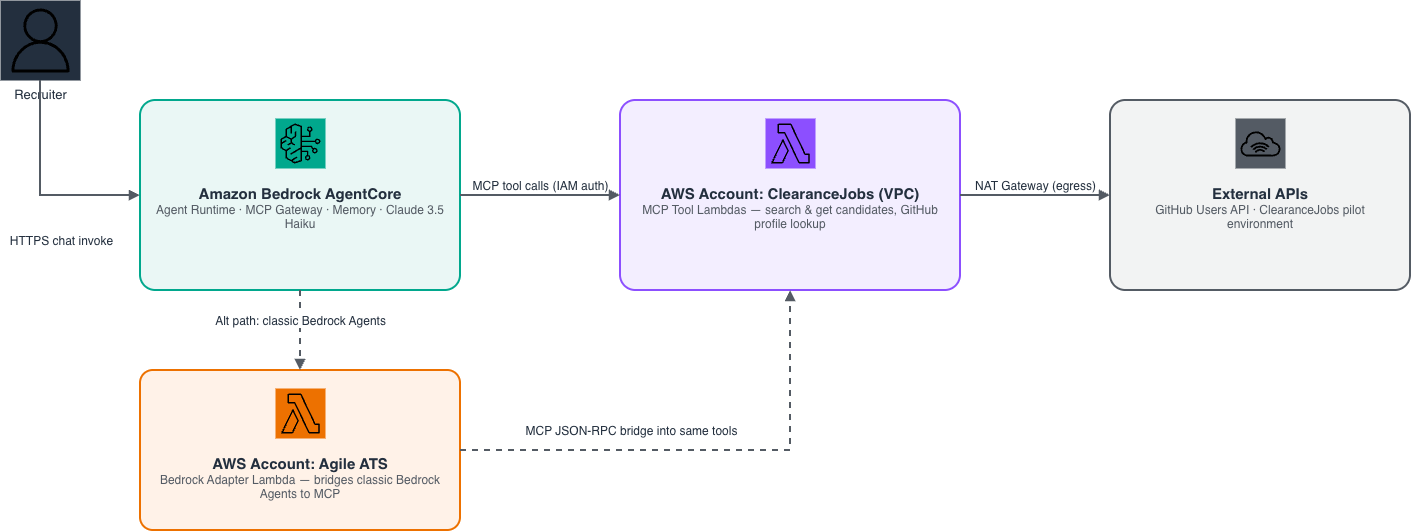
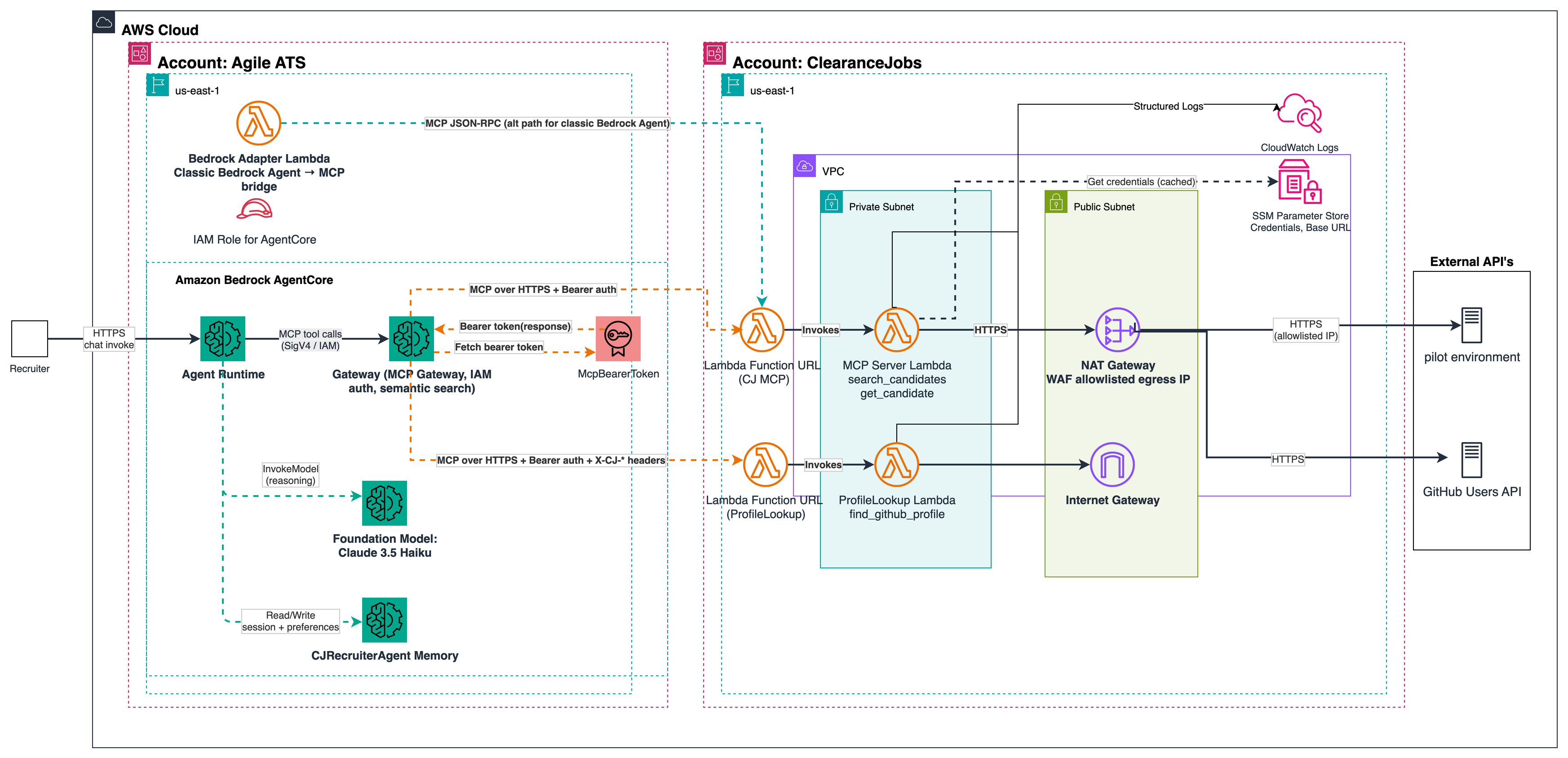
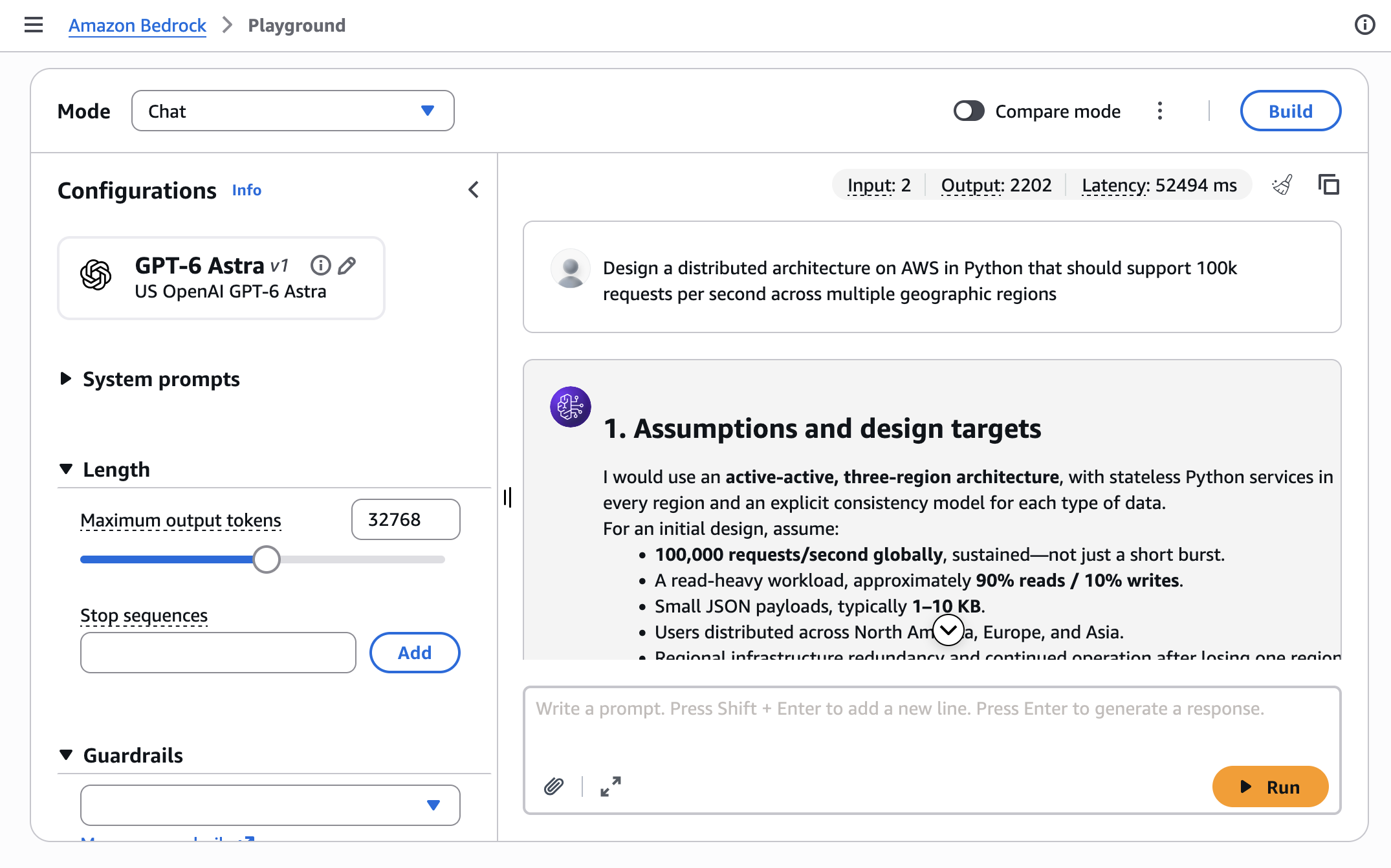

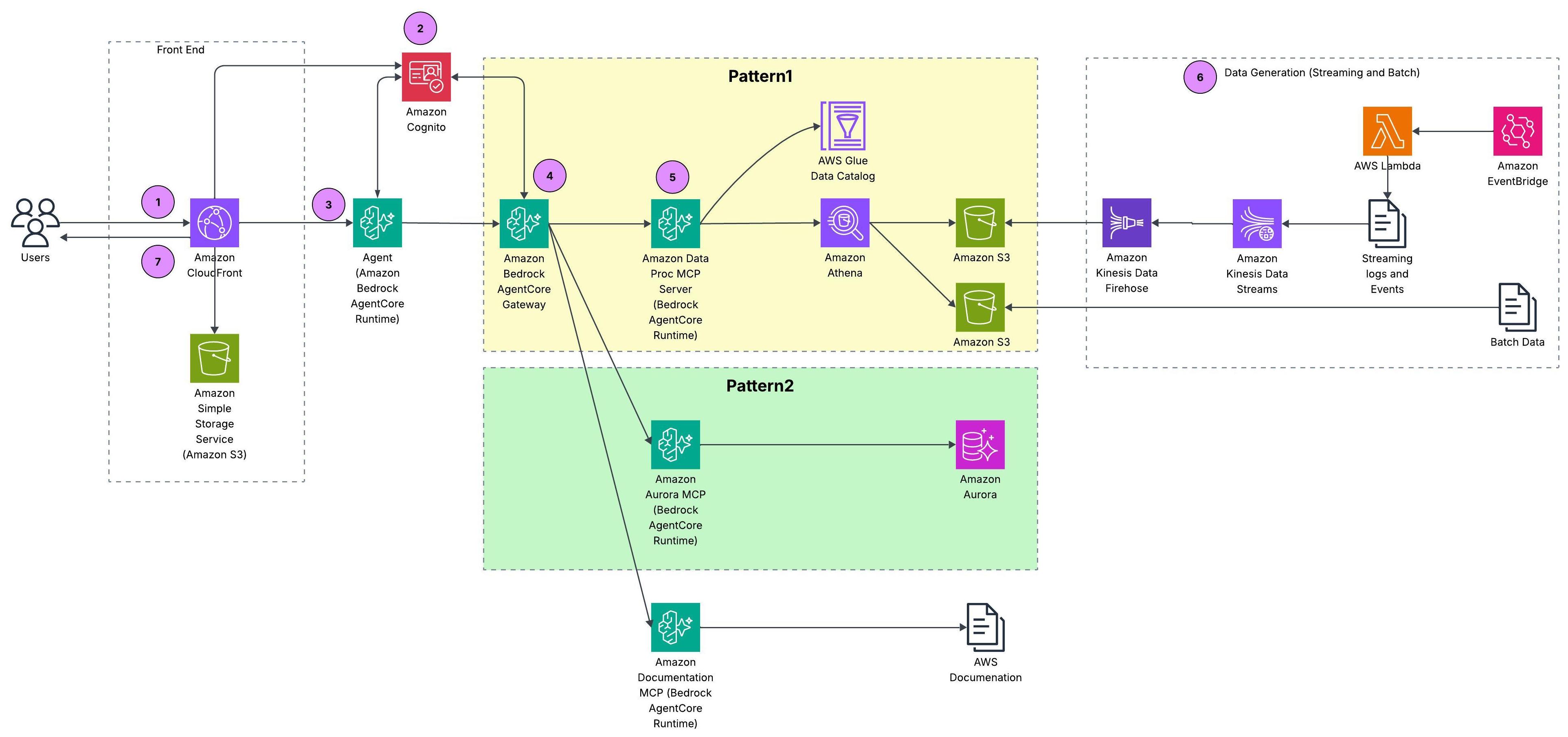
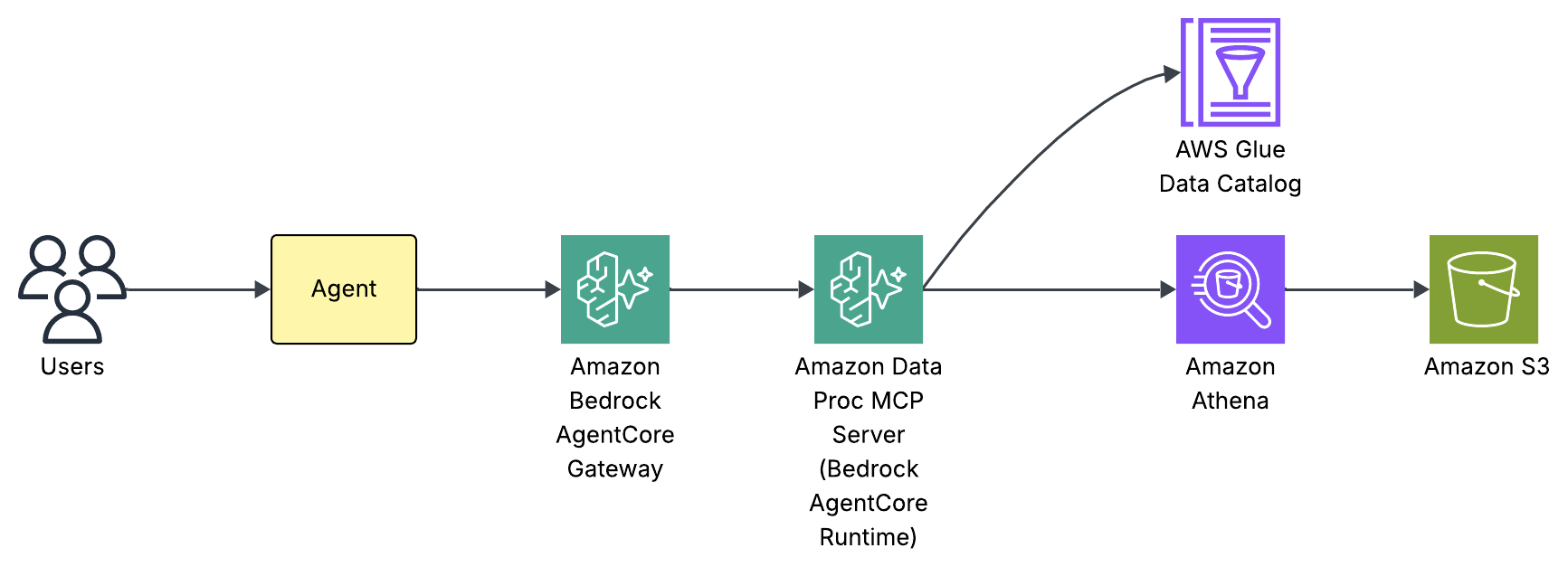
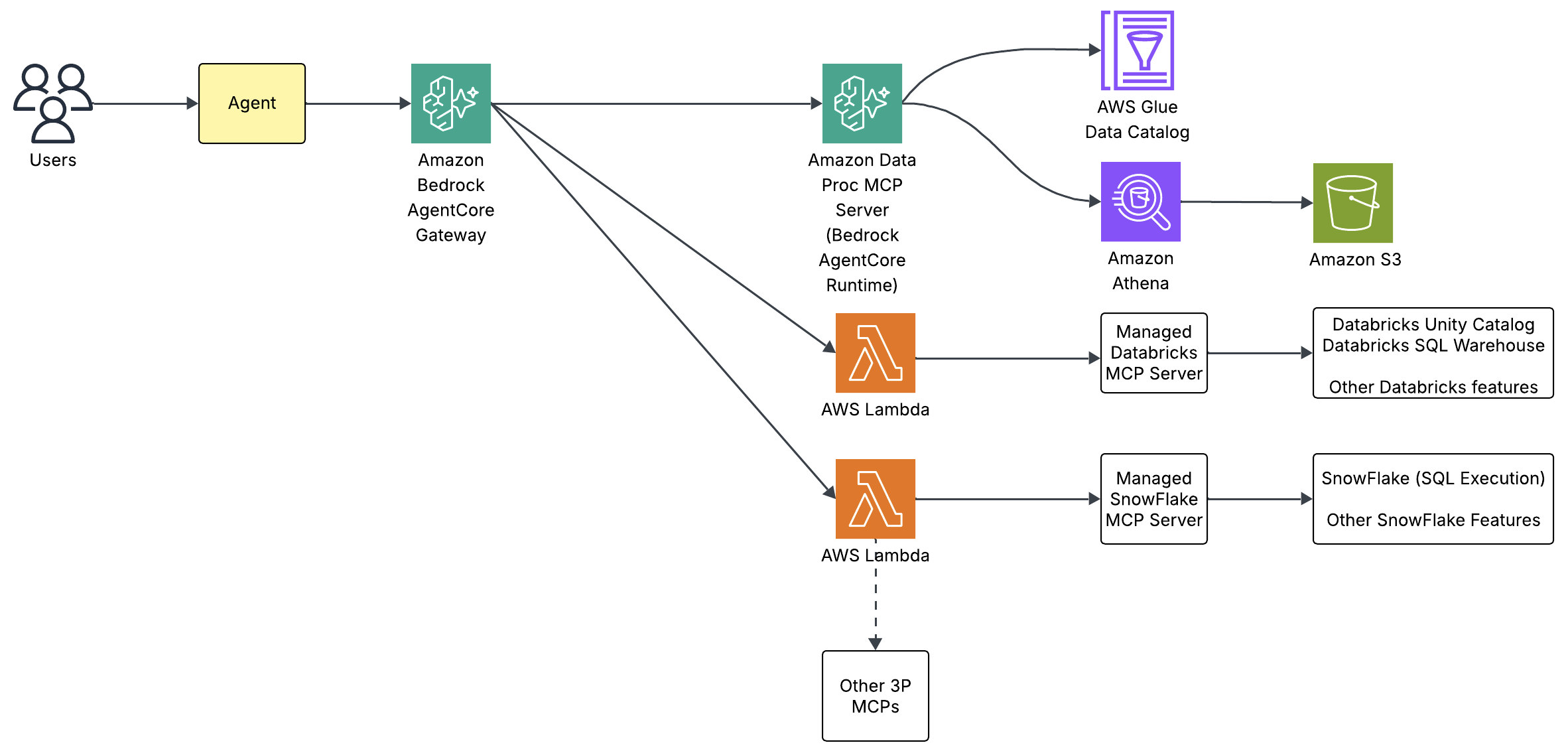
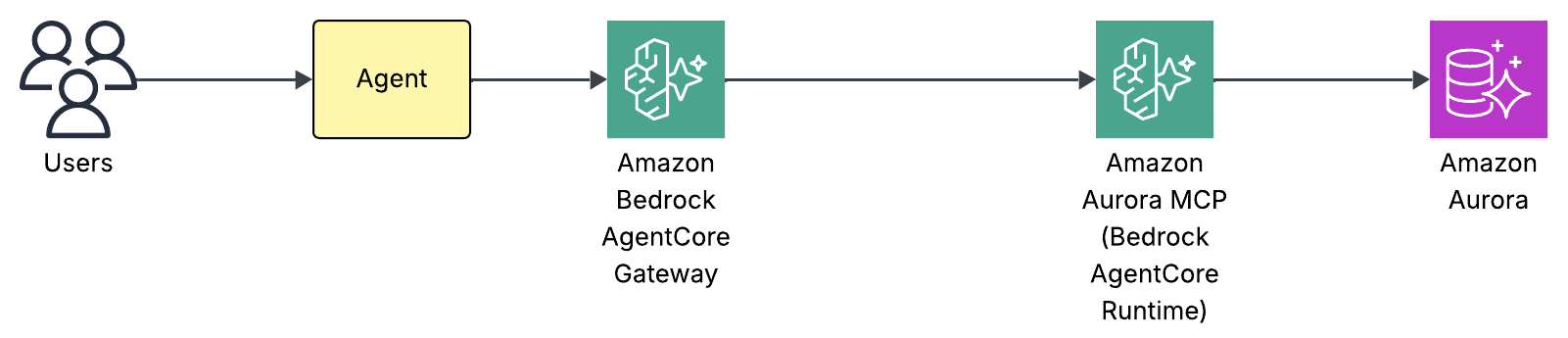
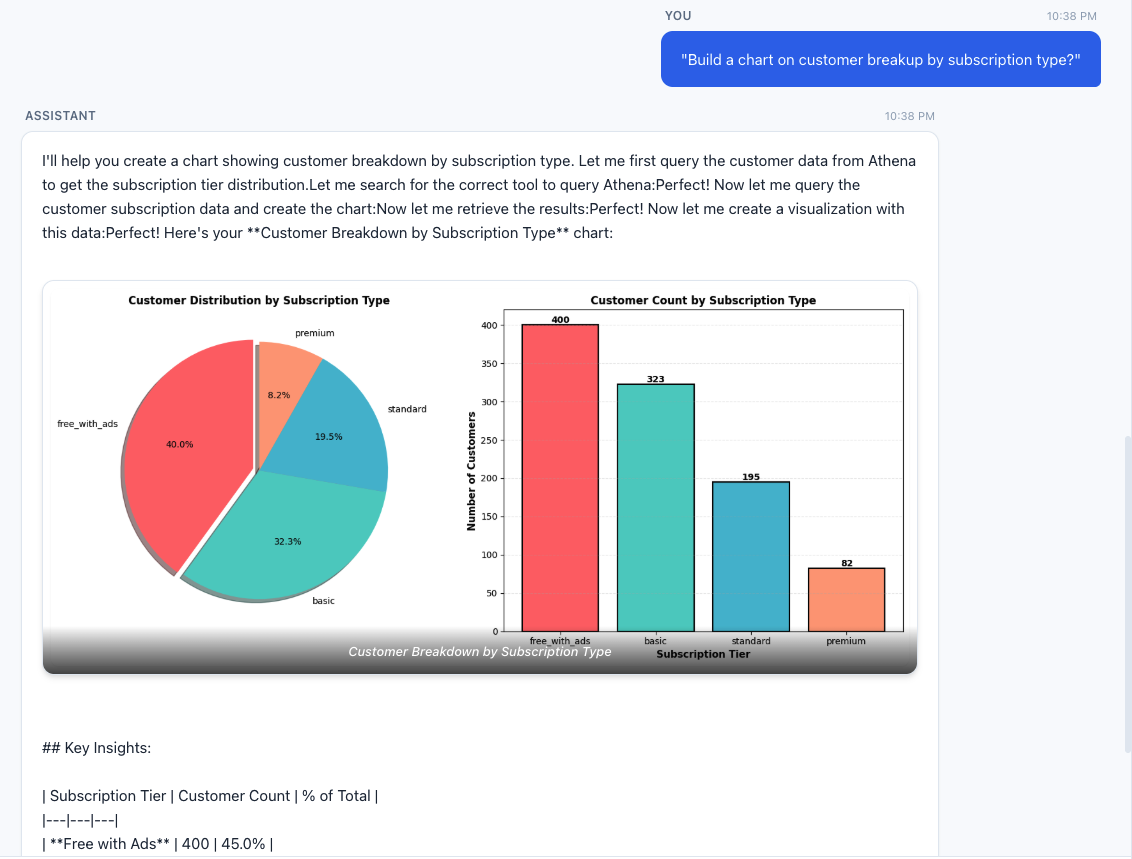
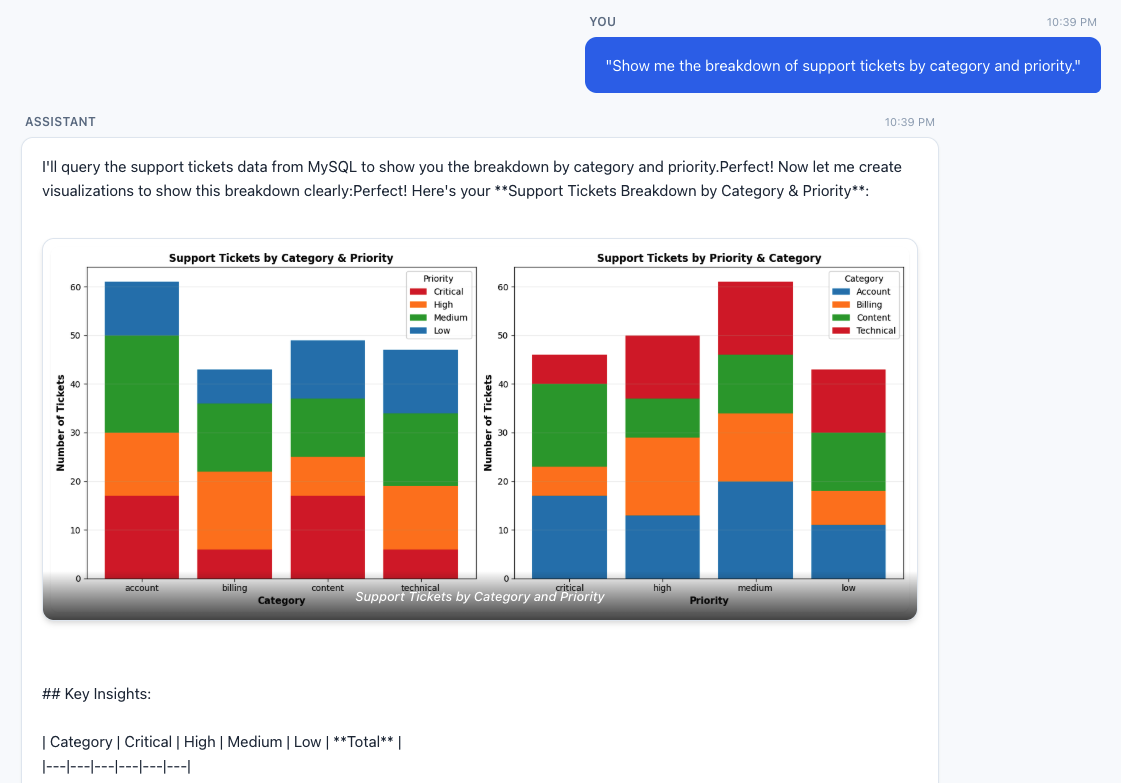
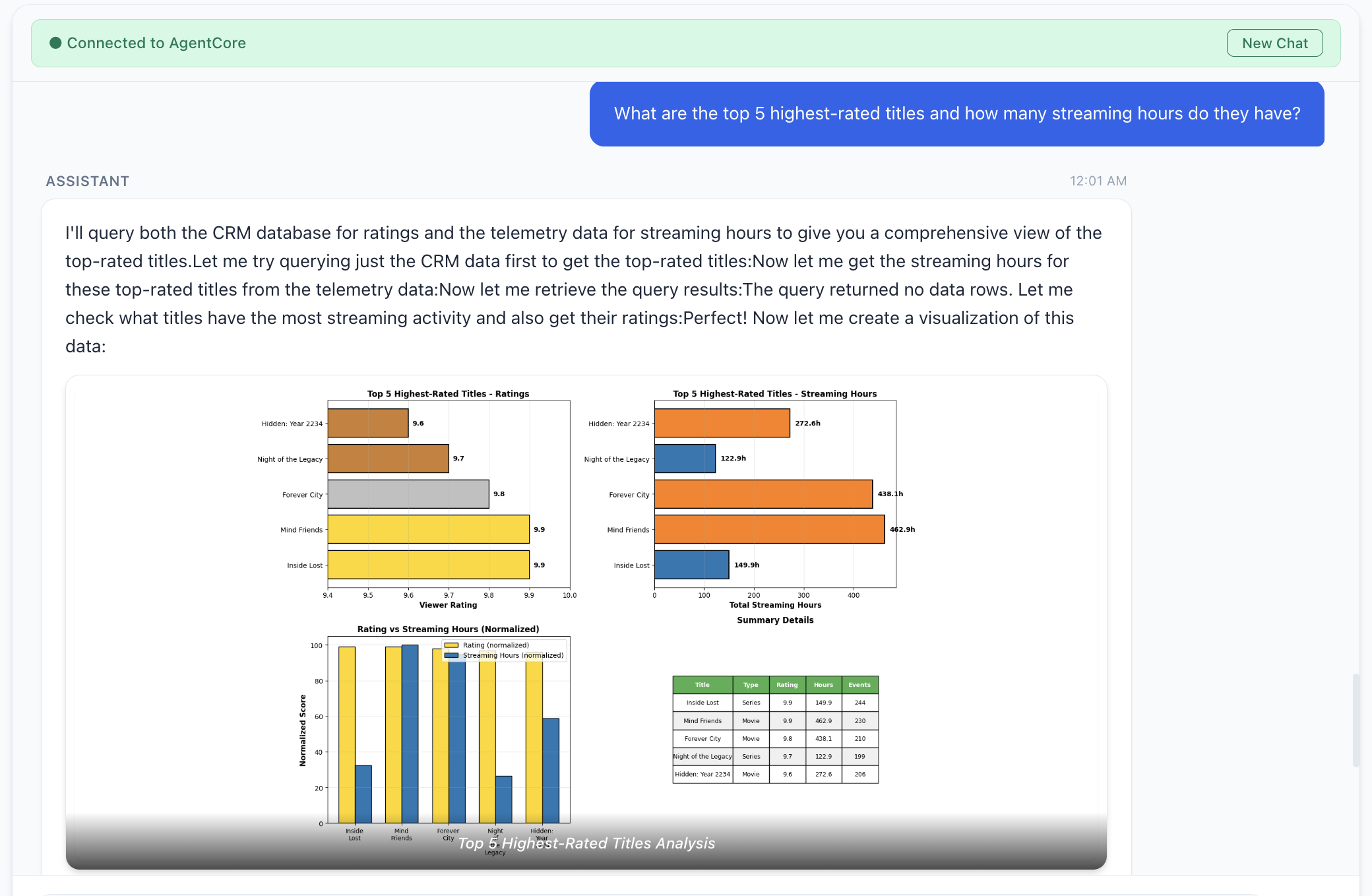
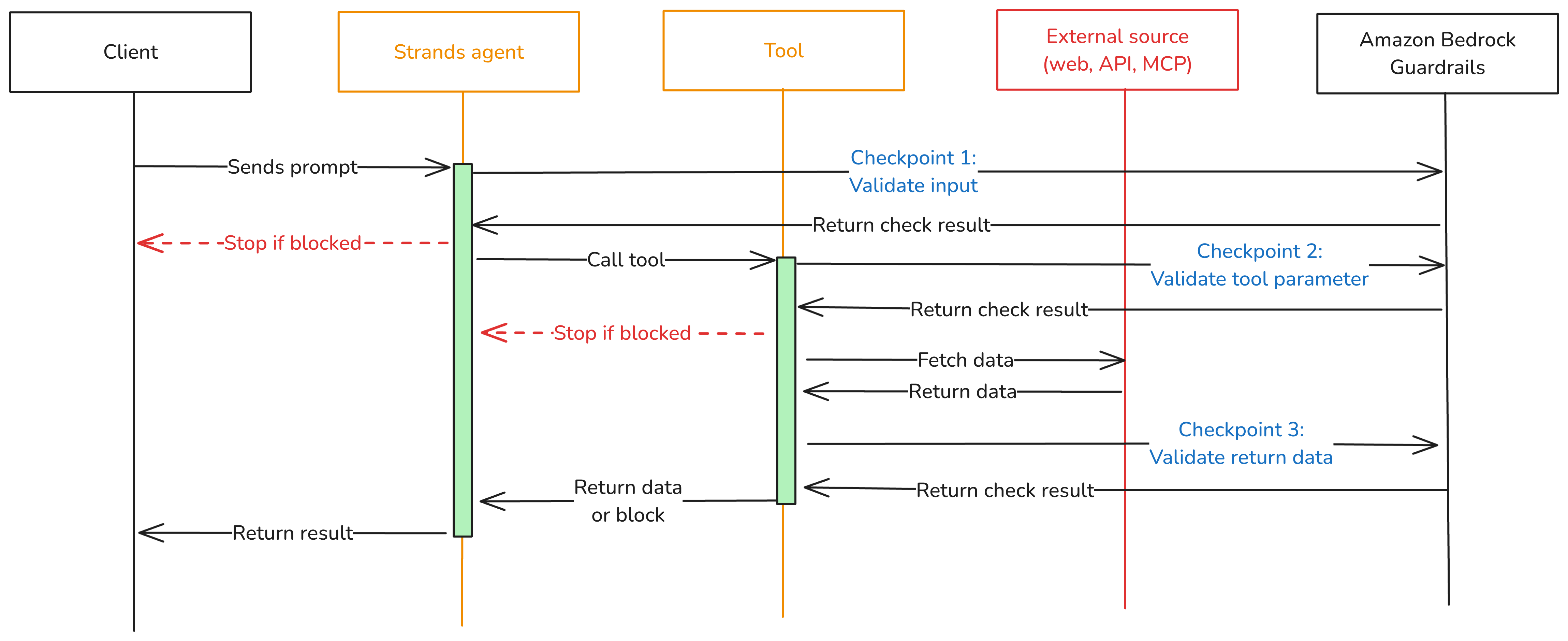
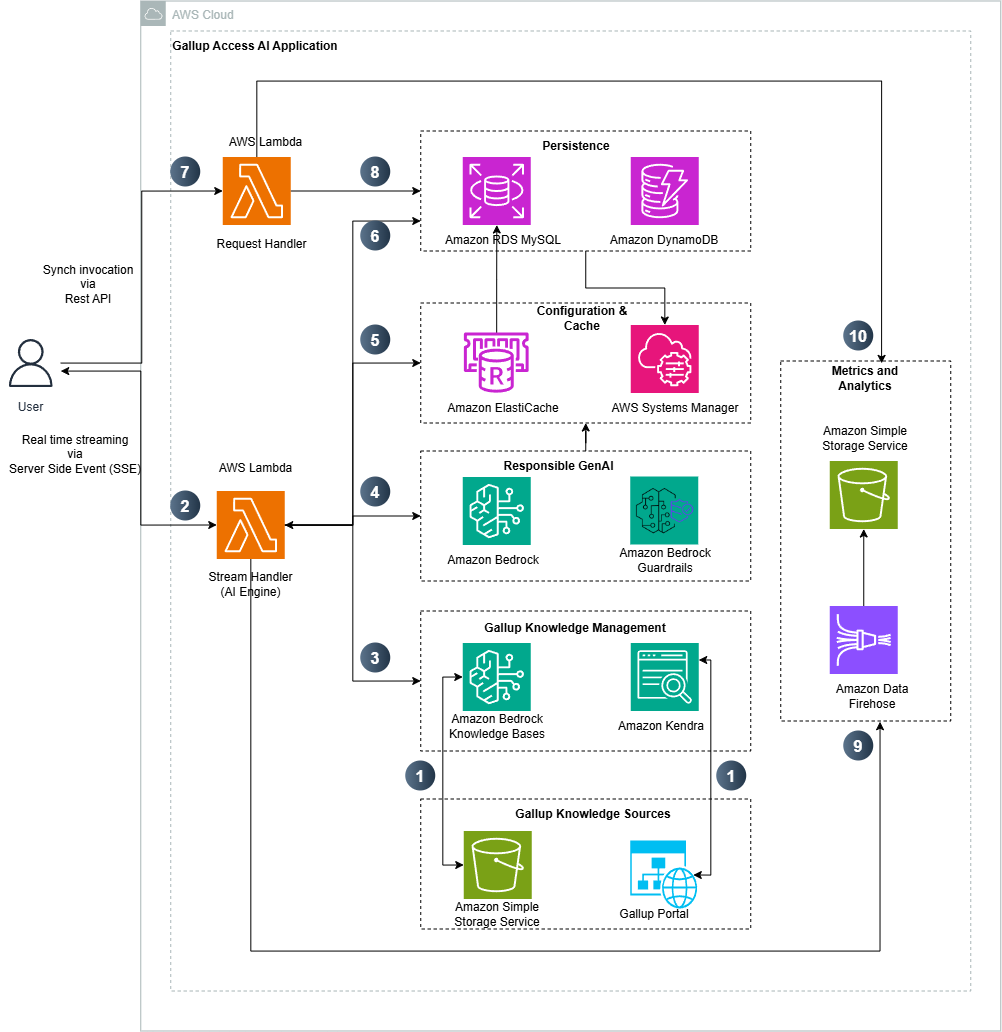
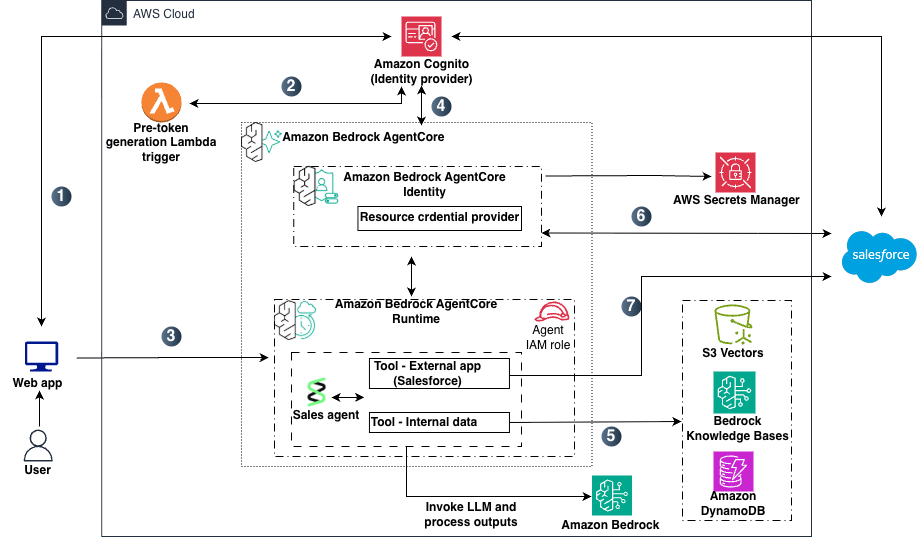
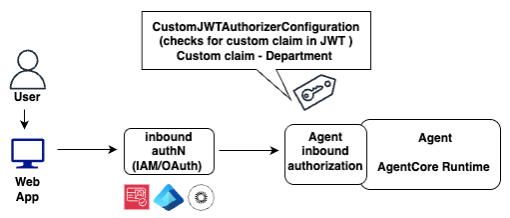
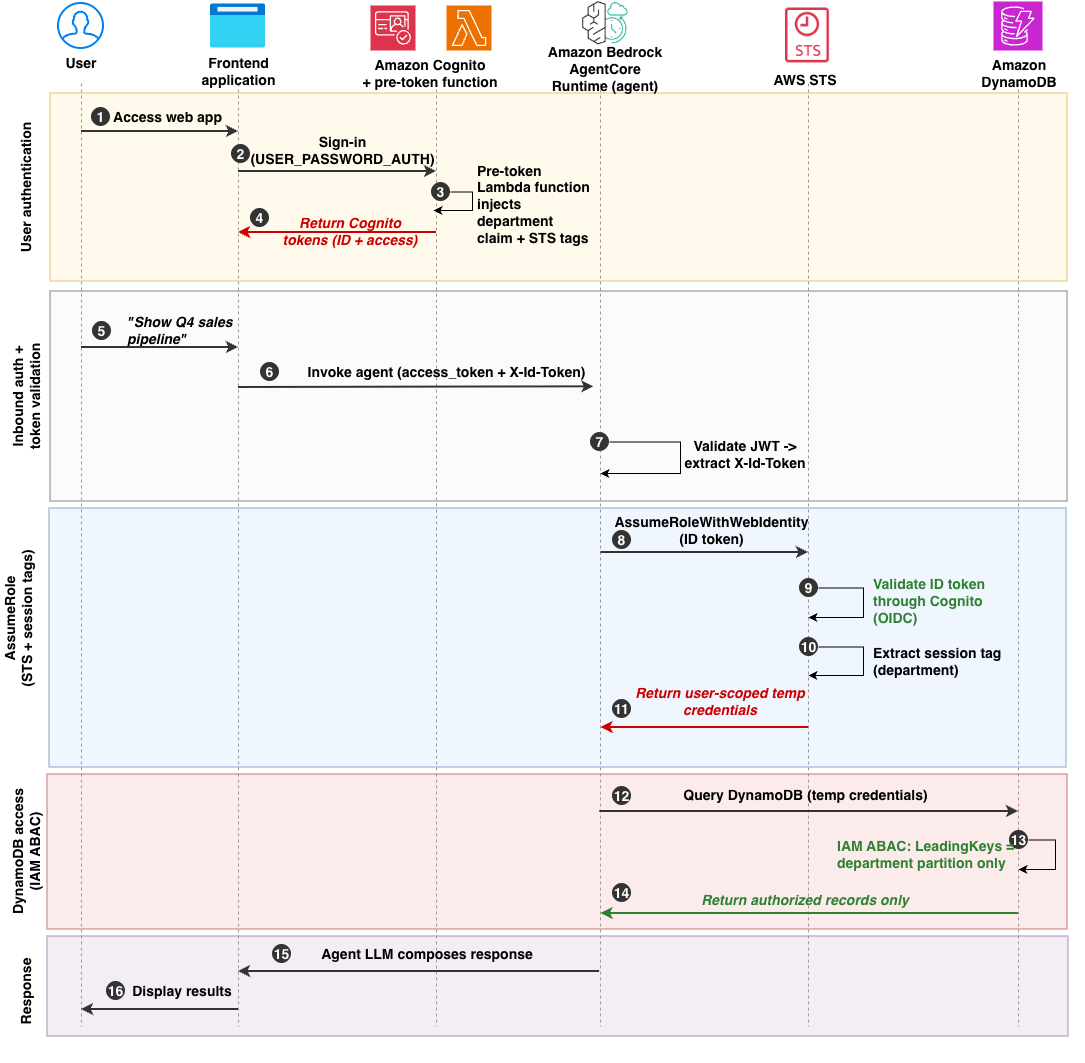
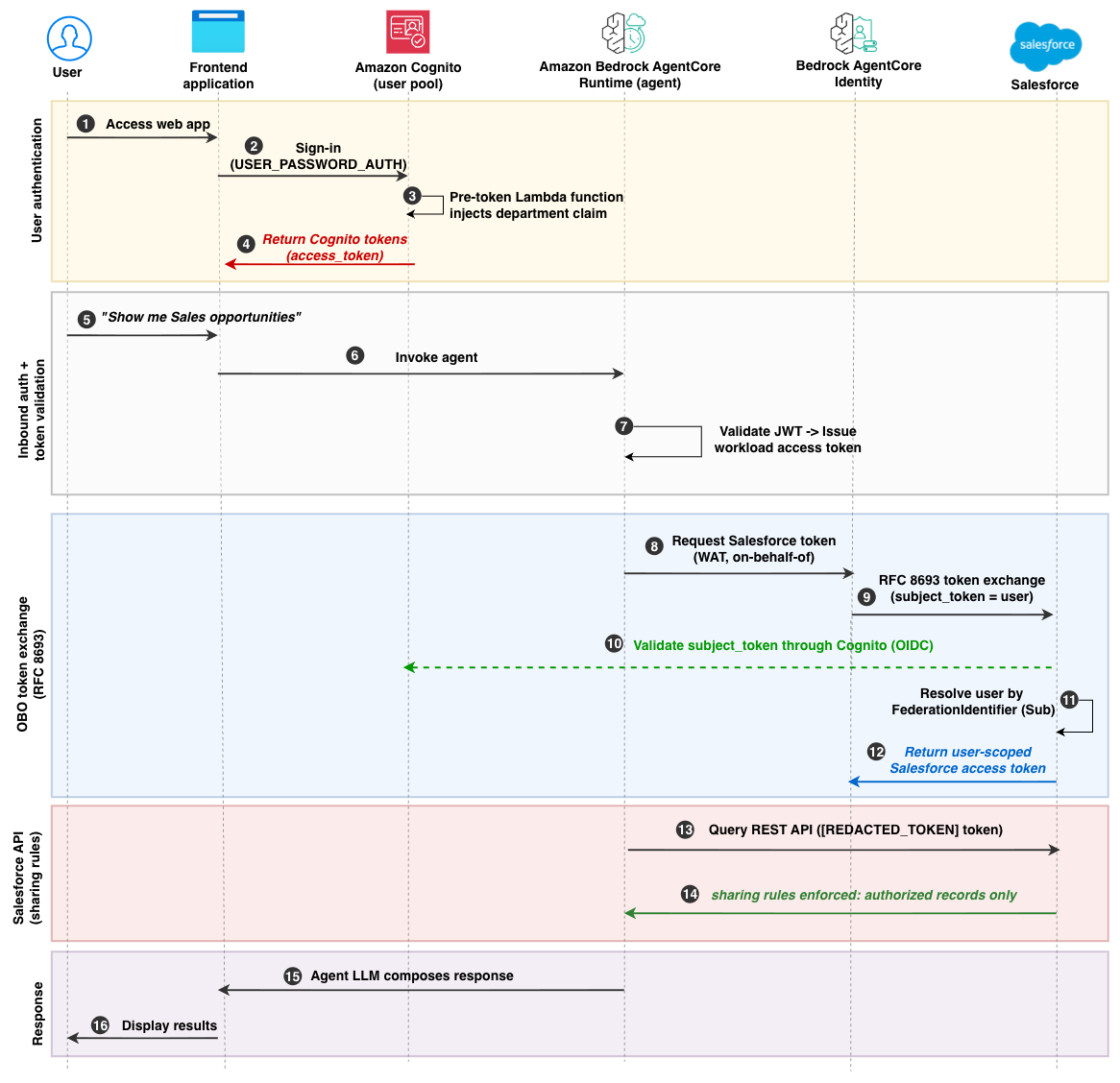
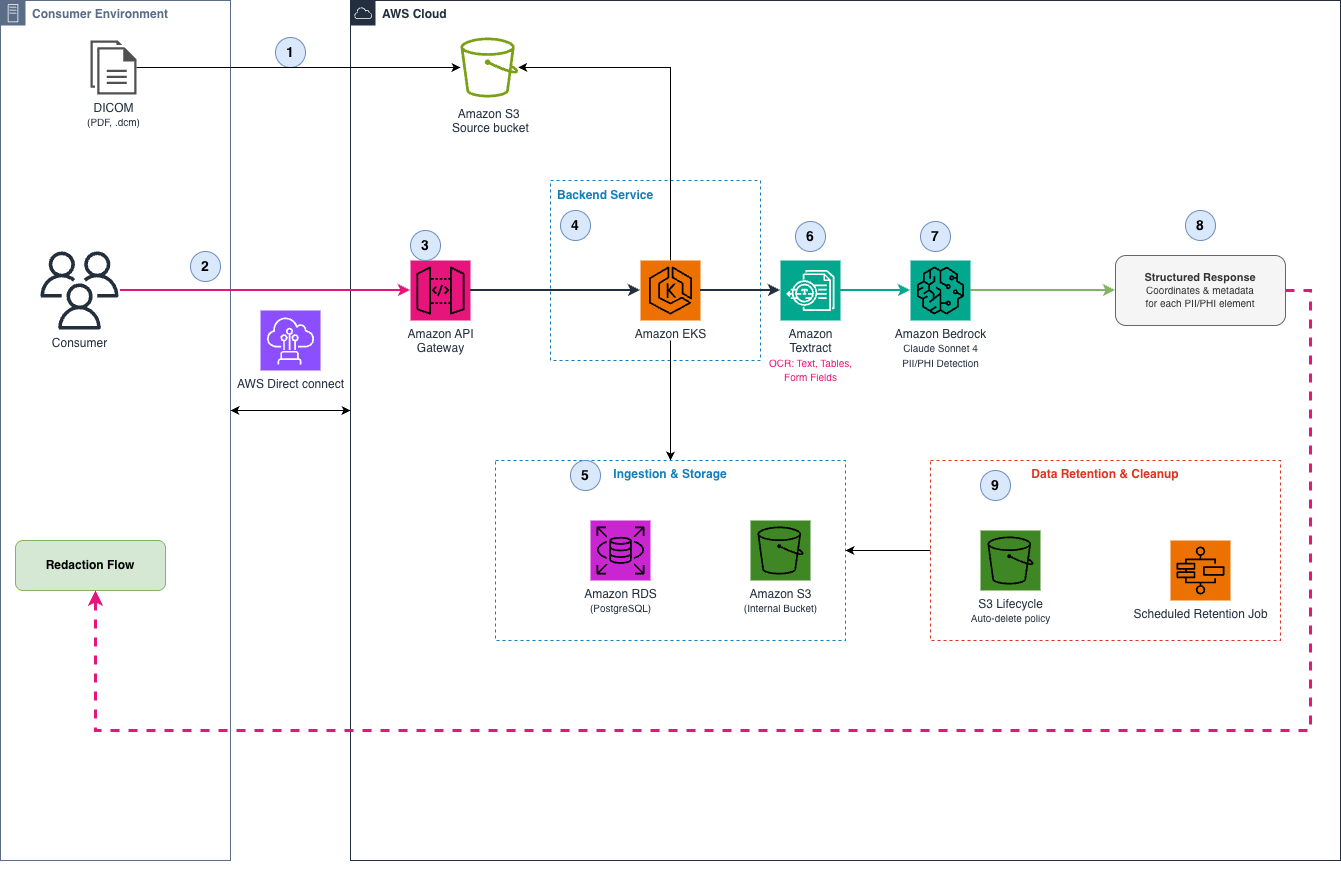
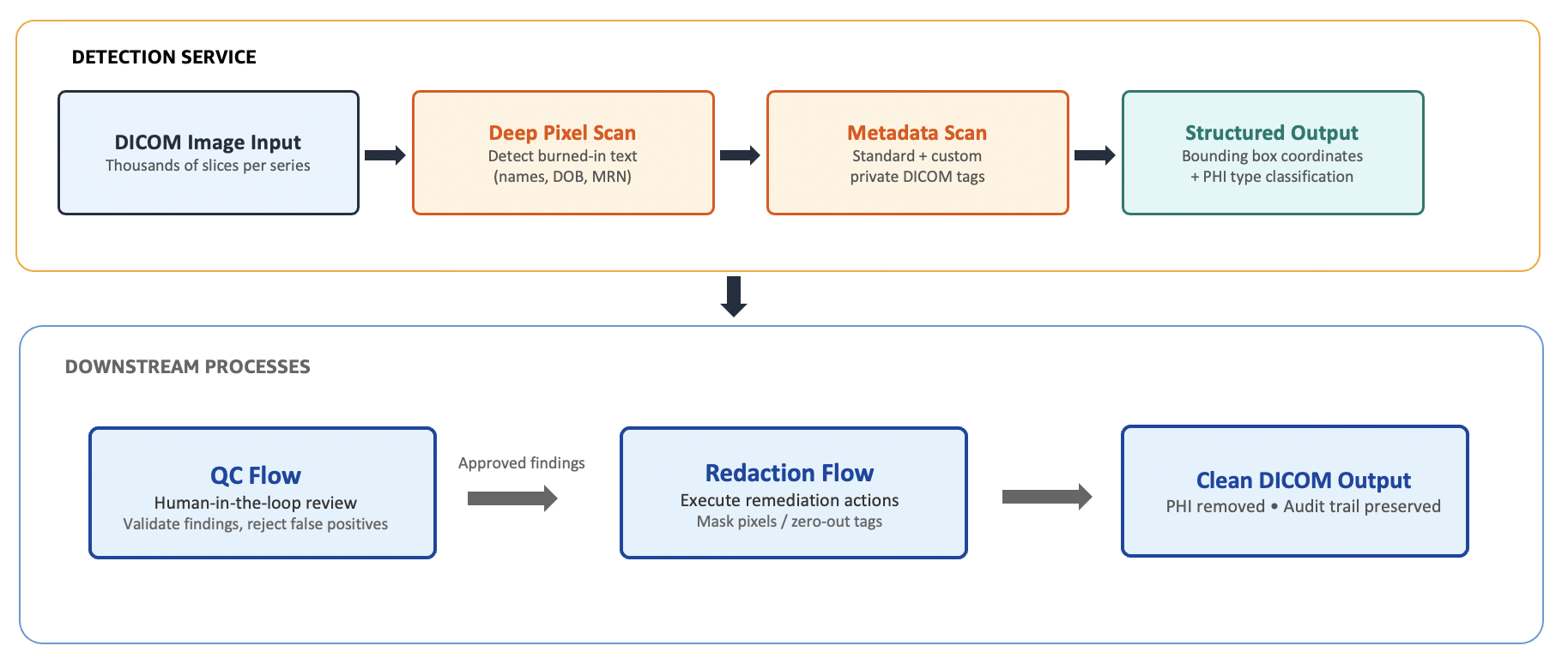

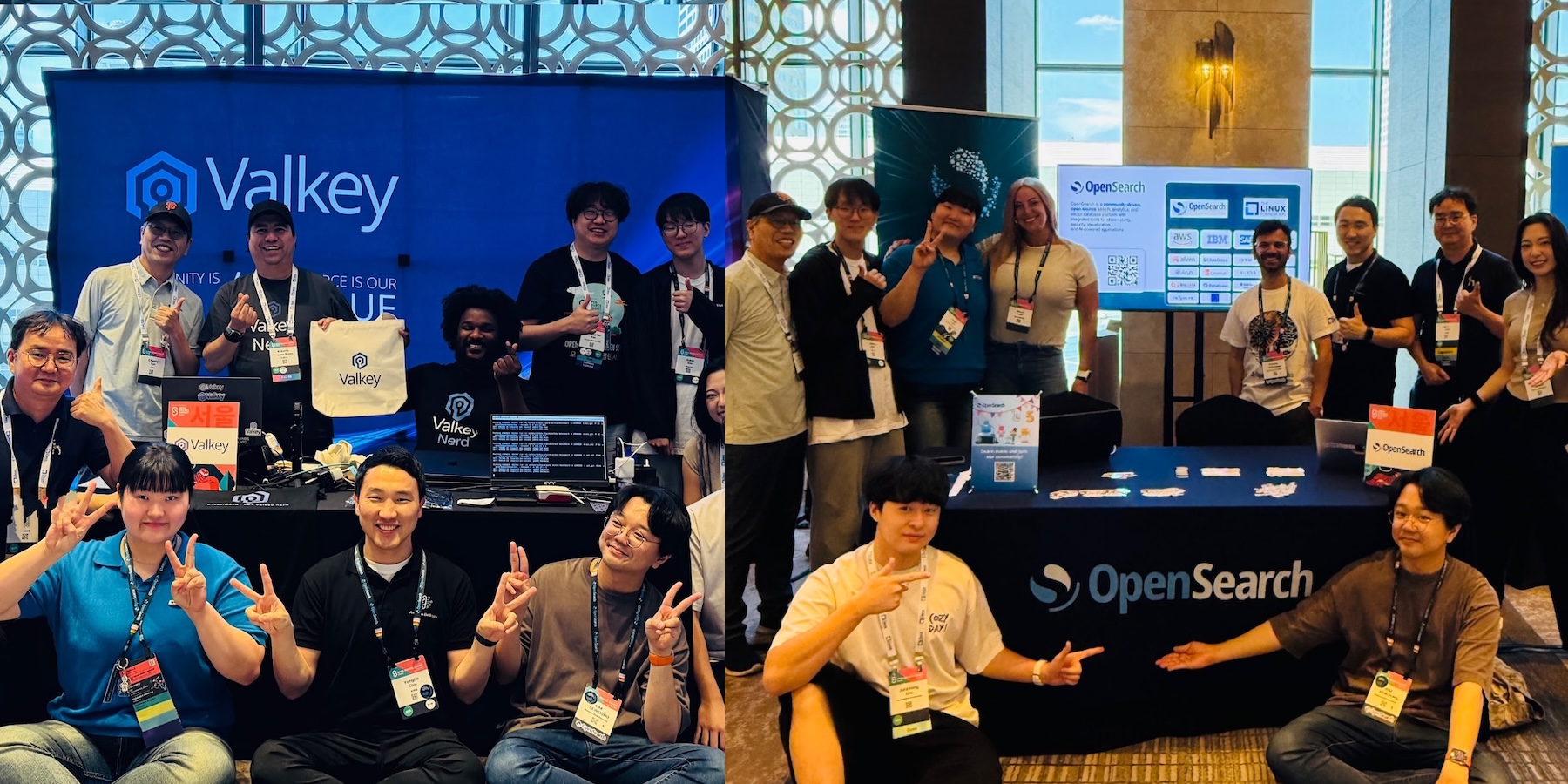
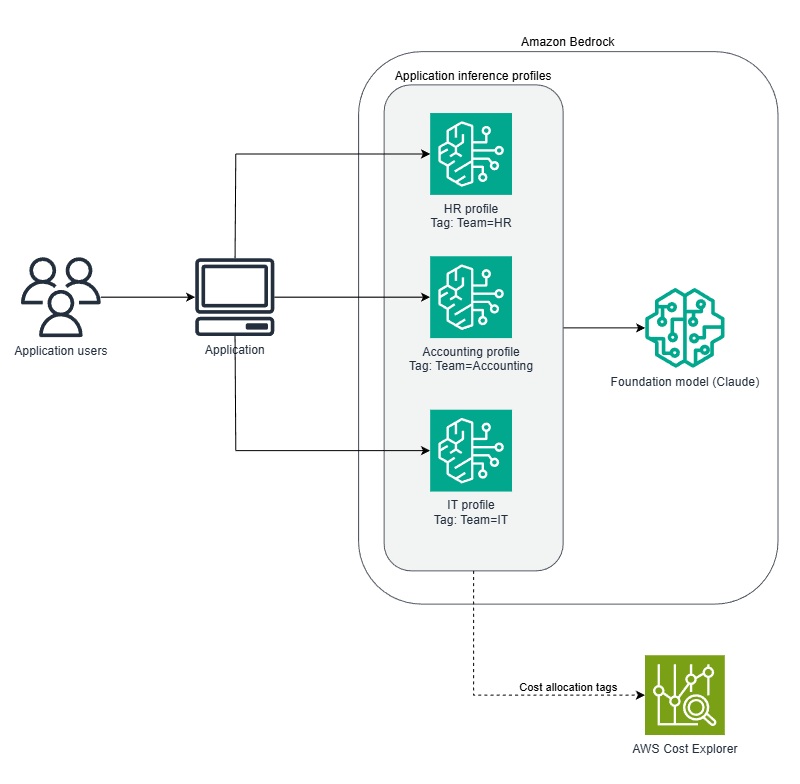
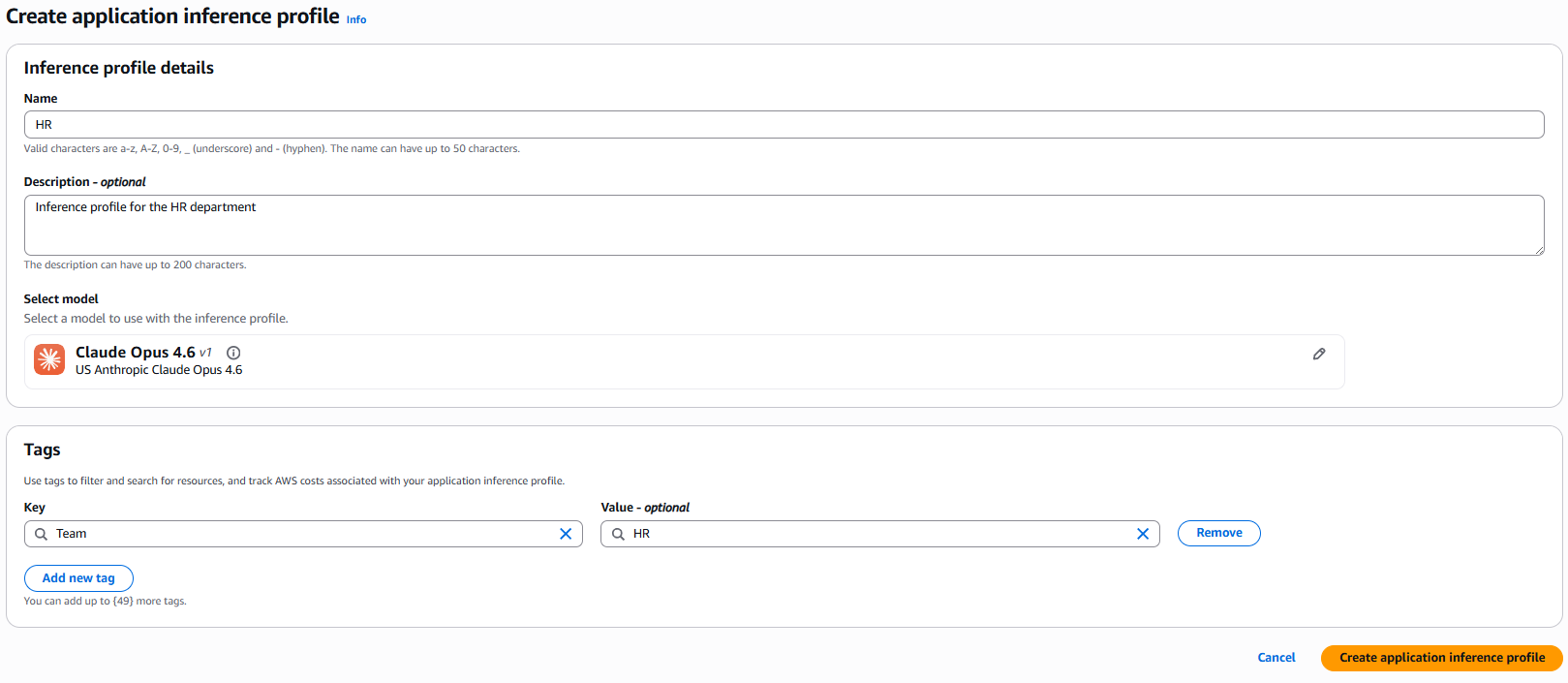
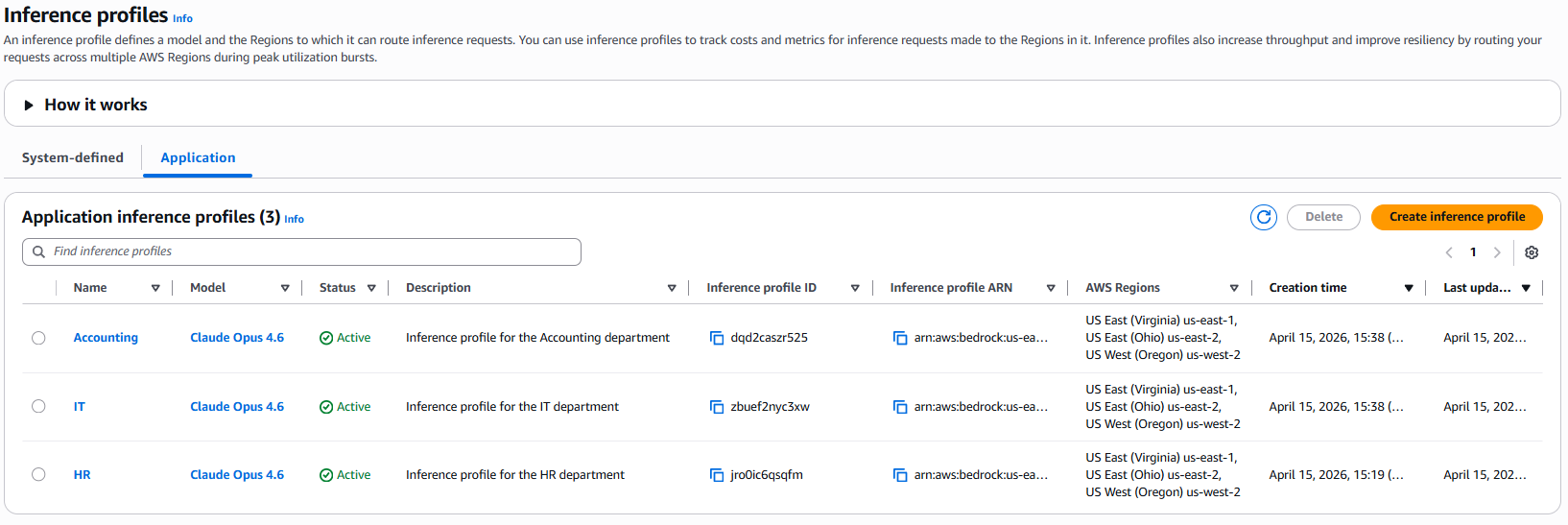
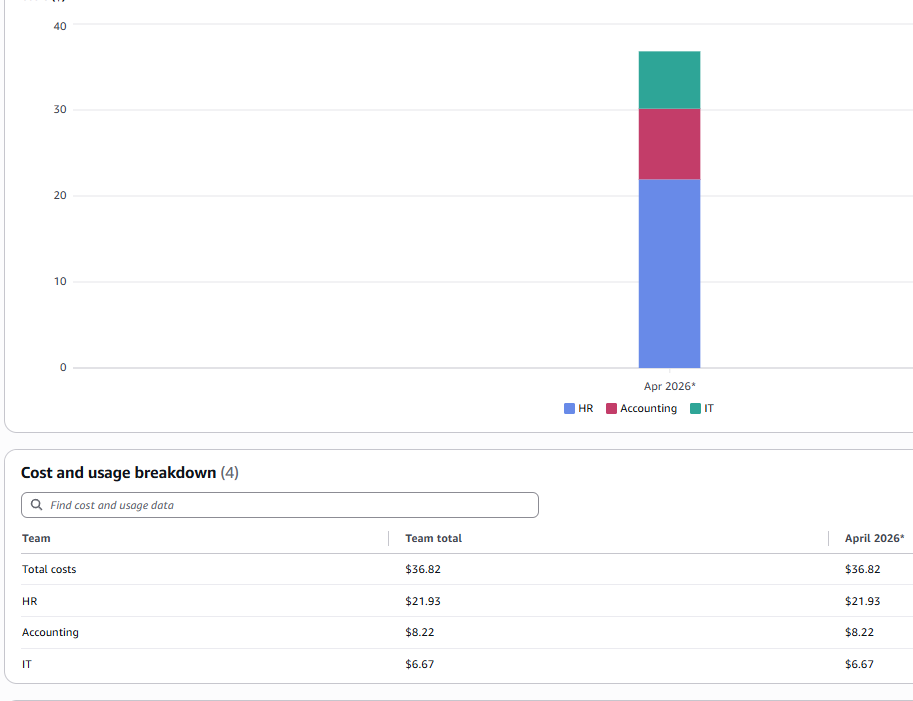
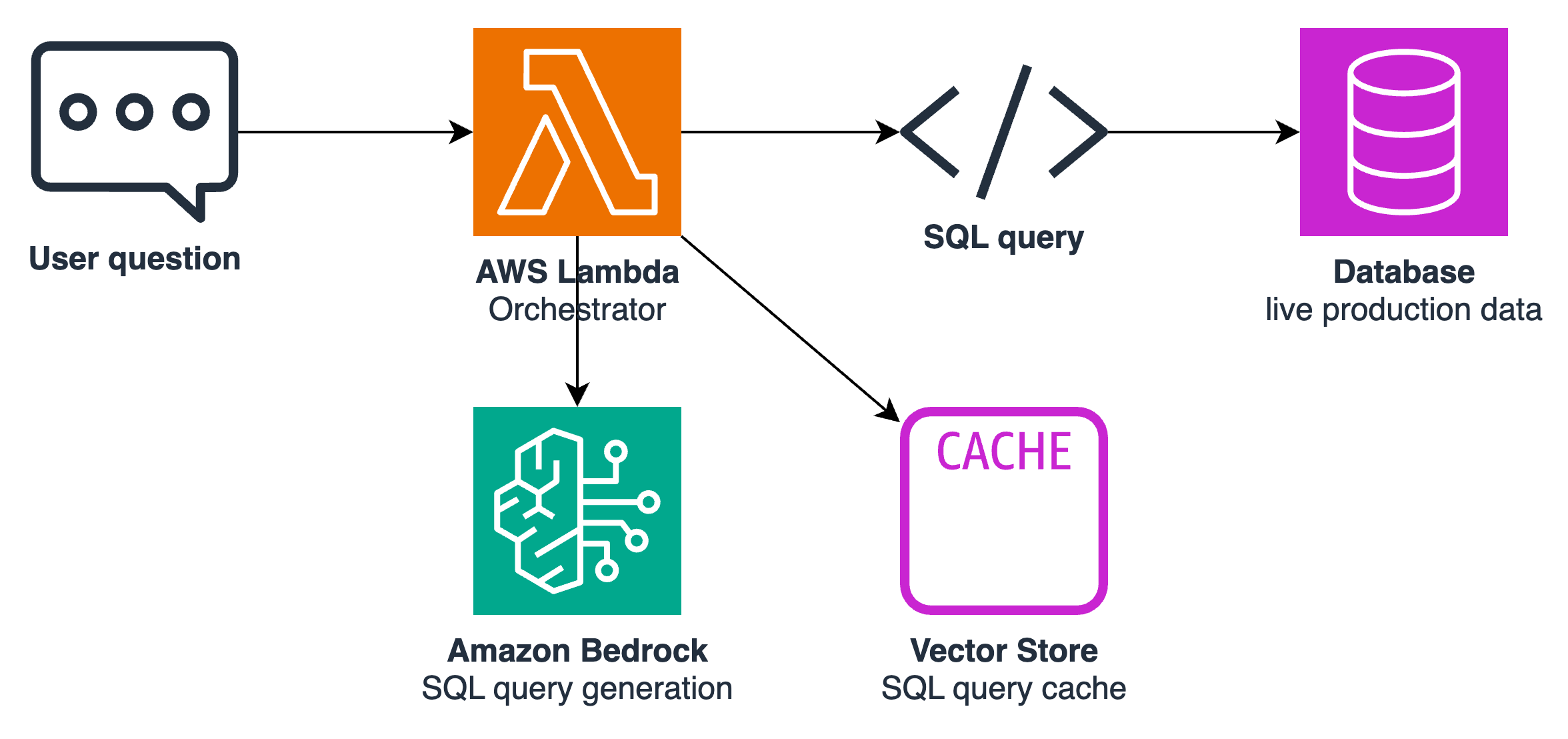
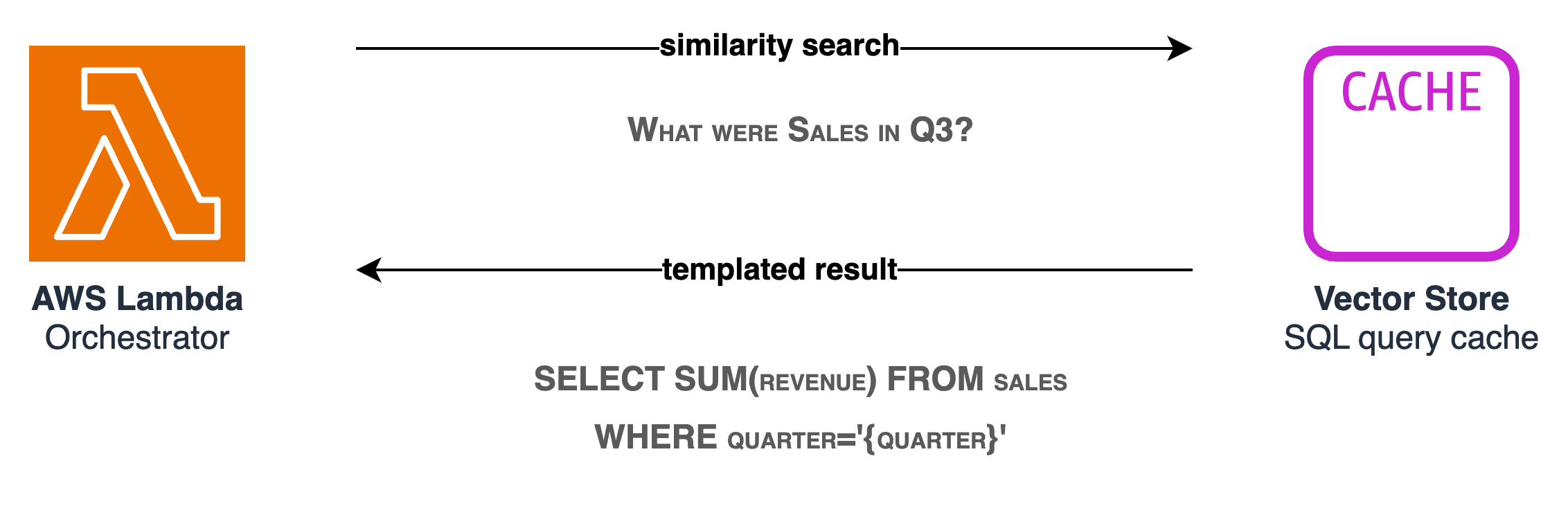
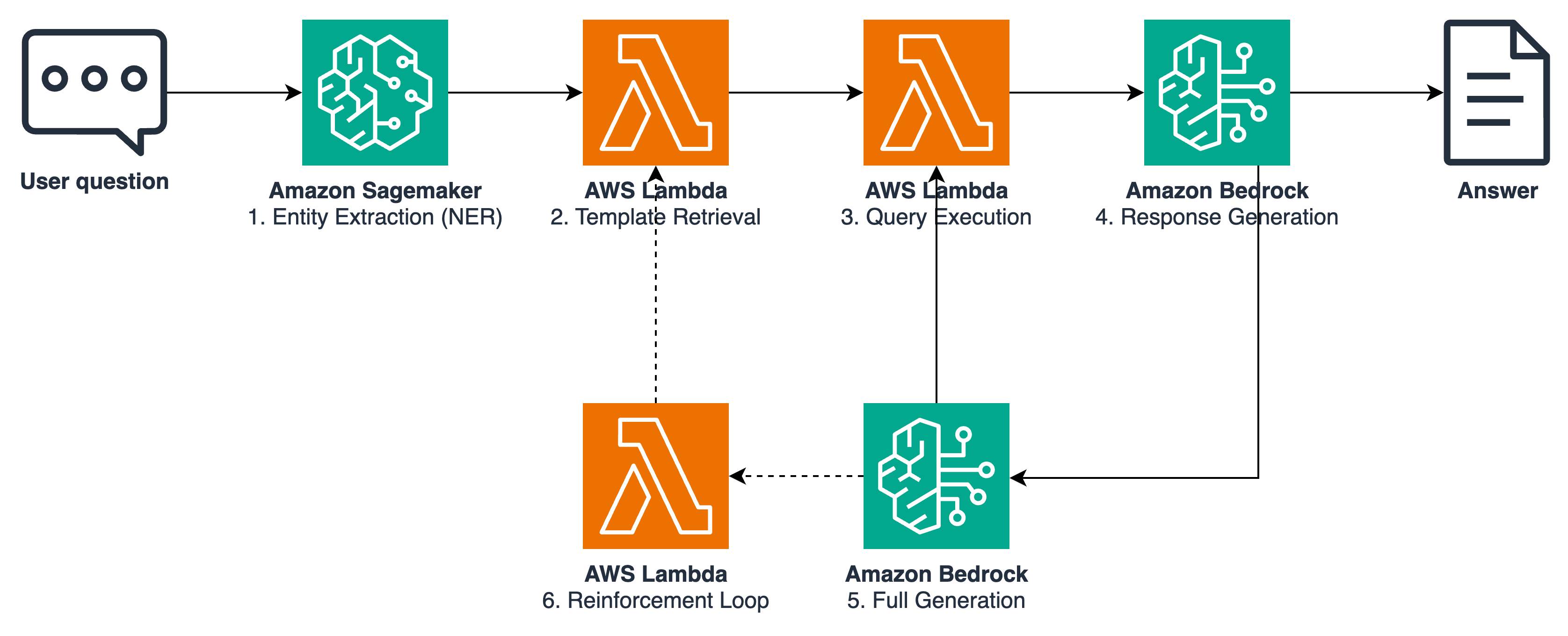
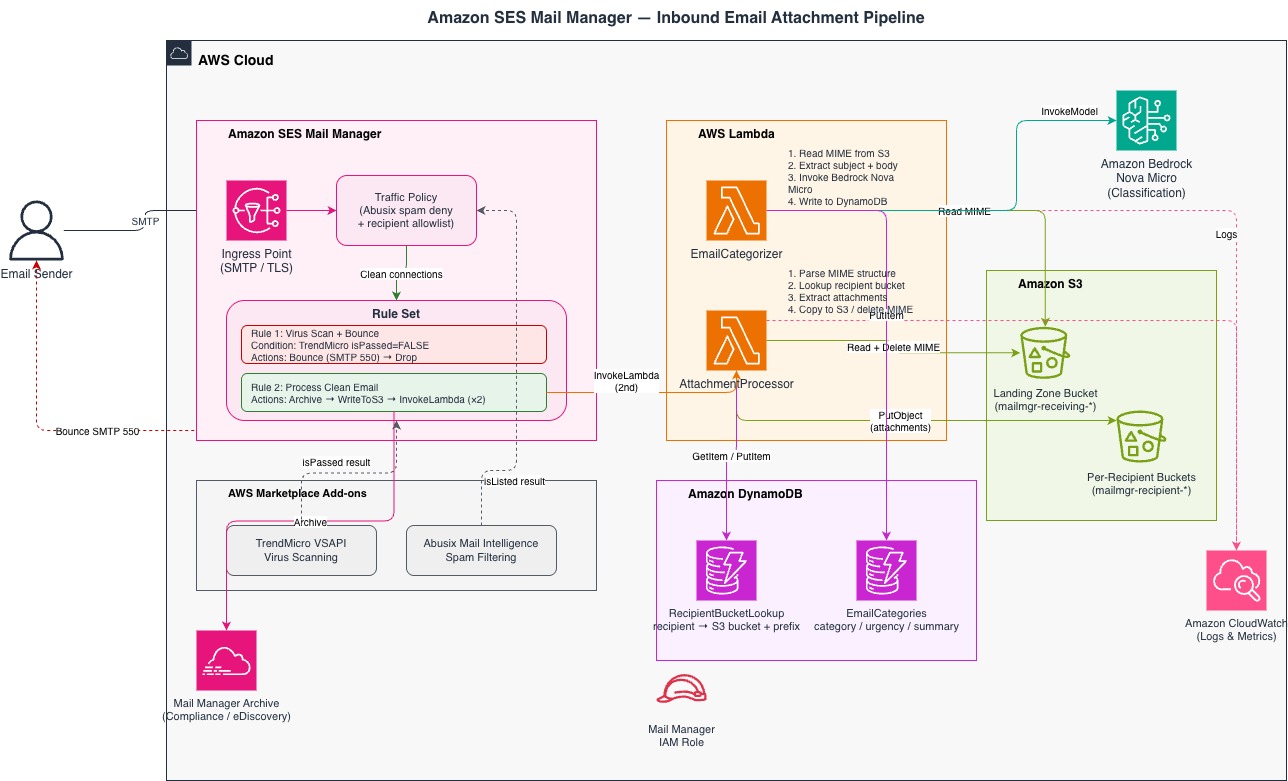

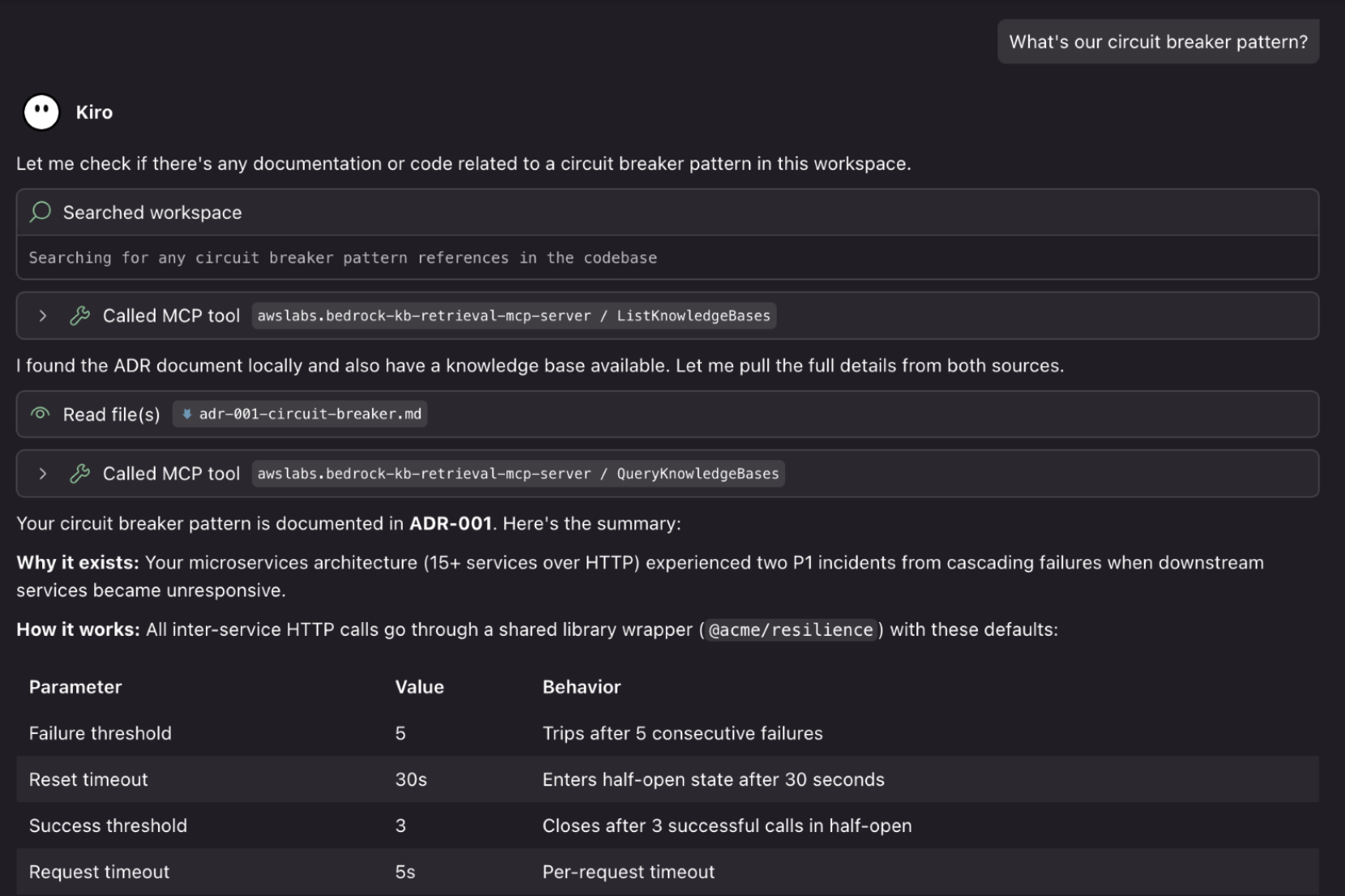
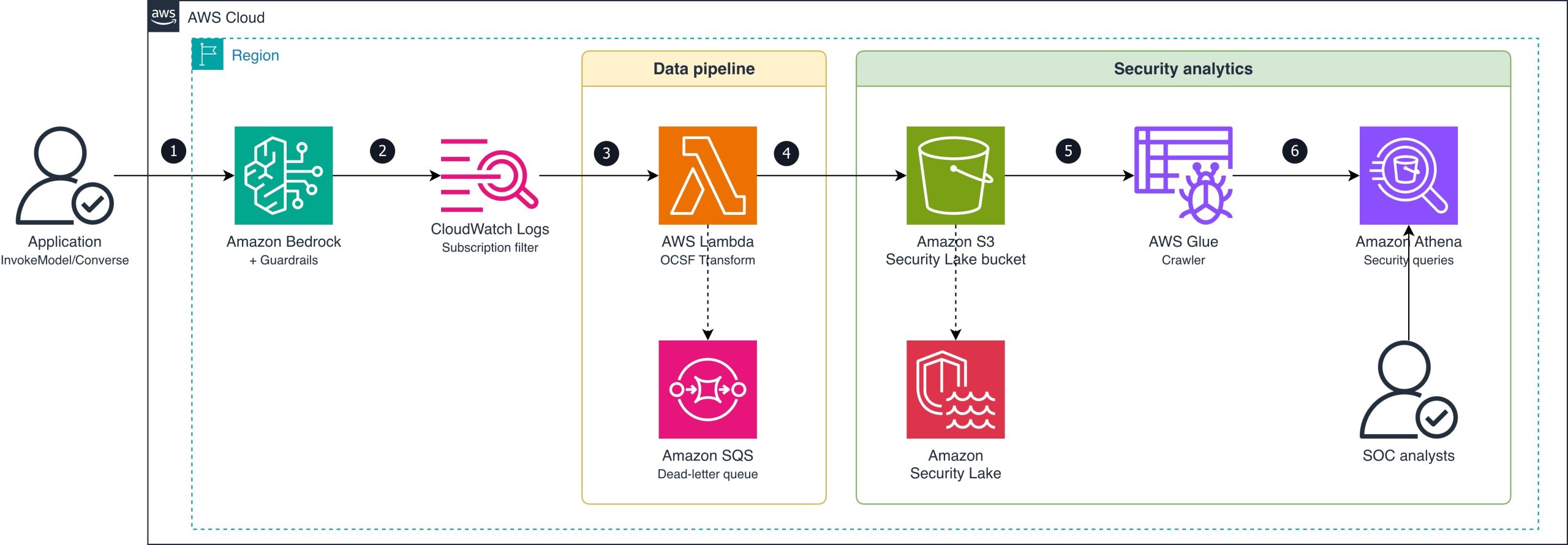
 Last week I had the joy of participating in Amazon’s “Bring Your Kids to Work Day” with my 7 year old son. We commuted together into the New York City office, his first real rush hour train ride, and spent the day exploring how Amazon uses AI, machine learning, and robotics to deliver packages to customers all over the world. Watching his eyes light up as he saw robots navigating a fulfillment center reminded me why so many of us got into technology in the first place. There’s nothing quite like seeing that sense of wonder when something complex clicks.
