Post Syndicated from Dan Fisher original https://www.raspberrypi.org/blog/how-classroom-challenges-can-change-how-students-see-computing/
Computing education in England is in a stronger position than it was a decade ago. Increased access to technology, free learning resources for young people, and improved training for computing teachers has put us on a path to success.
But the subject is also at an important inflection point. Young people are growing up in a world shaped by digital technologies like AI, yet not all young people get the same opportunities to discover how computing can be creative, collaborative, and relevant to their lives. This is reflected in the number of learners who choose to study it. In England, GCSE Computer Science entries fell by 4.7% in summer 2025 (93,980 to 89,610), and A level entries fell by 2.4% (19,475 to 19,010)*.
Creating positive, accessible experiences early in a students’ education, and helping them to build confidence and see computing as something they can engage with, has never been more important.
For educators, computing is about much more than preparing learners for a single subject or qualification. Skills England’s 2025 assessment of priority skills up to 2030 estimates that demand for priority occupations will grow by 0.9 million, including 87,000 additional programmers and software development professionals**. These roles are identified as a priority across seven industry sectors, underlining the value of the broader skills students develop through computing: problem-solving, logical reasoning, creativity, and confidence.
That’s why initiatives such as the UK Bebras Challenge and the Raspberry Pi Foundation Coding Challenge matter. They give teachers ready-made, engaging ways to introduce computational thinking and coding without needing students to already see themselves as ‘computer scientists’. Low-barrier, fun, and practical, they help students experience the satisfaction of solving problems for themselves. As Mitchel Resnick, Professor of Learning Research at the MIT Media Lab, puts it: “They are not just learning to code, they are coding to learn.”***
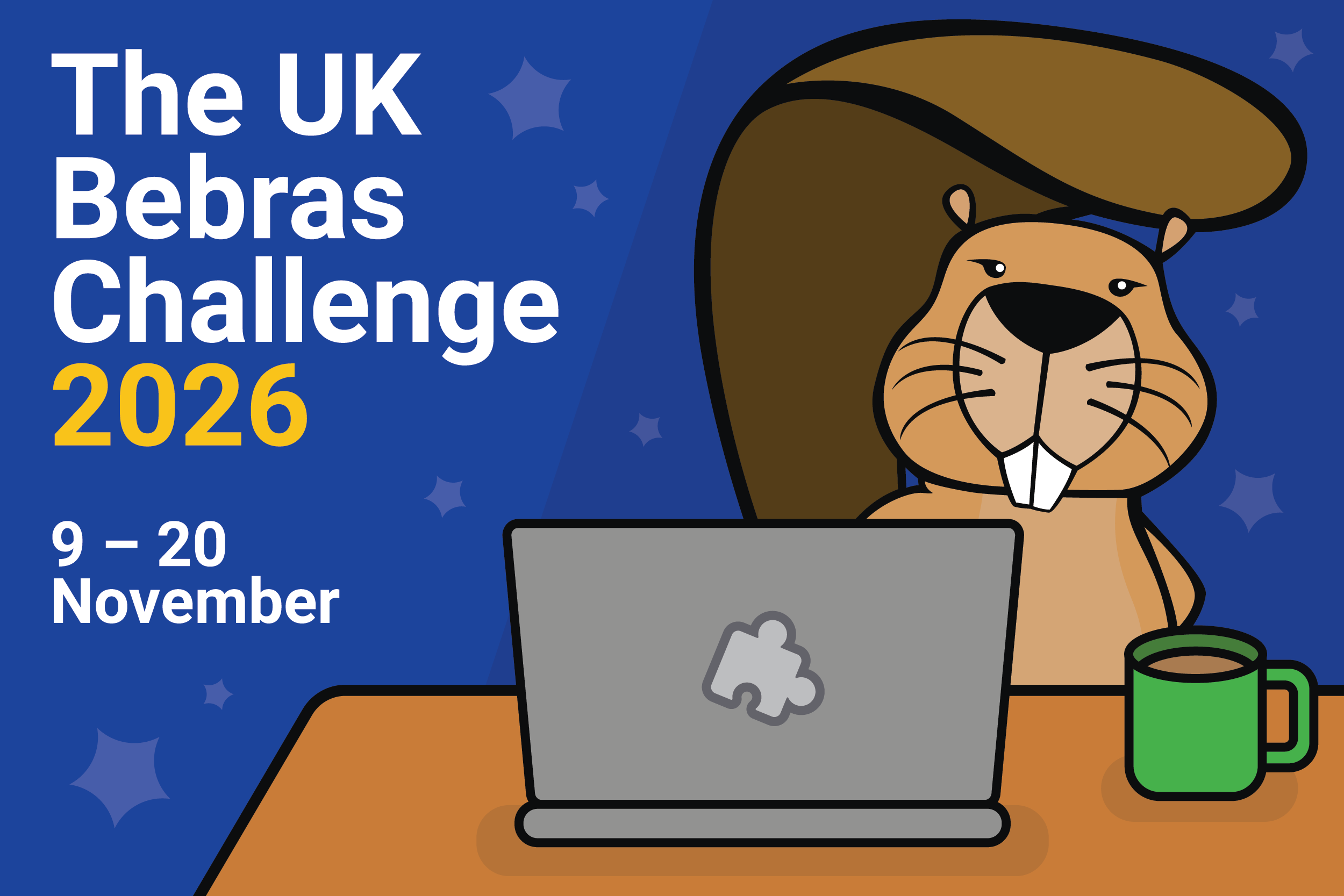
Over the past year, the UK Bebras Challenge (November 2025), and the Raspberry Pi Foundation Coding Challenge (March 2026), have reached hundreds of thousands of students across the UK.
Participation continues to grow. In 2025, 562,924 students took part in Bebras, up from 467,000 in 2024, contributing over 1 million hours of learning. The Coding Challenge also grew, with 85,389 students taking part in 2026, up from 83,096 in 2025.
To understand what this looks like at the grassroots level, we spoke to two teachers about why they run these challenges and what their students gain from taking part.
Johanna Watkins, Head of Computer Science at Highcliffe School, on the UK Bebras Challenge

What made you decide to take part in the UK Bebras Challenge?
I was introduced to the Bebras Challenge during my teacher training, where my placement school was already taking part in the competition. Not only was it an affordable way to introduce students to the world of computational thinking, but I quickly realised how useful it was in identifying which students would be a good fit for GCSE Computer Science. Since my initial positive experience, I’ve ensured that all computer science students take part in the challenge, no matter which school I’ve worked in.
What makes Bebras different from other activities or competitions?
From an admin perspective, it is quick and easy to create accounts for a large number of students in one go. Once student data is downloaded from your MIS, importing the spreadsheets is incredibly simple. As a busy teacher, this saves me a lot of time.
For students, the accessibility of Bebras is a big selling point. Due to the on-screen reader, ability to add extra time for SEND students and differentiated challenges, everyone can access the competition. The interactive elements within the questions also make it engaging and enjoyable to work with.
How do students usually respond when they first encounter Bebras tasks?
Students can be easily influenced by their teachers. When introducing the Bebras Challenge every year, it’s important to clarify its purpose and the reason behind taking part. With a genuine motive explained, I find students are receptive to attempting something new. Every individual challenge is unique and colourful, operating a simple UI to jump between questions. Students are spurred on to get stuck into the puzzles on their first encounter, responding to the tasks with confidence.
What skills do you think students develop through Bebras?
The number one skill that students develop is their ability to problem-solve. When faced with tasks of varying difficulties, they are able to apply the key principles of abstraction and decomposition to tackle problems. If I’m with a GCSE or A Level class, it presents as the perfect opportunity to reinforce their theory knowledge, linking computational thinking concepts to the question in front of them.
Additionally, it can promote the hard skill of literacy. By having separate competitions for different year groups, students are reading texts that are of an appropriate level for their age bracket. And if you’re in a primary school, there’s the option to work in groups, allowing students to develop another soft skill of teamwork.
Can you share a specific example of a student benefiting from the challenge?
I’ve previously taught a Year 9 student with a reading age of 10, who was finding all aspects of school a challenge. Utilising the adaptive technology available to them in the Bebras Challenge, they were one of few in their class to achieve a Merit. This student was able to showcase their strong logical reasoning skills, without being hindered by their reading comprehension.
Consequently, they chose Computer Science as one of their GCSE options and wanted to pursue a career as a software developer. It also raised an interesting discussion point with the school, investigating various access arrangements to better support them. The Bebras Challenge has quite literally changed this student’s life.
What advice would you give to a teacher wanting to run the challenge in their school?
Just go for it! Given how renowned the competition is, my sixth form students have mentioned their results in university and apprenticeship applications. If students are needing evidence to back up their problem-solving abilities, or wanting to differentiate themselves from others with similar grades, the UK Bebras Challenge gives them an extra string to their bow.
As a teacher, just make sure you’re organised and prepare the accounts well in advance. Once the student accounts have all been created, using the helpful Coordinator Handbook as guidance, you can export their details and create login slips. Coupled with Bebras’ instructions presentation for in-class, it made for a smooth set-up and delivery. As the competition is straight after October half-term, it also allows teachers to ease their way back into school life. We always look forward to Bebras week at my school!
Isobel Culmer, Teacher of Computer Science at Barton Peveril School, on the Raspberry Pi Foundation Coding Challenge

How did you first get involved with the Coding Challenge?
We are always looking for more competitions for students to participate in. We run a few competitions, but most are for the elite only. For example, we run the British Informatics Olympiad and British Algorithmic Olympiad but only about 20 of our 340 students can attempt either.
So when we heard about the Coding Challenge, it was exactly what we were looking for, a competition where everyone could take part and achieve good results. It’s always good to practise more coding skills, so this competition is ideal for us. This year was the first time we had the whole cohort take part, both Year 12 and Year 13.
How do students usually respond when they first encounter the Coding Challenge tasks?
The vast majority of students are excited about the Coding Challenge. They love competition!
The very first time they see them, it can be a bit overwhelming. There is a lot to do in a short time, which is why we get students to practise before the actual competition.
The emphasis of this challenge is firmly on coding compared to the computational thinking focus on the Bebras Challenge. Why is coding still an important skill to teach learners?
It has always been about problem solving. This is a skill that is still very much in demand, perhaps more so now. We are still teaching computational thinking when teaching them to code. There are many transferable skills from learning to code that are useful in most careers and industries. The need for resilience and attention to detail are vital skills for all.
Besides specific coding skills, what other skills do you think students develop through the Coding Challenge?
It develops resilience and many other skills such as following instructions precisely, which are important in life. Also time management and planning, students need to decide what to try and in what order if they want to maximise their score.
Can you share any examples of a student or group doing something in the Challenge that ignited their interest in computing?
Quite a few students will continue to work on the problems they encountered after the challenge has finished. They are determined to solve the problems! I hear many groups discussing techniques they used to solve the trickier problems which gives them the confidence to use those techniques in their classwork.
What advice would you give to a teacher wanting to run the Challenge in their school?
Do it! It is so easy to do. We run it in a normal lesson; it is in our schedule of lessons so all teachers do it the same week. From two weeks before the day we choose to set the challenge, we set homework to be practice questions.
The tricky part is making sure the students understand the interface, what code to copy in and how to test and run it, so the homework gives them a chance to do this. One teacher sets up the spreadsheet with all the student names to import to the very easy-to-use teacher admin website. It is then easy to download each class’s usernames and passwords.
Making computing accessible at scale
Across both challenges, one thing is clear: when barriers are lowered, more students take part and discover that computing is for them. Whether through short problem-solving tasks or coding challenges, these experiences build confidence, develop transferable skills, and help learners see themselves in computing.
For teachers, they also offer something equally important: practical, structured activities that can fit into the school year and work with whole classes or cohorts. In a landscape where the UK needs more young people to develop digital and computational skills, accessible challenges like these can help spark interest early, celebrate success, and give every learner a meaningful first step into computing.
How to get involved
To register your school for the next UK Bebras Challenge coming in November 2026, go to bebras.uk.
References
***https://web.media.mit.edu/~mres/papers/L2CC2L-handout.pdf
The post How classroom challenges can change how students see computing appeared first on Raspberry Pi Foundation.