Tag Archives: quick reads

How social learning can lead to better outcomes in your computing classroom

Post Syndicated from Sean Sayers original https://www.raspberrypi.org/blog/how-social-learning-can-lead-to-better-outcomes-in-your-computing-classroom/

Throughout our lives, we’re constantly learning from others. Whether we’re interacting with teachers or trainers, or observing friends or strangers, we’re learning either deliberately or inadvertently. This process is known as ‘social learning’. 

In today’s blog, you’ll dive into what social learning is and how you can use it to create more engaging and effective learning experiences in your computing classroom.

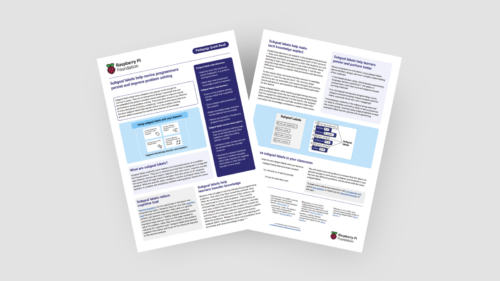
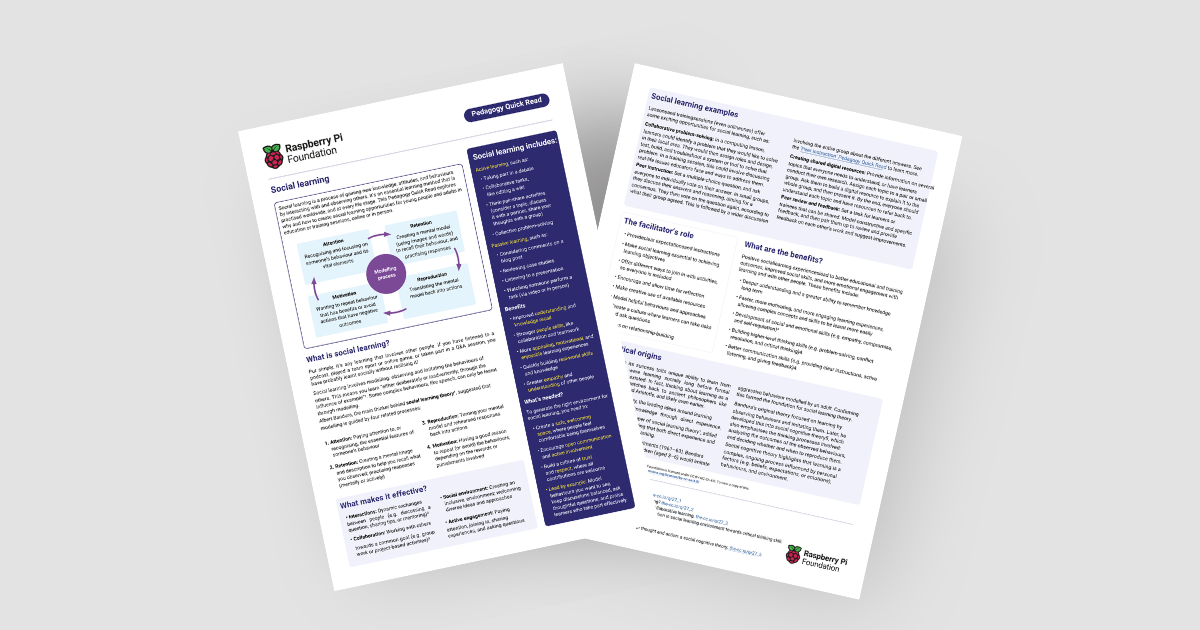
Image of our latest Pedagogy Quick Read

You’ll also find our latest Pedagogy Quick Read, which explores social learning. It’s free to download and includes: 

  • Practical tips for how to use social learning and related approaches with your learners
  • A summary of the research behind social learning

What is social learning?

Social learning is simply any learning that involves other people. It can take any form, from watching a video, to taking part in a classroom discussion. It can take place in person or online, and it can happen without people realising they’re learning something.

Social learning is based on modelling and involves people observing and imitating the behaviours that others model. Albert Bandura, the acknowledged originator of social learning theory, suggested that social learning is guided by four related processes:

  • Attention: Recognising and focusing on someone’s behaviour and its vital elements
  • Retention: Creating a mental image and description to help you recall what you observed; practising responses (mentally or actively)
  • Reproduction: Translating the mental image back into actions
  • Motivation: Having a good reason to repeat (or avoid) the behaviours, depending on the rewards or punishments involved

How can I enable social learning?

There’s lots of ways you can involve social learning in your computing classroom, including through other teaching approaches and frameworks. 

4 children social learning in the classroom

To help your learners get the most out of social learning, it’s best to:

  • Create a safe environment for learners to share learnings, ask questions, and actively engage in the learning process
  • Include a mix of resources and activities to ensure inclusion and accessibility
  • Set clear expectations and instructions, and ensure that social learning is key to achieve learning objectives

Applying social learning: Some teaching approaches

Among our pedagogy resources, you’ll find lots of practical advice for teaching approaches that promote social learning. The approaches we recommend for the pedagogy principles ‘Work together’ and ‘Model everything’ are especially suitable.

Work together:

Model everything:

Using a PRIMM (PDF) approach for structuring programming lessons, and encouraging students to talk about code as part of these, also works well for social learning.

Applying social learning: Practical examples

Let’s look at pair programming as an example. In this activity, pairs of learners work together to create a computer program, taking on distinct roles that they swap regularly. One learner acts as the ‘driver’, writing the code, while the other is the ‘navigator’, guiding the process, reviewing the code, and identifying potential issues. 

As they work, each learner is able to observe the other person’s approach, learning with and from their partner throughout the activity. This constant interaction and shared problem solving can help them to understand programming concepts better and to build stronger teamwork skills.

Children in the classroom social learning

Another example is setting your class the task to create shared digital resources on several topics everyone needs to learn about. In this activity, you split learners into small groups or pairs, and assign them a topic to later explain to the whole group. Grouped learners work together to create a resource explaining their topic. As the facilitator, you can either provide the information they need, or let them conduct their own research. At the end of the activity, each group presents their resource to the wider class.

An activity like this helps learners develop their knowledge through working together and talking to each other, and also provides the class with resources they can keep using.

The benefits of social learning

Potential benefits for teachers:

  • Improved student engagement and learning
  • Enhanced professional development experiences, leading to more confident teaching

Potential benefits for students:

  • Improved social skills
  • Opportunities to build higher-level thinking skills
  • Deeper understanding and a greater ability to remember knowledge in the long term

A social approach to shaping the future

In a world filled with complex challenges, there’s more need than ever for people to work together. By using social learning approaches in your classroom, you help your students to engage more deeply with your teaching and to develop the skills to succeed in collaboration with others. In this way, you’ll prepare them for navigating technological change as well as for shaping a common future where everyone can thrive.

The post How social learning can lead to better outcomes in your computing classroom appeared first on Raspberry Pi Foundation.
How to rapidly design and adapt quality learning experiences for your students

Post Syndicated from Sean Sayers original https://www.raspberrypi.org/blog/how-to-rapidly-design-and-adapt-quality-learning-experiences-for-your-students/

At this time of year, many educators are considering ways to update their content ahead of the new school term. Whether you’re a teaching assistant or head of department, it’s important to ensure that the content you’re updating — or even designing anew — is relevant and high quality, and meet learners’ needs. In today’s blog we’re highlighting ‘ABC learning design’, and how it can be used to rapidly design and improve learning experiences.

Educators in the classroom

We also share our new ABC-focused Pedagogy Quick Read, which you can download for free to: 

  • Find practical tips on how to use the ABC process and related approaches with your learners
  • Read a summary of the research behind the framework

What is ABC learning design?

ABC learning design is a rapid, hands-on approach to design and develop blended learning experiences. The framework has traditionally been used at undergrad level, and had a lot of success when used in response to the global pandemic in 2020, when learning experiences had to quickly transition from being delivered in-person to being accessible remotely. 

The model is centred around six learning types:

  • Acquisition: Learning by reading, listening, or watching
  • Collaboration: Learning by working with others towards a common goal, involving co-creation and shared outputs
  • Discussion: Learning through dialogue, sharing ideas, and responding to others
  • Investigation: Learning by exploring, comparing, and evaluating new information or experiences
  • Practice: Learning by applying knowledge and skills, receiving feedback, and refining understanding
  • Production: Learning by expressing understanding or creating something to demonstrate knowledge and skills

Before continuing, it’s important to distinguish between ‘learning types’ and the widely discredited concept of ‘learning styles’. Whilst learning styles refer to fixed characteristics or preferences of learners, learning types refer to different kinds of learning activities and pedagogical approaches that can be designed into a course.

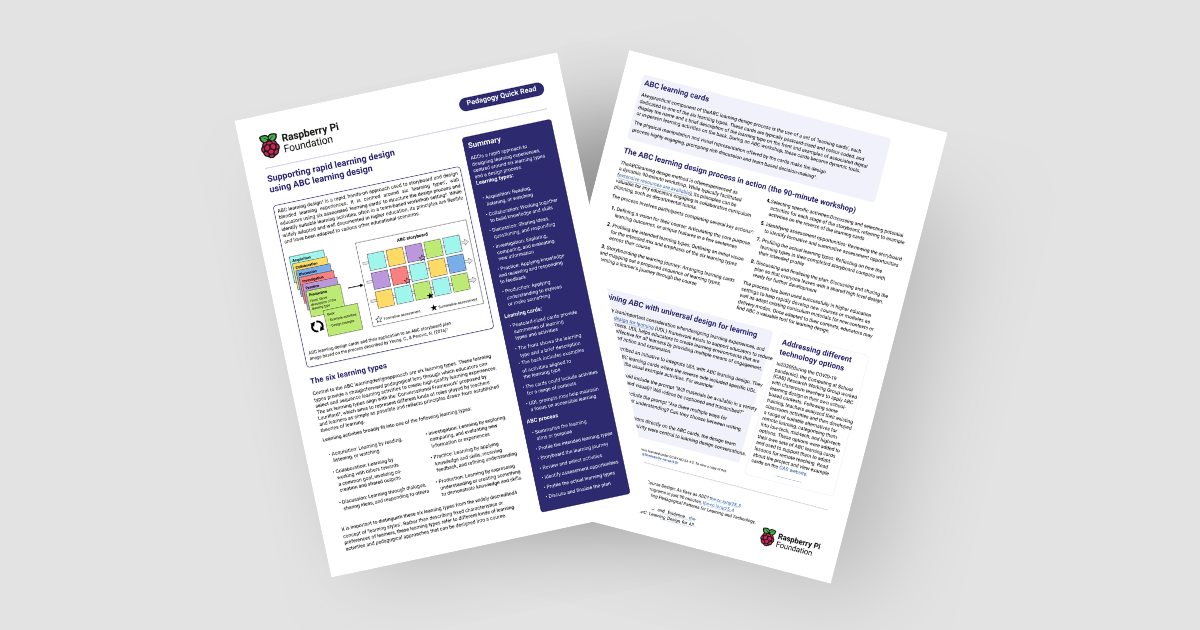
Copy of the ABC learning design Pedagogy Quick Read

These learning types are representative simplifications of pre-existing learning theories. For each learning type, educators can use different activities to deliver that type of learning. The activities will depend on your context and what’s right and applicable for your students.

How can I apply ABC learning design?

ABC learning design is often done in a team-based workshop setting (you can do it by yourself as well). Firstly, you analyse your existing content. Consider the goal of your current learning sequence, and assess how your learners are going to reach that goal with the different learning types.

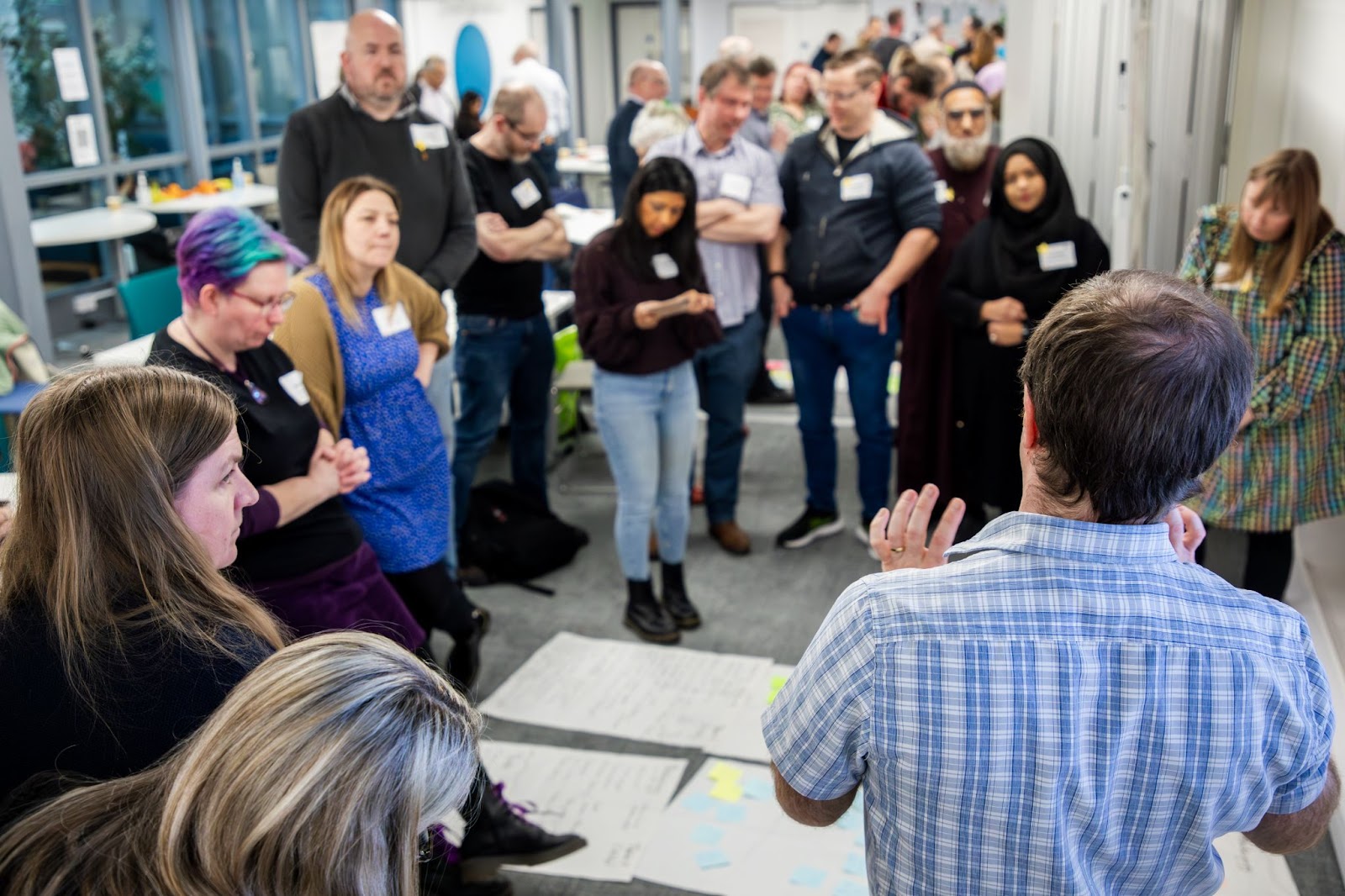
Educators in the classroom

By analysing existing content and activities, you can then identify what’s missing from your sequence. This allows you to build on existing gaps and consider different types of activities you could implement. You then create a set of learning cards, which help you to storyboard and plan your new learning sequence.

Learning cards are typically postcard-sized and colour-coded to one of the six learning types. Colour coding helps you to tell the cards apart, and to easily see which learning types are or aren’t included in your sequence. 

Each card has the name and a short description of the learning type on the front, with examples of associated digital or in-person learning activities on the back. The learning cards:

  • Make the design process more engaging
  • Help with decision making
  • Support discussions if you’re working in a team
ABC Learning design cards and their application to an ABC storyboard plan

Adapting ABC learning design for your context

ABC design can be contextualised to your classroom, practices, and school, and to the technologies you have available. For example, on the back of each learning card you could include a set of activities that have been tried and tested in, or approved by, your school. Alternatively, you could link to other frameworks or teaching approaches that work for you and your students. 

Learning cards can also be used to collect other insights about teaching and learning within your context, and used as reminders of pedagogies to implement, as well as practical concerns. They can also help you to consider if there are opportunities for cross-curricular links within your learning sequence.

A shared toolkit you can reuse

In a computing department, ABC learning cards can become a shared resource that give fellow educators an understanding of what’s possible. The cards can be used again and again to help plan future learning experiences. 

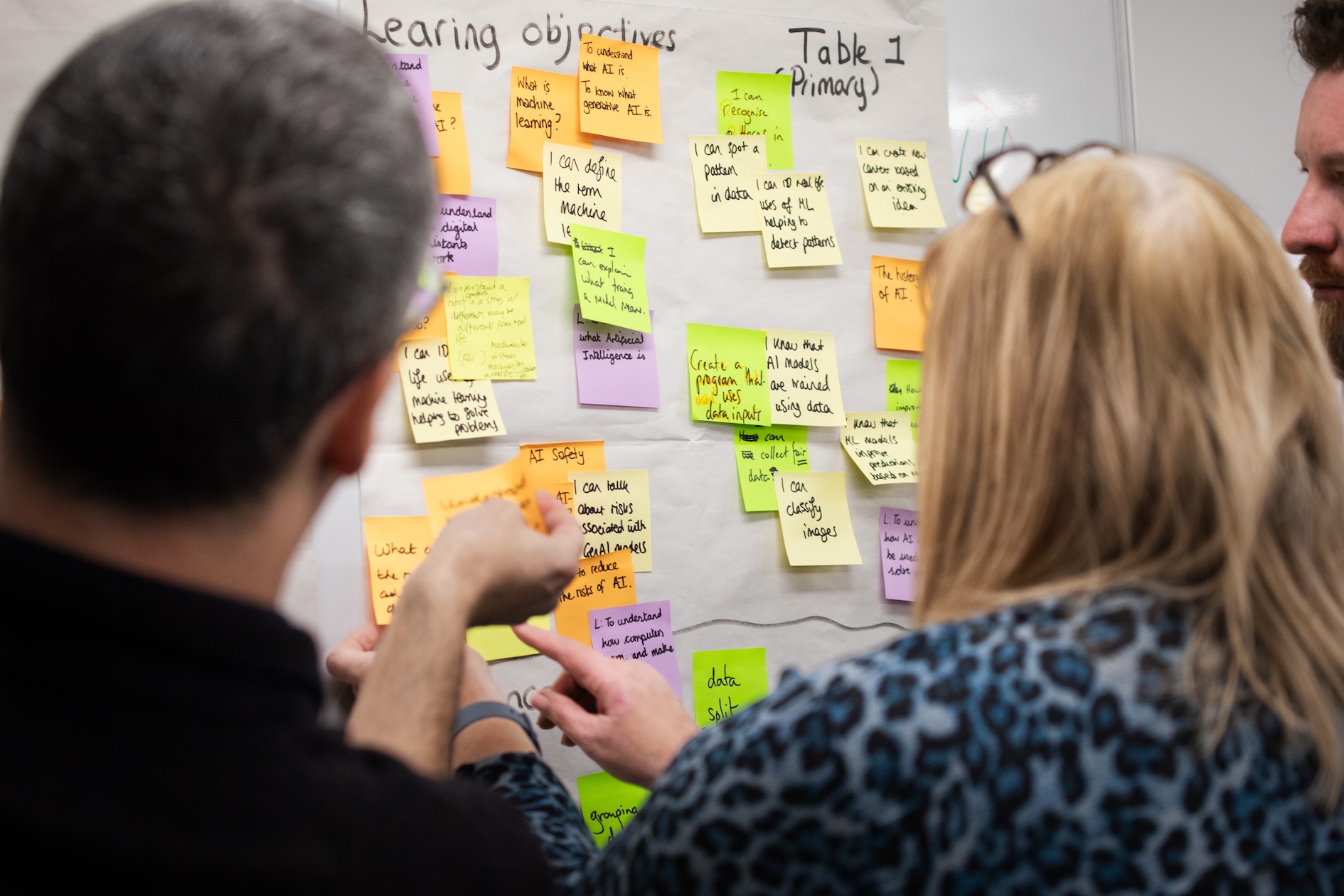
Educators sharing ideas on a whiteboard

By running an ABC workshop and creating these learning cards, you and your team will put together a contextualised learning sequence toolkit specific to your school and learners.

Integration with universal design for learning to improve accessibility

In our blog How to build young people’s agency through accessible learning, we explored the universal design for learning (UDL) framework. UDL aims to support educators to reduce barriers for learners. It helps educators to create learning environments that are accessible and effective for all learners by providing multiple means of engagement, representation, and action and expression.

Gormley et al. (2022) described an initiative to integrate UDL within ABC learning design. They developed adapted ABC learning cards where the reverse side included specific UDL prompts, in addition to the usual example activities. For example:

  • An acquisition card could include the prompt “Will materials be available in a variety of formats (text, audio, and visual)? Will videos be captioned and transcribed?”
  • A production card could include the prompt “Are there multiple ways for learners to demonstrate their understanding? Can they choose between writing, presenting, or creating?”

By including these UDL considerations directly on the ABC cards, the design team ensured that accessibility and inclusivity were central to learning design conversations.

Adding UDL prompts to your learning cards is a fantastic way to help you design accessible learning sequences.

Applying ABC learning design: Some ideas for computing educators

In 2020, during the pandemic, the Computing at School (CAS) Research Working Group worked with classroom teachers to apply ABC learning design in their own contexts. 

Following some training, teachers analysed their existing classroom activities and then developed a range of suitable alternatives for remote learning, categorising them into low-tech, mid-tech, and high-tech options. 
The different activity options were then added to their own sets of ABC learning cards and used to help adapt lessons for remote teaching. You can read more about the project and view example cards on the CAS website.

The benefits of using ABC learning design

Potential benefits for educators:

  • Enables more rapid creation and delivery of high-quality content
  • Allows you to audit your current learning sequence and identify gaps that can be improved upon
  • Provides a shared, contextualised toolkit for curriculum design

Potential benefits for students:

  • Tailored, engaging, high-quality learning experiences

Want to hear more about ABC learning design?

If you’d like to find out more about ABC learning design, you can download our Quick Read for free.

You can also listen to a thought-provoking discussion on the topic between James Robinson, Carrie Anne Philbin, Jane Waite, and Matthew Wimpenny-Smith in season 1, episode 6 of the Hello World podcast: Could curriculum design be as simple as ABC?

The post How to rapidly design and adapt quality learning experiences for your students appeared first on Raspberry Pi Foundation.

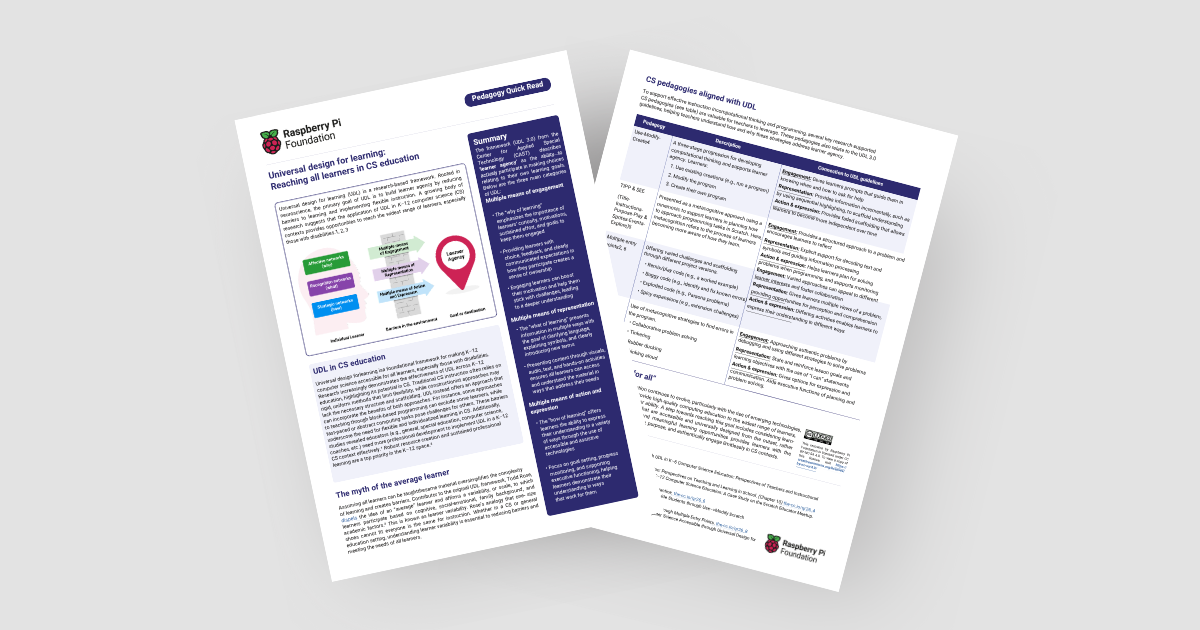
How to build young people’s agency through accessible learning

Post Syndicated from Sean Sayers original https://www.raspberrypi.org/blog/how-to-build-young-peoples-agency-through-accessible-learning/

We think computing or computer science (CS) needs to be accessible to all learners, and we know that teachers work hard towards this. Traditional CS approaches can lack flexibility, creating barriers to learning and excluding some young people. In today’s blog, we’re highlighting the ‘Universal design for learning’ (UDL) framework and how you can use it to make computing education more accessible to all your learners.

Children in the classroom learning  Computer Science

We also share our new UDL-focused Pedagogy Quick Read, which you can download for free to:

  • Find practical tips for how to use the UDL framework and related approaches with your learners
  • Read a summary of the research behind the framework

Universal Design for Learning: Because one size does not fit all

Everyone is different and has their own way of learning. What works for one young person may not work for the next. So why should we expect learners to be taught the same material in the same way? 

Todd Rose, a contributor to the UDL framework, highlights the factors involved with a young person’s ability to engage and participate in learning. These include cognitive, social-emotional, family background and academic factors. He dispels the idea of an “average” learner, and instead suggests the concept of learner variability. 

Picture of our new UDL-focused Pedagogy Quick Read
The new Quick Read

As educators, it’s important to consider that students will likely be at different stages of understanding, and a one-size-fits-all approach isn’t suitable. The UDL framework avoids this mindset and provides teachers with structured guidelines to design accessible lessons from the beginning. 

What is the UDL framework?

The UDL framework encourages educators to provide flexibility for learners in three areas: 

  • Multiple means of engagement: The “why of learning”, which helps to pique students’ curiosity and motivates them to stay engaged
  • Multiple means of representation: The “what of learning”, which focuses on presenting information in different ways to make the content accessible
  • Multiple means of action and expression: The “how of learning”, which relates to different ways for students to access learning and express their understanding

How can I apply the UDL framework?

Two things are key while you are planning how to apply the UDL framework with your learners:

  • Try not to introduce all three areas at once to your practice. Instead, focus on one area of the framework at a time and reflect to identify where there might be gaps. Focus on these first and make changes one by one.
  • Consider how different approaches will work for different groups and individuals. Try to identify what works for your learners and vary or adapt your approach as necessary.

Applying UDL: Some ideas for teaching programming

Multiple means of engagement — show learners different reasons for engaging in programming. For example:

  • Solving real-life problems
  • Interest in technology or logical thinking
  • Creative expression

Multiple means of representation — teach programming concepts in multiple ways. For example:

  • Demonstrate through live coding
  • Write on a blackboard with a flowchart
  • Let learners label and assemble bits of paper into a ‘program’

Multiple means of action and expression — teach with accessibility in mind. For example:

  • Use tools appropriate for learners’ mouse and keyboard skills
  • Let learners demonstrate their understanding in different ways (e.g. verbally, by writing/drawing, by creating a program)

The UDL framework aligns closely with several key research-supported pedagogies that you can use for effective instruction in computational thinking and programming. For example, the pedagogy approach ‘Use-Modify-Create’ (UMC) can be paired with the UDL categories. The new Quick Read explores these connections in more detail.

Students in the classroom

The benefits of the UDL framework

Potential benefits for teachers:

  • The framework provides a clear structure for designing learning activities that appeal to and engage the widest set of learners
  • It can help you consider all the ways you might engage your learners and make CS lessons more accessible.
  • UDL encourages you to reflect on the different ways in which you might represent concepts and ideas
  • It can help you to build learner agency and independence in your students by offering them different ways to express their learning in CS topics. 

Potential benefits for learners:

  • The framework promotes a sense of ownership over their learning. Which can boost their motivation and resilience to sticking with difficult challenges. 
  • They will likely find content that resonates with them, leading to higher engagement and therefore learning.
  • They will be able to demonstrate their CS knowledge confidently and engage limitlessly in CS contexts.

Our new Quick Read shares tips on how to best use the framework in your teaching. 

Inclusive computer science: The wider context

We know there is a lack of representation within the field of CS. Our recent position paper ‘Why kids still need to learn to code in the age of AI’ and an episode of the  Hello World podcast, ‘How can we empower girls in computing’ touched on this. Both highlight why it’s important that learners from all backgrounds are empowered to contribute their perspectives and experiences and shape the future with computing.

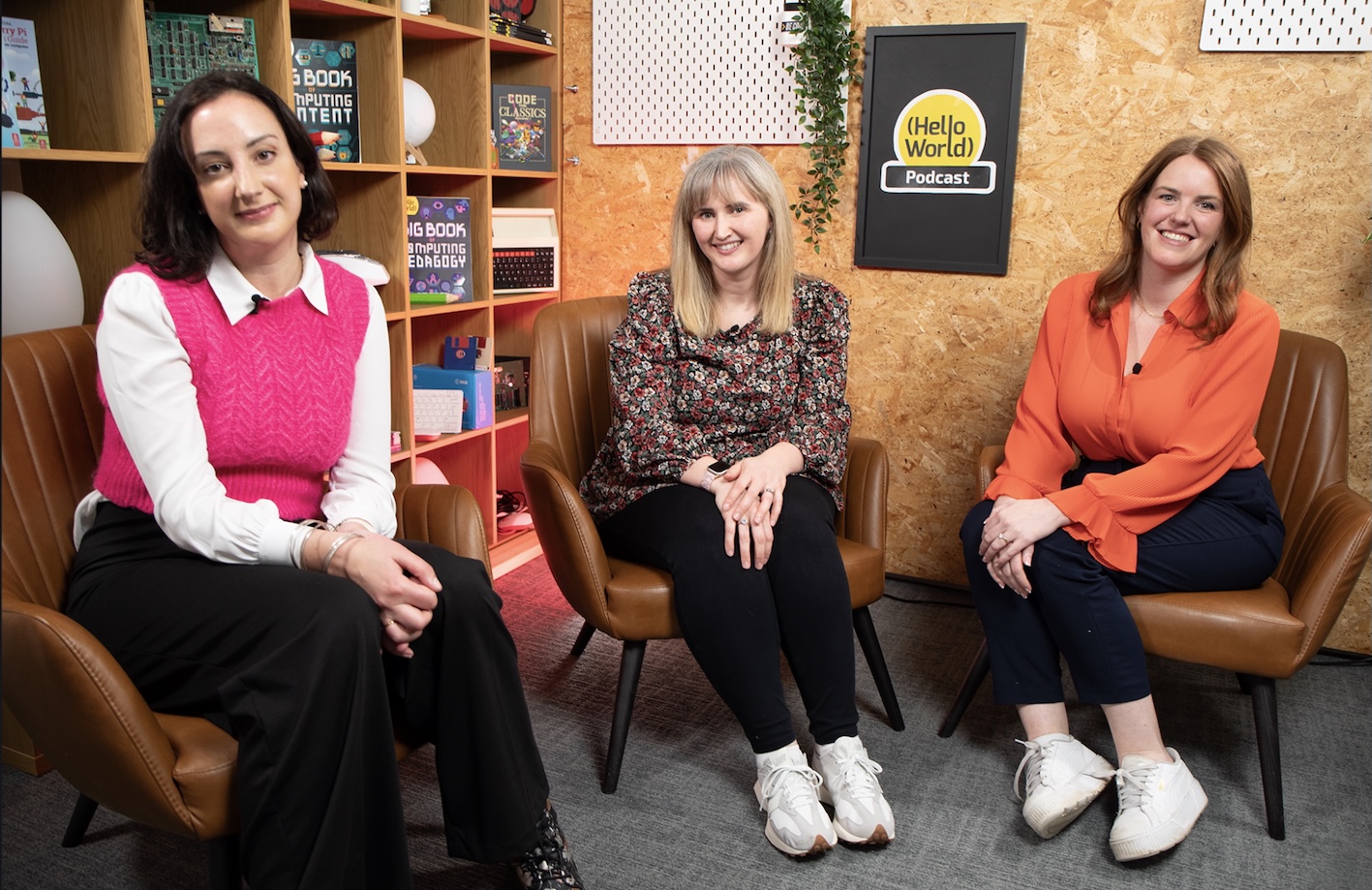
Photo from the Hello World podcast, ‘How can we empower girls in computing
Guests and host during the recording of our ‘How can we empower girls in computing’ episode

“The reality is that access to the opportunities to learn about computer science, programming, and coding has remained deeply unequal, both within and between countries. That has helped create a technology sector that doesn’t reflect the broad diversity of human backgrounds, perspectives, and experiences. And we are all living with the consequences.” – Philip Colligan, Mark Griffiths, Veronica Cucuiat

“If we don’t have a diverse range of people designing and implementing that tech, then we are going to come across issues.” – Becky Patel, Tech She Can, Hello World podcast”

By embracing the principles of ‘Universal design for learning’ and similar approaches, we can create a more inclusive and equitable learning environment in computer science for everyone.

The post How to build young people’s agency through accessible learning appeared first on Raspberry Pi Foundation.

Pedagogy Quick Reads: turning abstract ideas into classroom practice

Post Syndicated from James Robinson original https://www.raspberrypi.org/blog/pedagogy-quick-reads-turning-abstract-ideas-into-classroom-practice/

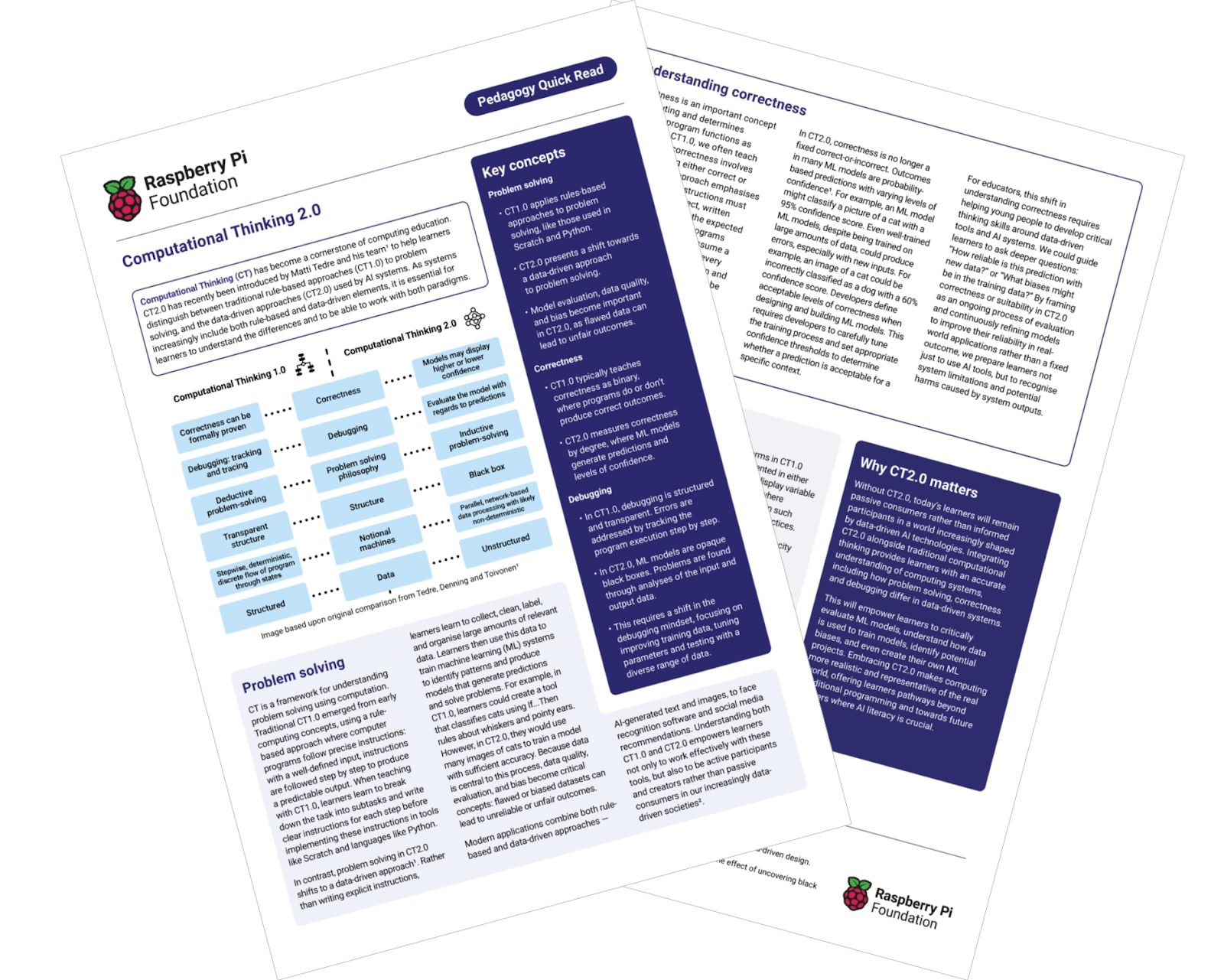
What does outstanding computing education look like in the age of AI? We’ve just released a new series of Pedagogy Quick Reads exploring this vital question. Focusing on three aspects of AI in computing education, these short guides offer practical insights and new strategies for your classroom practice.

In a computing classroom, a smiling girl raises her hand.

Each Pedagogy Quick Read is designed to help educators explore, understand, and apply one area of research evidence.

You get:

  • An introduction to the topic or idea, putting it into context
  • A summary of the key concepts and takeaways for educators
  • Sections elaborating on each key concept and relevant research
  • A diagram presenting the same ideas in visual form
  • Links to referenced resources for further reading

Introducing our AI Pedagogy Quick Reads

Computational Thinking 2.0

This Quick Read explores how the concept of computational thinking is evolving, particularly in the context of AI. It offers guidance on how to teach computational thinking skills that are relevant to and enhanced by AI technologies.

“Without CT2.0, today’s learners will remain passive consumers rather than informed participants in a world increasingly shaped by data-driven AI technologies.”

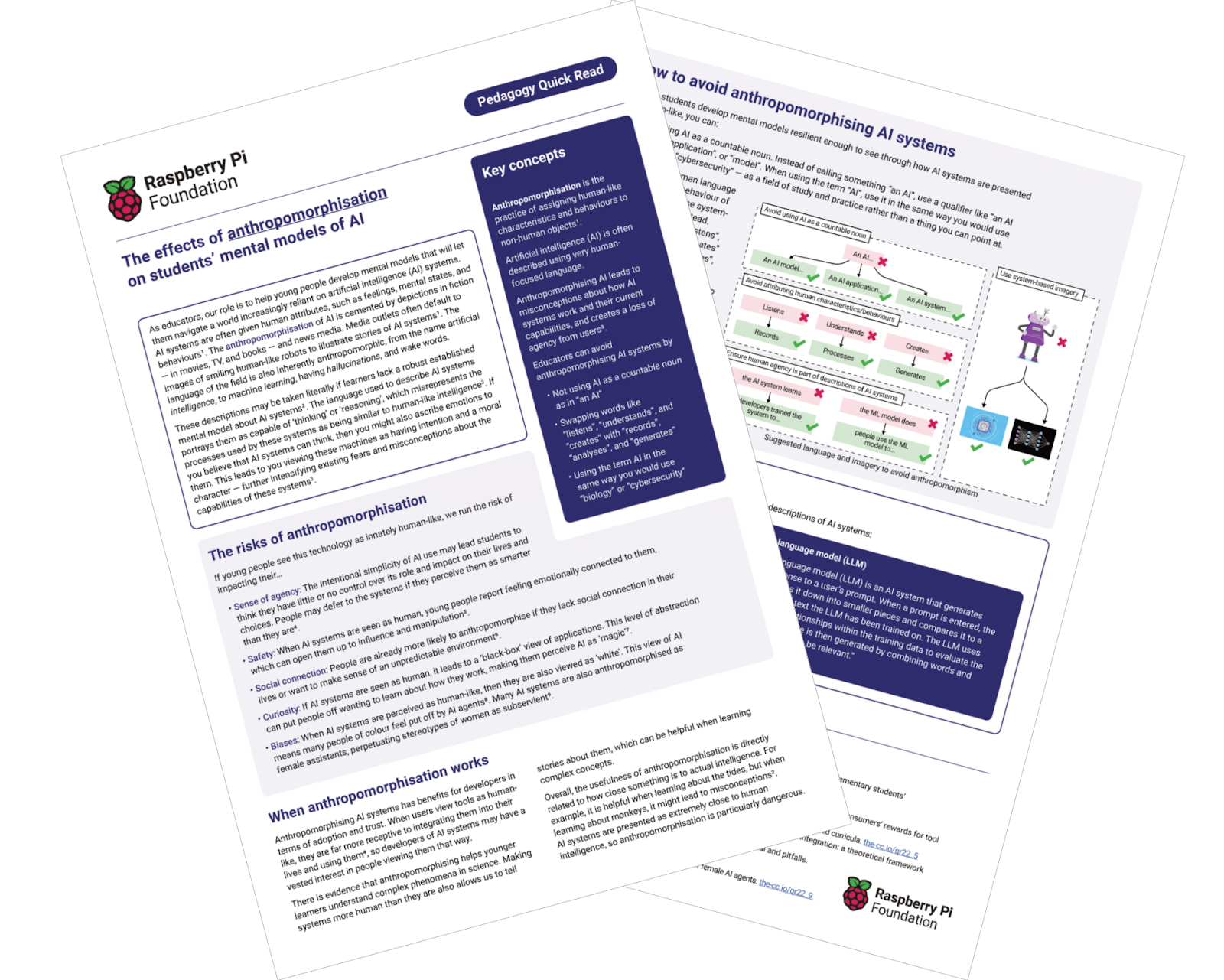
Anthropomorphism

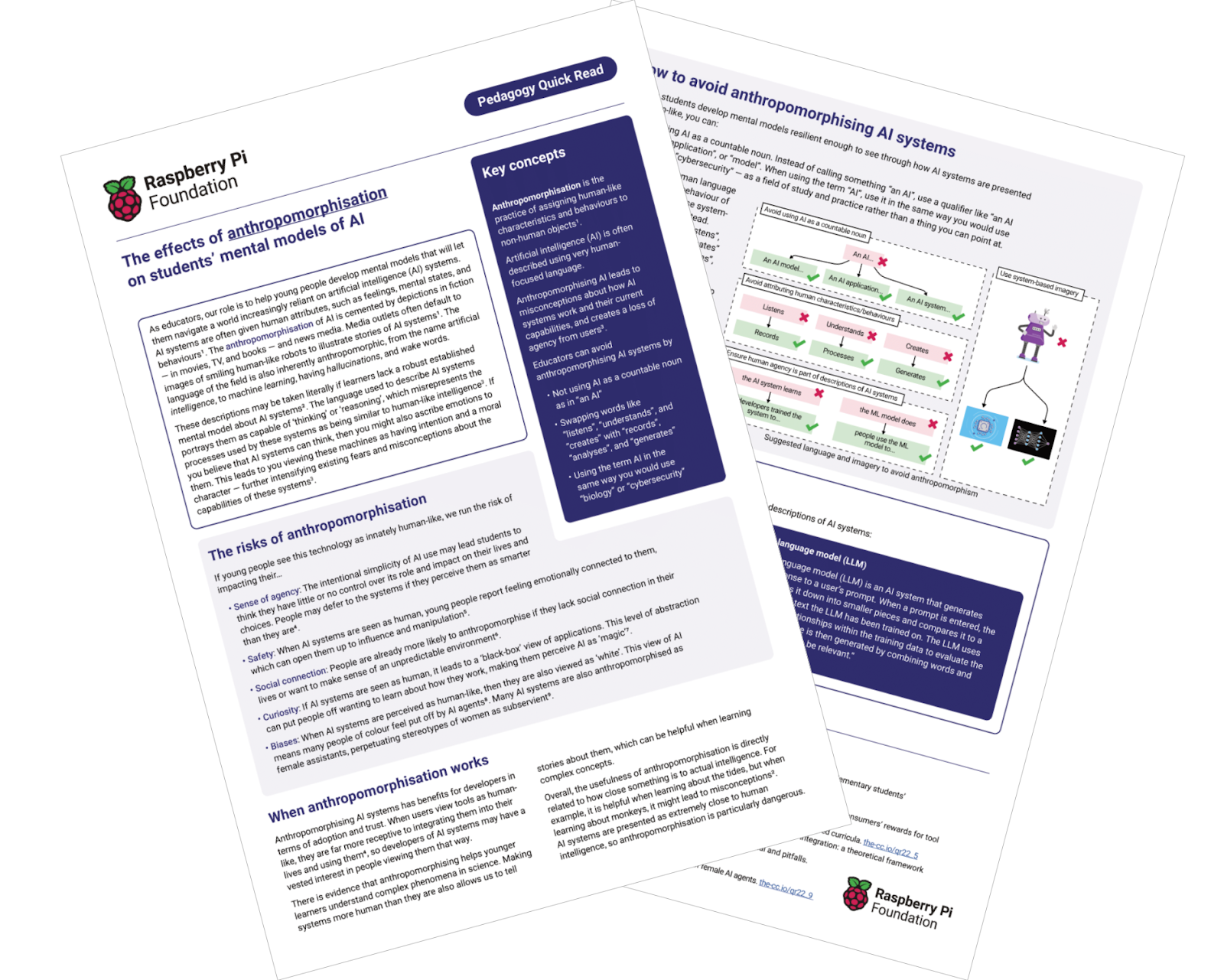
As AI becomes widely used, it’s important to consider how students understand and view these technologies. This Quick Read discusses anthropomorphism (attributing human-like qualities to AI) and provides strategies for teaching about AI in a way that avoids common misconceptions.

“If young people see this technology as innately human-like, we run the risk of impacting their…sense of agency…safety…social connection…curiosity.”

Feedback Literacy

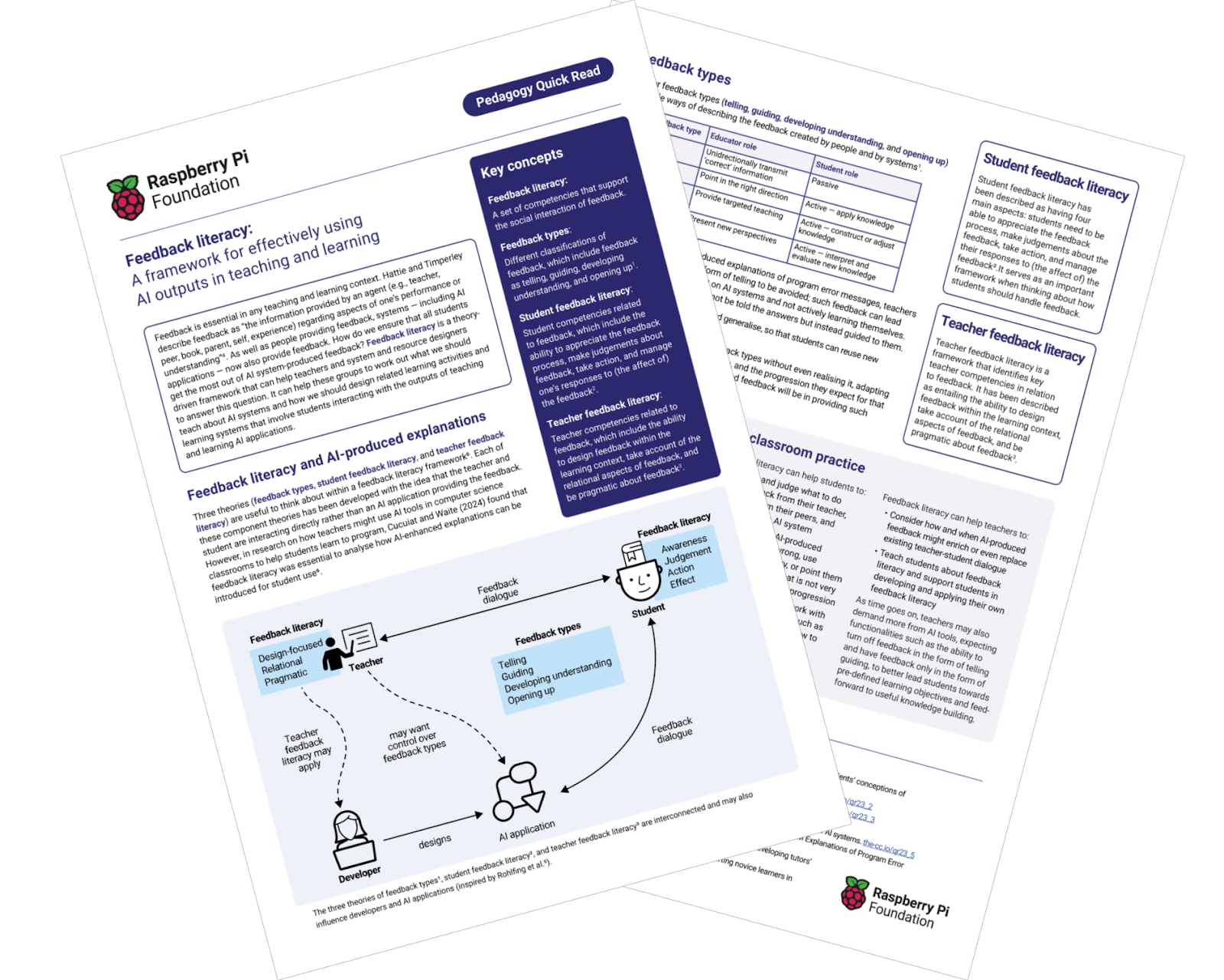
Effective feedback is important for student learning, especially in a rapidly changing field like AI. This Quick Read examines how to develop “feedback literacy” in both educators and students, enabling them to give, receive, and use feedback more effectively.

“How do we ensure that all students get the most out of AI system-produced feedback? Feedback literacy is a theory-driven framework that can help…answer this question.”

Browse our library of pedagogy resources

The new AI-themed reads join our bank of other Pedagogy Quick Reads, which cover a wide range of topics related to computing education. You can find these resources and more on our pedagogy page, all organised around our 12 pedagogy principles for computing education.
a teenage boy does coding during a computer science lesson.

Other resources 

As well as our Pedagogy Quick Reads, we also offer lots of other resources to support computing educators:

  • The Hello World Big Book of Computing Pedagogy is an in-depth guide to research-backed computing education pedagogy, covering a wide range of topics and offering practical advice for teachers.
  • The Hello World magazine and podcast feature insights from educators in computing education, exploring current research, best classroom practices, and innovative teaching strategies.
  • Our AI literacy programme, Experience AI, provides teachers with cutting-edge resources on AI and machine learning, based on proven pedagogical principles to support effective learning and teaching.

The post Pedagogy Quick Reads: turning abstract ideas into classroom practice appeared first on Raspberry Pi Foundation.