Tag Archives: universal design for learning

How to build young people’s agency through accessible learning

Post Syndicated from Sean Sayers original https://www.raspberrypi.org/blog/how-to-build-young-peoples-agency-through-accessible-learning/

We think computing or computer science (CS) needs to be accessible to all learners, and we know that teachers work hard towards this. Traditional CS approaches can lack flexibility, creating barriers to learning and excluding some young people. In today’s blog, we’re highlighting the ‘Universal design for learning’ (UDL) framework and how you can use it to make computing education more accessible to all your learners.

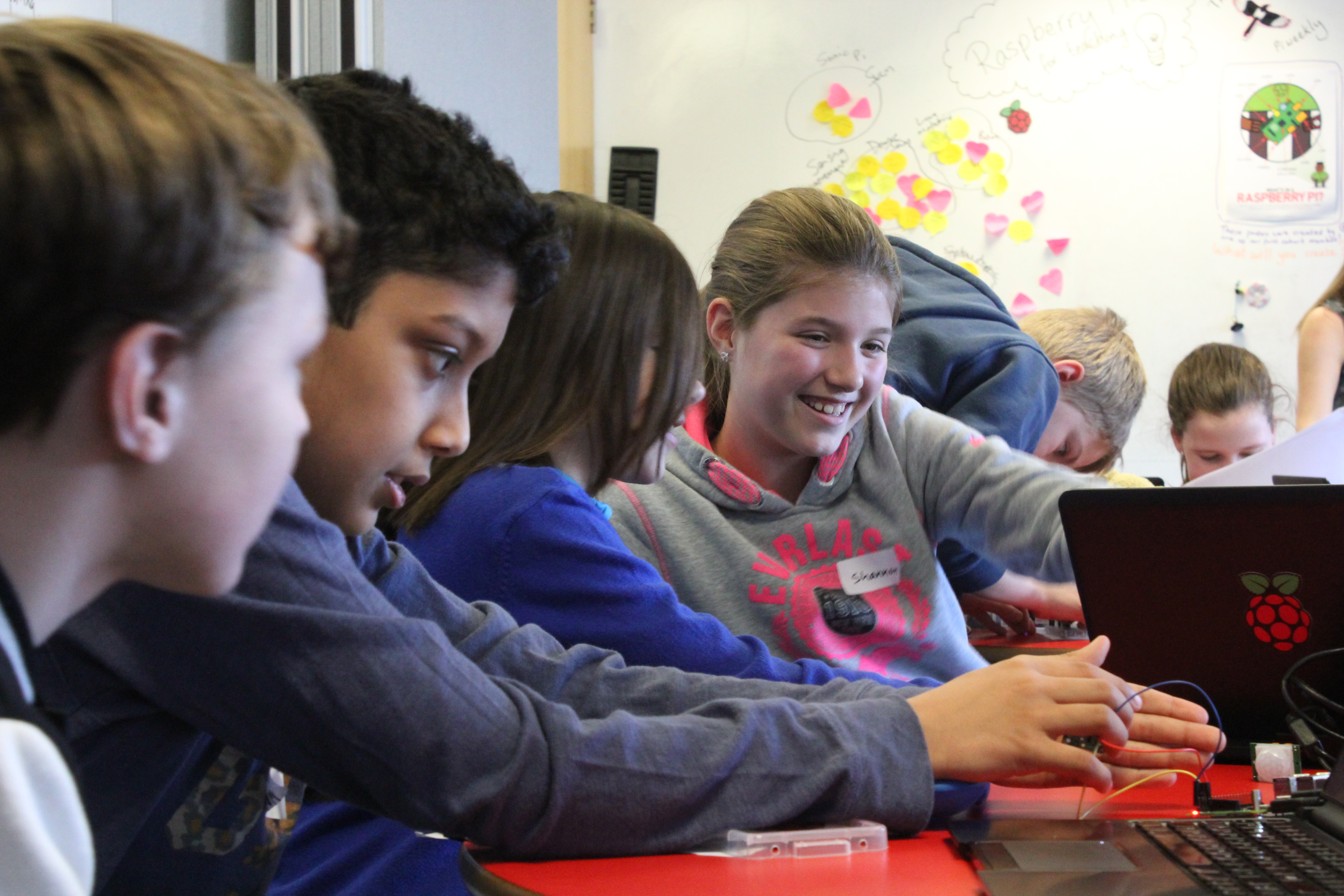
Children in the classroom learning  Computer Science

We also share our new UDL-focused Pedagogy Quick Read, which you can download for free to:

  • Find practical tips for how to use the UDL framework and related approaches with your learners
  • Read a summary of the research behind the framework

Universal Design for Learning: Because one size does not fit all

Everyone is different and has their own way of learning. What works for one young person may not work for the next. So why should we expect learners to be taught the same material in the same way? 

Todd Rose, a contributor to the UDL framework, highlights the factors involved with a young person’s ability to engage and participate in learning. These include cognitive, social-emotional, family background and academic factors. He dispels the idea of an “average” learner, and instead suggests the concept of learner variability. 
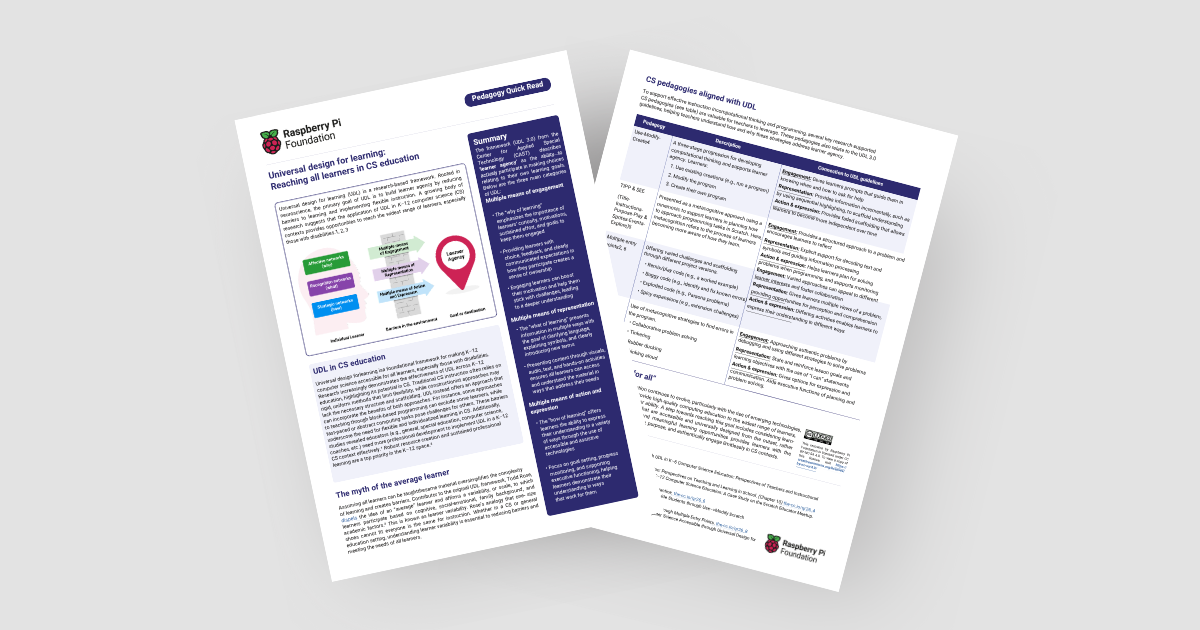
Picture of our new UDL-focused Pedagogy Quick Read
The new Quick Read

As educators, it’s important to consider that students will likely be at different stages of understanding, and a one-size-fits-all approach isn’t suitable. The UDL framework avoids this mindset and provides teachers with structured guidelines to design accessible lessons from the beginning. 

What is the UDL framework?

The UDL framework encourages educators to provide flexibility for learners in three areas: 

  • Multiple means of engagement: The “why of learning”, which helps to pique students’ curiosity and motivates them to stay engaged
  • Multiple means of representation: The “what of learning”, which focuses on presenting information in different ways to make the content accessible
  • Multiple means of action and expression: The “how of learning”, which relates to different ways for students to access learning and express their understanding

How can I apply the UDL framework?

Two things are key while you are planning how to apply the UDL framework with your learners:

  • Try not to introduce all three areas at once to your practice. Instead, focus on one area of the framework at a time and reflect to identify where there might be gaps. Focus on these first and make changes one by one.
  • Consider how different approaches will work for different groups and individuals. Try to identify what works for your learners and vary or adapt your approach as necessary.

Applying UDL: Some ideas for teaching programming

Multiple means of engagement — show learners different reasons for engaging in programming. For example:

  • Solving real-life problems
  • Interest in technology or logical thinking
  • Creative expression

Multiple means of representation — teach programming concepts in multiple ways. For example:

  • Demonstrate through live coding
  • Write on a blackboard with a flowchart
  • Let learners label and assemble bits of paper into a ‘program’

Multiple means of action and expression — teach with accessibility in mind. For example:

  • Use tools appropriate for learners’ mouse and keyboard skills
  • Let learners demonstrate their understanding in different ways (e.g. verbally, by writing/drawing, by creating a program)

The UDL framework aligns closely with several key research-supported pedagogies that you can use for effective instruction in computational thinking and programming. For example, the pedagogy approach ‘Use-Modify-Create’ (UMC) can be paired with the UDL categories. The new Quick Read explores these connections in more detail.

Students in the classroom

The benefits of the UDL framework

Potential benefits for teachers:

  • The framework provides a clear structure for designing learning activities that appeal to and engage the widest set of learners
  • It can help you consider all the ways you might engage your learners and make CS lessons more accessible.
  • UDL encourages you to reflect on the different ways in which you might represent concepts and ideas
  • It can help you to build learner agency and independence in your students by offering them different ways to express their learning in CS topics. 

Potential benefits for learners:

  • The framework promotes a sense of ownership over their learning. Which can boost their motivation and resilience to sticking with difficult challenges. 
  • They will likely find content that resonates with them, leading to higher engagement and therefore learning.
  • They will be able to demonstrate their CS knowledge confidently and engage limitlessly in CS contexts.

Our new Quick Read shares tips on how to best use the framework in your teaching. 

Inclusive computer science: The wider context

We know there is a lack of representation within the field of CS. Our recent position paper ‘Why kids still need to learn to code in the age of AI’ and an episode of the  Hello World podcast, ‘How can we empower girls in computing’ touched on this. Both highlight why it’s important that learners from all backgrounds are empowered to contribute their perspectives and experiences and shape the future with computing.
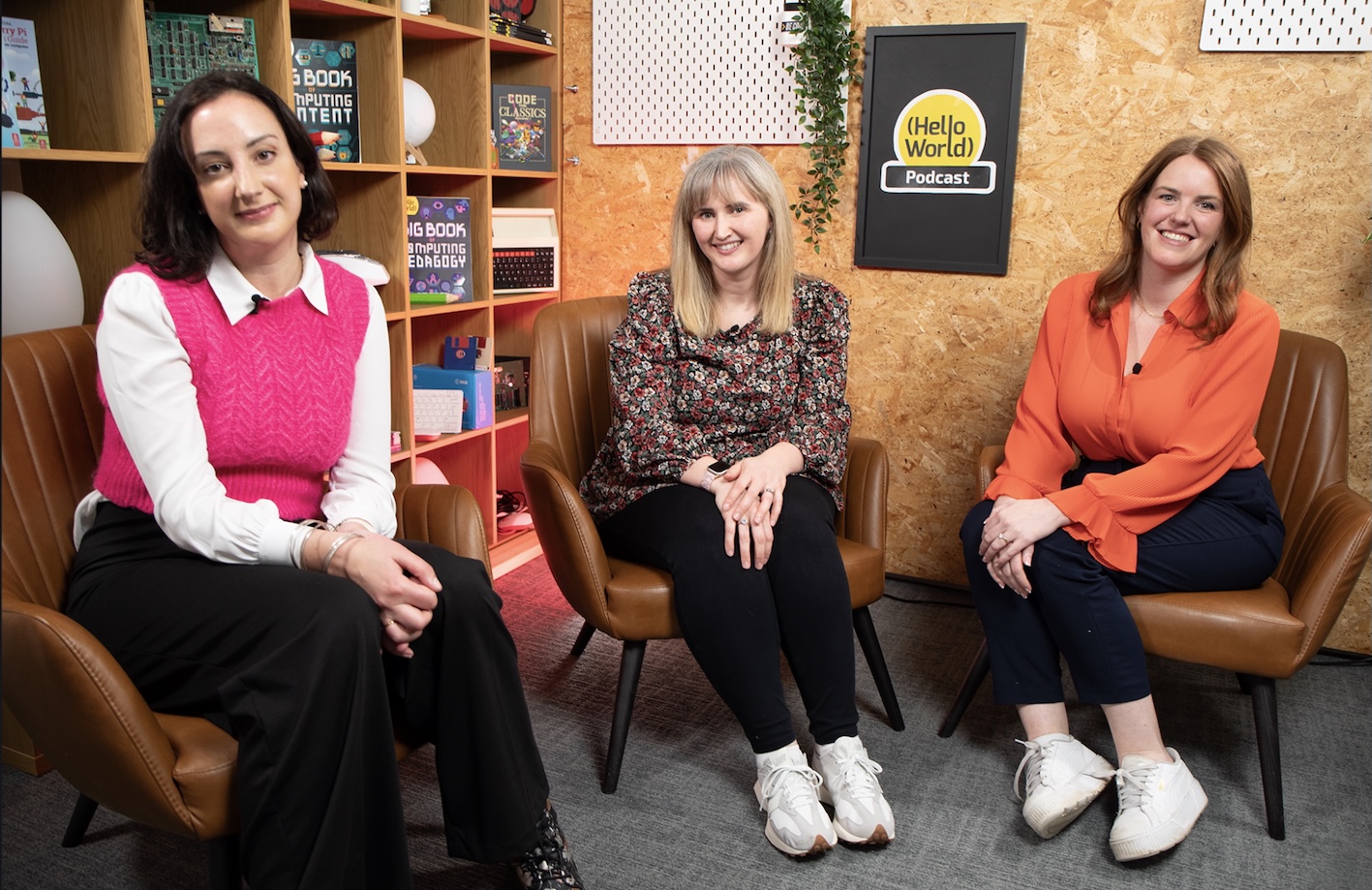
Photo from the Hello World podcast, ‘How can we empower girls in computing
Guests and host during the recording of our ‘How can we empower girls in computing’ episode

“The reality is that access to the opportunities to learn about computer science, programming, and coding has remained deeply unequal, both within and between countries. That has helped create a technology sector that doesn’t reflect the broad diversity of human backgrounds, perspectives, and experiences. And we are all living with the consequences.” – Philip Colligan, Mark Griffiths, Veronica Cucuiat

“If we don’t have a diverse range of people designing and implementing that tech, then we are going to come across issues.” – Becky Patel, Tech She Can, Hello World podcast”

By embracing the principles of ‘Universal design for learning’ and similar approaches, we can create a more inclusive and equitable learning environment in computer science for everyone.

The post How to build young people’s agency through accessible learning appeared first on Raspberry Pi Foundation.

Universal design for learning in computing | Hello World #15

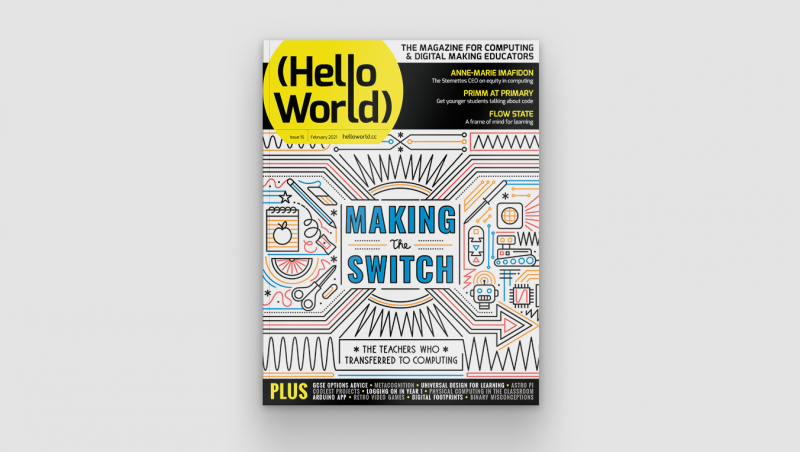
Post Syndicated from Hayley Leonard original https://www.raspberrypi.org/blog/universal-design-for-learning-in-computing-hello-world-15/

In our brand-new issue of Hello World magazine, Hayley Leonard from our team gives a primer on how computing educators can apply the Universal Design for Learning framework in their lessons.

Cover of issue 15 of Hello World magazine

Universal Design for Learning (UDL) is a framework for considering how tools and resources can be used to reduce barriers and support all learners. Based on findings from neuroscience, it has been developed over the last 30 years by the Center for Applied Special Technology (CAST), a nonprofit education research and development organisation based in the US. UDL is currently used across the globe, with research showing it can be an efficient approach for designing flexible learning environments and accessible content.

A computing classroom populated by students with diverse genders and ethnicities

Engaging a wider range of learners is an important issue in computer science, which is often not chosen as an optional subject by girls and those from some minority ethnic groups. Researchers at the Creative Technology Research Lab in the US have been investigating how UDL principles can be applied to computer science, to improve learning and engagement for all students. They have adapted the UDL guidelines to a computer science education context and begun to explore how teachers use the framework in their own practice. The hope is that understanding and adapting how the subject is taught could help to increase the representation of all groups in computing.

The UDL guidelines help educators anticipate barriers to learning and plan activities to overcome them.

A scientific approach

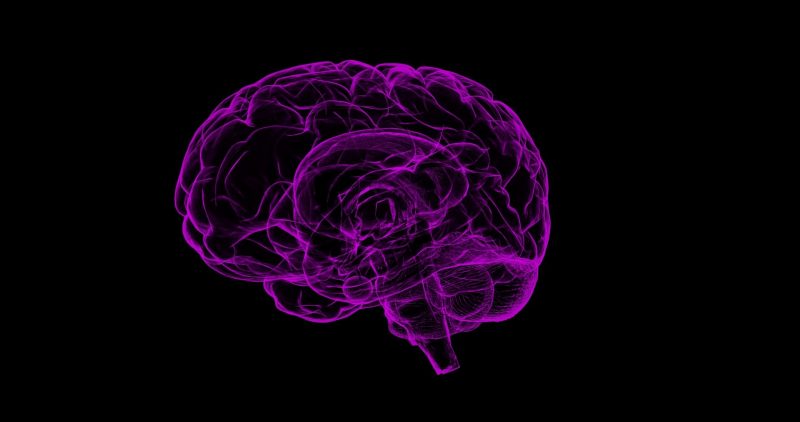
The UDL framework is based on neuroscientific evidence which highlights how different areas or networks in the brain work together to process information during learning. Importantly, there is variation across individuals in how each of these networks functions and how they interact with each other. This means that a traditional approach to teaching, in which a main task is differentiated for certain students with special educational needs, may miss out on the variation in learning between all students across different tasks.

A stylised representation of the human brain
The UDL framework is based on neuroscientific evidence

The UDL guidelines highlight different opportunities to take learner differences into account when planning lessons. The framework is structured according to three main principles, which are directly related to three networks in the brain that play a central role in learning. It encourages educators to plan multiple, flexible methods of engagement in learning (affective networks), representation of the teaching materials (recognition networks), and opportunities for action and expression of what has been learnt (strategic networks).

The three principles of UDL are each expanded into guidelines and checkpoints that allow educators to identify the different methods of engagement, representation, and expression to be used in a particular lesson. Each principle is also broken down into activities that allow learners to access the learning goals, remain engaged and build on their learning, and begin to internalise the approaches to learning so that they are empowered for the future.

Examples of UDL guidelines for computer science education from the Creative Technology Research Lab

Multiple means of engagement Multiple means of representation Multiple means of
action and expression
Provide options for recruiting interests
* Give students choice (software, project, topic)
* Allow students to make projects relevant to culture and age
Provide options for perception
* Model computing through physical representations as well as through interactive whiteboard/videos etc.
* Select coding apps and websites that allow adjustment of visual settings (e.g. font size/contrast) and that are compatible with screen readers
Provide options for physical action
* Include CS unplugged activities that show physical relationships of abstract computing concepts
* Use assistive technology, including a larger or smaller mouse or touchscreen devices
Provide options for sustaining effort and persistence
* Utilise pair programming and group work with clearly defined roles
* Discuss the integral role of perseverance and problem-solving in computer science
Provide options for language, mathematical expressions, and symbols
* Teach and review computing vocabulary (e.g. code, animations, algorithms)
* Provide reference sheets with images of blocks, or with common syntax when using text
Provide options for expression and communication
* Provide sentence starters or checklists for communicating in order to collaborate, give feedback, and explain work
* Provide options that include starter code
Provide options for self-regulation
* Break up coding activities with opportunities for reflection, such as ‘turn and talk’ or written questions
* Model different strategies for dealing with frustration appropriately
Provide options for comprehension
* Encourage students to ask questions as comprehension checkpoints
* Use relevant analogies and make cross-curricular connections explicit
Provide options for executive function
* Embed prompts to stop and plan, test, or debug throughout a lesson or project
* Demonstrate debugging with think-alouds

Each principle of the UDL framework is associated with three areas of activity which may be considered when planning lessons or units of work. It will not be the case that each area of activity should be covered in every lesson, and some may prove more important in particular contexts than others. The full table and explanation can be found on the Creative Technology Research Lab website at ctrl.education.ufl.edu/projects/tactic.

Applying UDL to computer science education

While an advantage of UDL is that the principles can be applied across different subjects, it is important to think carefully about what activities to address these principles could look like in the case of computer science.

Maya Israel
Researcher Maya Israel will speak at our April seminar

Researchers at the Creative Technology Research Lab, led by Maya Israel, have identified key activities, some of which are presented in the table on the previous page. These guidelines will help educators anticipate potential barriers to learning and plan activities that can overcome them, or adapt activities from those in existing schemes of work, to help engage the widest possible range of students in the lesson.

UDL in the classroom

As well as suggesting approaches to applying UDL to computer science education, the research team at the Creative Technology Research Lab has also investigated how teachers are using UDL in practice. Israel and colleagues worked with four novice computer science teachers in US elementary schools to train them in the use of UDL and understand how they applied the framework in their teaching.

Smiling learners in a computing classroom

The research found that the teachers were most likely to include in their teaching multiple means of engagement, followed by multiple methods of representation. For example, they all offered choice in their students’ activities and provided materials in different formats (such as oral and visual presentations and demonstrations). They were less likely to provide multiple means of action and expression, and mainly addressed this principle through supporting students in planning work and checking their progress against their goals.

Although the study included only four teachers, it highlighted the flexibility of the UDL approach in catering for different needs within variable teaching contexts. More research will be needed in future, with larger samples, to understand how successful the approach is in helping a wide range of students to achieve good learning outcomes.

Find out more about using UDL

There are numerous resources designed to help teachers learn more about the UDL framework and how to apply it to teaching computing. The CAST website (helloworld.cc/cast) includes an explainer video and the detailed UDL guidelines. The Creative Technology Research Lab website has computing-specific ideas and lesson plans using UDL (helloworld.cc/udl).

Maya Israel will be presenting her research at our computing education research seminar series, on 20 April 2021. Our seminars are free to attend and open to anyone from anywhere around the world. Find out more about the current seminar series, which focuses on diversity and inclusion, and sign up to attend for free.

Further reading

The post Universal design for learning in computing | Hello World #15 appeared first on Raspberry Pi.